¶ Downloading and Installing the Arduino IDE 2
In this tutorial, we will show how to download and install the Arduino IDE 2 on your Windows, Mac, or Linux computer.
You can easily download the editor from the Arduino Software page.-https://www.arduino.cc/en/software/
¶ The Arduino IDE 2
The Arduino IDE 2 is an open-source project. It is a big step from its sturdy predecessor, Arduino IDE 1.x, and comes with revamped UI, improved board & library manager, debugger, autocomplete feature and much more.
¶ Download the Editor
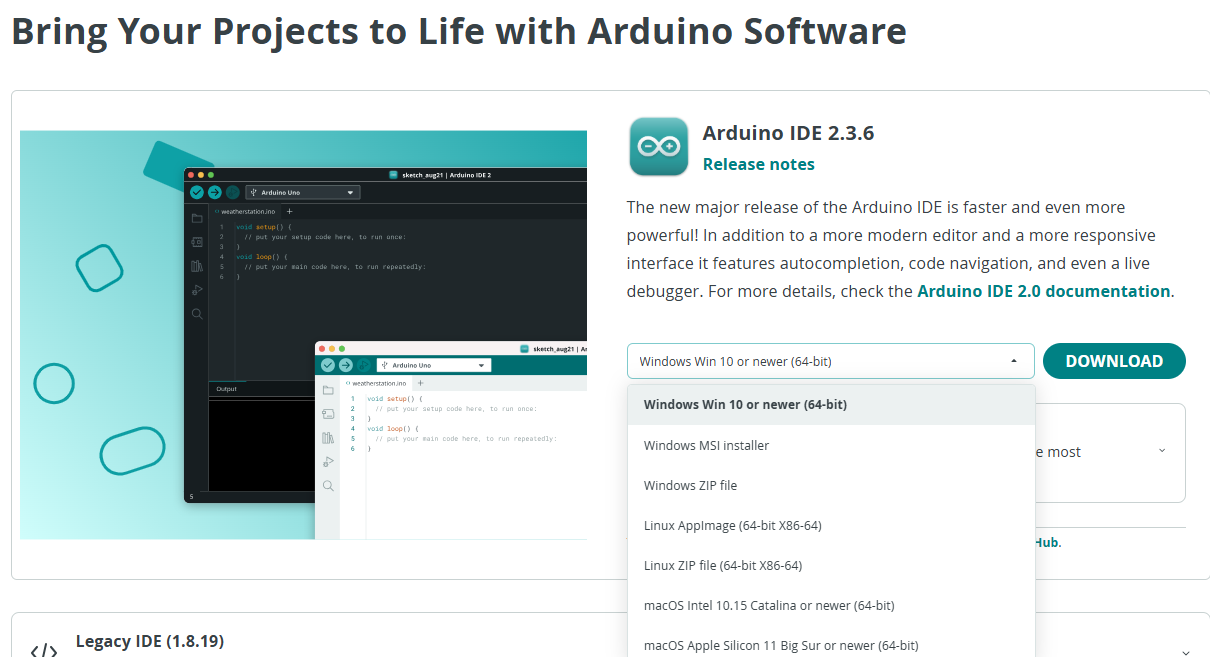
Downloading the Arduino IDE 2 is done through the Arduino Software page. Here you will also find information on the other editors available to use.
¶ Installation
¶ Windows
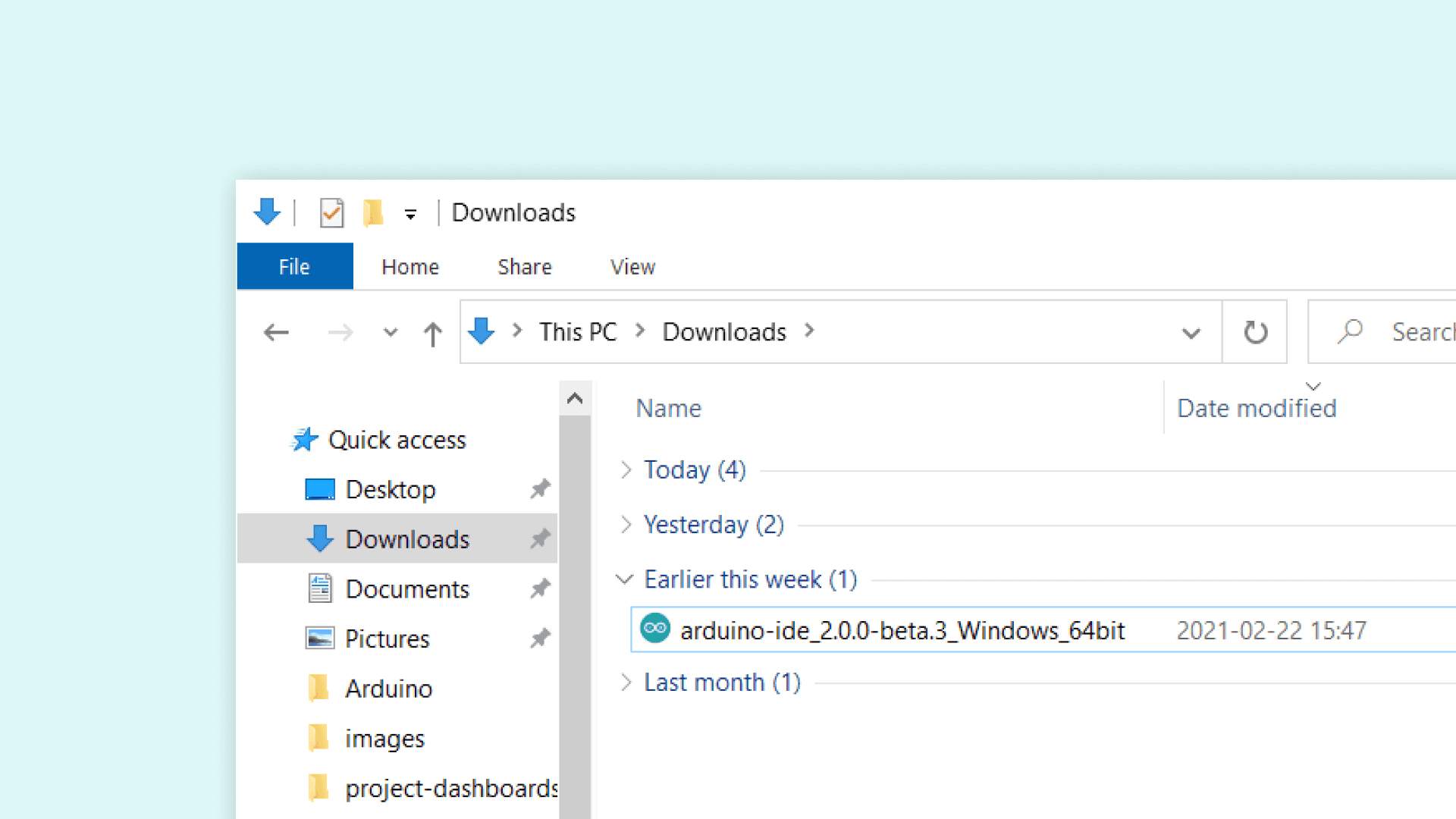
To install the Arduino IDE 2 on a Windows computer, simply run the file downloaded from the software page.
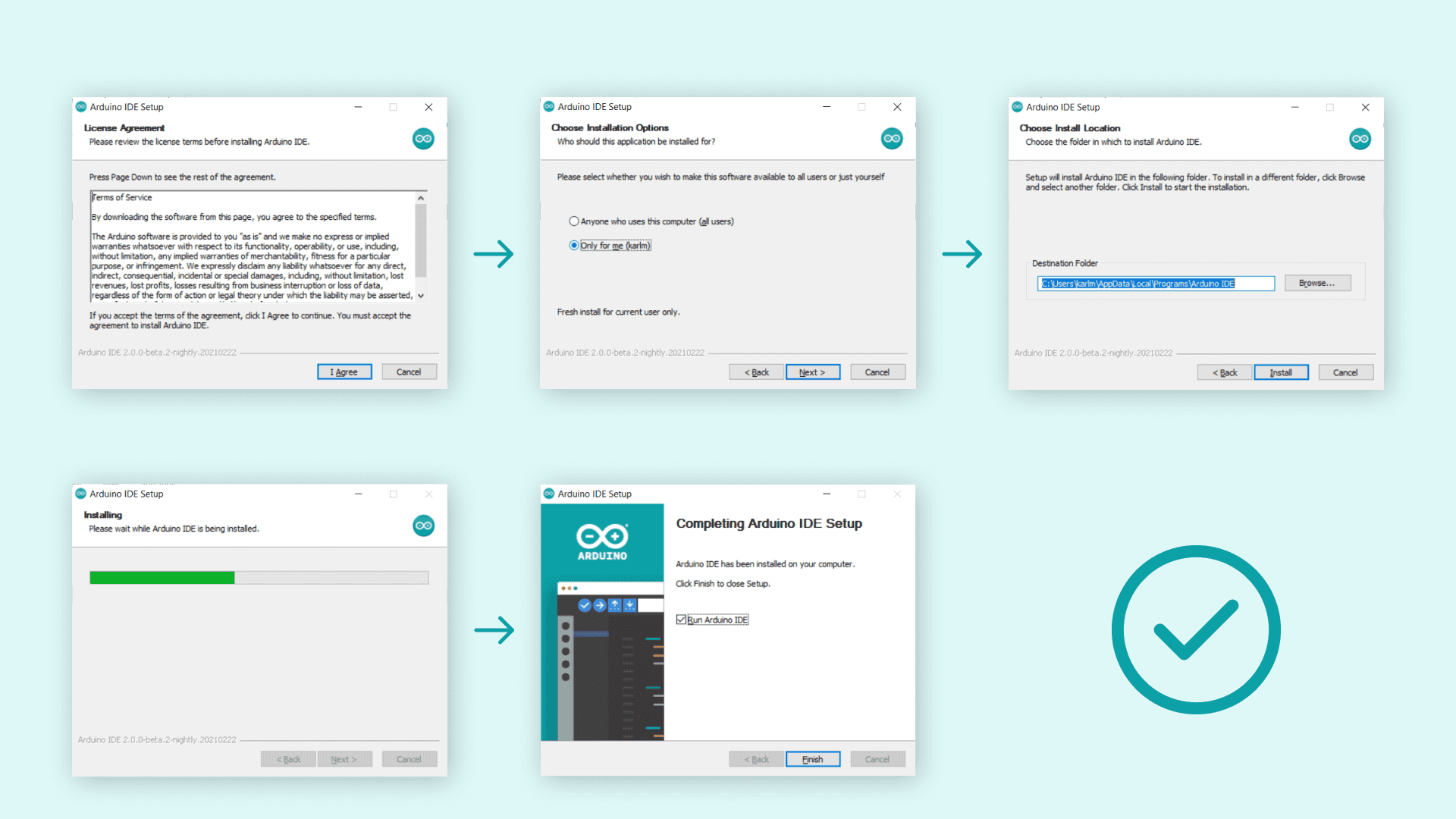
Follow the instructions in the installation guide. The installation may take several minutes.
¶ macOS
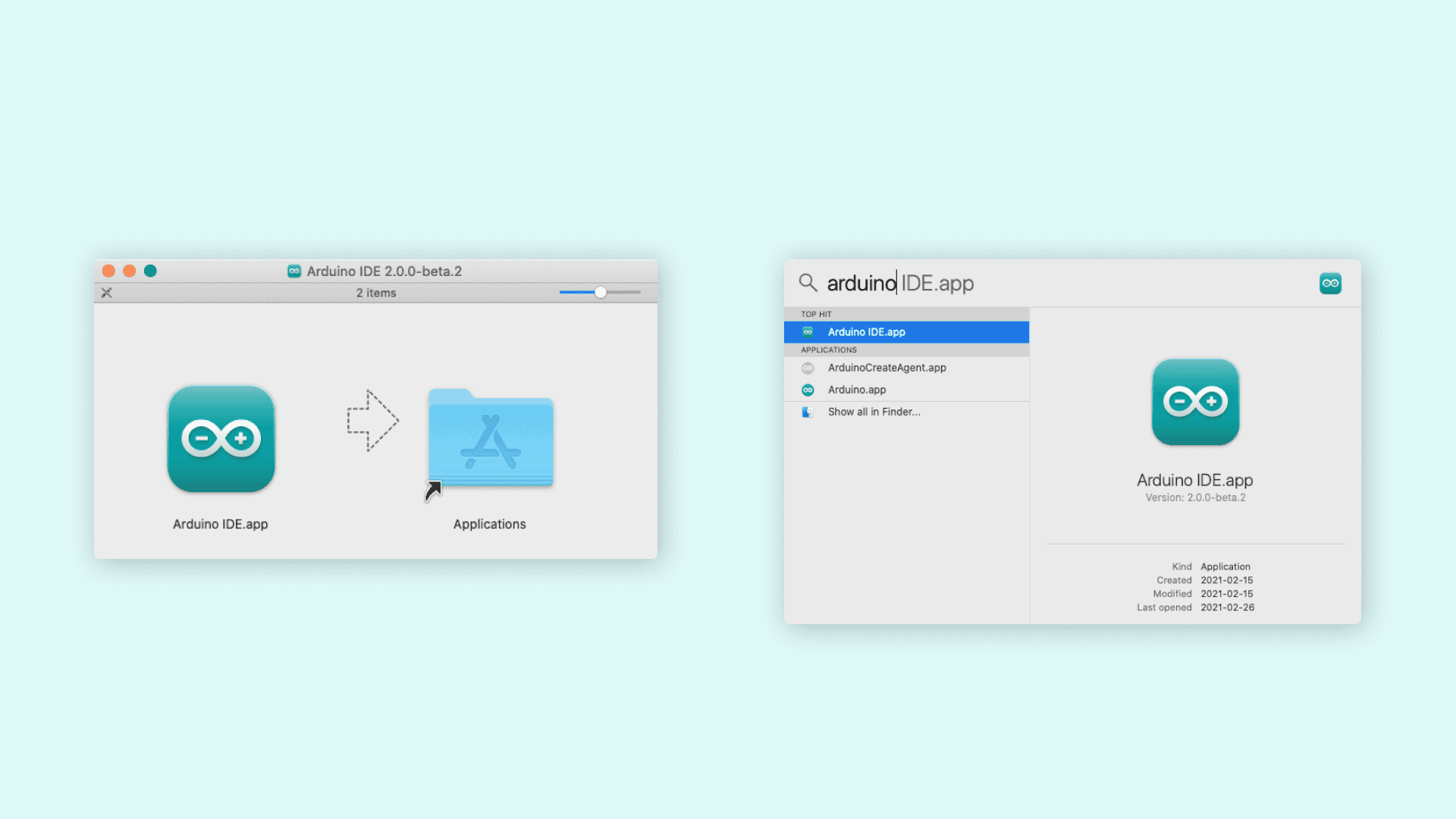
To install the Arduino IDE 2 on a macOS computer, simply copy the downloaded file into your application folder.
¶ Other Lower-Configuration Versions
Official Minimum System Requirements for Arduino IDE 1.8.9
The Arduino IDE 1.8.x series has extremely low hardware requirements and can run smoothly on older devices. Below are the official minimum configuration specifications:
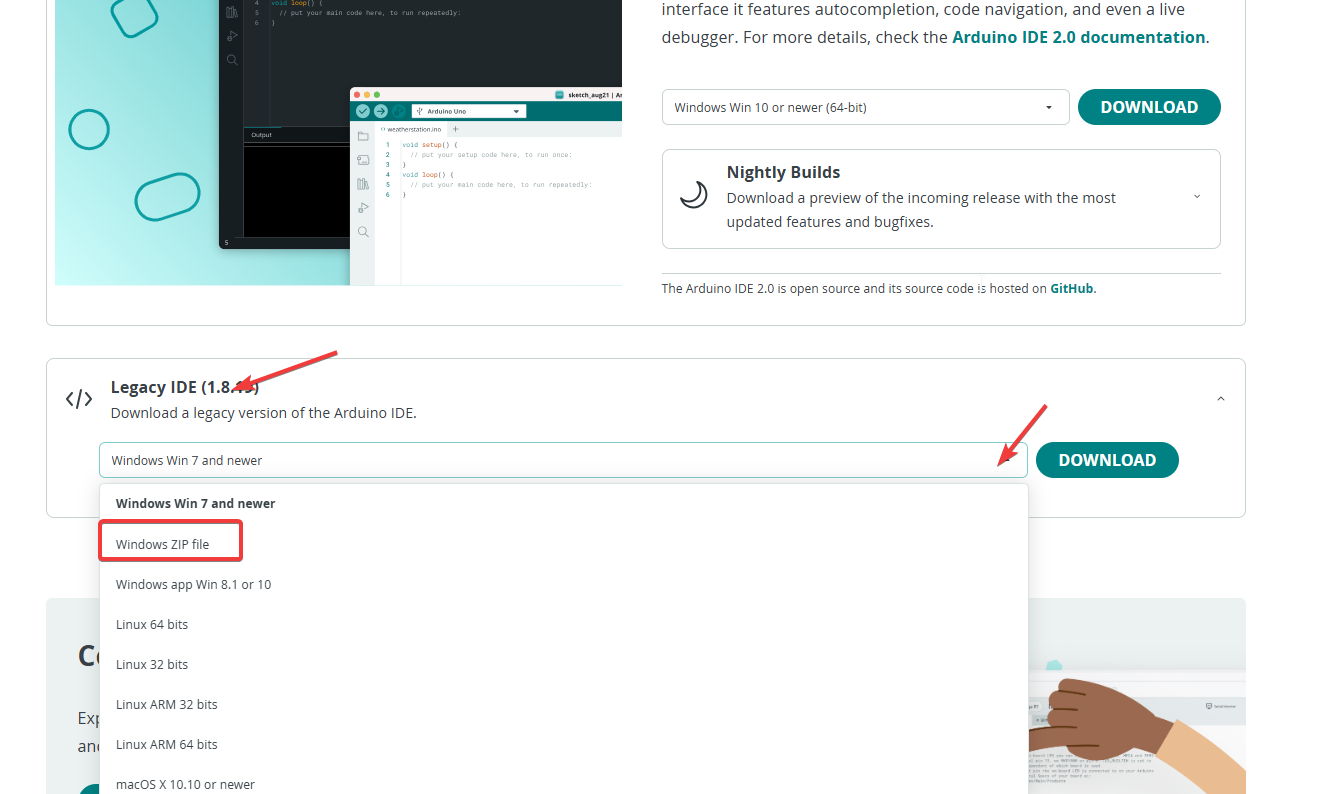
Navigate to the IDE download page, locate the Legacy IDE (1.8.19) section, click on it and select the version compatible with your operating system. After selecting the appropriate version, click the DOWNLOAD button to save the installation package to your local device, then follow the installation steps for the IDE 2.0 version mentioned above to complete the installation.