¶ Tools and Materials
-
A new filament
-
A pair of diagonal pliers
-
A vacuum sealed bag
-
A sealing clip
-
A vacuum seal machine
¶ Tutorial Video
Coming soon.
¶ Instruction
¶ Load the Filament into Your Printer
-
Unpack a new filament.
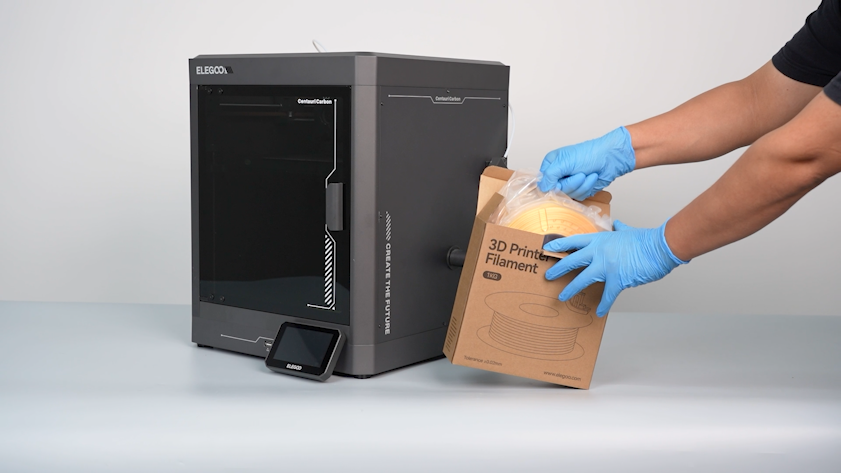
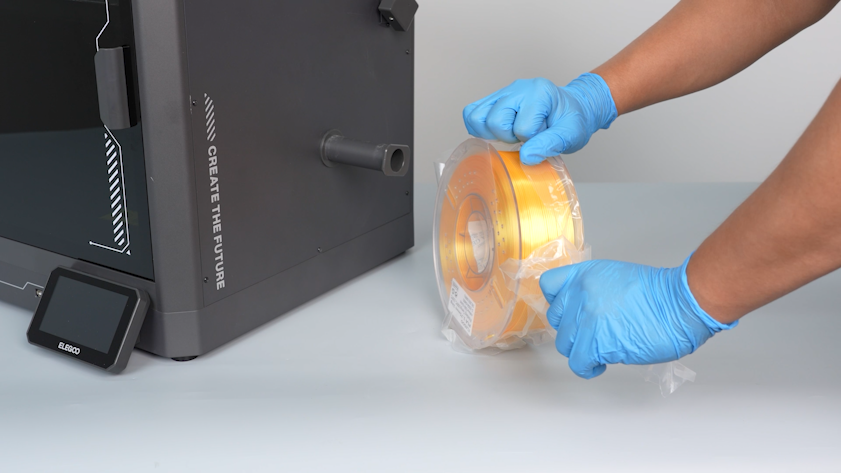
-
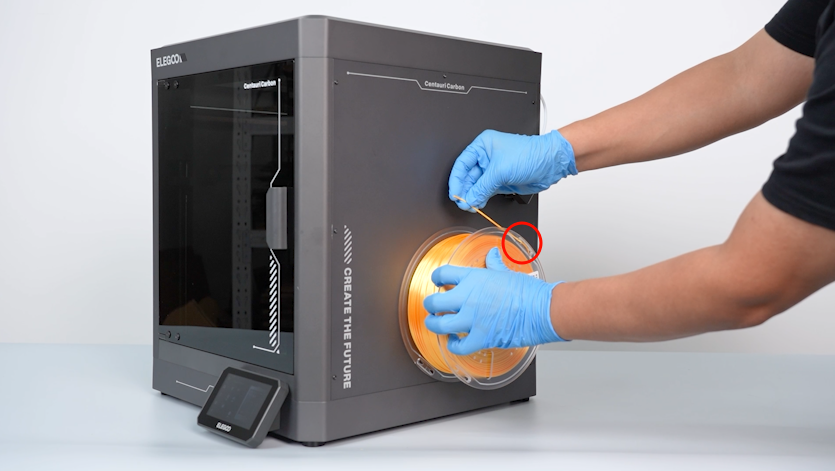
Pull the filament from the holes in the spool. Cut the bent part at the front end with a pair of diagonal pliers.
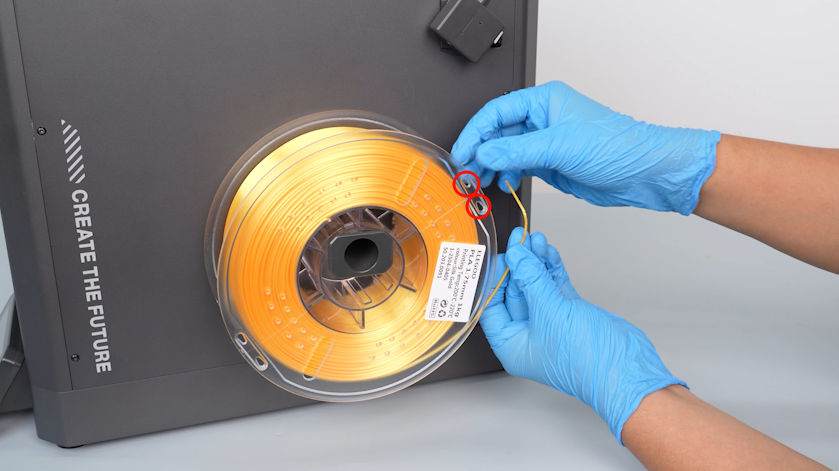
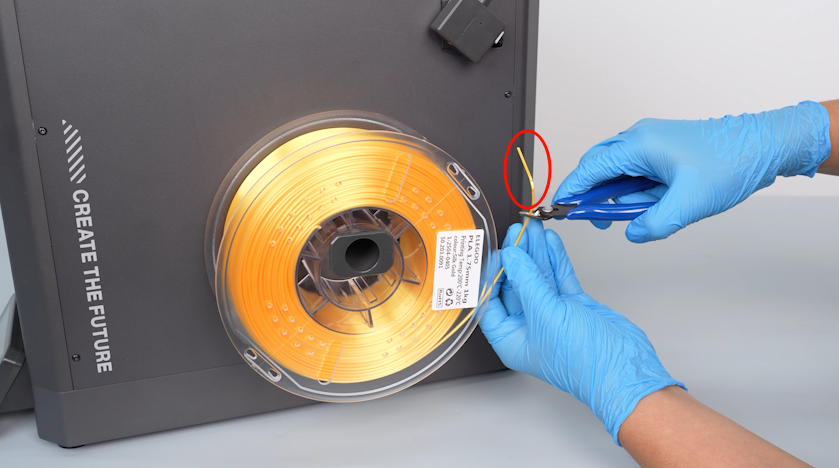
-
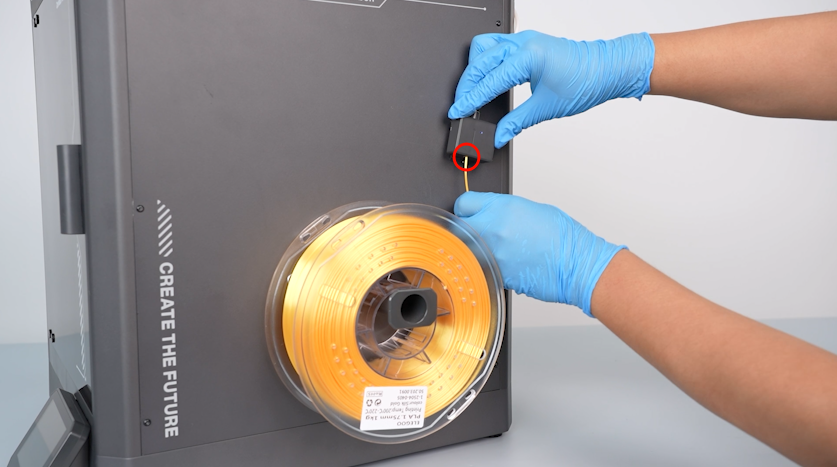
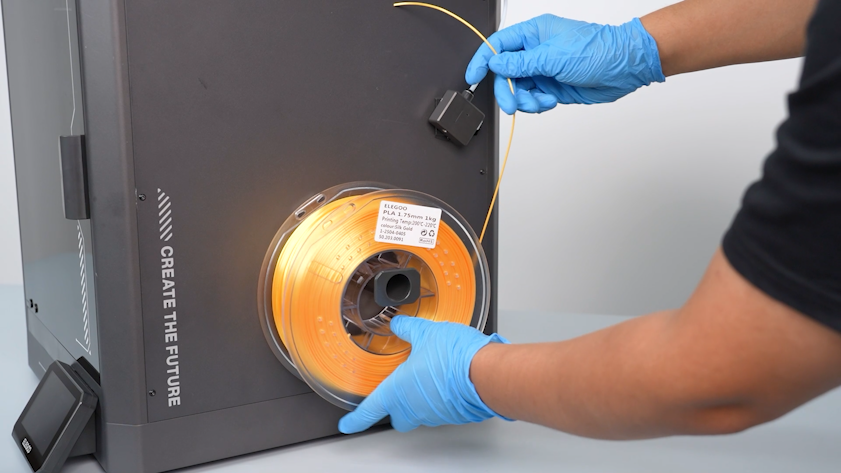
Insert the filament through the filament runout sensor.
Note: Always hold the end of the filament or reinsert it in the spool holes to avoid tangles.
¶ Unload the Filament from Your Printer
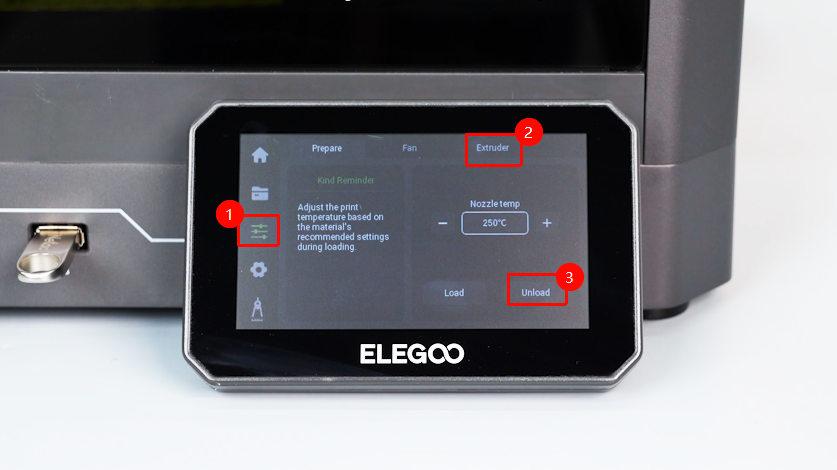
- On the touch screen, select Function - Extruder - Unload.
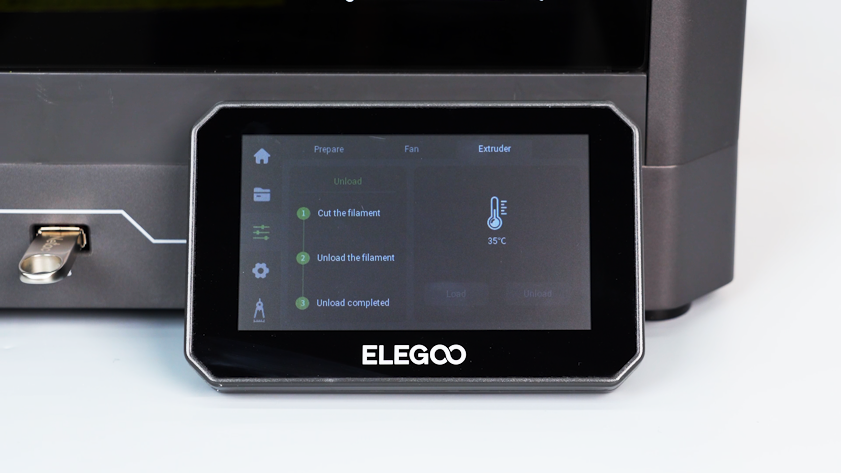
- Wait for the filament unloading to complete.
- Pull out the filament from the filament runout sensor.
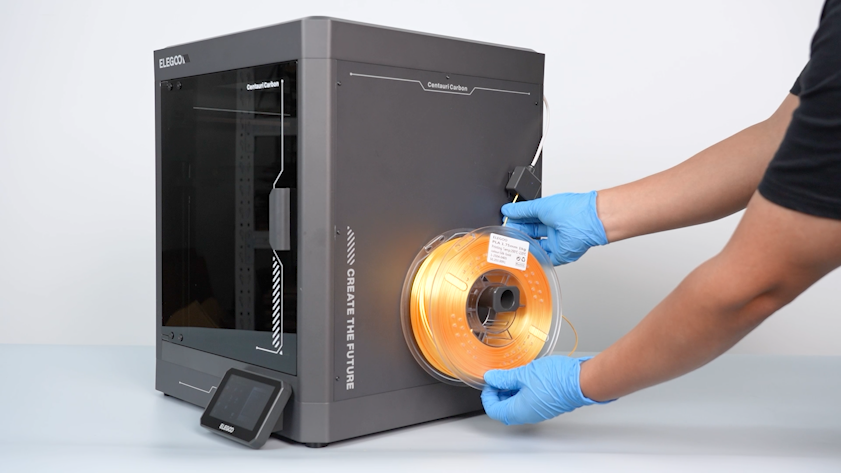
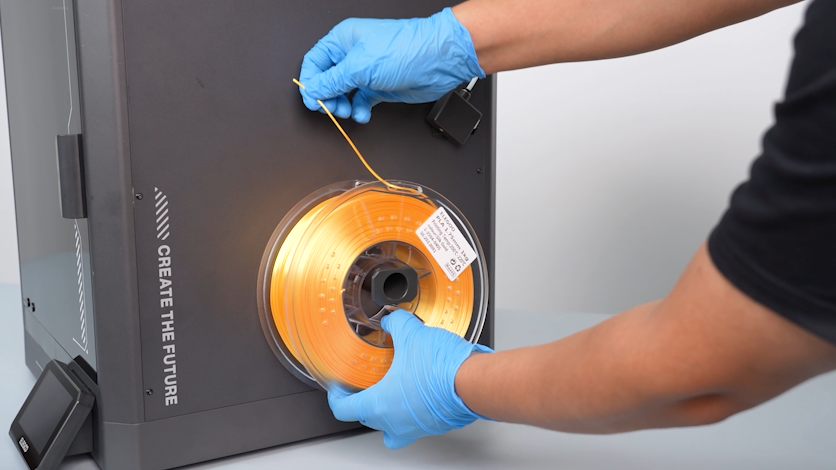
- Tuck the filament into the holes in the filament spool.
Note: Always hold the end of the filament or reinsert it in the spool holes to avoid tangles.
¶ How to Deal With Tangle When Storing the Filament?
Should you let the filament front end dangle around when storing the filament, follow the steps below to solve it.
- Unwind several meters of filament.
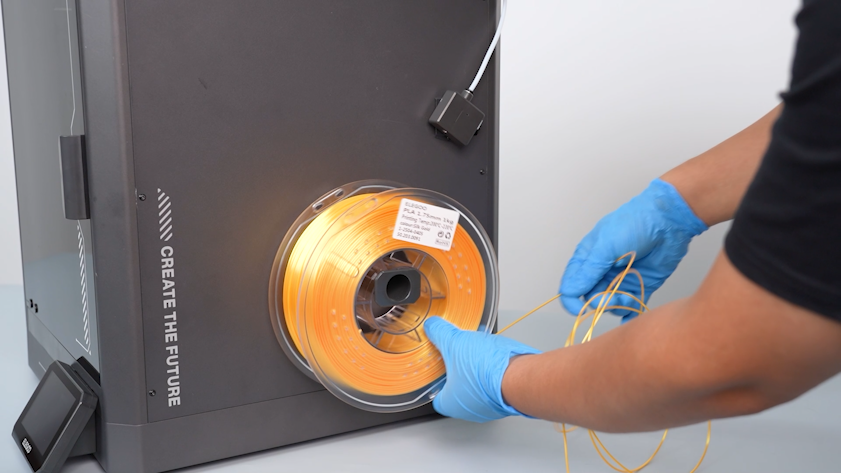
- Make sure the filament is free of knots and rotate the spool to rewind the filament.
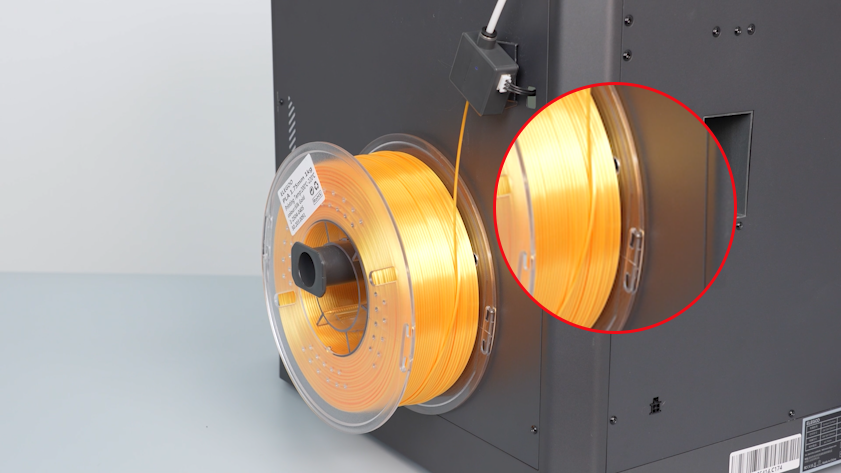
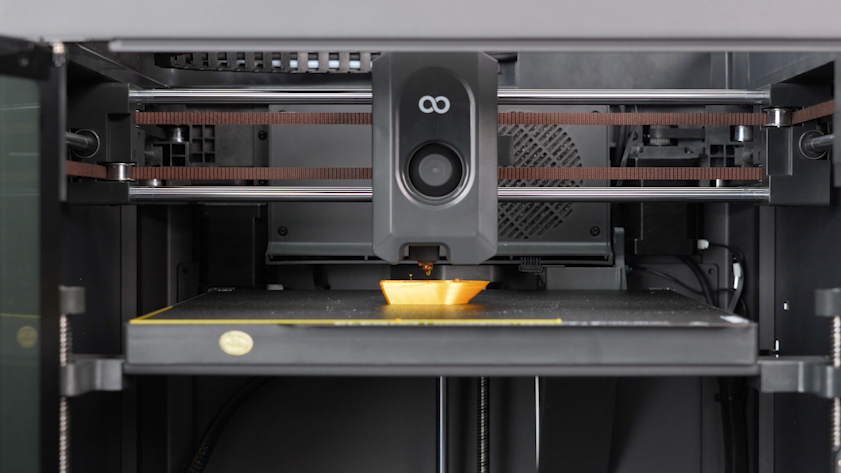
¶ How to Deal With Tangle During Printing?
If the filament is tangled during printing, the filament can no longer be extruded properly, and the model has gaps between layers or overhangs.
¶ Stop the Printing
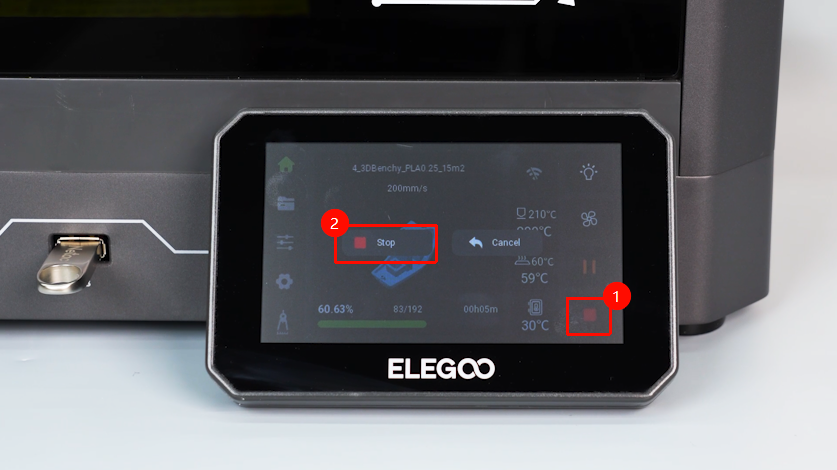
- On the touch screen, select Stop Printing.
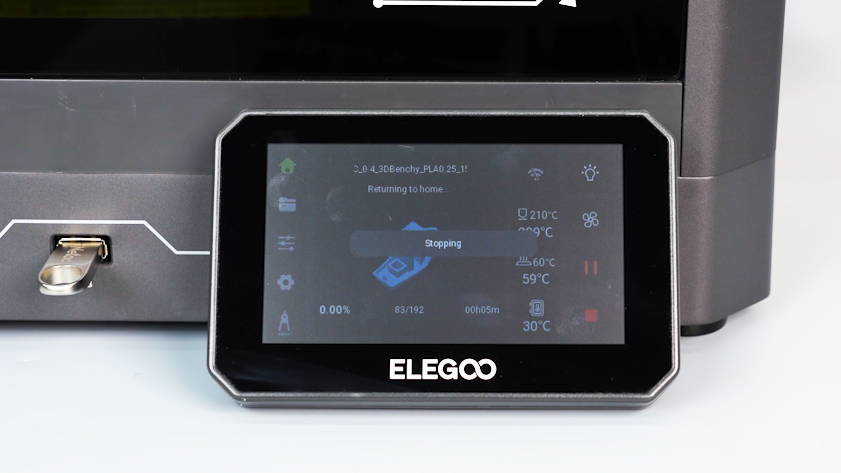
- Remove the model with a scraper.
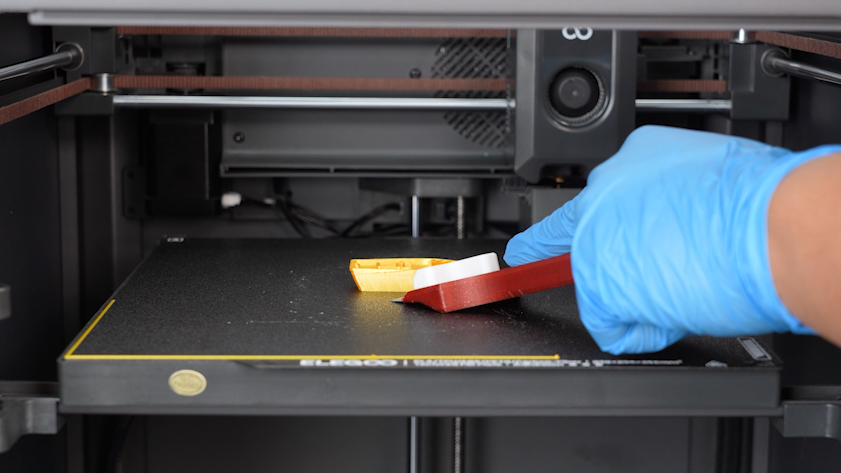
- On the touch screen, select Function - Extruder - Unload.
- Wait for the filament unloading to complete.
¶ Untangle the Knots
- Unwind several meters of filament.
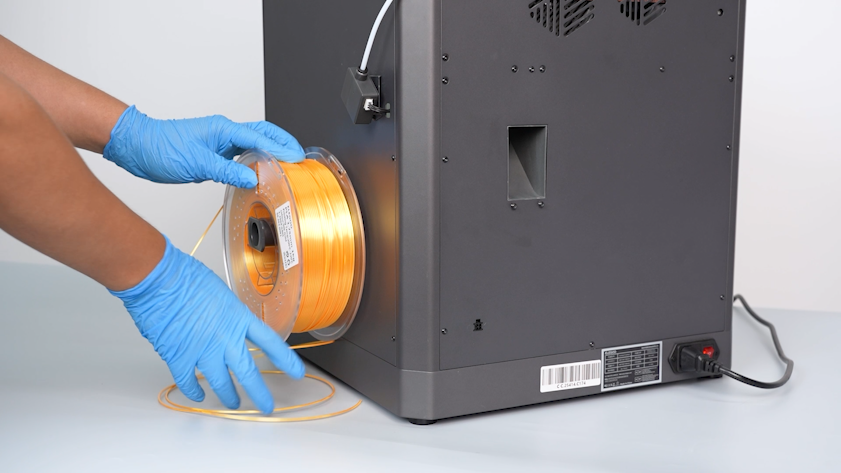
- Make sure the filament is free of knot and rotate the spool to rewind the filament.
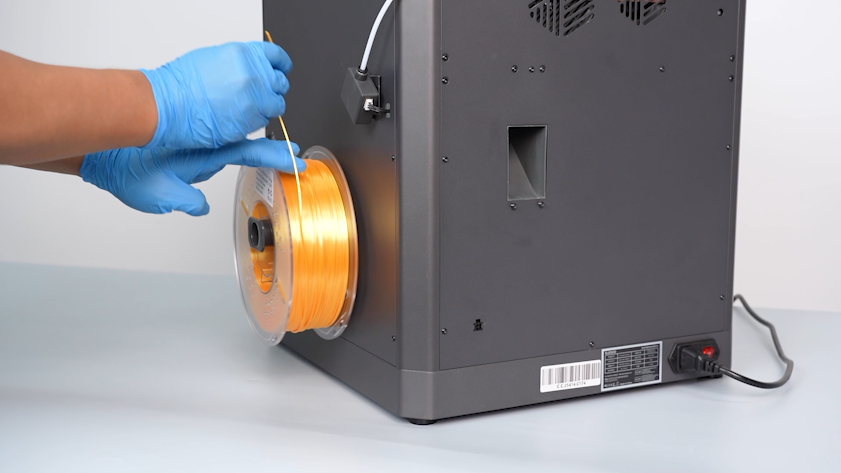
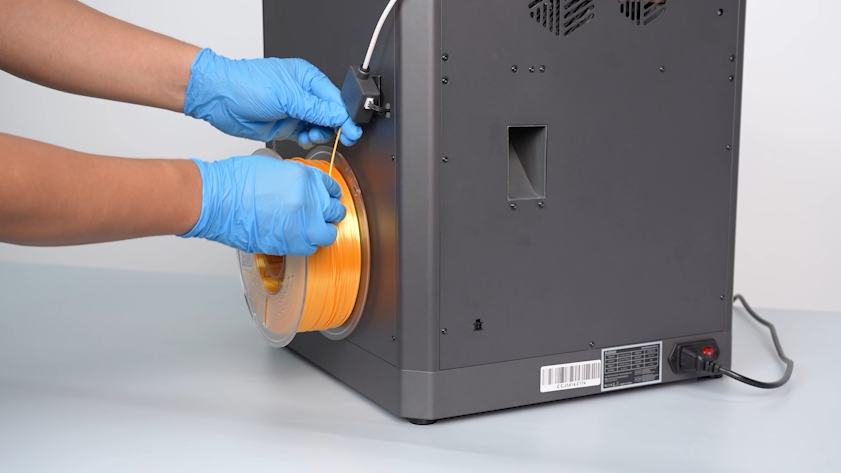
- Insert the filament into the filament runout sensor, and the printer
is ready for use.
¶ How to Store the Unsealed Filament?
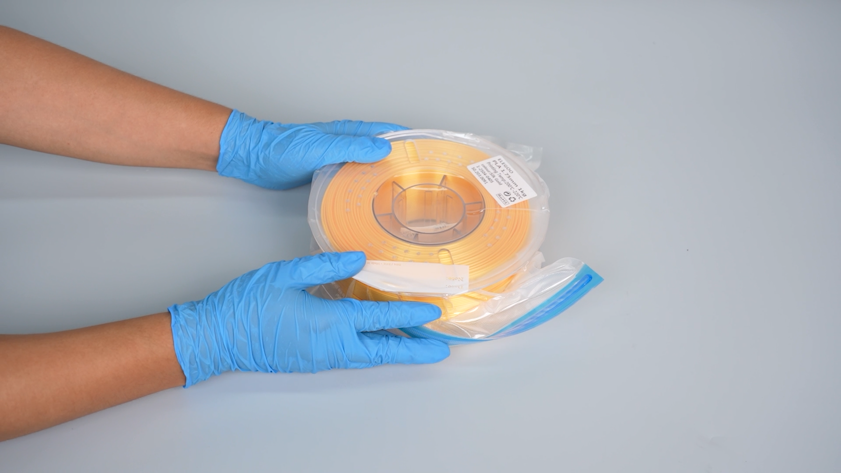
- Put the leftover filament into a vacuum sealed bag.
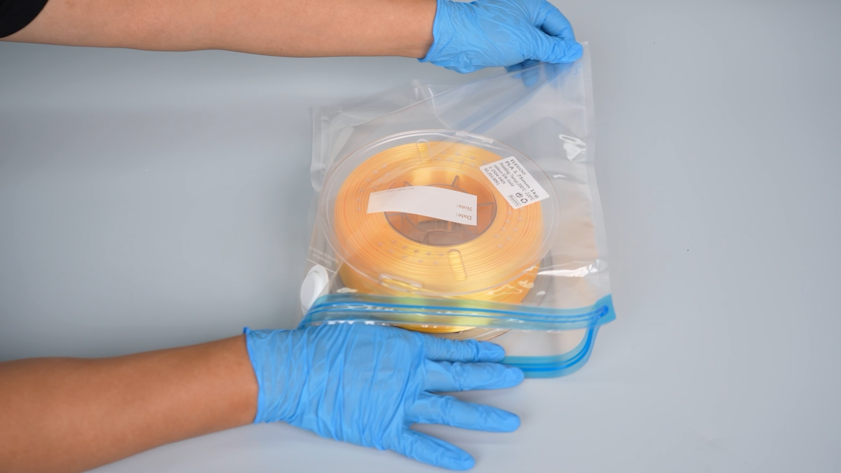
- You can reuse the desiccant that comes with your filament and put it in the center of the filament spool.
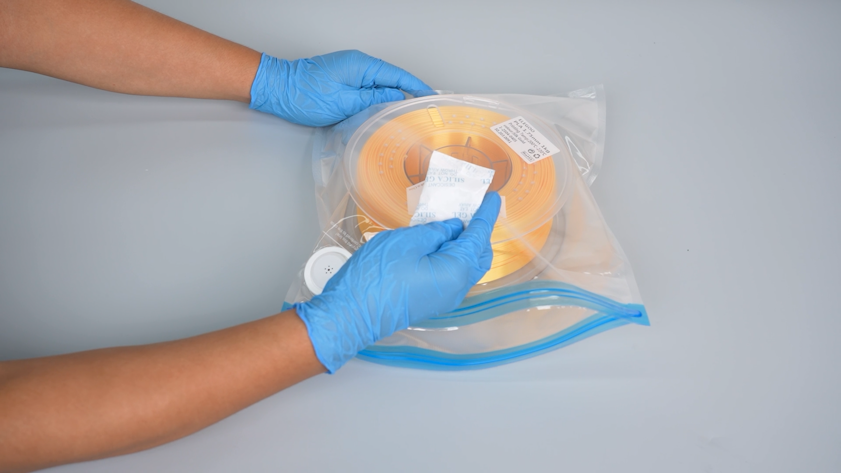
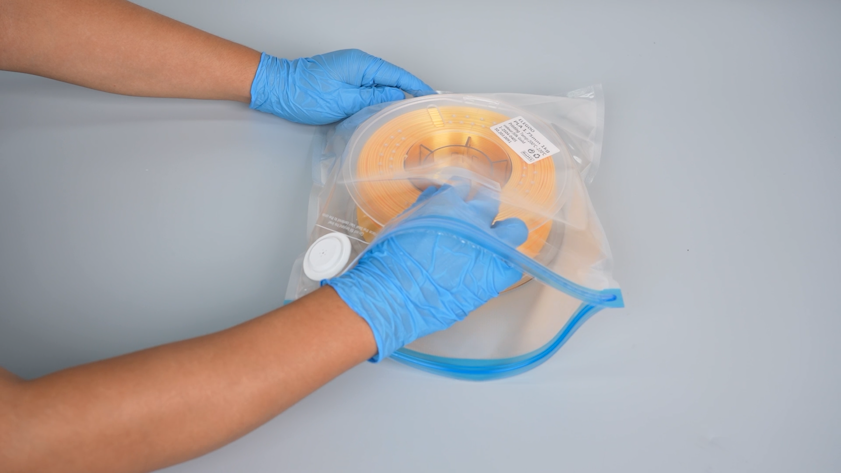
- Press the bag and seal it tightly with a sealing clip.
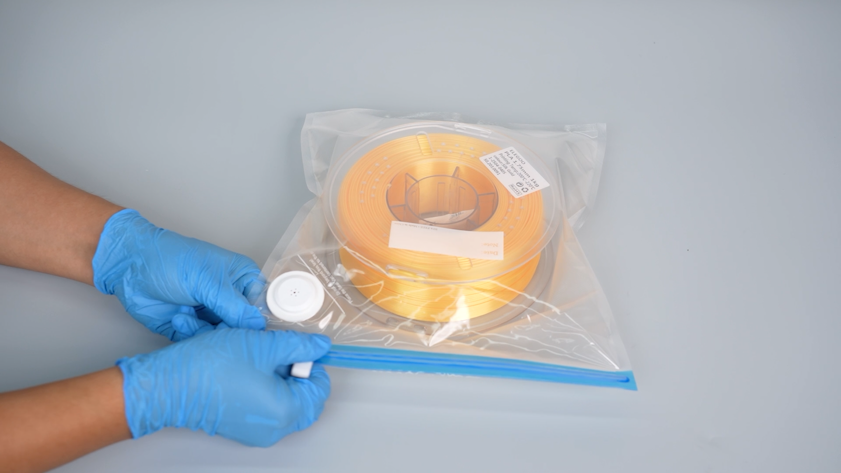
- Connect the vacuum sealed bag to the vacuum seal machine. Activate the machine and start to vacuum the bag.
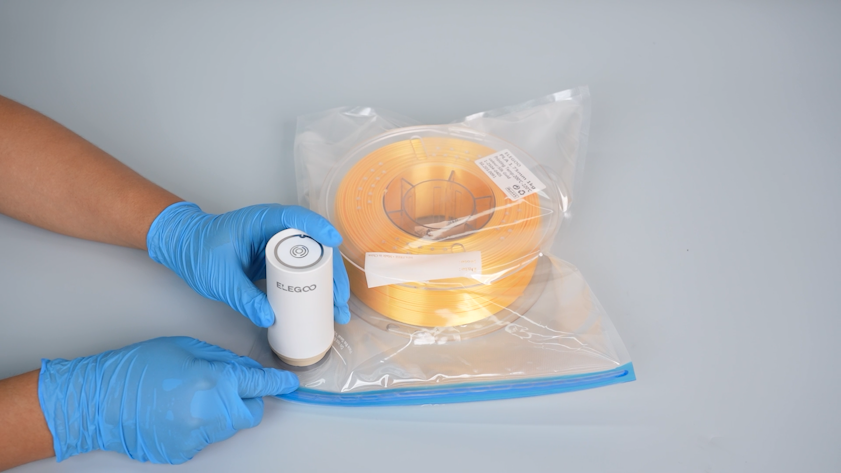

- Store the sealed filament in a dark area.
Note: It is recommended to dry the filament before use.
¶ FAQ
-
What methods can be used to dry filament?
You can use a blower drying oven or a heated bed for drying. -
What precautions should be taken when using a drying oven?
-
Do not use a microwave oven or kitchen oven.
-
Keep the filament away from the heat source to ensure even heating and
avoid localized overheating. Otherwise, the filament or the spool may
be damaged.
- What precautions should be taken when using the heated bed for drying?
-
Keep the printer door closed during drying.
-
Make sure that the filament is protected by its original package or
PCB box during drying.
- What are the drying conditions for different filaments?
Refer to Guide to FDM Printing Filament | ELEGOO WIKI