¶ Issue Description
The filament fails to unload from the tool head.
¶ Reasons
-
The filament is broken inside the PTFE tube.
-
The filament detection board inside the tool head is abnormally triggered or has malfunctions.
¶ Troubleshooting Steps
¶ Tools needed for troubleshooting
-
A 1.5 mm Allen key
-
2.0 mm Allen key
¶ Step 1 Check whether there is any broken filament residue in the faulty channel.
-
Turn the power switch OFF (symbol "〇") and unplug the power supply cable.
-
Remove the lid.
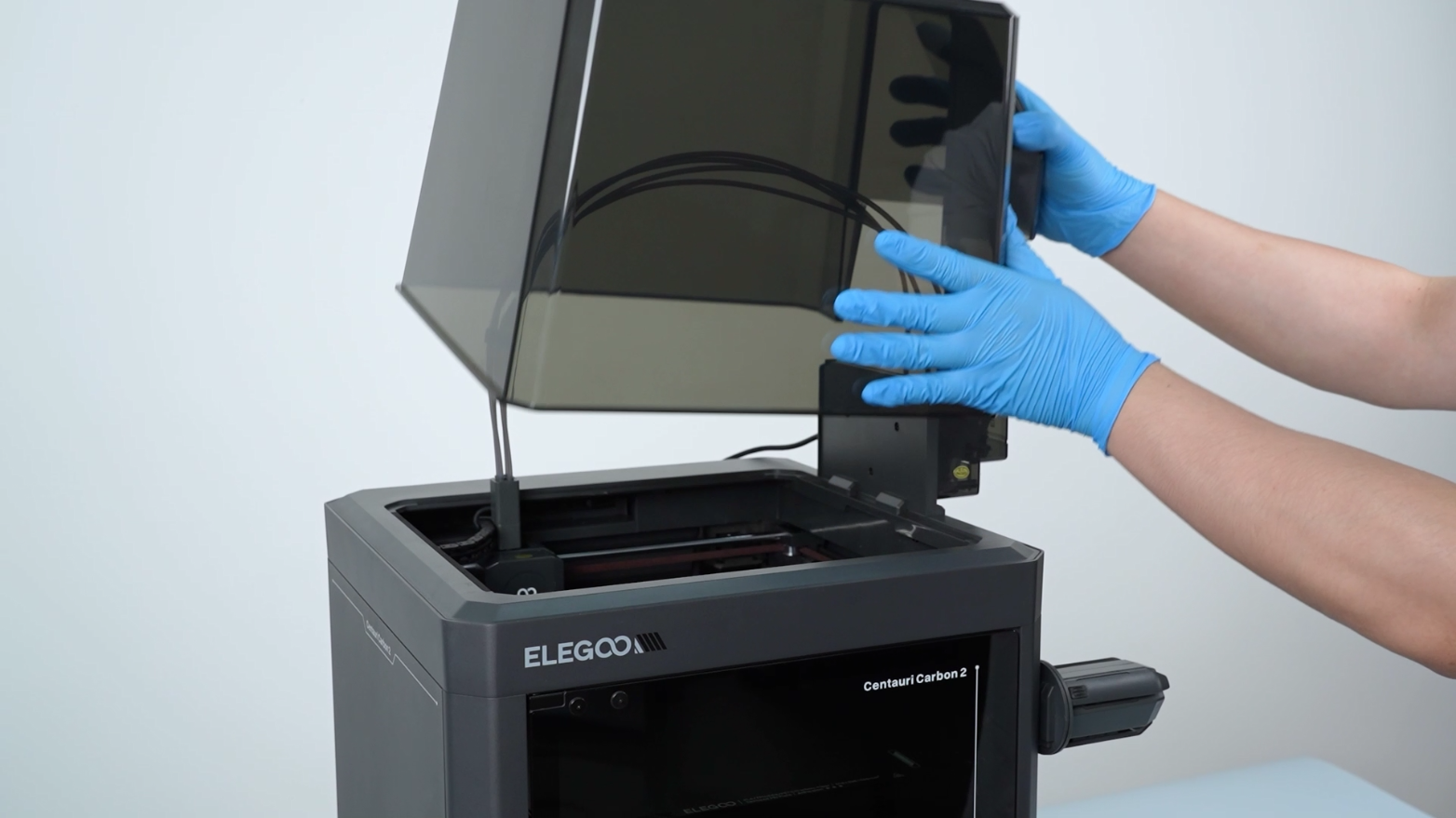
3. Check whether there is broken filament inside the PTFE tube.
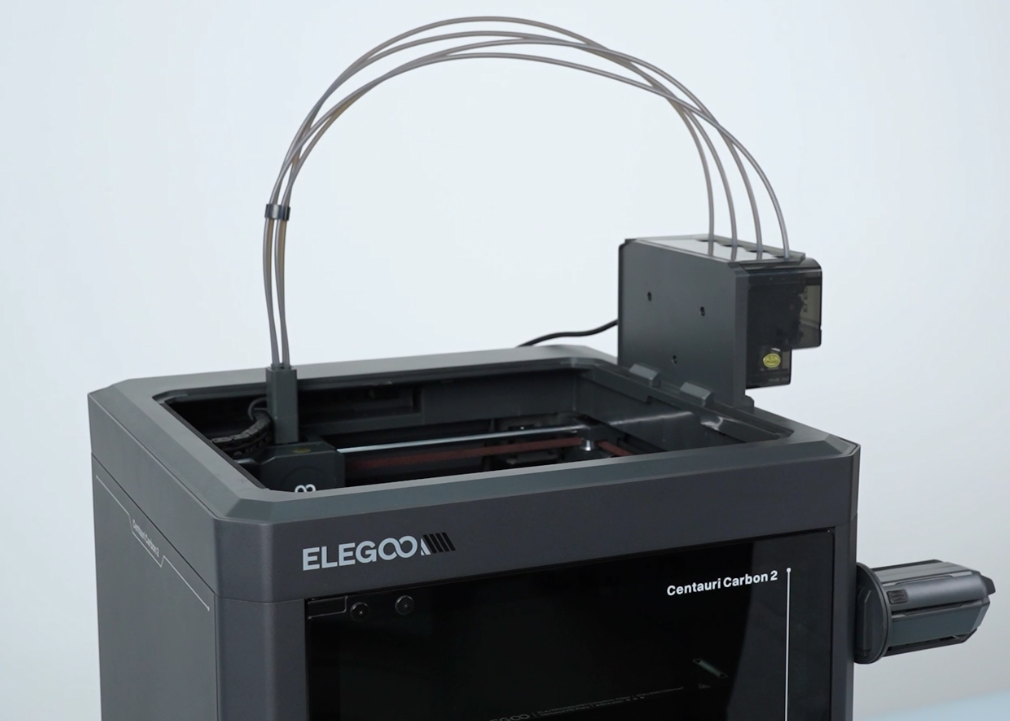
-
If there is filament broken inside the PTFE tube, remove the filament manually. According to Error Code 1220 | ELEGOO WIKI, remove the 4-in-1 hub, and then manually take out the broken filament.
-
If there is no filament broken inside the PTFE tube, refer to Step 2 for further troubleshooting.
¶ Step 2 Check whether the filament runout sensor can be triggered normally.
- Loosen and remove the two screws securing the extruder communication cable with a 1.5 mm Allen key.
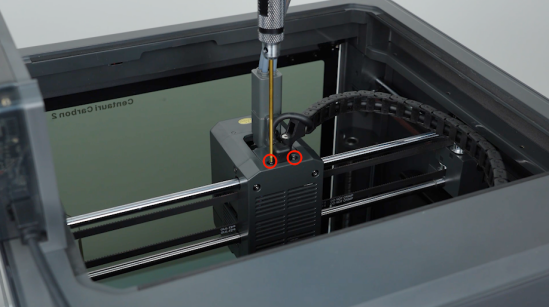
- Loosen the screws securing the tank chain and unplug the extruder communication cable with a Allen key.
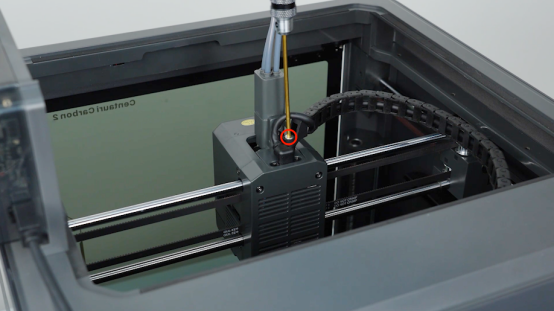
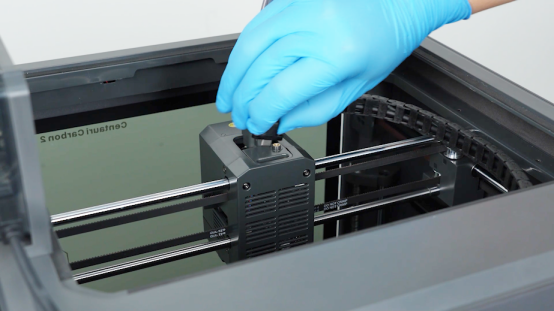
- Use a 2.0 mm hexagonal screwdriver to loosen the 2 screws securing the 4-in-1 hub, and remove the 4-in-1 hub.
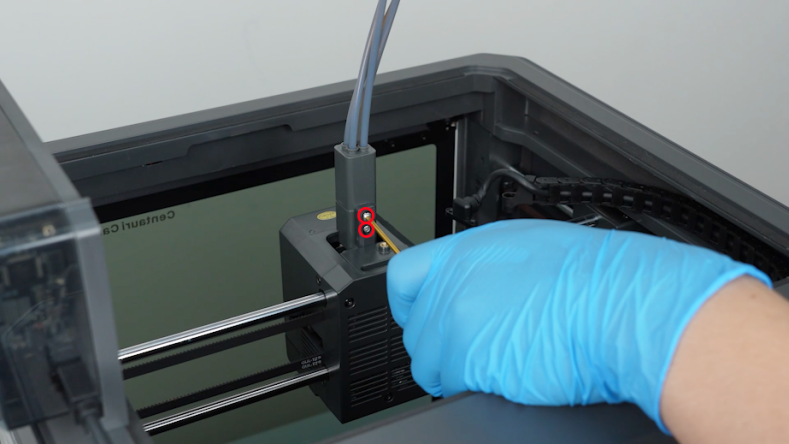
-
Insert a piece of filament into the feeding hole and pull it out to check whether the sensor can be triggered normally.
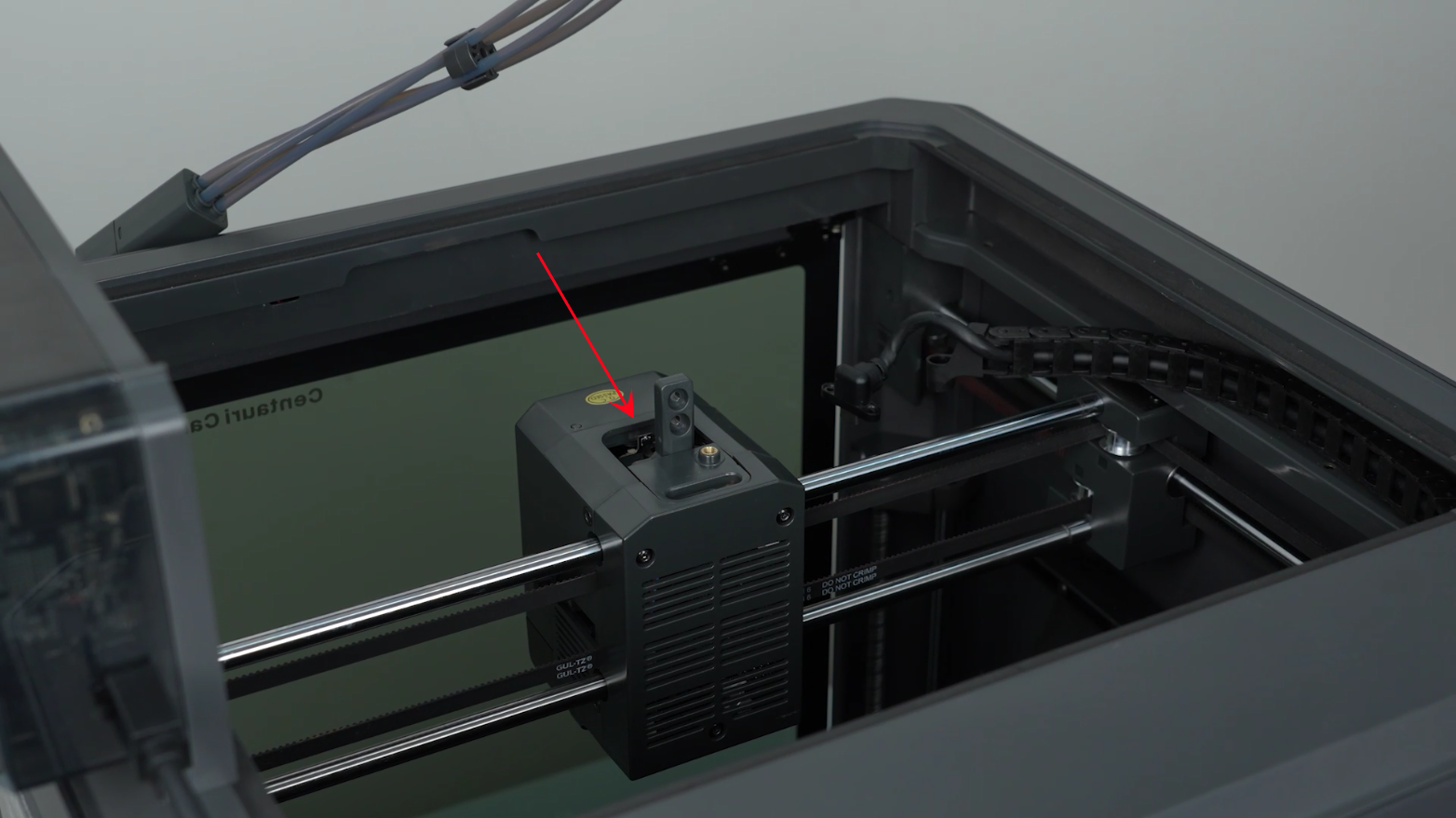
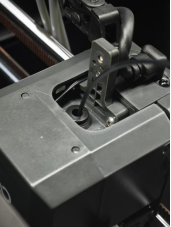
-
If there is a clicking sound when the filament is pulled out, it indicates that the trigger on the filament detection board rebounds successfully.
-
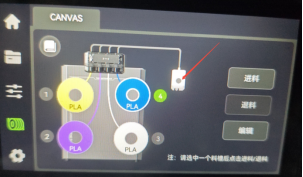
At this time, observe the channel status indicator on the touch screen.
-
If the status indicator lights up, it indicates that the filament detection board is still in the triggering state. The filament detection board is faulty and needs to be replaced with a new filament detection board.
-
If the status indicator does not light up, it indicates that the trigger can rebound normally. The trigger was just stuck, but now it returnes to normal.