¶ Issue Description
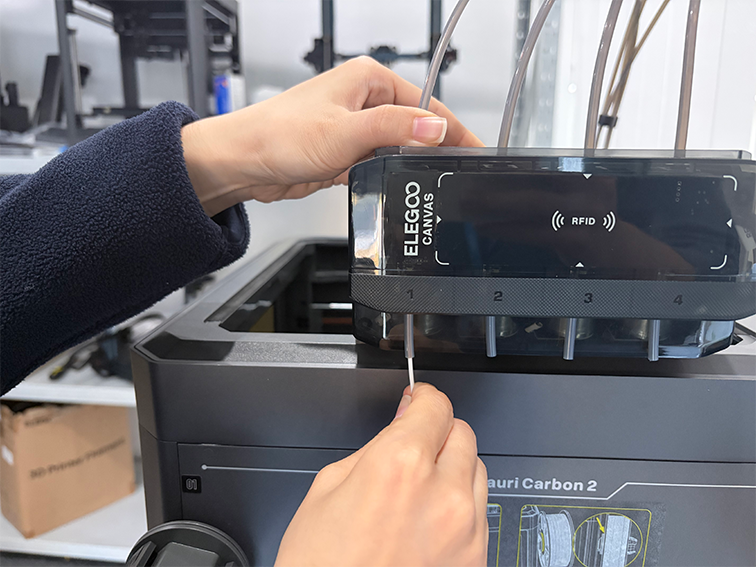
Abnormal filament is detected in the tool head.
¶ Reason
Filament is inserted within the tool head and the filament runout sensor is triggered. However, the filament end is not grabbed by CANVAS.
¶ Troubleshooting Steps
¶ Tools needed for troubleshooting
-
A 2.5 mm Allen key
-
A 1.5 mm Allen key
-
A pair of tweezers
¶ Step 1 Turn the power switch OFF (symbol "〇") and unplug the power supply cable.
¶ Step 2 Remove the lid.
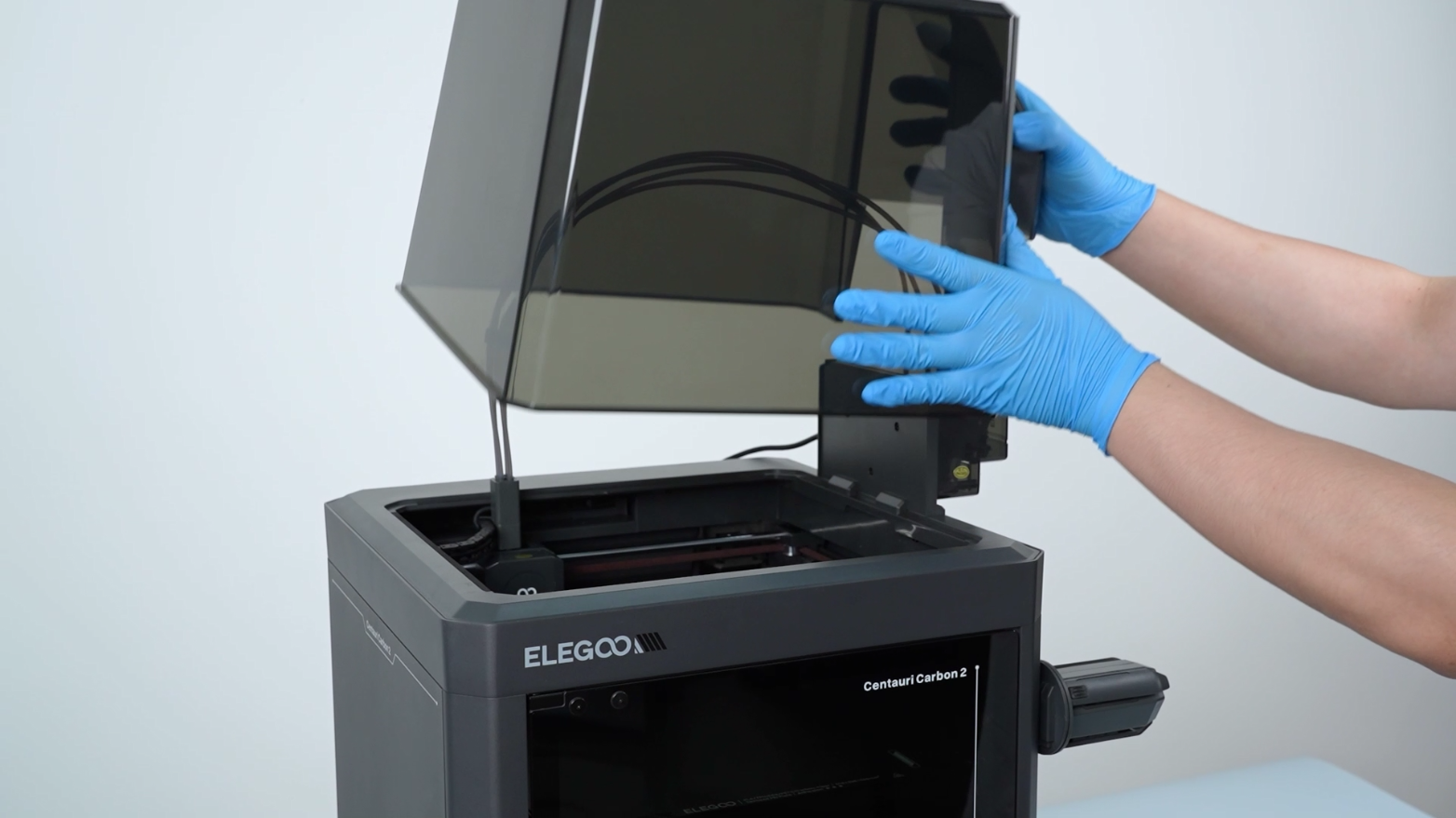
¶ Step 3 Remove the 4-in-1 hub.
-
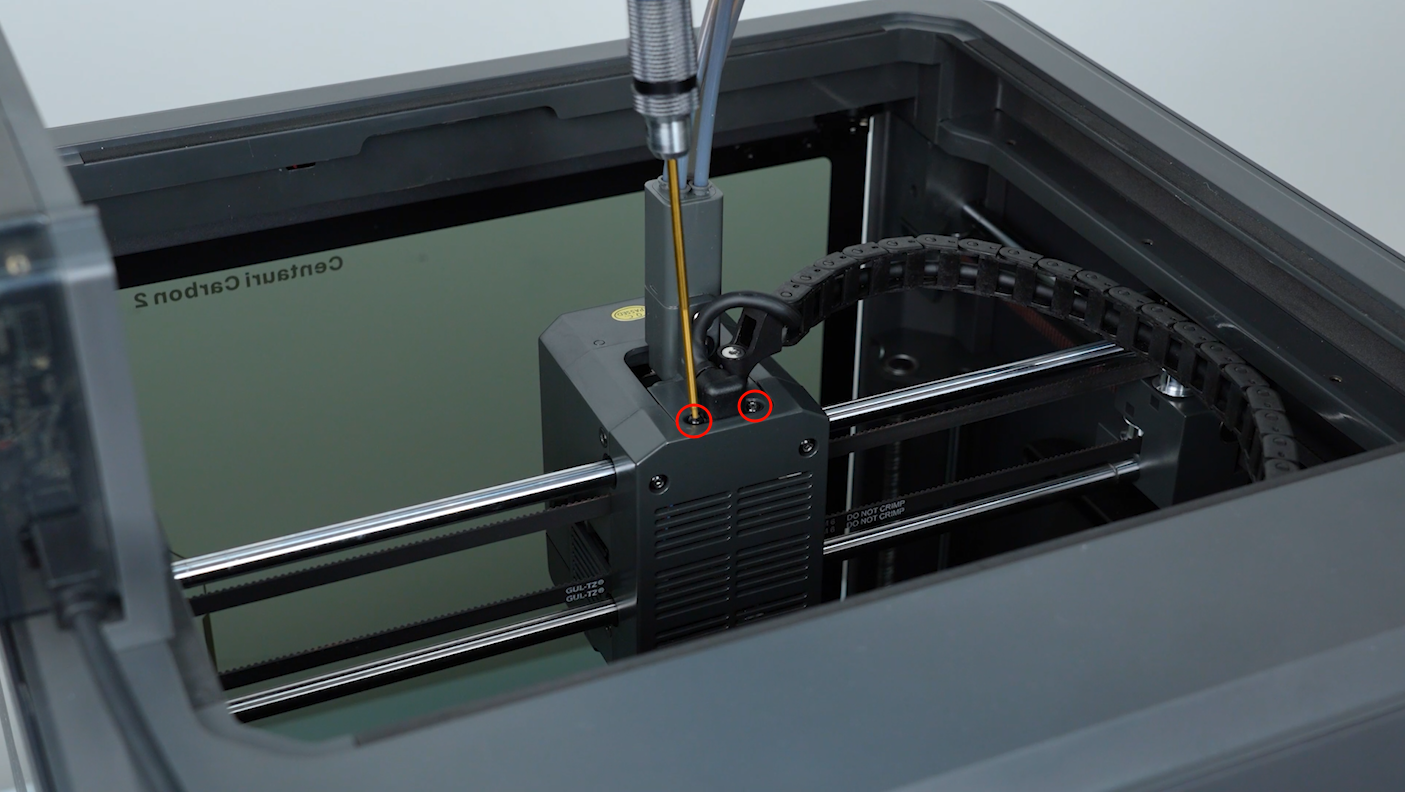
Loosen the two screws securing the extruder communication cable with a 1.5 mm Allen key. Remove the screws with a pair of tweezers.
-
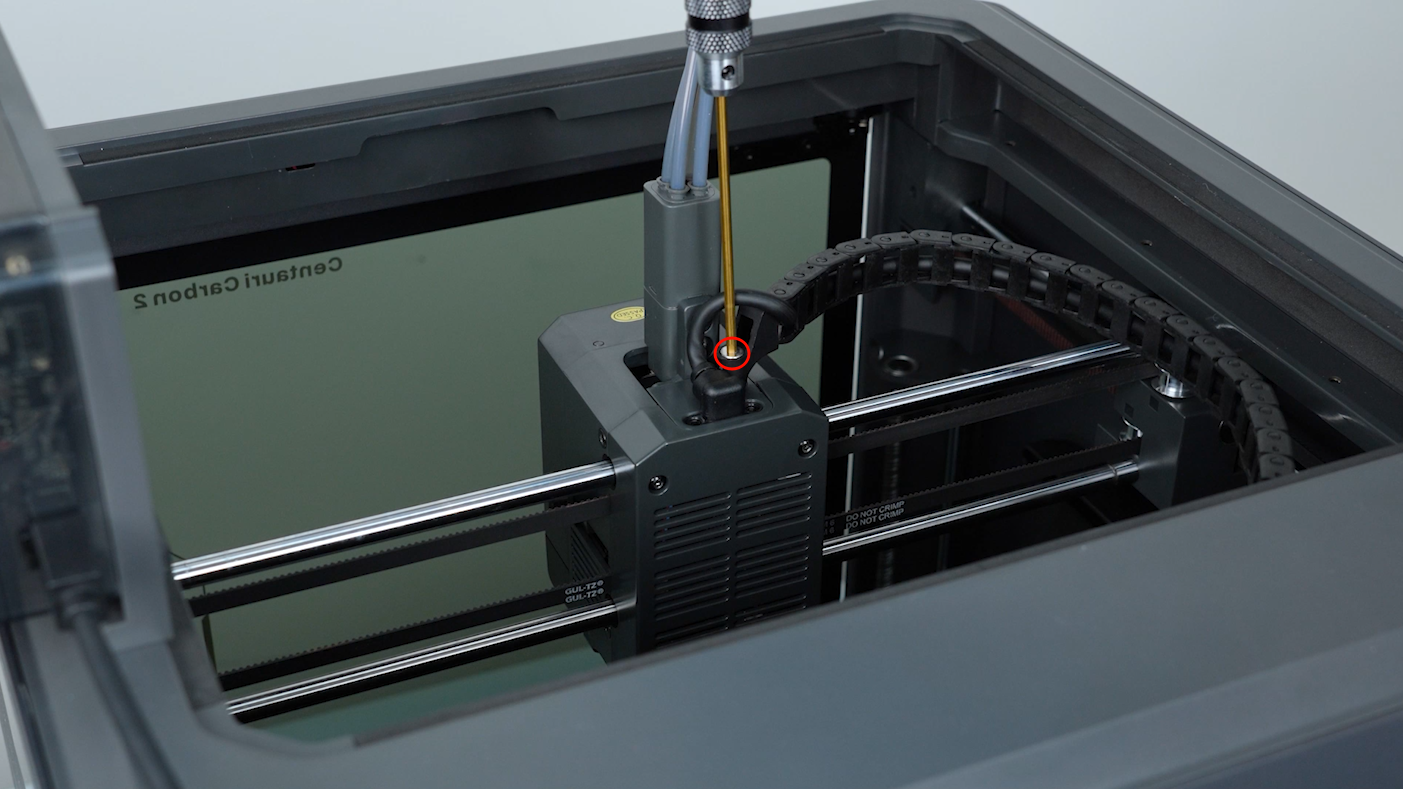
Loosen the screw securing the cable chain with a 2.5 mm Allen key. Remove the screw with a pair of tweezers.
-
Unplug the extruder communication cable.
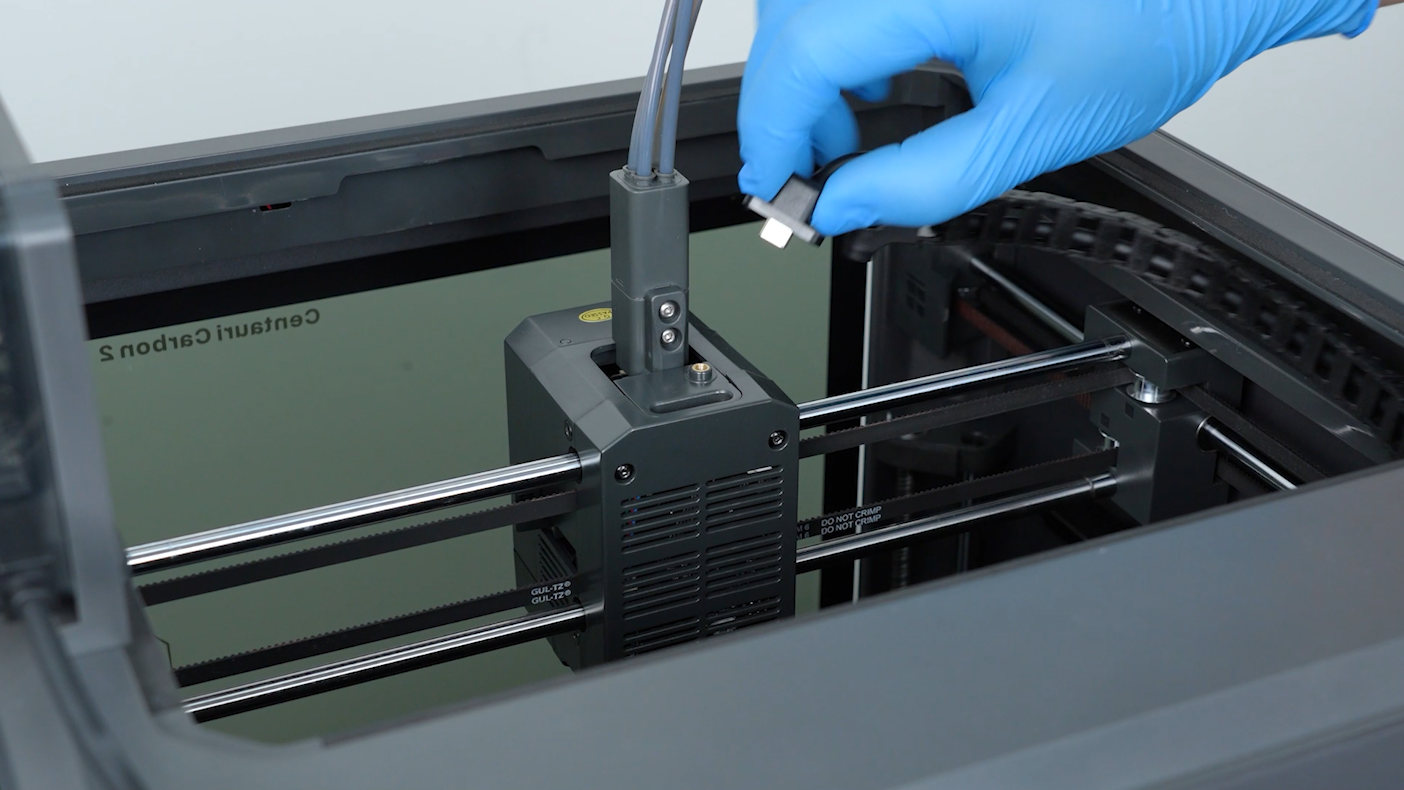
-
Loosen the two screws securing the 4-in-1 hub with a 2.0 mm Allen key. Remove the screws with a pair of tweezers, then the 4-in-1 hub.
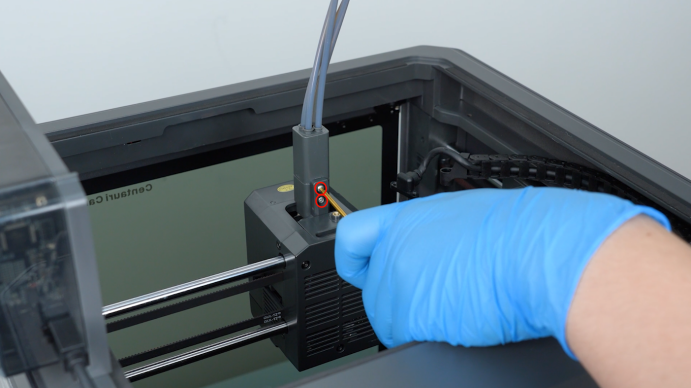
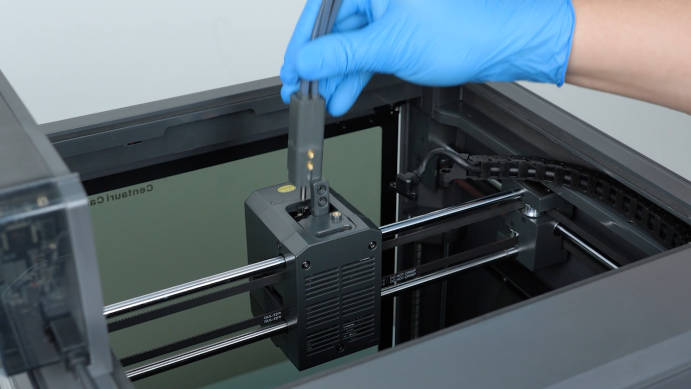
¶ Step 4 Feed a piece of filament into the PTFE tube.
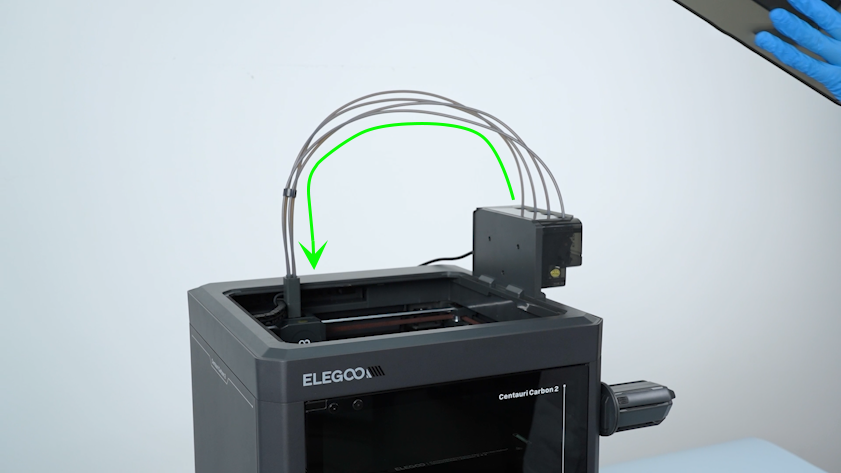
¶ Step 5 After feeding the filament through the PTFE tube above the CANVAS, press the PTFE tube backward and push the residual filament out.
Note: The CANVAS is equipped with a spring mechanism securing the filament. Therefore, press the PTFE tube backward to release the spring to eject the filament smoothly.