Saturn 3 Ultra Series-Limit Switch Replacement
Tools and materials needed
●3.0mm Allen wrench
●2.5mm Allen wrench
●Marker
●Diagonal pliers
●Dust-free cloth
●Gloves
Reference video
Coming soon.
Operation steps
Replace the limit switch
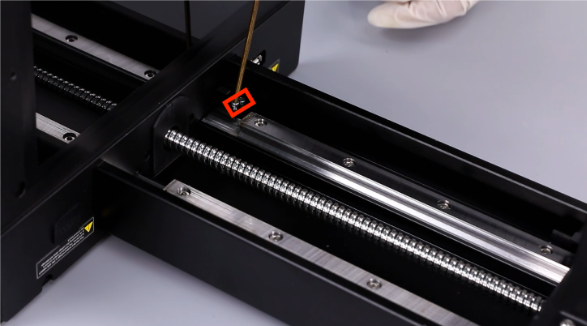
1. Use a 2.5mm Allen wrench to remove the 2 screws fixing the limit switch.
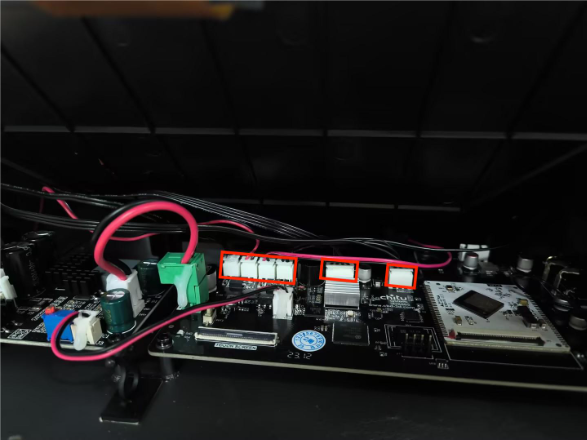
2.Label each cable connector connected to the motherboard (taking photos for reference is recommended) to facilitate reassembly and prevent incorrect connections. Then disconnect the two labeled USB connectors, the two fan connectors, the motor ribbon cable connector, and the limit switch connector in sequence.