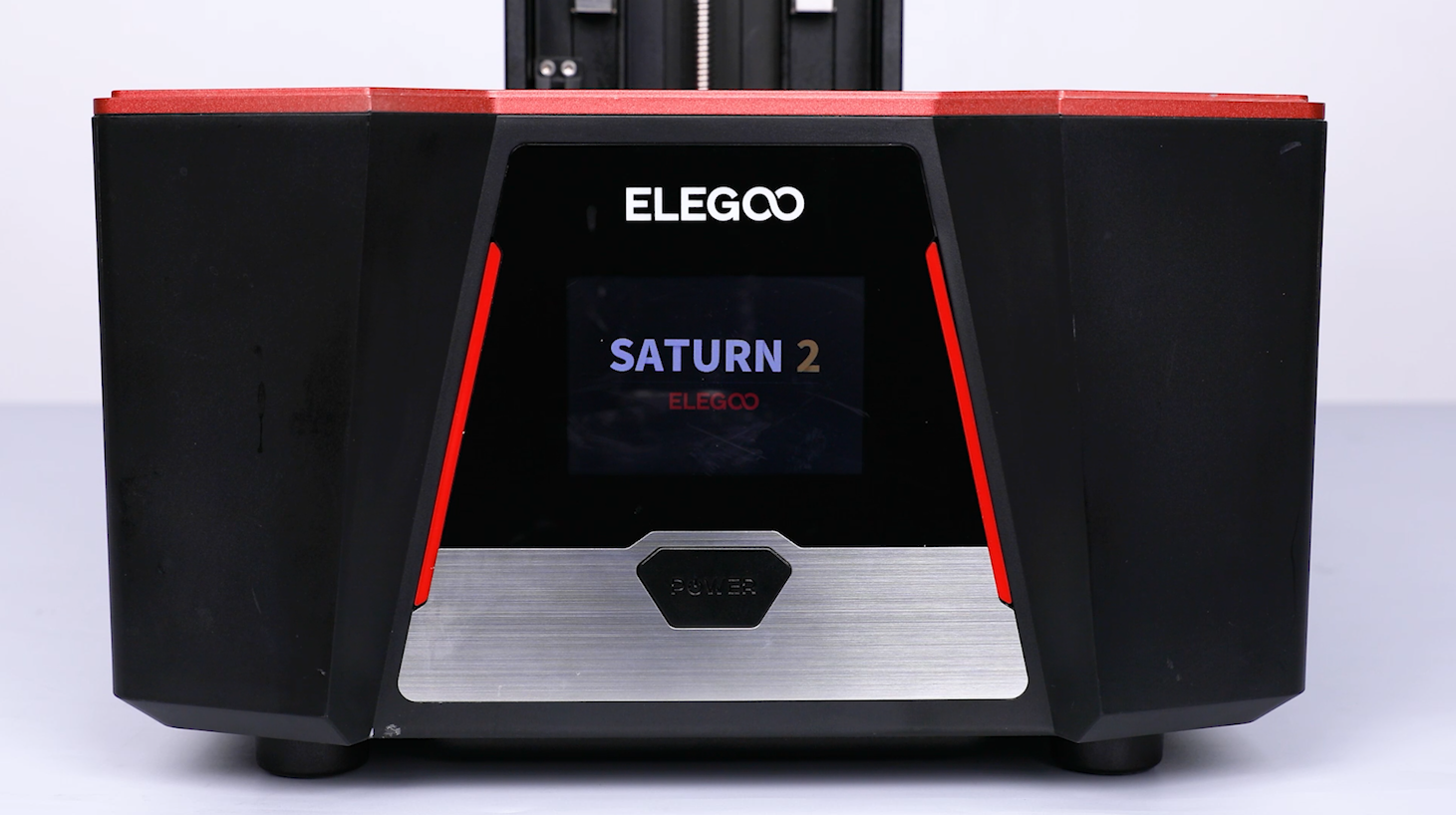
¶ Tools and Materials
- 2.0mm Allen key x 1
- 2.5mm Allen key x 1
- New adpater board
¶ Tutorial Video
¶ Operation Steps
¶ Remove the old PCB of power switch
-
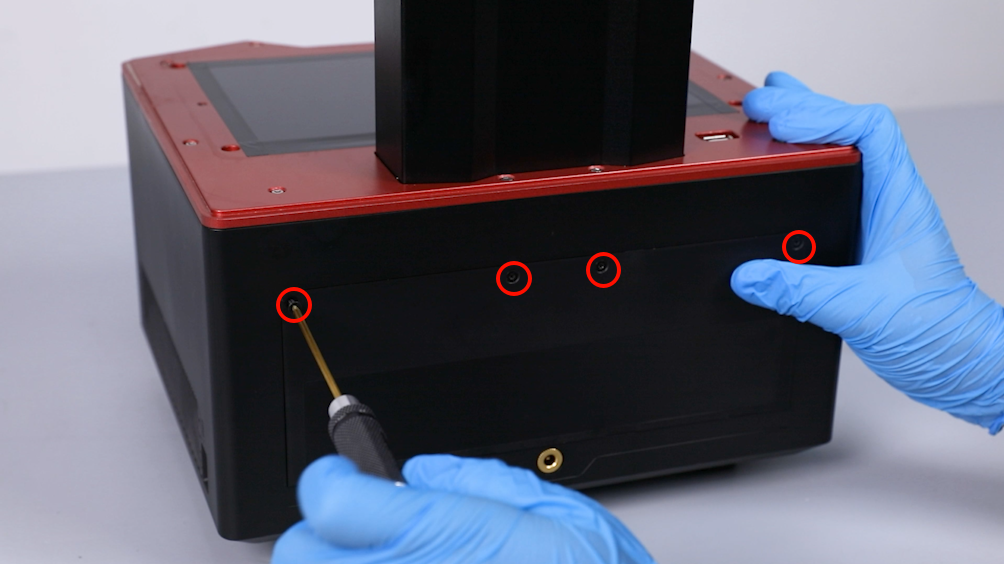
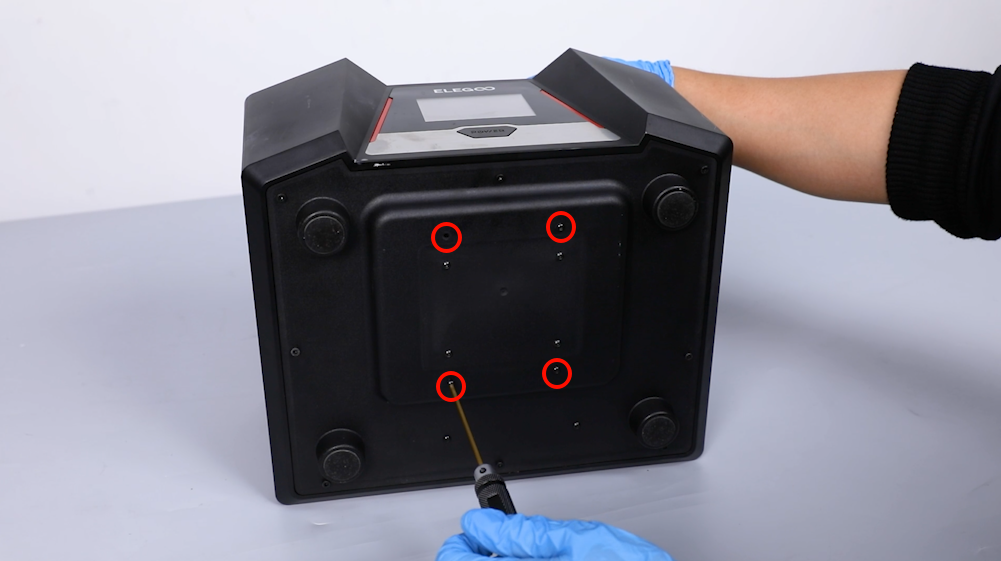
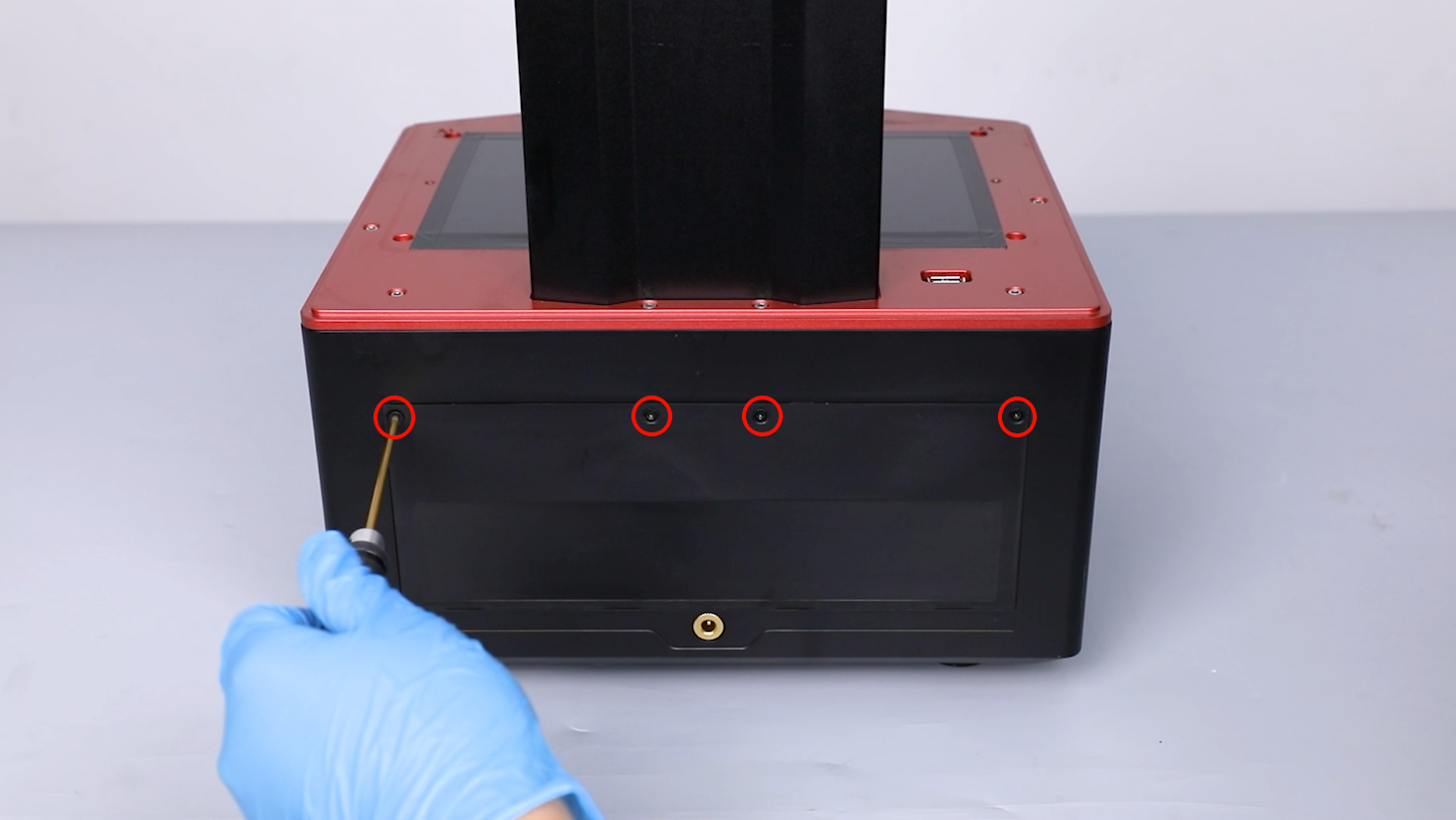
Use a 2.0 mm Allen key to loosen the 4 screws securing the back cover of the printer.
-
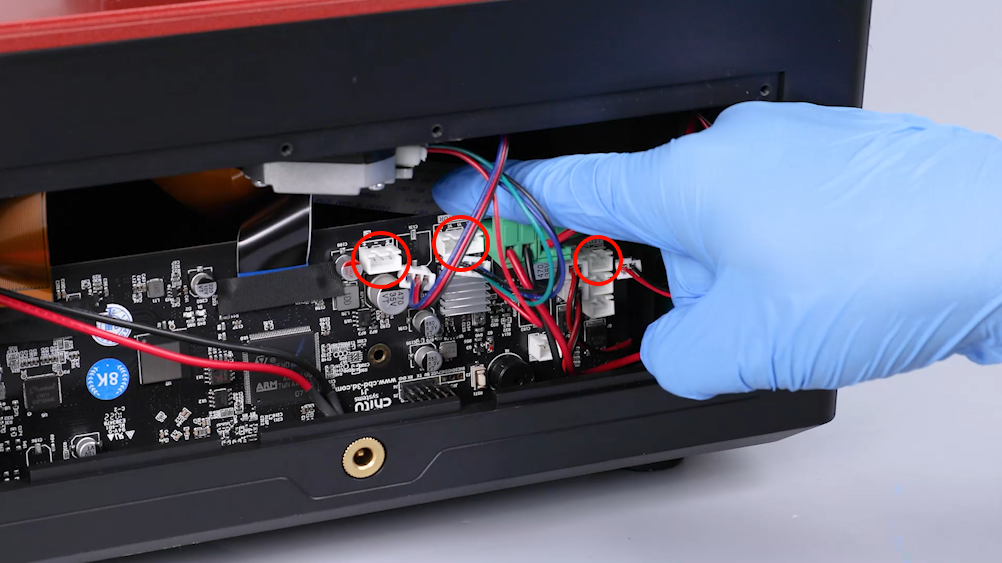
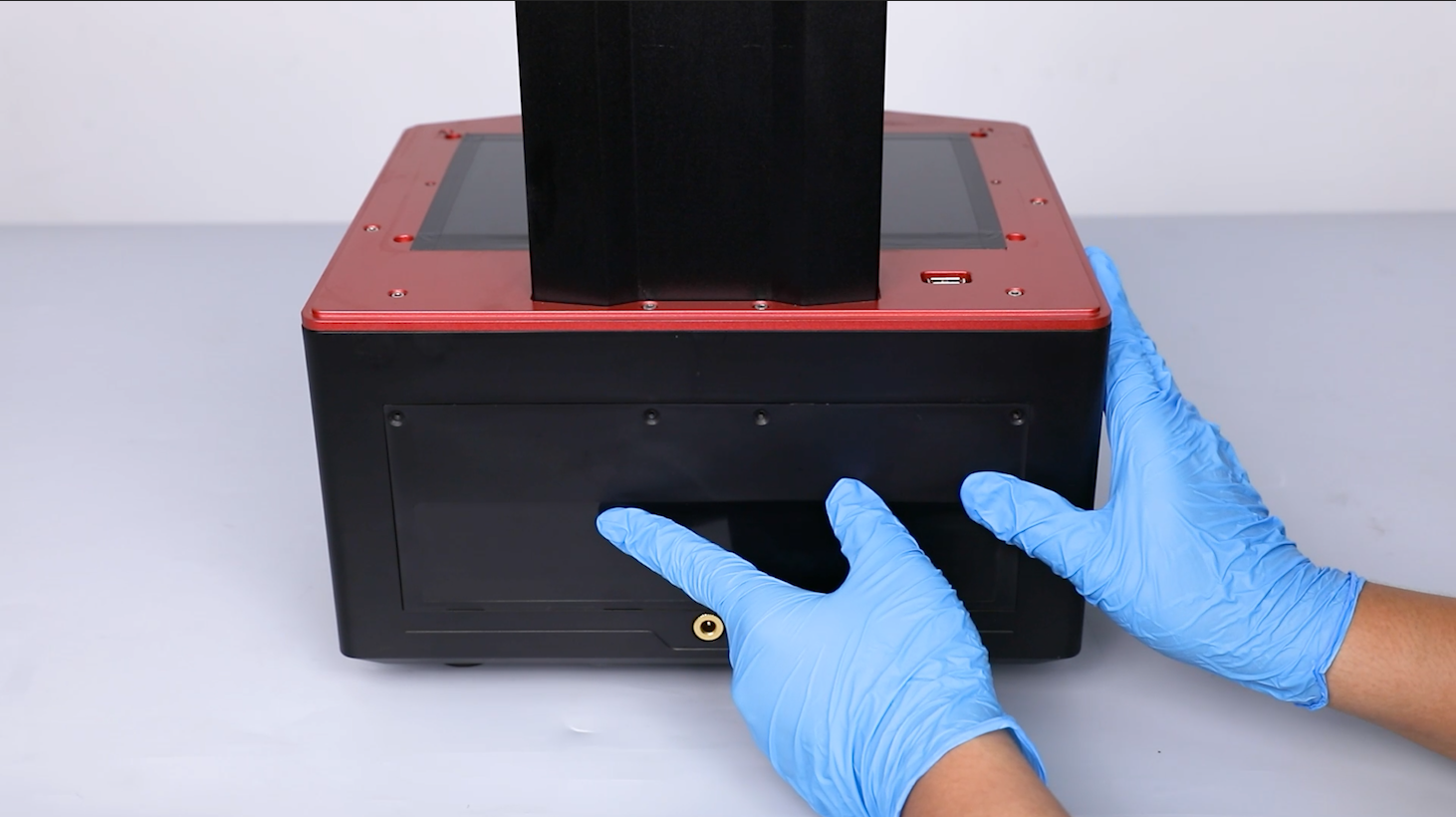
Remove the back cover of the printer. Unplug the cables of the air purifier, motor and limit switch on the motherboard.
-
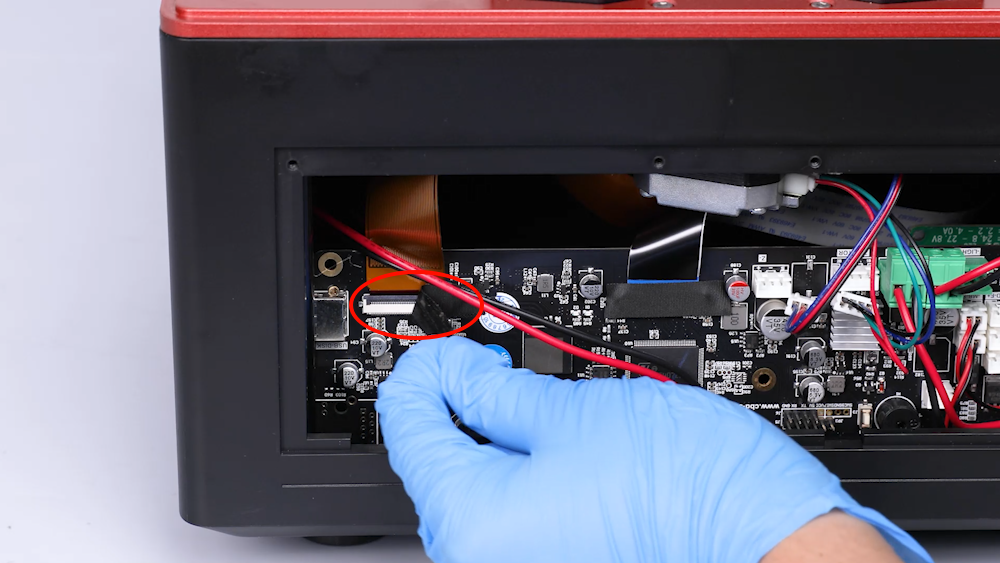
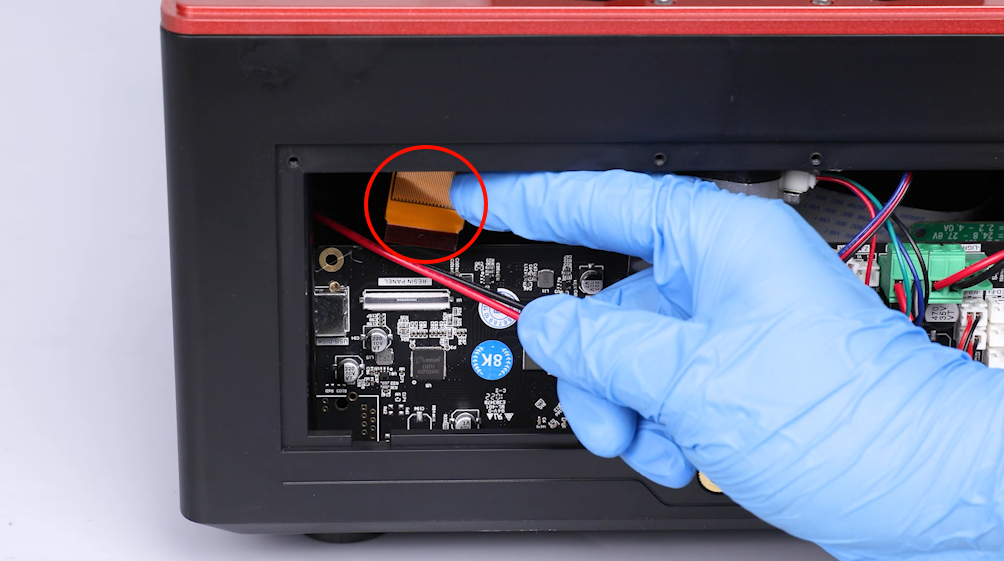
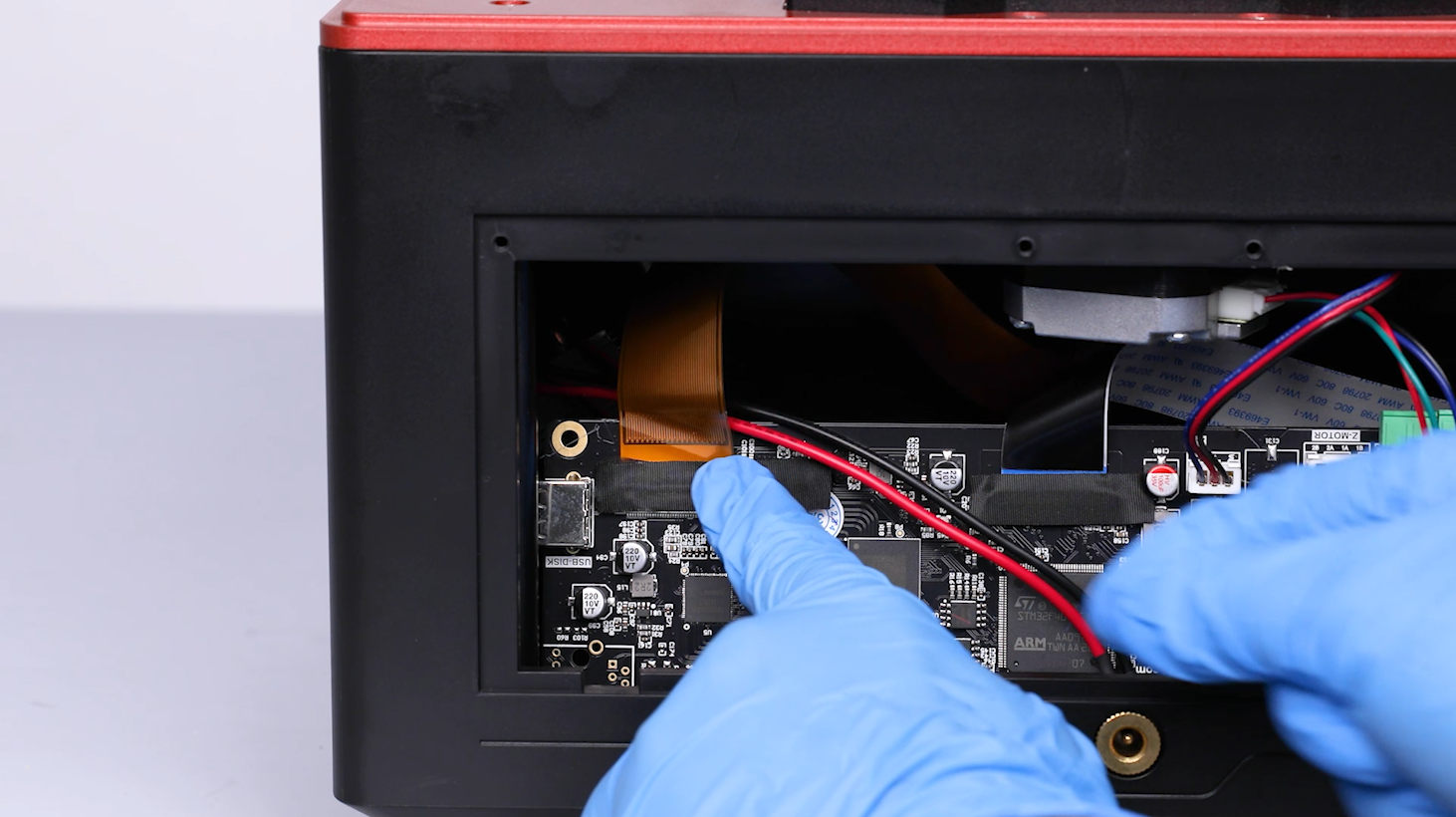
Tear off the black tape attached to the LCD screen port on the motherboard. Remove the cable of the LCD screen port.
Note: Reserve the tape for future use.
-
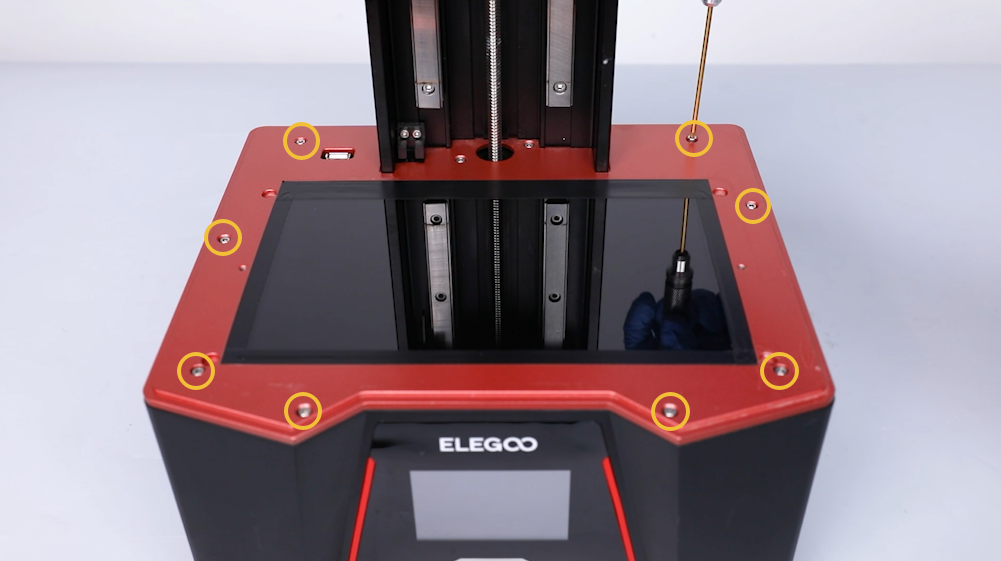
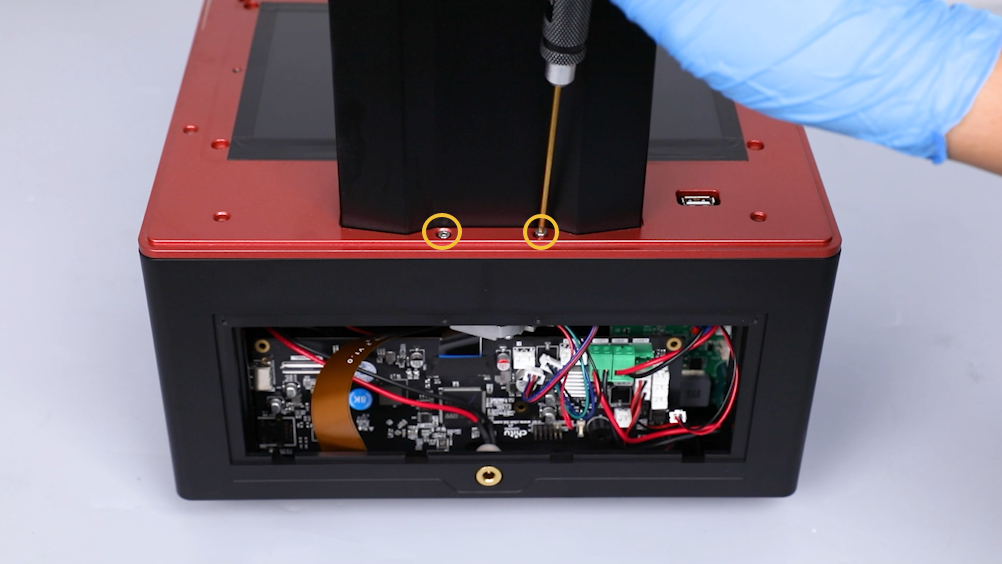
Using a 2.5mm Allen key, loosen the ten screws securing the middle housing.
-
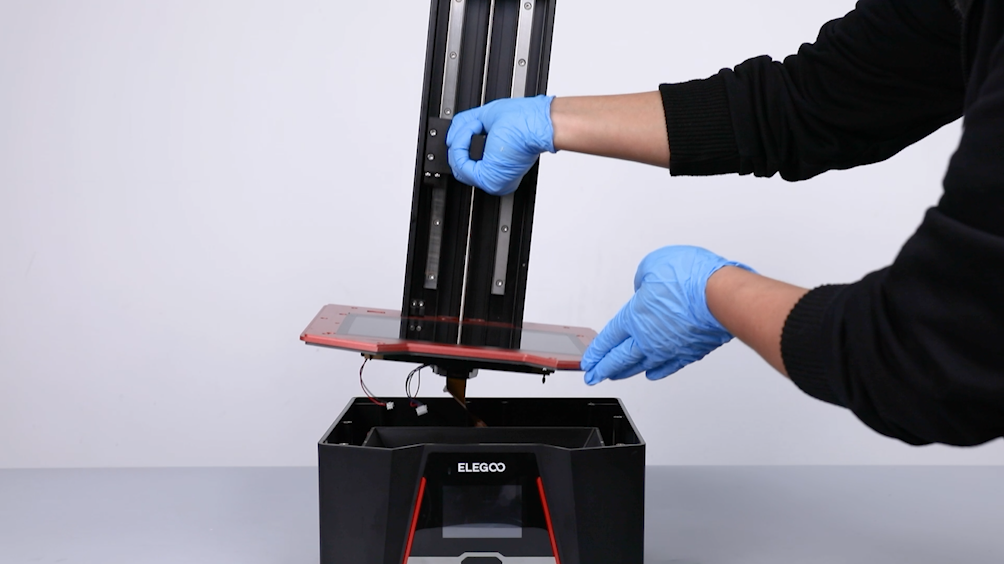
Lift to remove the middle housing.
Note: Organize the inner cables to avoid any damage.
-
Loosen the 4 screws securing the lens shade at the bottom cover of the printer using a 2.0 mm Allen key.
Note: Hold the lens shade to prevent it from falling while loosening the screws.
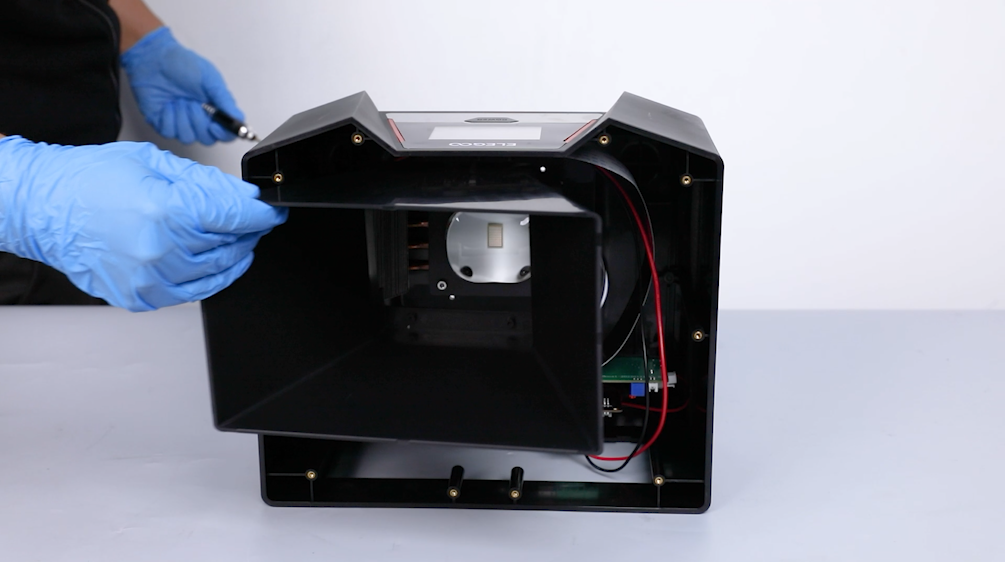
-
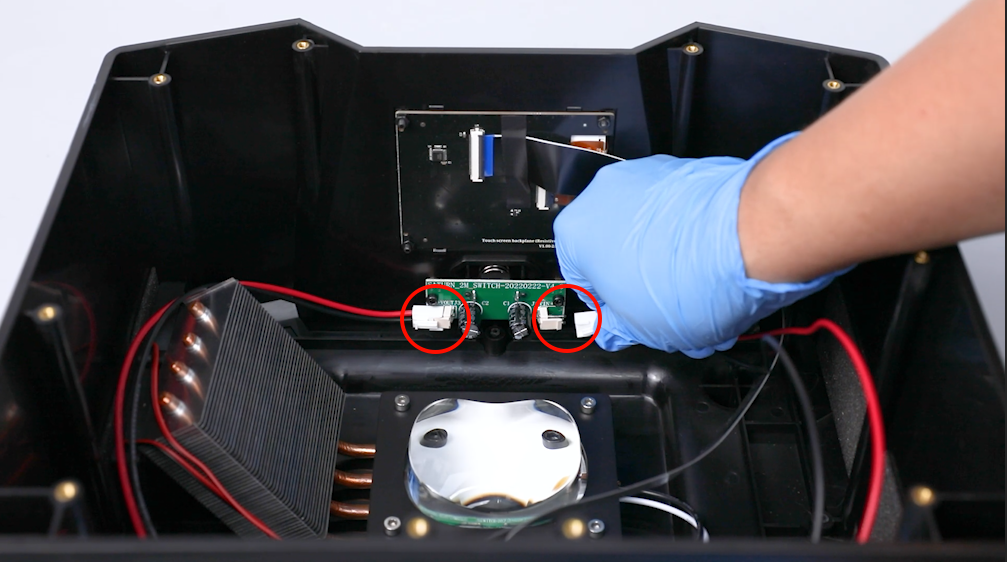
Remove the lens shade. Disconnect the cable of the PCB of power switch.
-
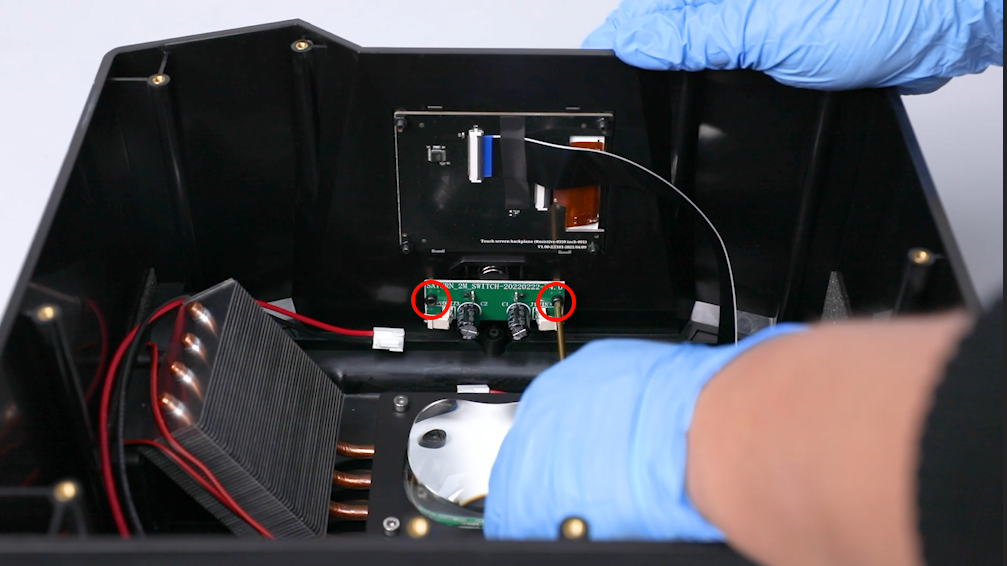
Using a 2.5mm Allen key, loosen the two screws securing the PCB of power switch. Remove the old PCB of power switch and the spring.
¶ Install the New Adpater Board
- Prepare the new adpater board. Put the spring in the installation position by aligning it with the screw holes.
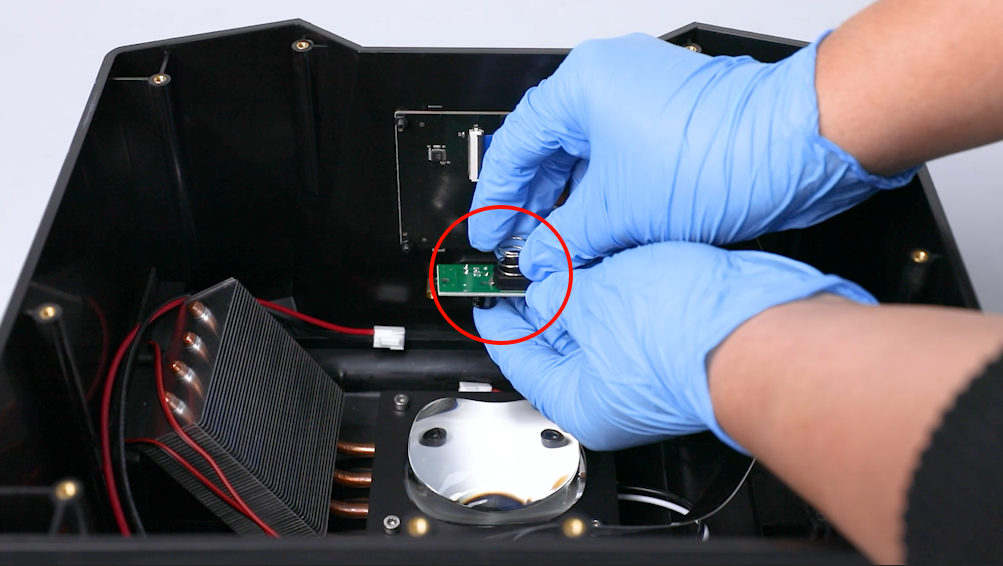
- Put the PCB of power switch in the installation position by aligning it with the screw holes.
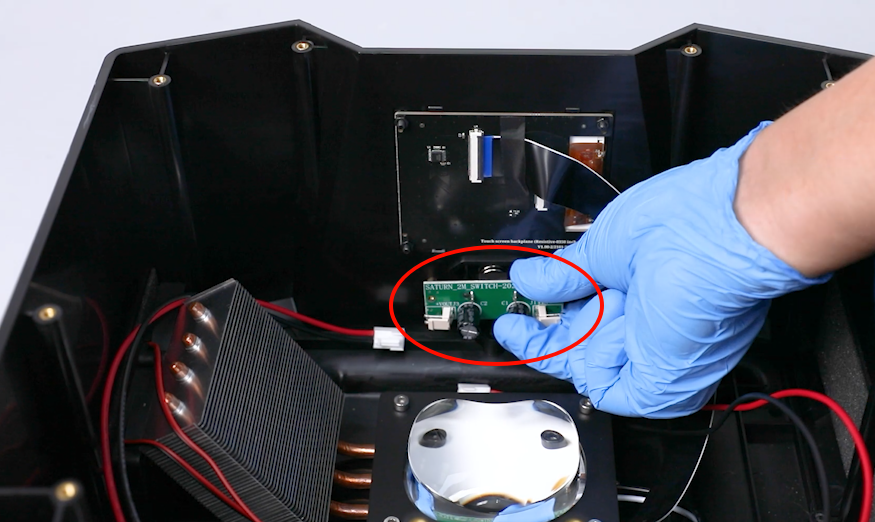
- Tighten the 2 screws securing the PCB of power switch using a 2.5 mm Allen key.
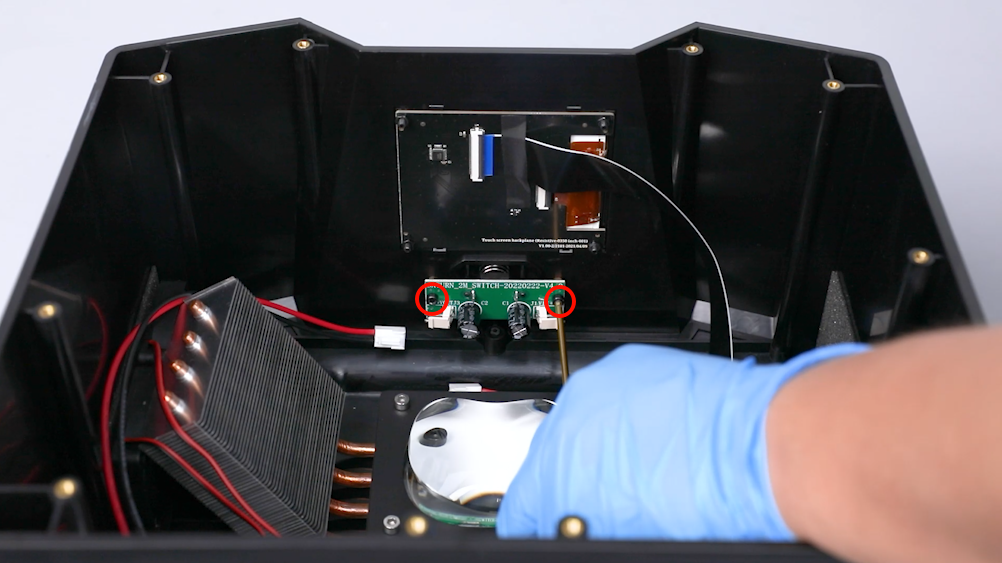
- Insert the cables on the PCB of power switch.
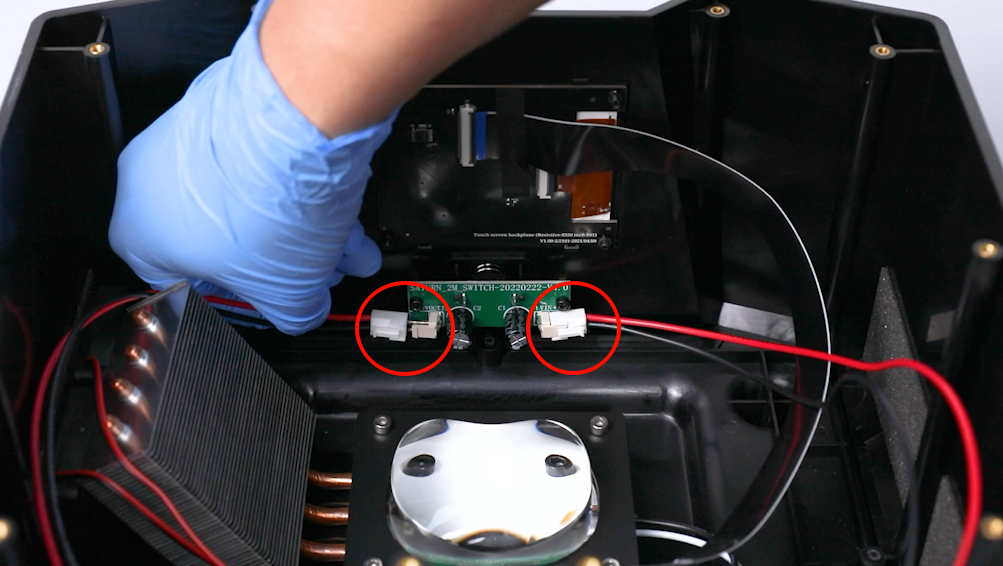
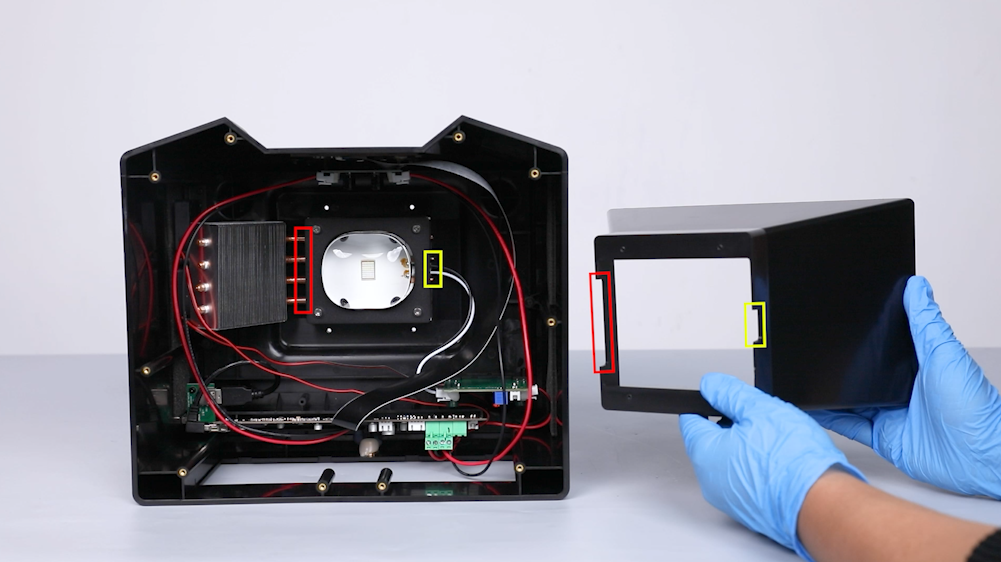
- Put the lens shade in the installation position by aligning it with the two slots.
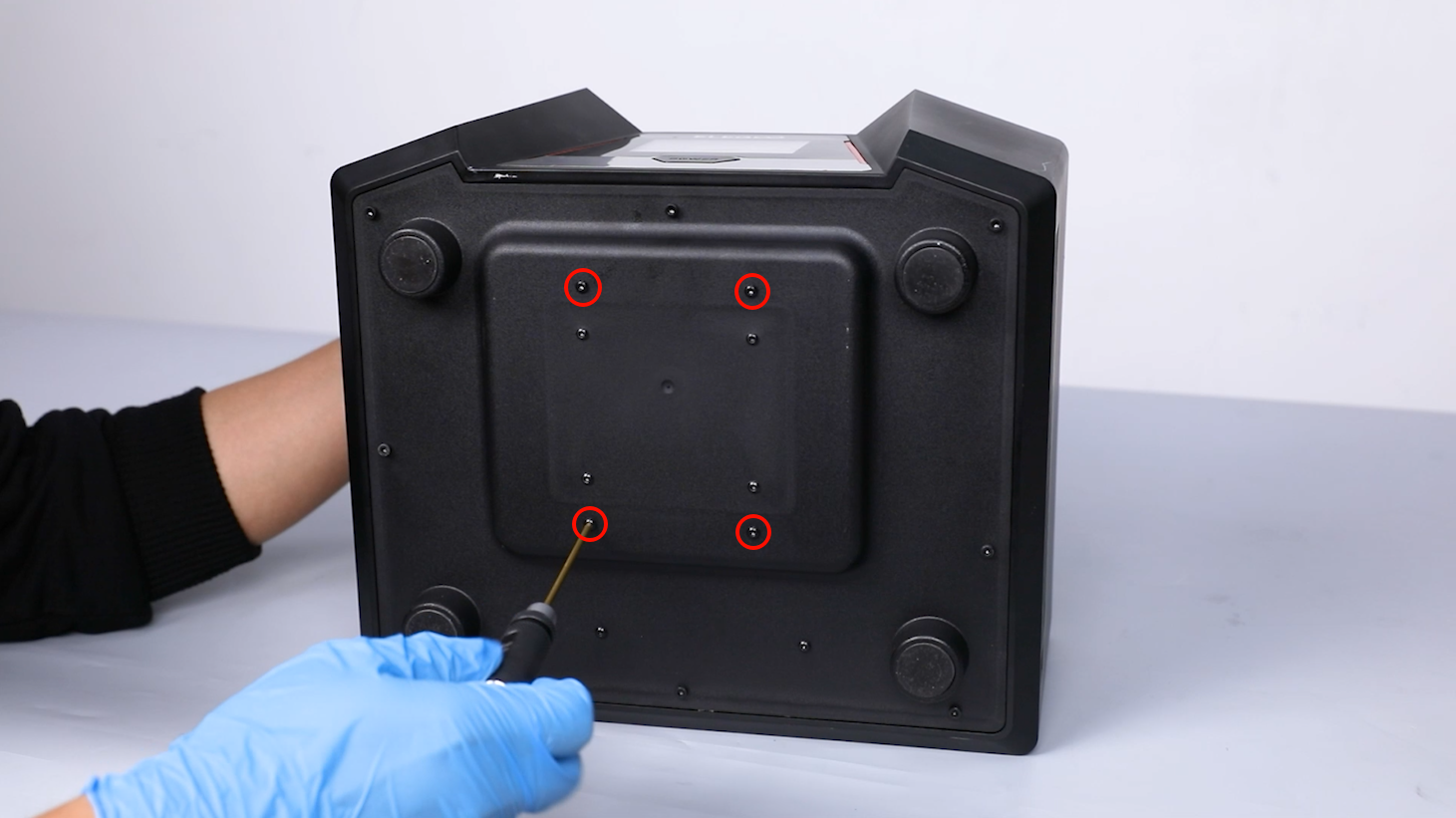
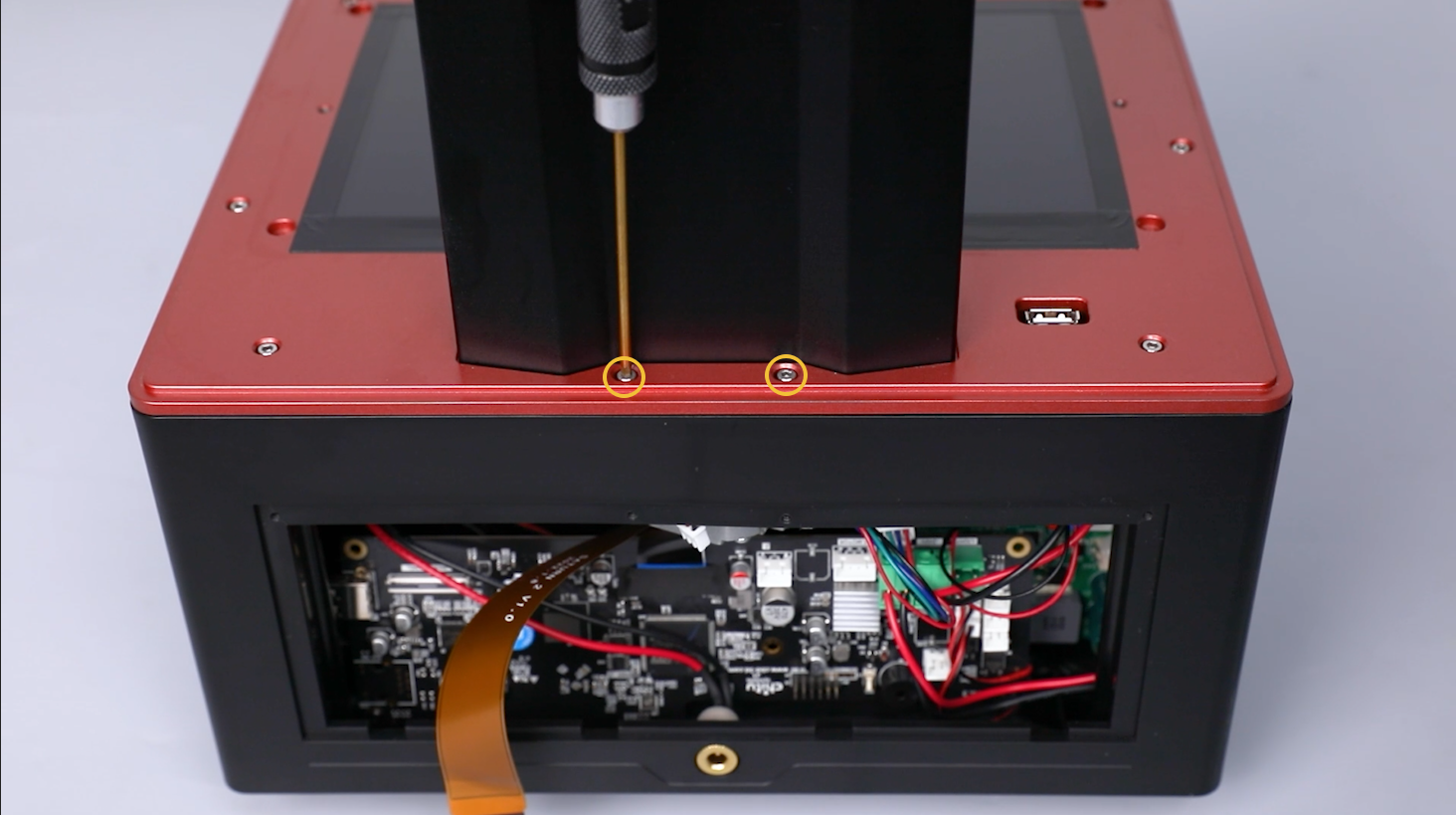
- Tighten the 4 screws securing the lens shade at the bottom cover of the printer using a 2.0 mm Allen key.
- Put the middle housing in the installation position by aligning it with the screw holes.
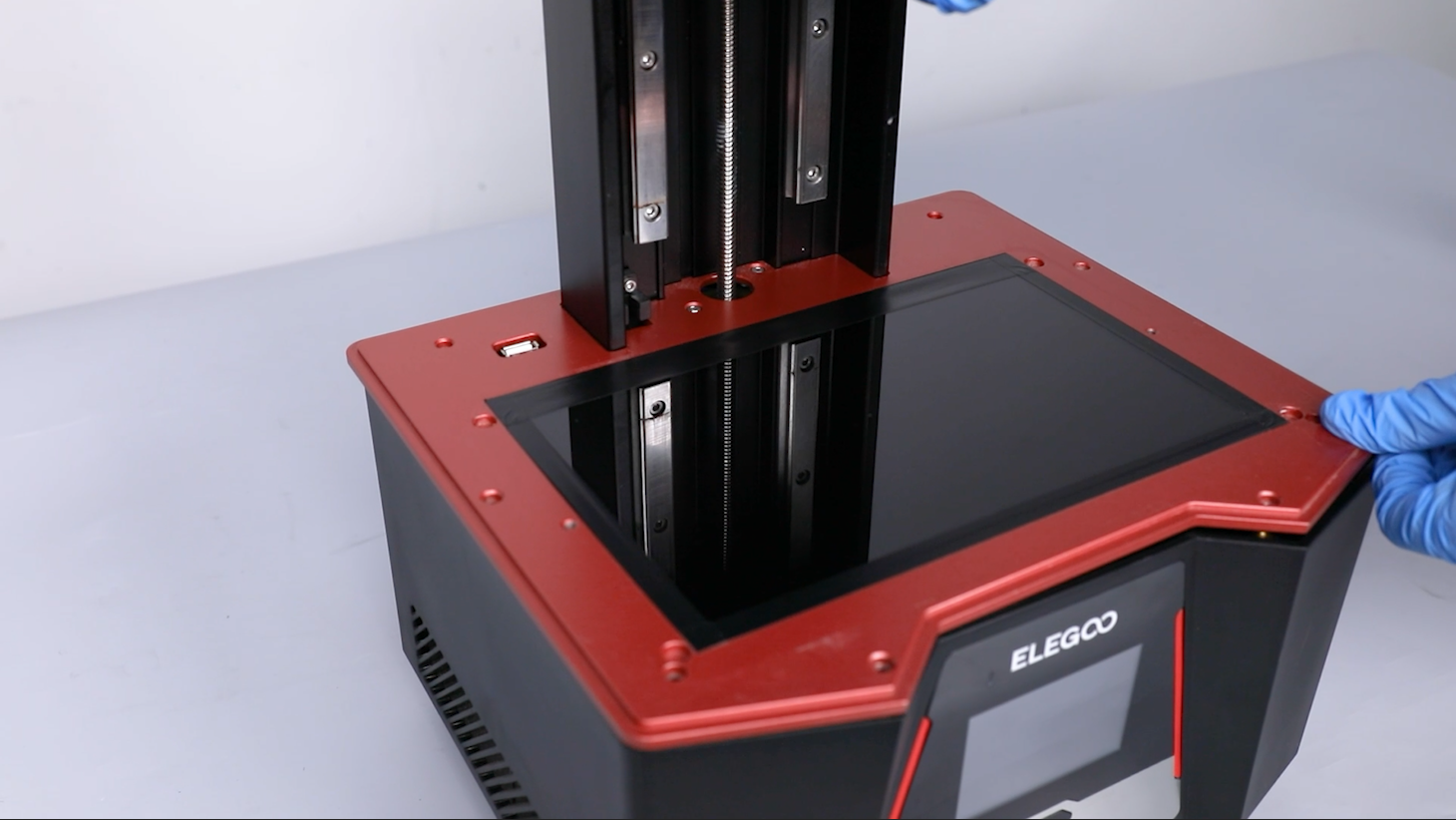
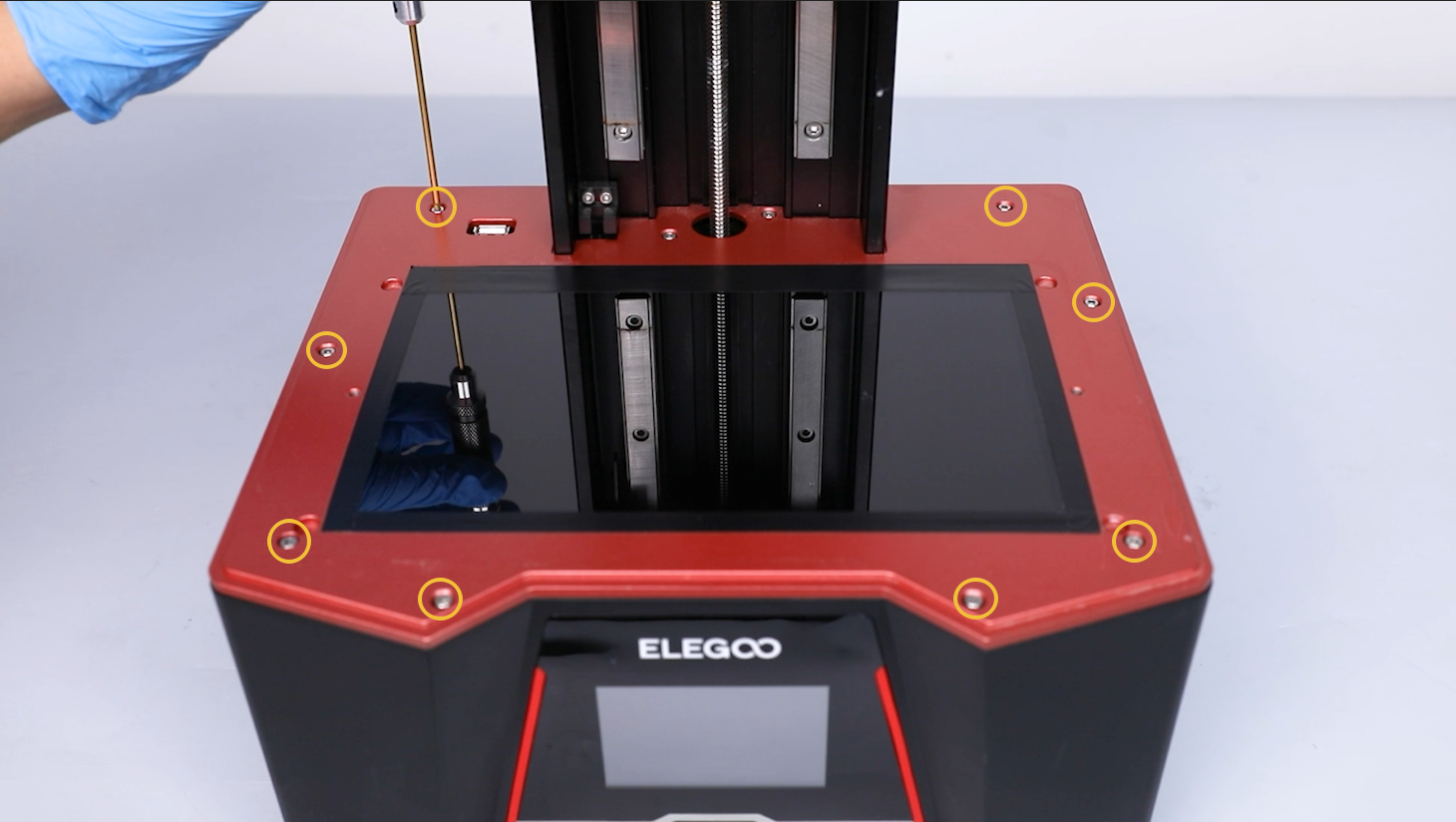
- Tighten the 10 screws securing the middle housing using a 2.5 mm Allen key.
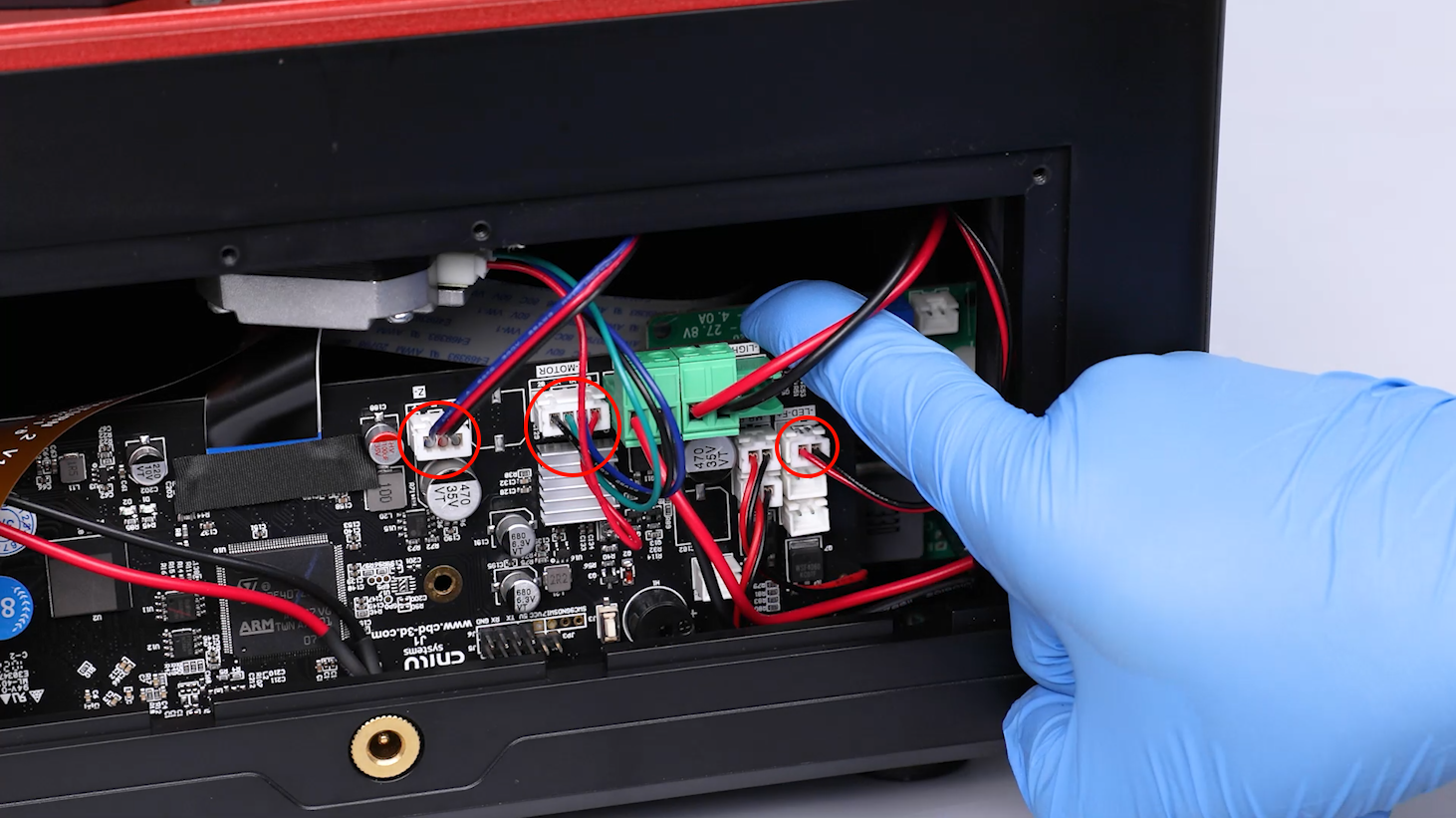
- Reconnect the cable of the air purifier to the LED-F port on the motherboard. Reconnect the motor cable to the Z-MOTOR port on the motherboard. Reconnect the limit switch cable to the Z- port on the motherboard.
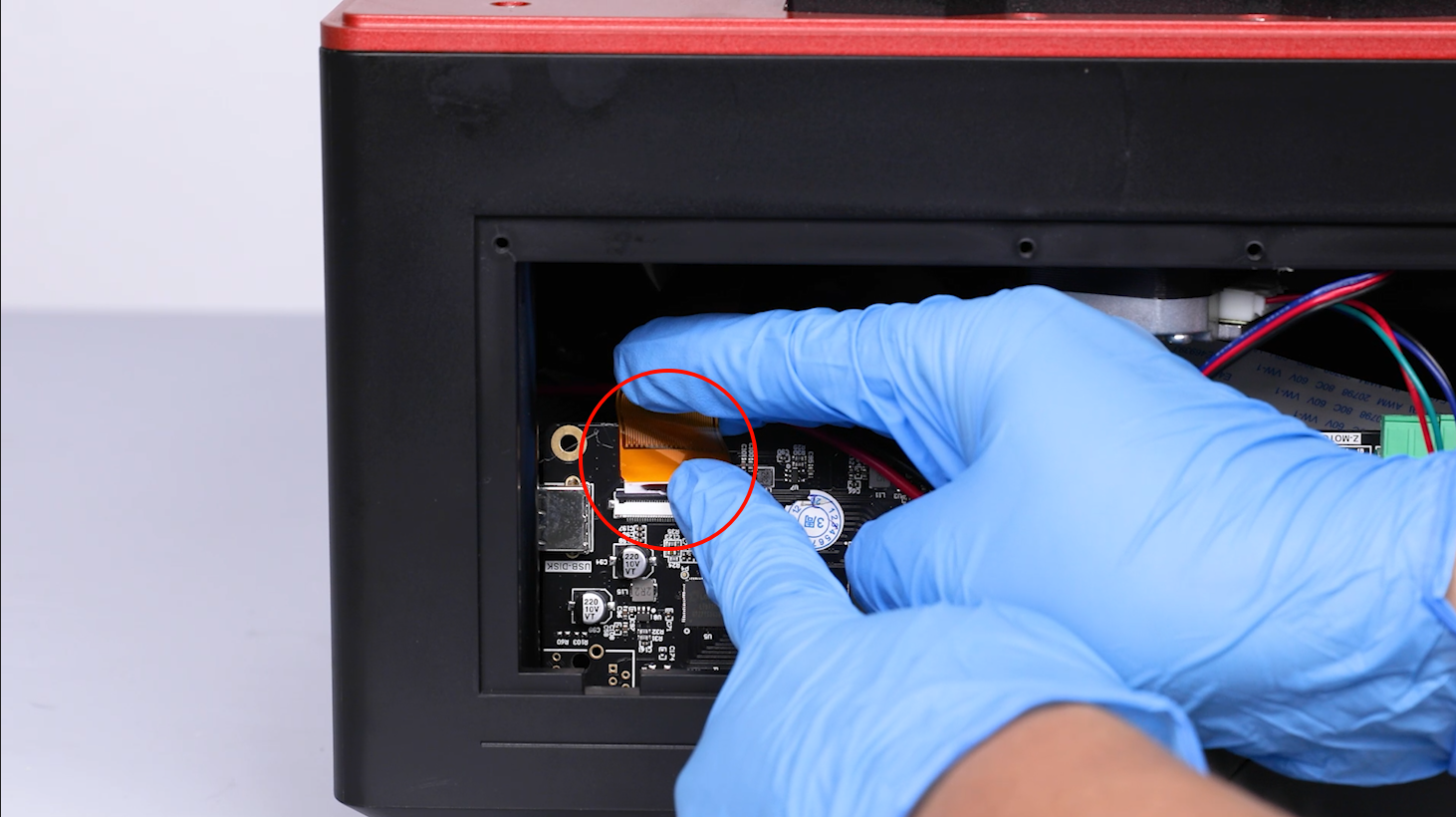
- Insert the LCD screen cable into the port on the motherboard. Adhere the black tape to the LCD ribbon cable port.
Note: The LCD screen ribbon cable has a fixed installation position.
- Put the back cover in the installation position by aligning it with the screw holes. Tighten the 4 screws securing the back cover using a 2.0 mm Allen key.
- Power on the printer. The printer is ready for use after the touchscreen works normally.