¶ CP210x
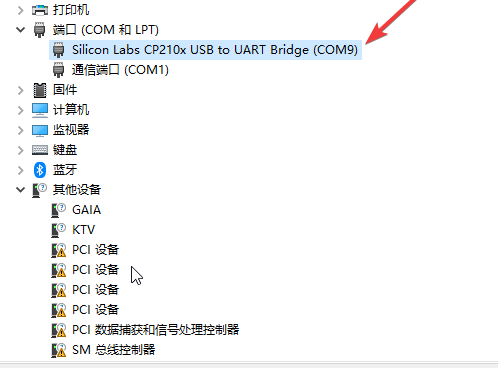
If the USB port cannot be detected when connecting the ESP32, open Device Manager and check whether the corresponding driver is listed under Ports. If there is no matching device or a yellow exclamation mark appears, the driver is incompatible.
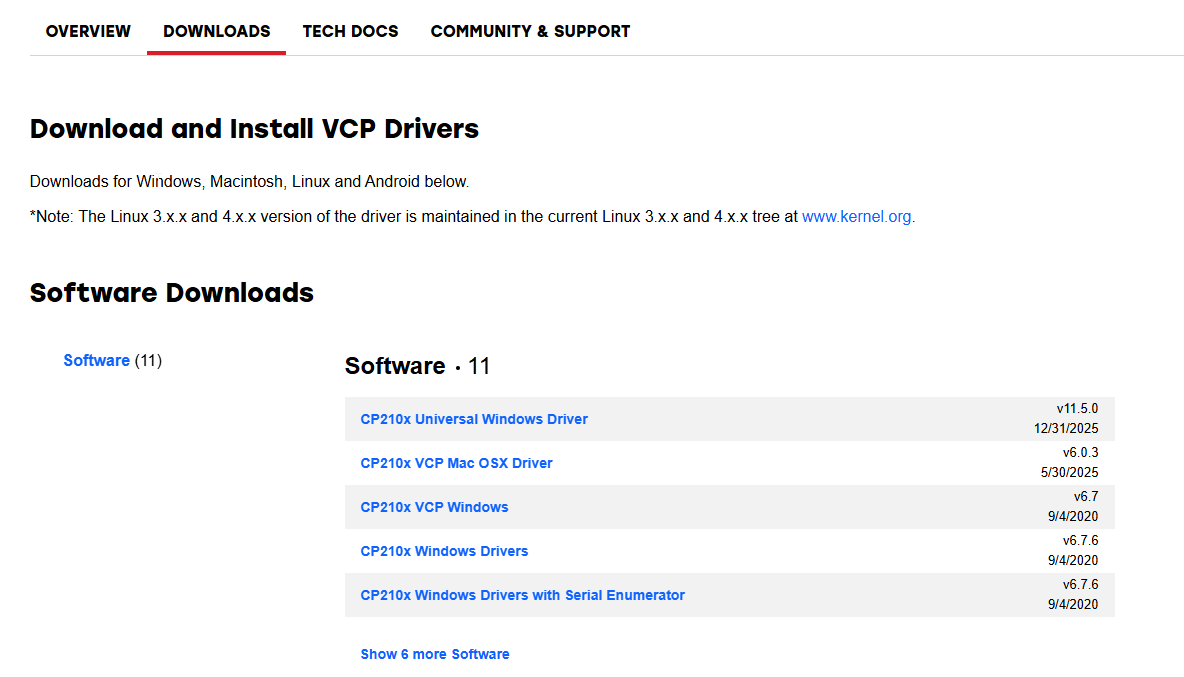
Click the official link, navigate to the download section, select the software package compatible with your computer system, download it locally, then follow the standard installation procedure to finish setup.
https://www.silabs.com/software-and-tools/usb-to-uart-bridge-vcp-drivers?tab=downloads
Extract the compressed file to local storage, double-click the corresponding exe file to install the driver directly, as shown in the figure below:
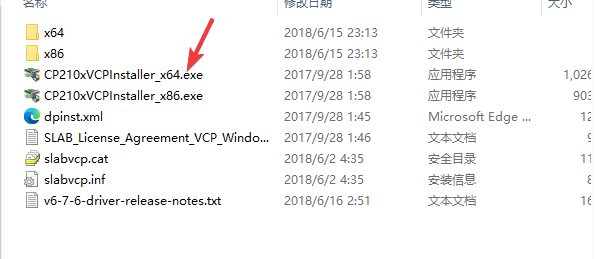
Alternatively, right-click the target device in Device Manager to update the driver, then select the extracted folder manually for driver installation.