¶ Issue Description
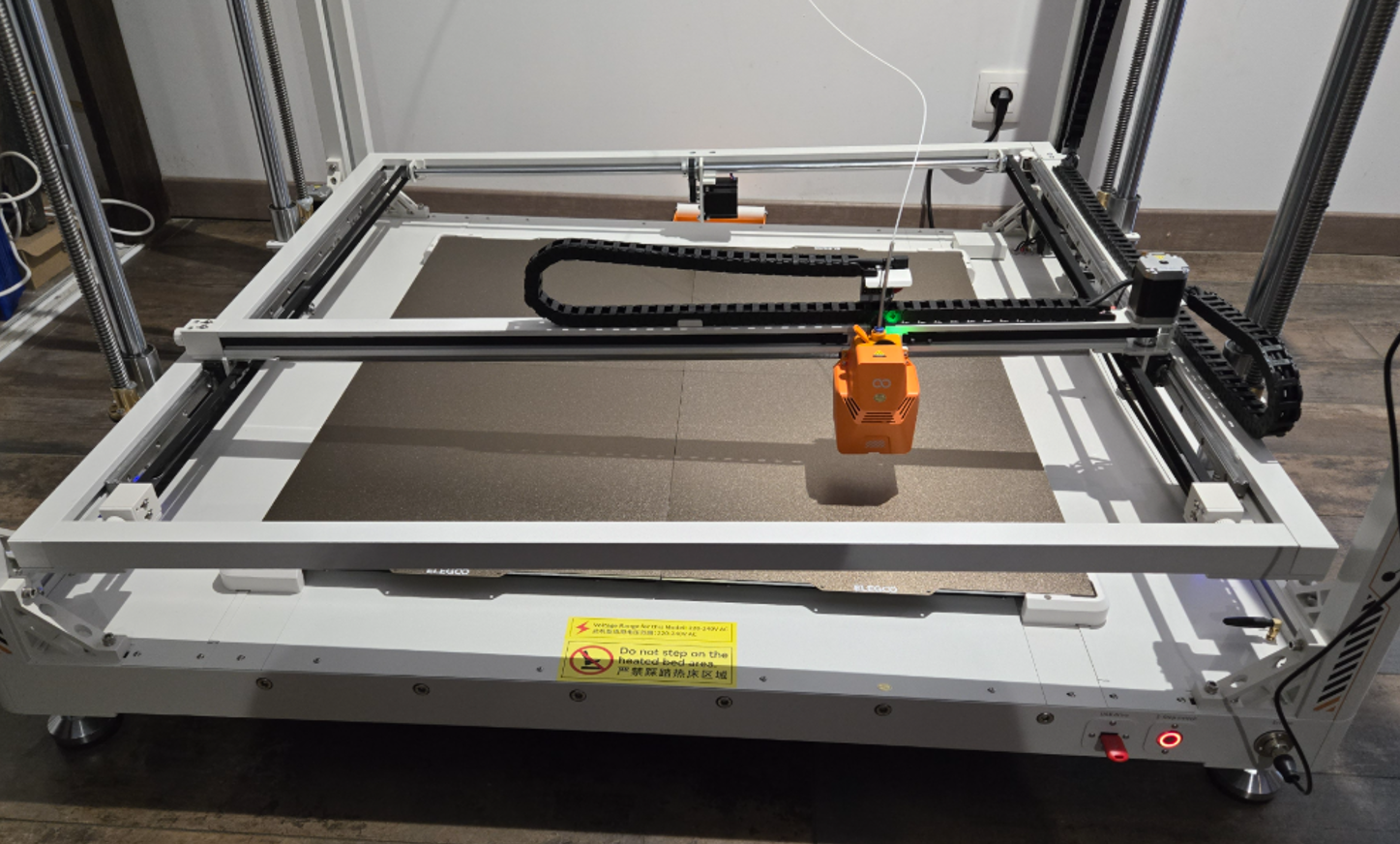
During the homing process, one side of the Z axis fails to move up or down.
¶ Reasons
-
The Z-axis photoelectric limit switch is faulty.
-
One of the components is damaged: Z-axis motor, Z-axis motor cable or the motherboard.
¶ Troubleshooting Steps
¶ Tools needed for troubleshooting
- A 2.0 mm Allen key
¶ If the left and right Z axes fail to move down during homing
In normal conditions, the Z-axis photoelectric limit switch indicator light turns on when an object enters the sensing area and turns off when no object is present.
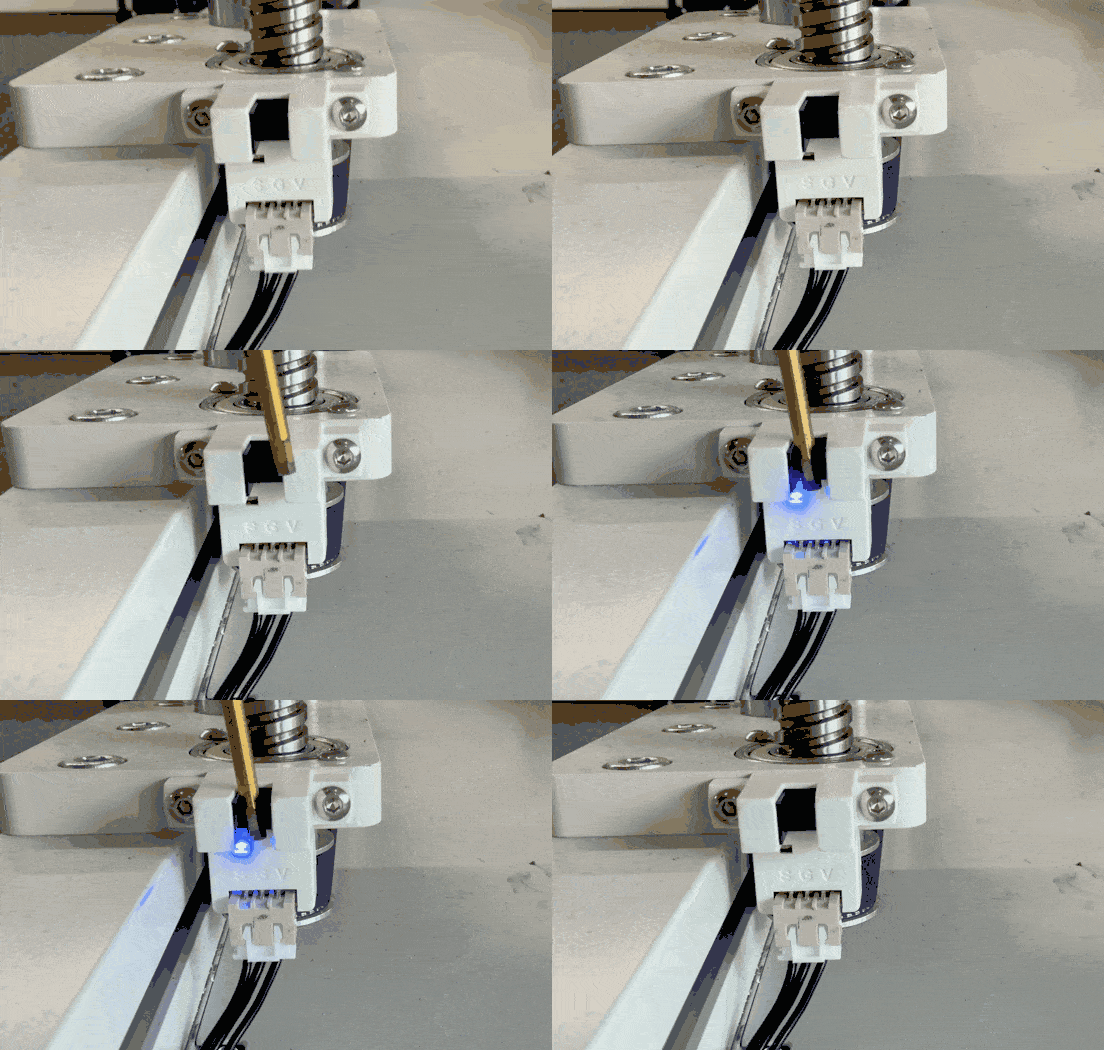
¶ Step 1 Check the status of the indicator light of the left or right Z-axis photoelectric limit switch.
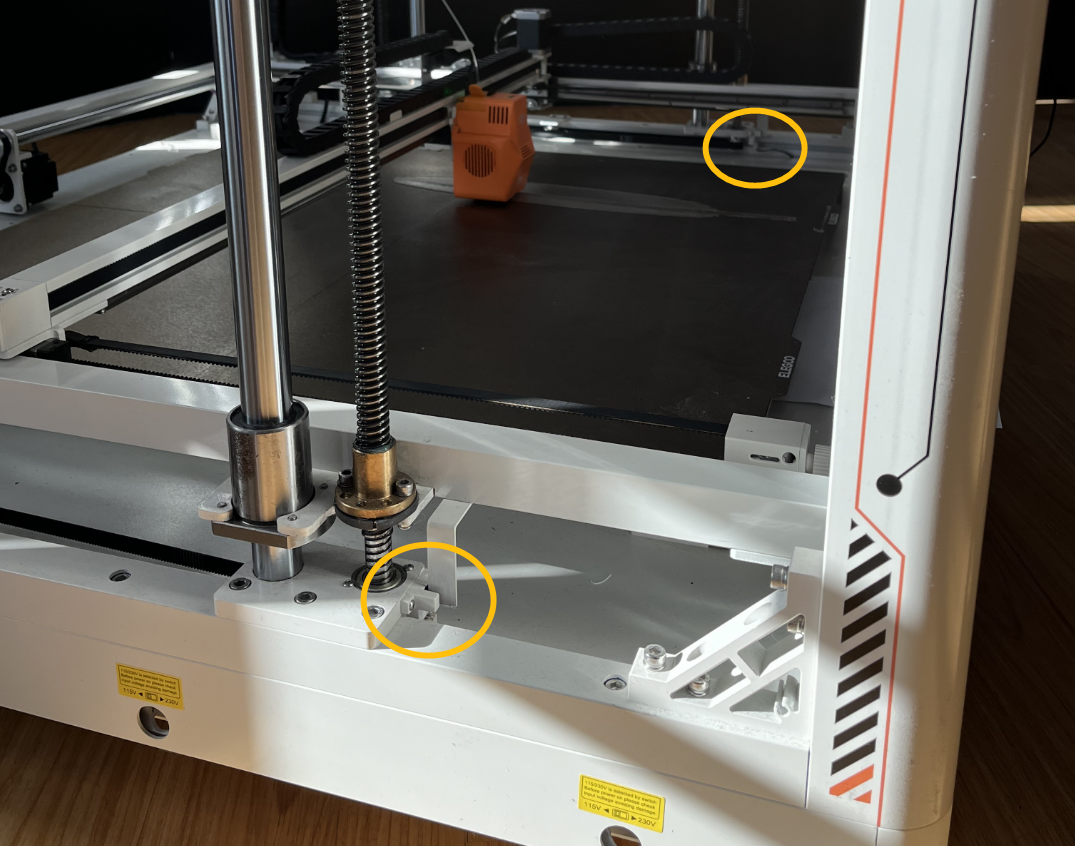
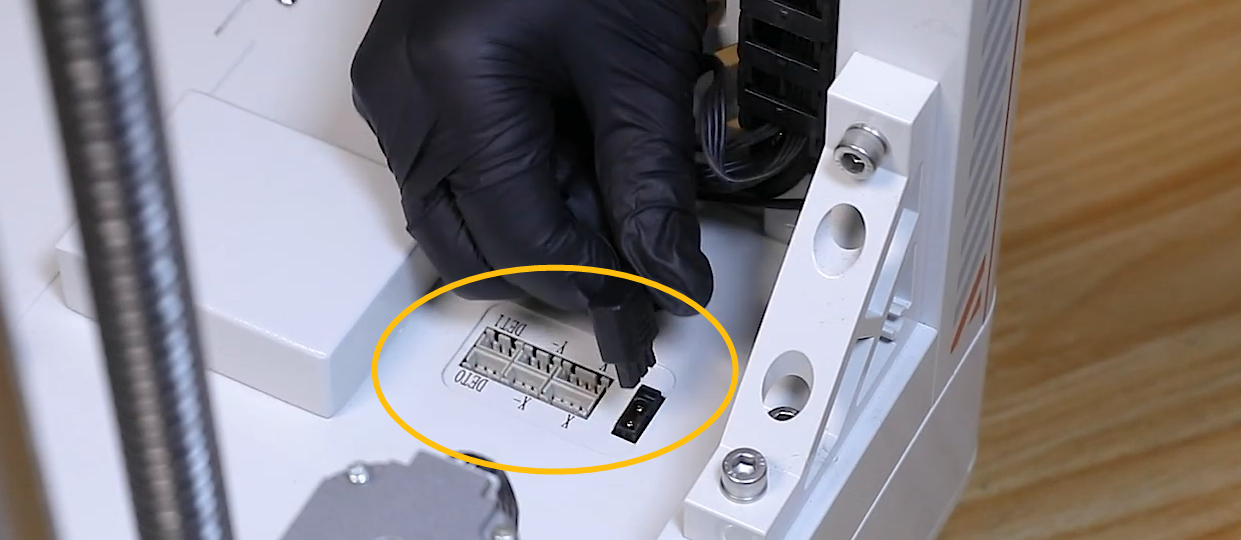
- Turn the power switch OFF (symbol "〇") and swap the left and right photoelectric limit switches.
-
If the indicator light of the left photoelectric limit switch is still constantly on after swapping, it indicates that the Z photoelectric limit switch is damaged and needs to be replaced.
-
If the indicator light of the photoelectric limit switch is no longer constantly on after swapping, it indicates that the cable of the Z photoelectric limit switch is damaged and needs to be replaced.
Note:- It is not necessary to home the printer via the touch screen during the test. You can place any object at the marked position of the photoelectric limit switch and check if the indicator light can turn on after placing the object.
-
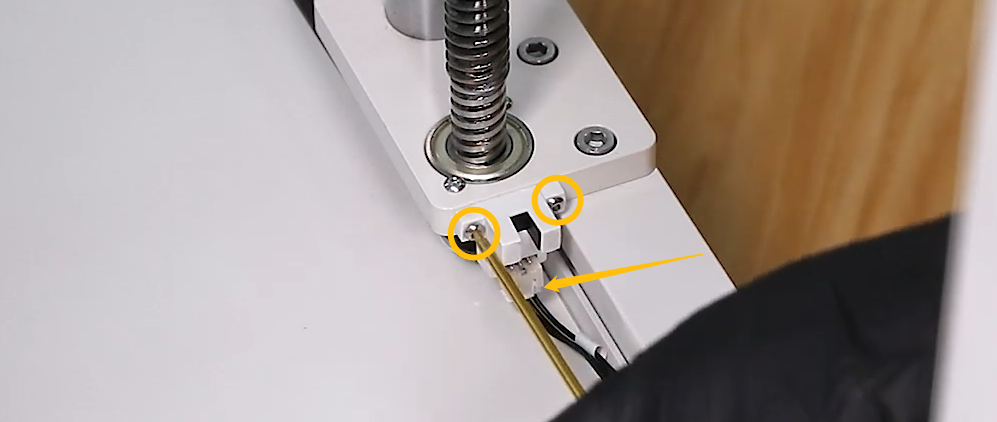
Remove the two screws at the marked position and unplug the connector to disassemble the Z photoelectric limit switch.
¶ If the left and right Z axes fail to move up during homing
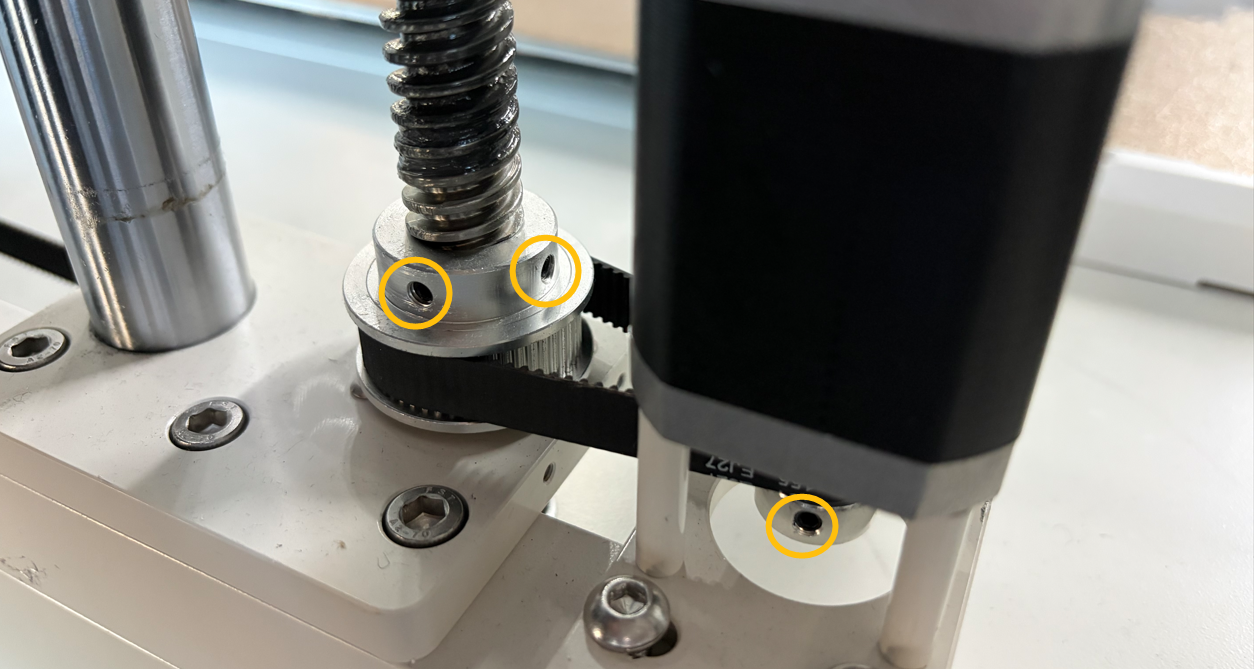
¶ Step 1 Check if the two fixing screws on the timing pulley are loose and if the Z-axis timing belt is too tight or too loose.
Note: The figure below shows the normal state.
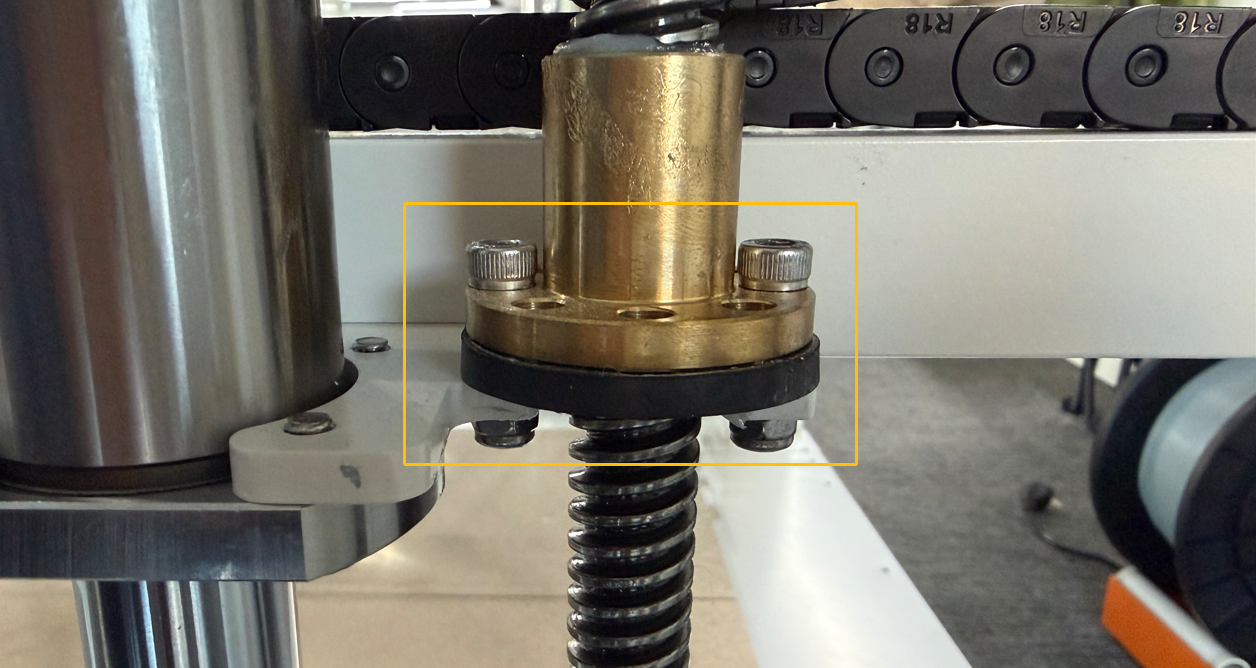
¶ Step 2 Check if the screws of the lead screw nut are too tight or too loose.
Note: The figure below shows the normal state.
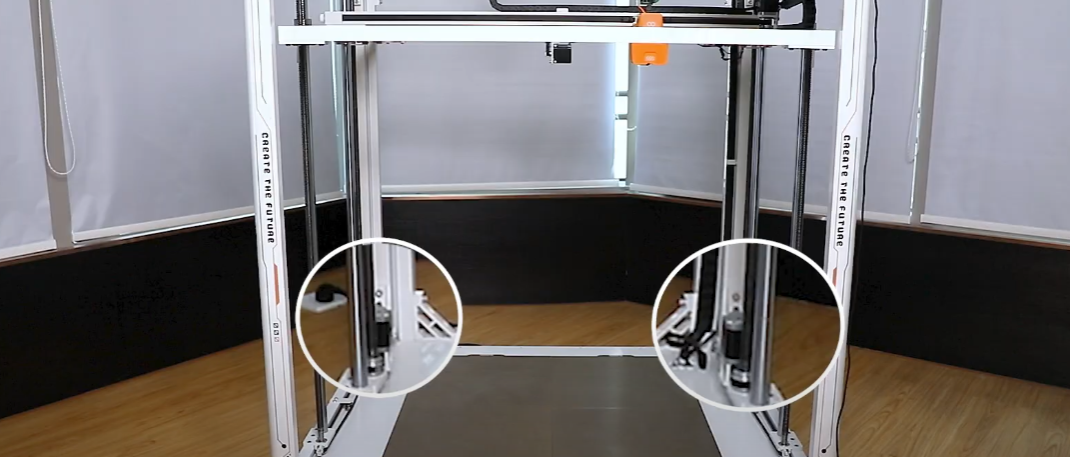
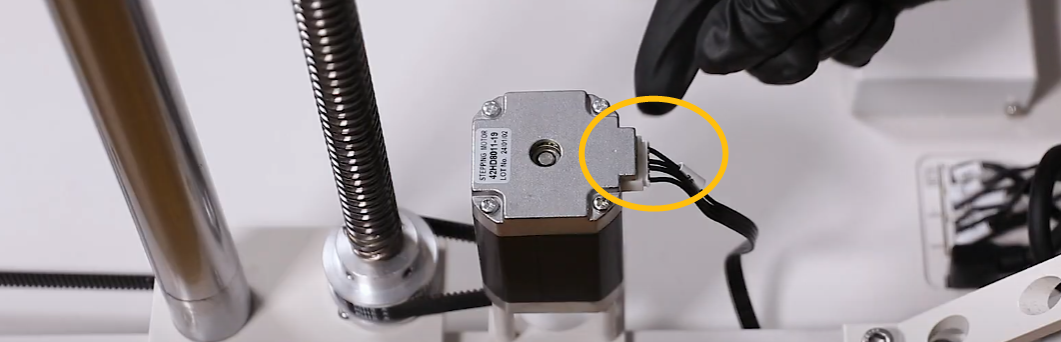
¶ Step 3 Check if the Z-axis motor cable is loosely connected.
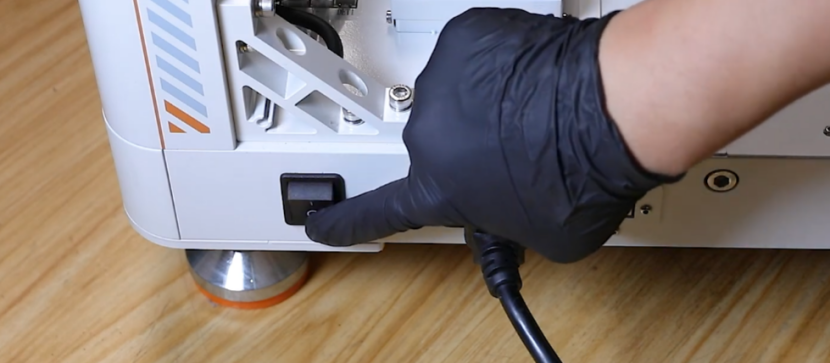
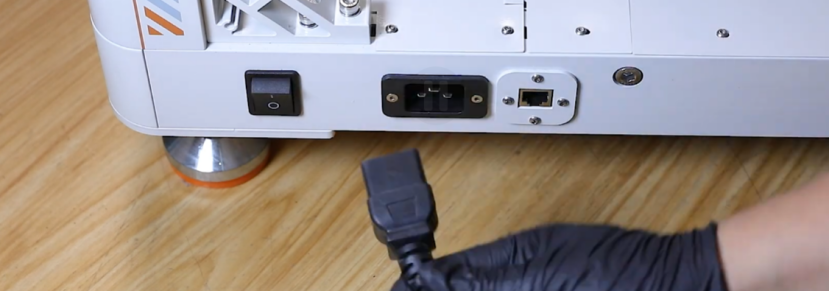
- Turn the power switch OFF (symbol "〇") and unplug the power supply cable.
- Locate the Z-axis motor and re-plug the Z-axis motor cable.
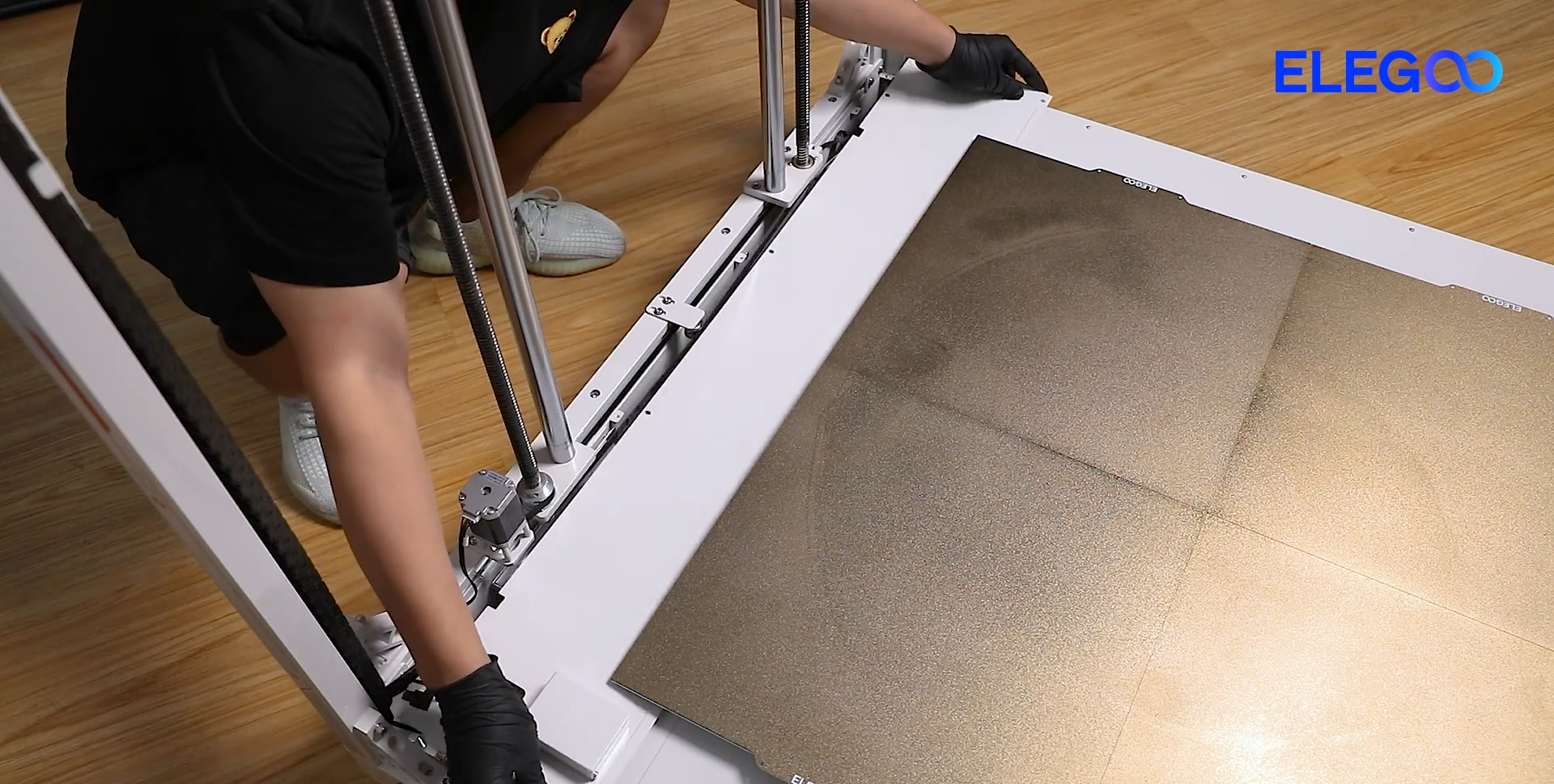
- Remove the marked screws.
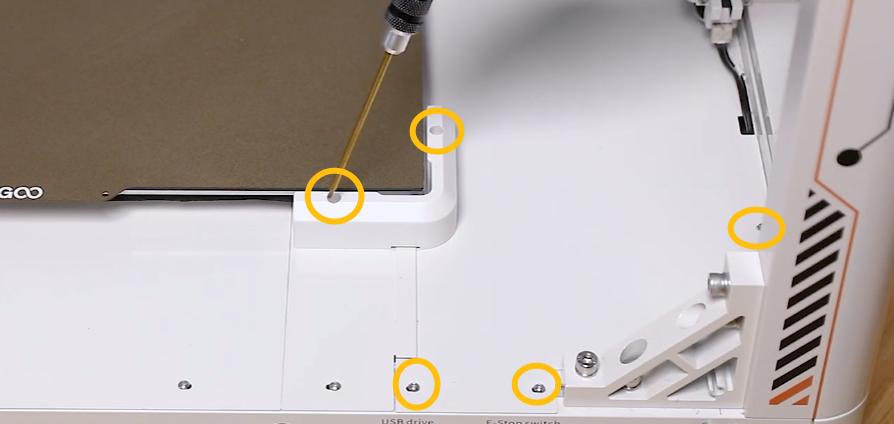
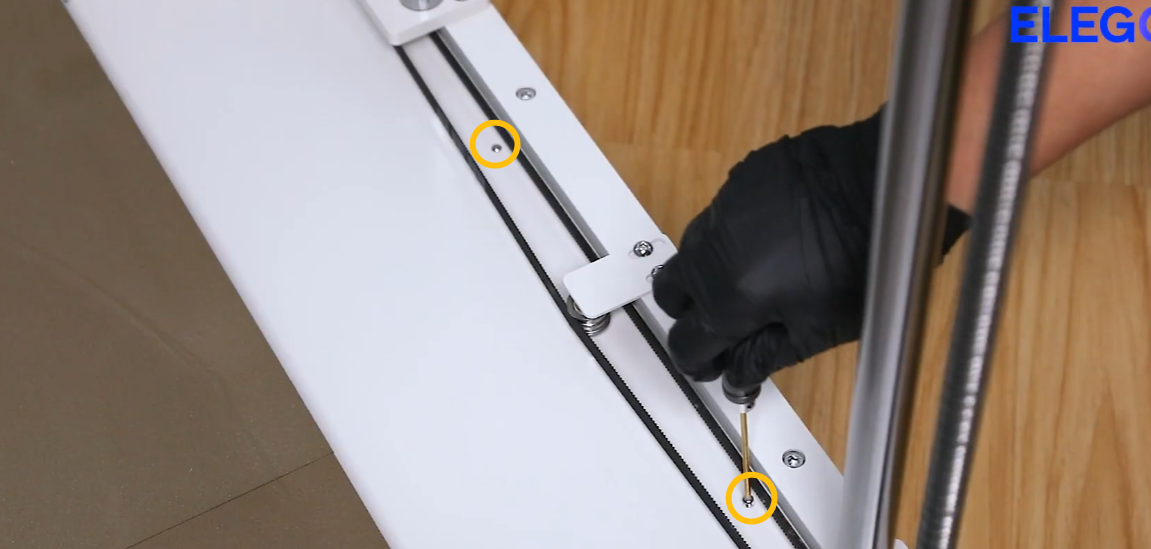

- Unplug all cables at the marked positions.
- Remove the motherboard cover.
Note: The motherboard is located at the marked position.
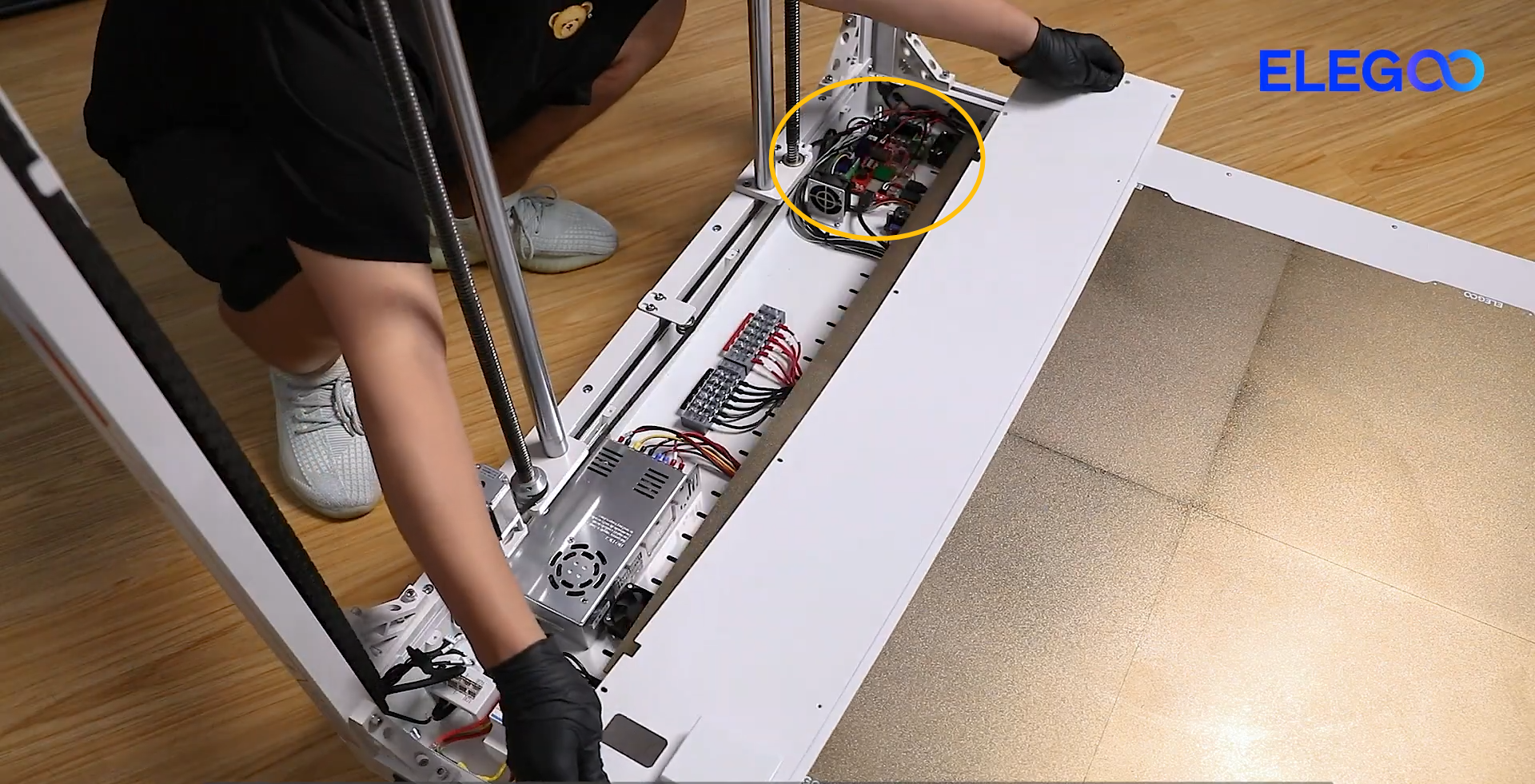
- Re-plug the Z-axis motor cables on the motherboard.
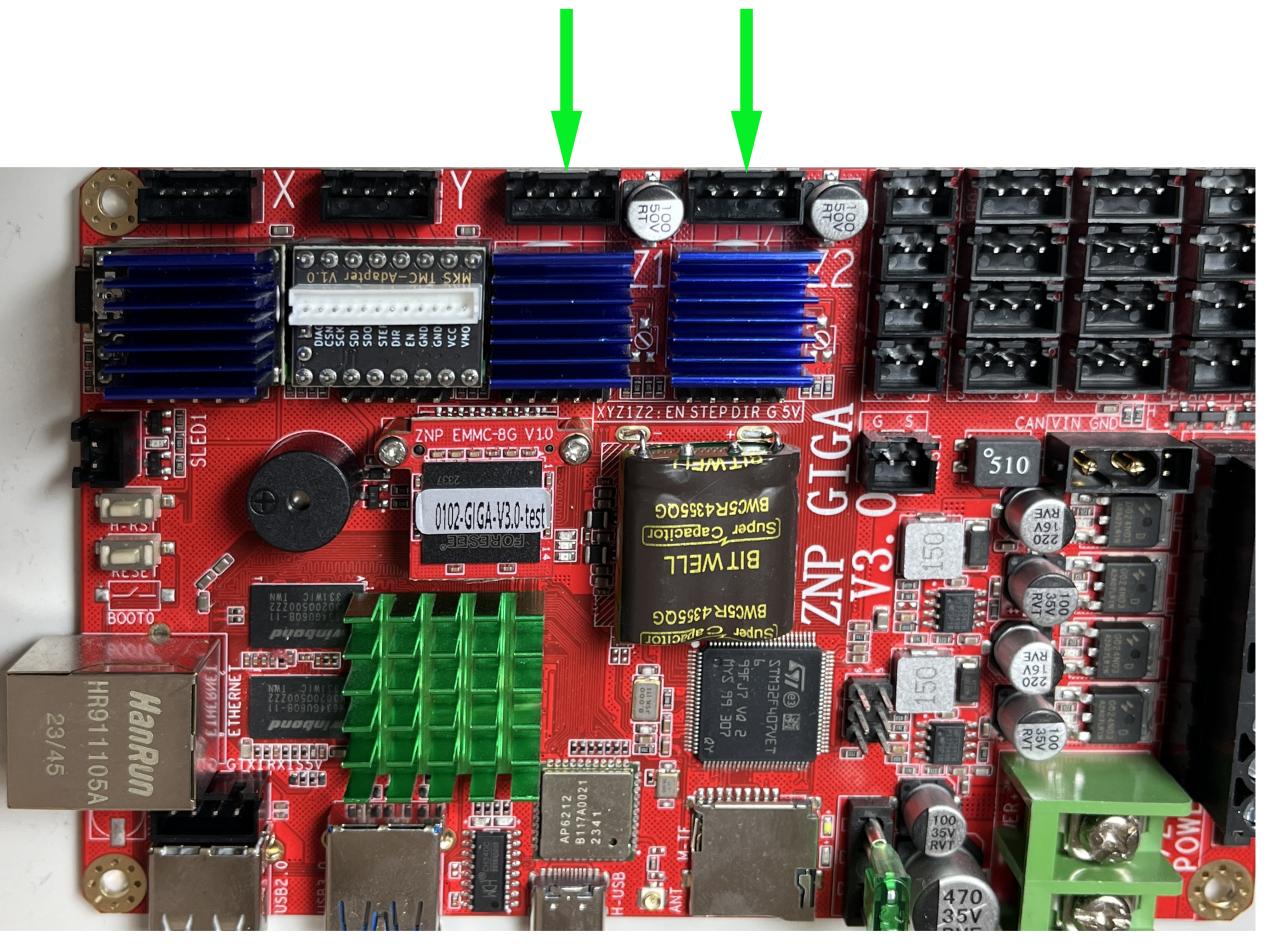
If the two fixing screws on the timing pulley, the Z-axis timing belt and the lead screw nut screws are normal and the situation does not improve after re-plugging the Z-axis motor cables, it indicates that one of the components: Z motor, Z motor cable and motherboard may be damaged and needs to be replaced