Neptune 4 Plus & Max - Replacement of Y-Axis Plastic V-Wheels
Tools and materials needed
- 2.5mm Allen wrench
- 3.0mm Allen wrench
- 10mm open-end wrench
- Needle-nose pliers
Reference video
Coming soon.
Precautions and Machine state before starting operation
Please turn off and disconnect the machine before proceeding with this operation.
¶ Operation steps
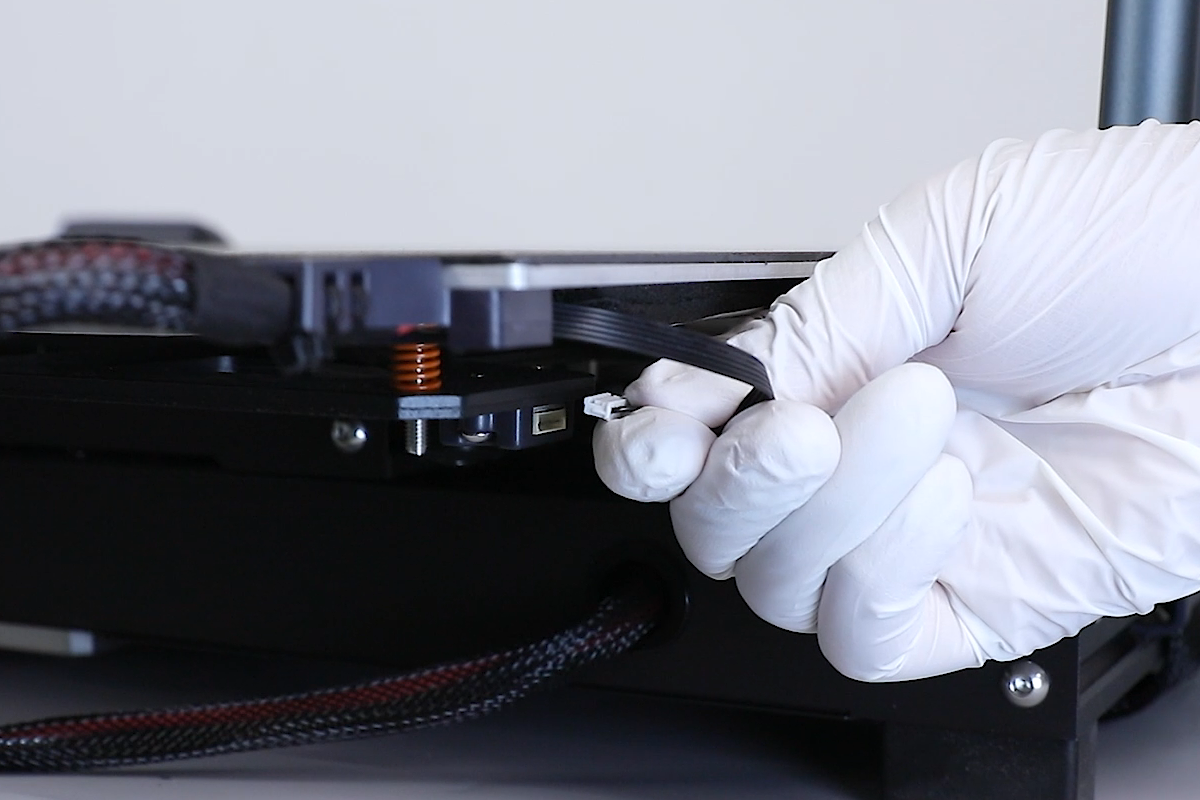
- Loosen the six leveling knobs underneath the heated bed and unplug the Y-axis acceleration sensor cable.
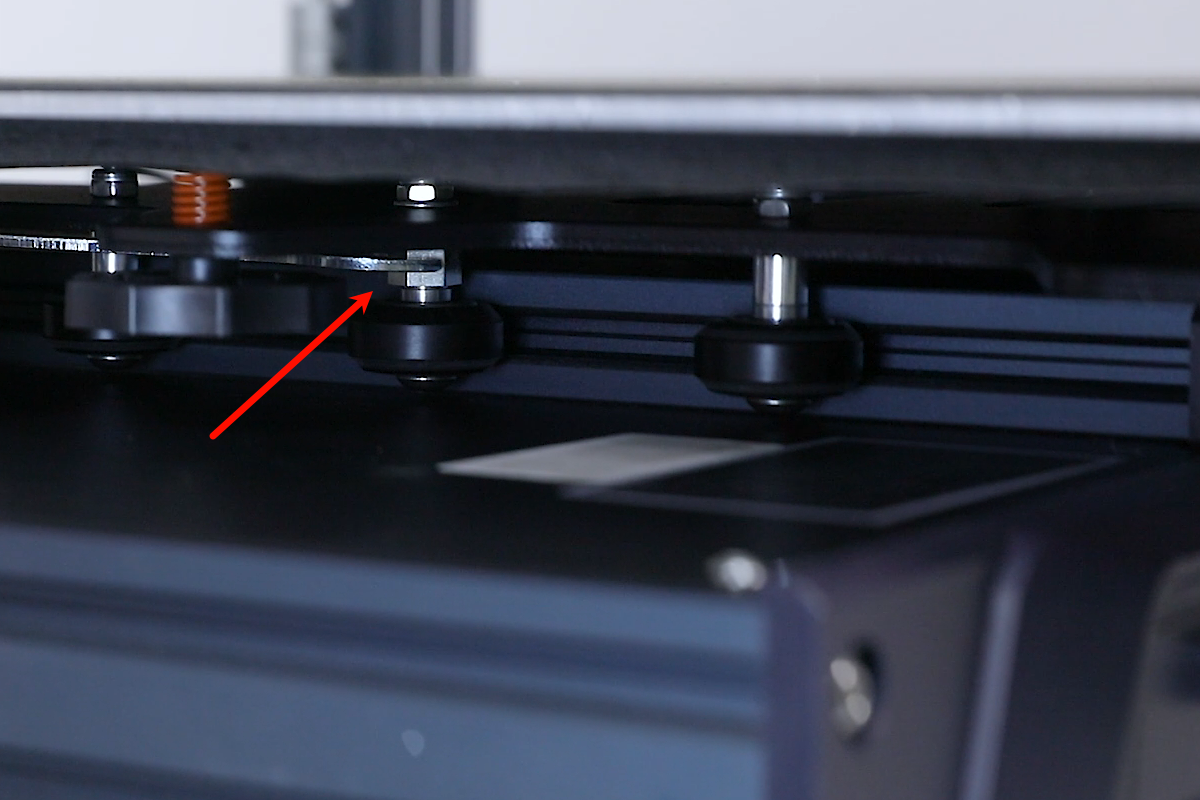
- Use a 10mm open-end wrench to adjust the eccentric spacers of the Y-axis V-wheels (three on the right side and one on the left side).
(Note: While adjusting, manually slide the V-wheels and ensure they are not too tight or too loose.)
- Power on the printer and ensure that it completes the homing motion properly. Then, re-level the printer for normal use.