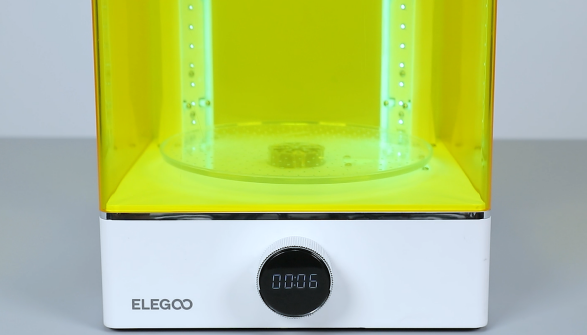
¶ Tools and Materials
- A 3.0 mm Allen wrench
- A 2.5 mm Allen wrench
- A 2.0 mm Allen wrench
¶ Tutorial Video
¶ Operation Steps
-
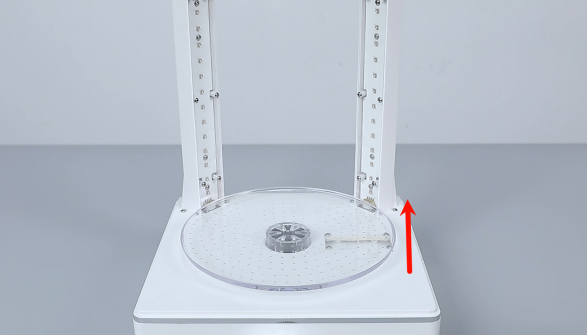
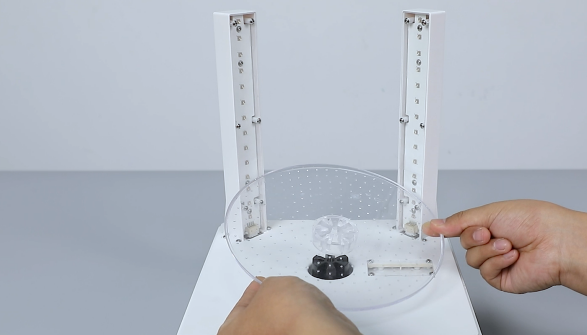
Lift the transparent turntable to remove it.
-
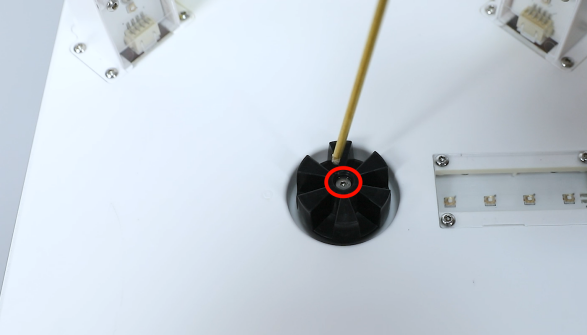
Use a 2.0 mm Allen wrench to loosen the screw securing the black rotor and then lift the rotor.
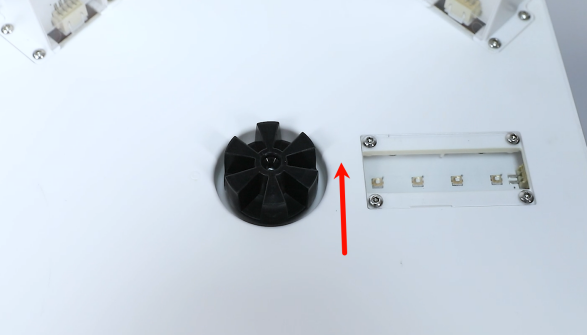
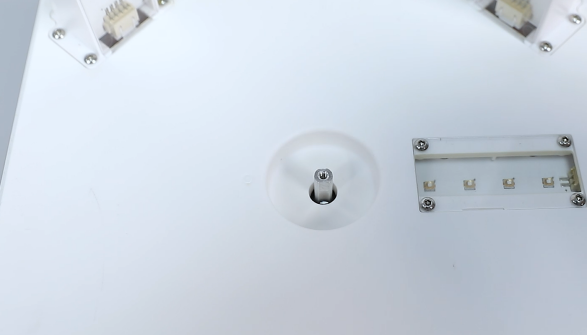
-
Use a 2.5 mm Allen wrench to loosen the 7 screws securing the bottom cover and remove the cover.
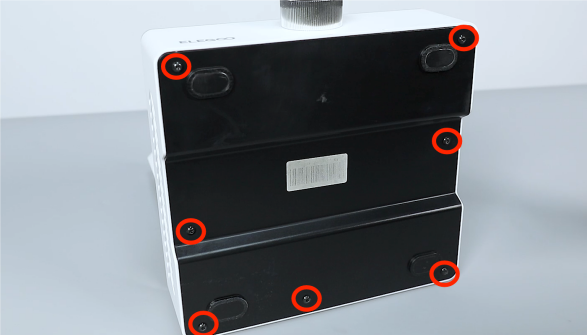
-
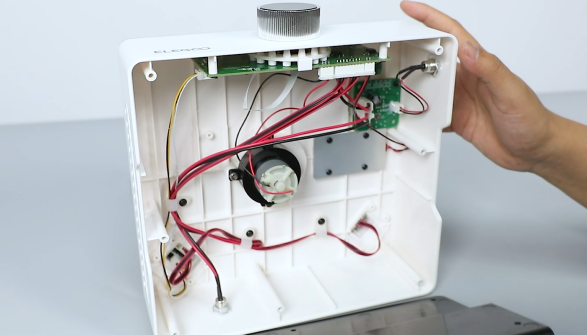
Unplug the connecting cables of the motherboard port. Use a 3.0 mm Allen wrench to loosen the 3 screws securing the motor. Remove the old motor assembly.
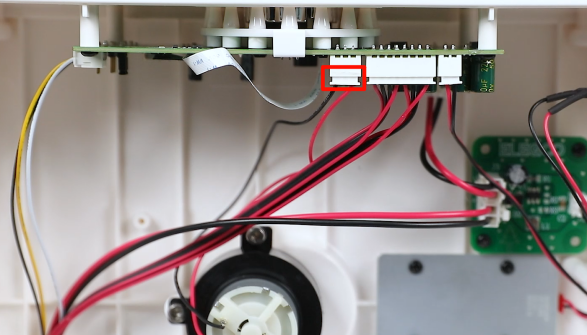
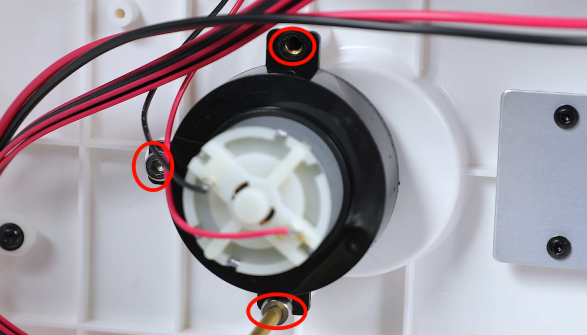
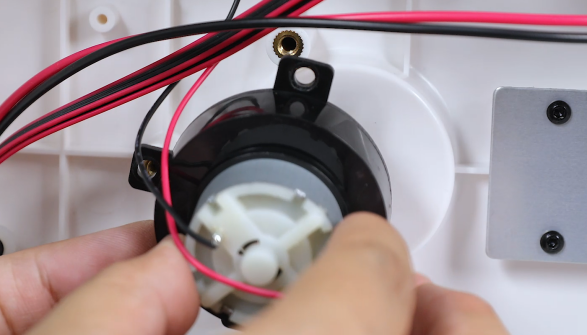
-
Remove the new motor assembly. Put the motor in the installation position by aligning it with the screw holes. Use a 3.0 mm Allen wrench to tighten the 3 screws.
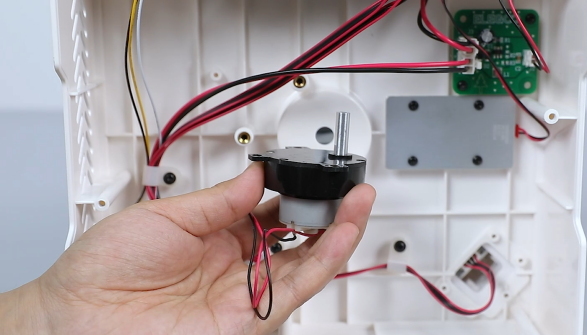
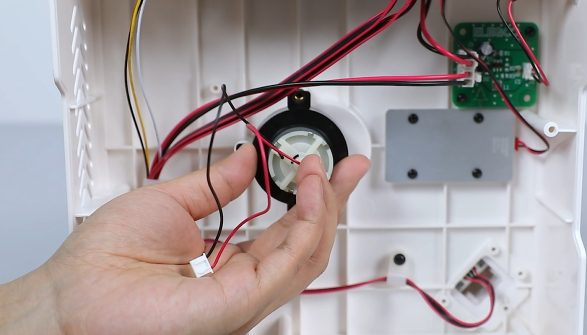
-
Plug the connecting cables of the motor into the ports on the motherboard.
-
Put the bottom cover in the original position by aligning it with the screw holes. Use a 2.5 mm Allen wrench to tighten the 7 screws securing the bottom cover.
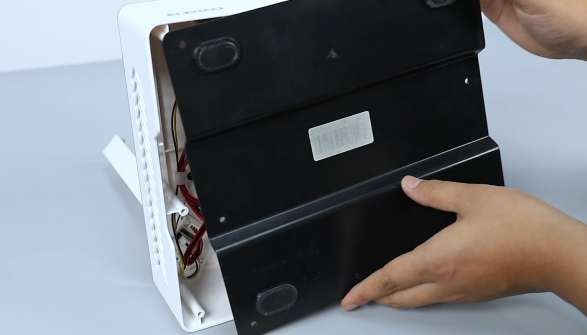
-
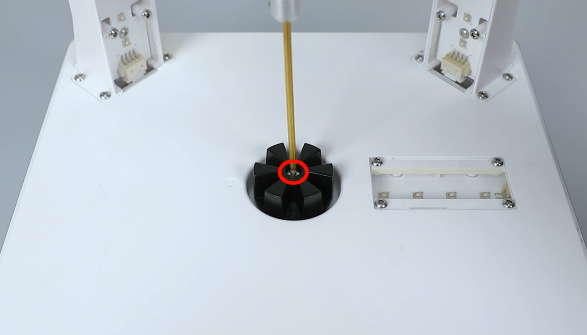
Lay the curing machine flat and prepare the black rotor. Put the rotor in the installation position by aligning it with the positioning holes. Use a 2.0 mm Allen wrench to tighten the screw securing the black rotor.
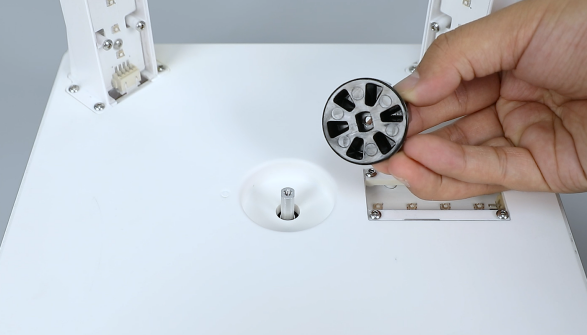
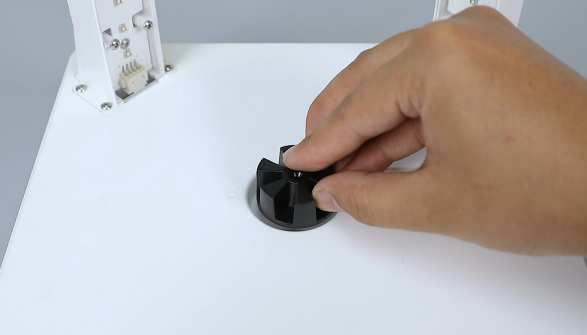
-
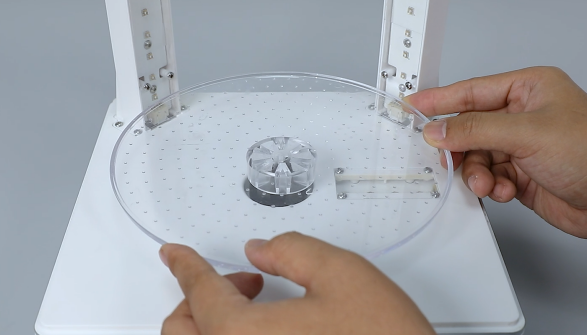
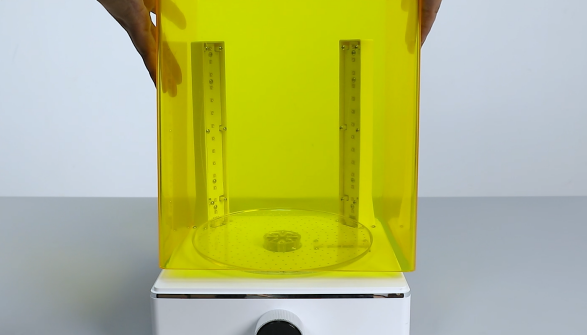
Remove the transparent turntable to put it in the installation by aligning it with the positioning holes. Put the outer cover of the curing machine in the installation position.
-
Power on the machine, rotate the knob and set the curing time. After the machine operates normally, it can be used as usual.