¶ Tools and Materials
- A 2.0 mm Allen key
- A 2.5 mm Allen key
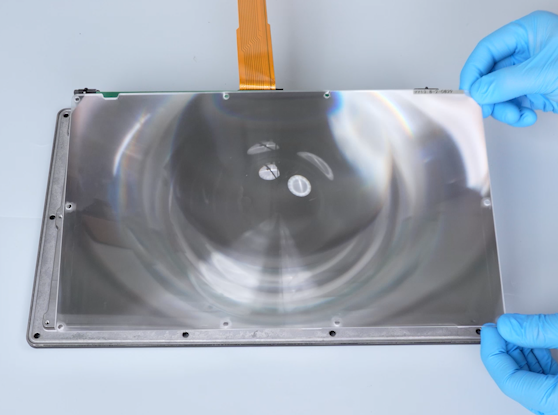
- A new Fresnel lens
¶ Tutorial Video
https://www.youtube.com/watch?v=dODeVwCb98M&feature=youtu.be
¶ Instruction
¶ Preparation
Turn the power switch OFF (symbol "〇") and unplug the power supply cable.
Remove the old Fresnel lens
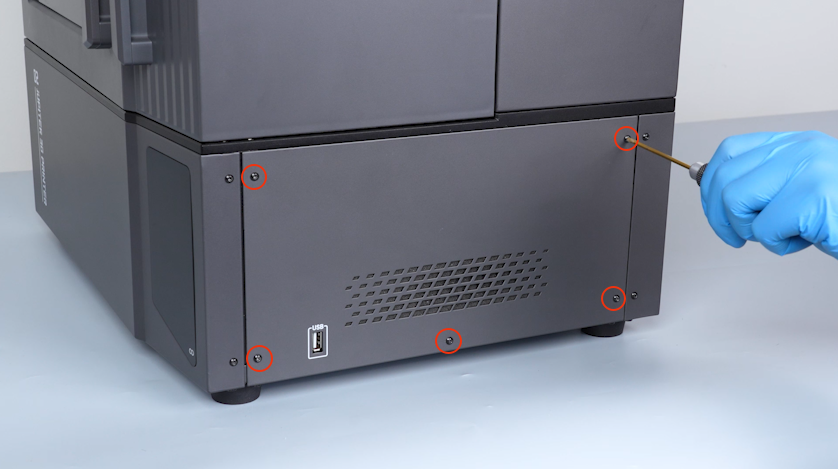
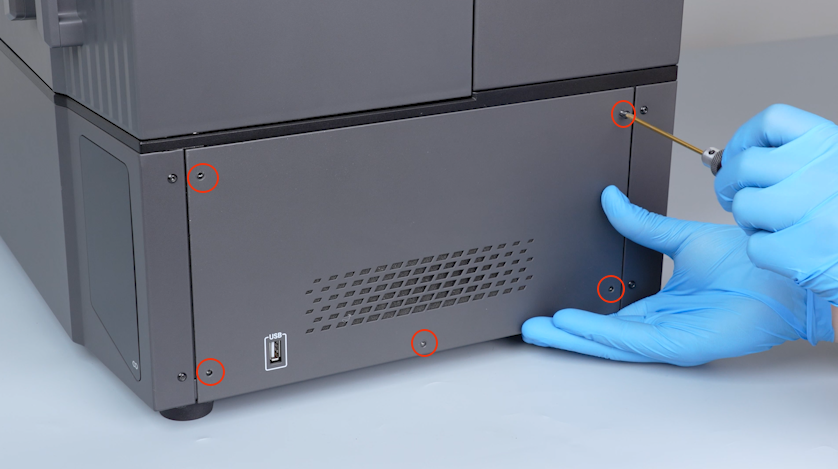
- Remove the five screws securing the right cover with a 2.0 mm Allen key and remove the right cover.
- Peel off the tape securing the LCD ribbon cable and keep it at hand for reuse.
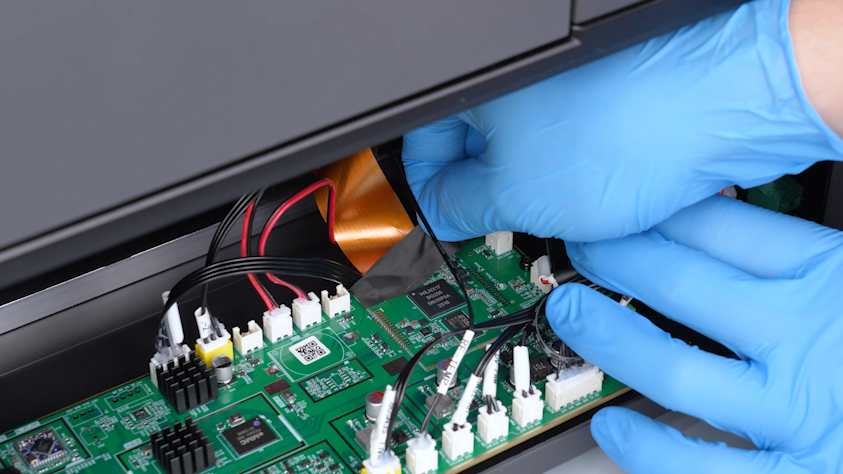
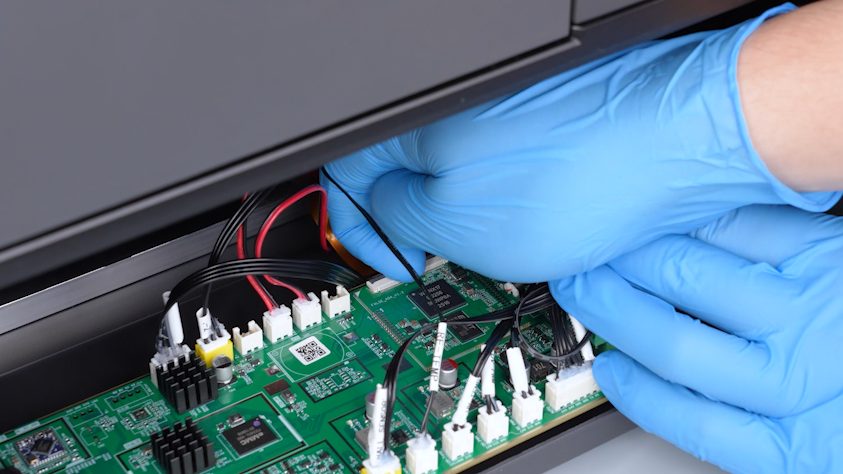
- Lift the clip and unplug the LCD ribbon cable.
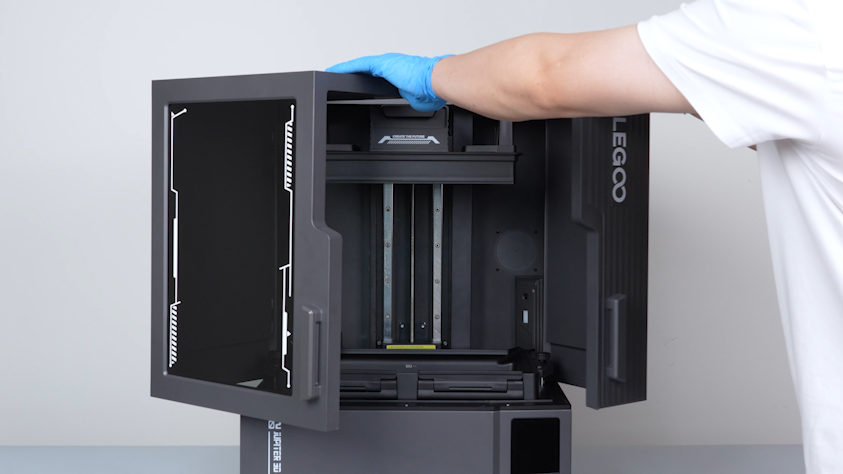
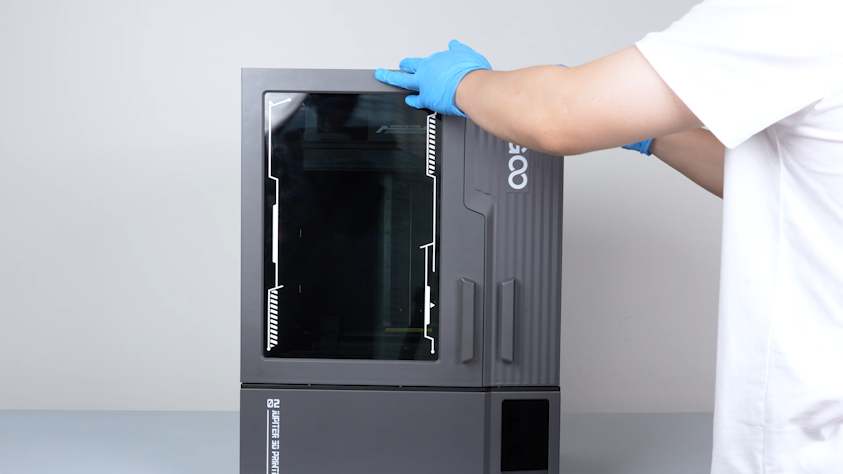
- Open the front door.
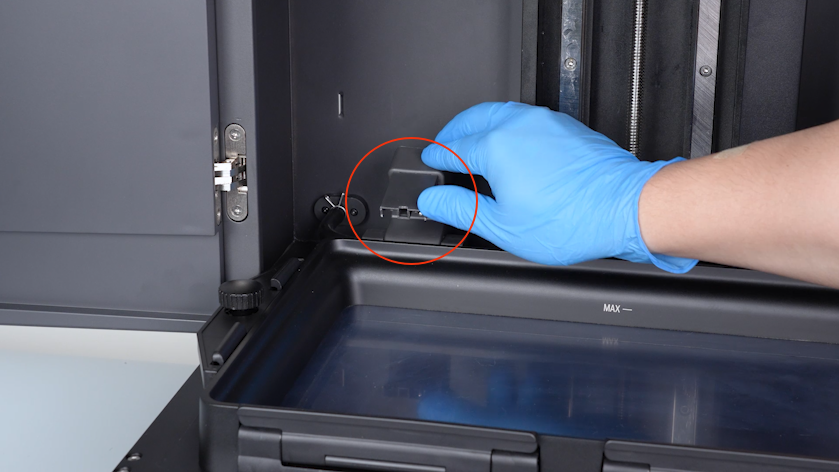
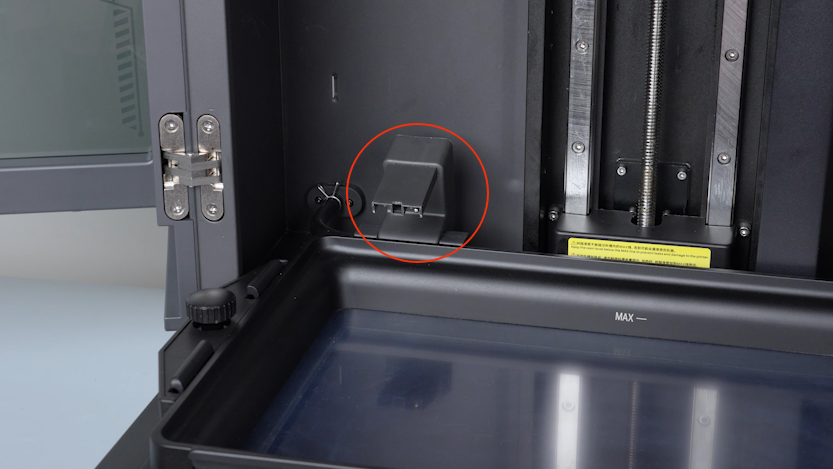
- Lift the automatic resin feeding inlet.
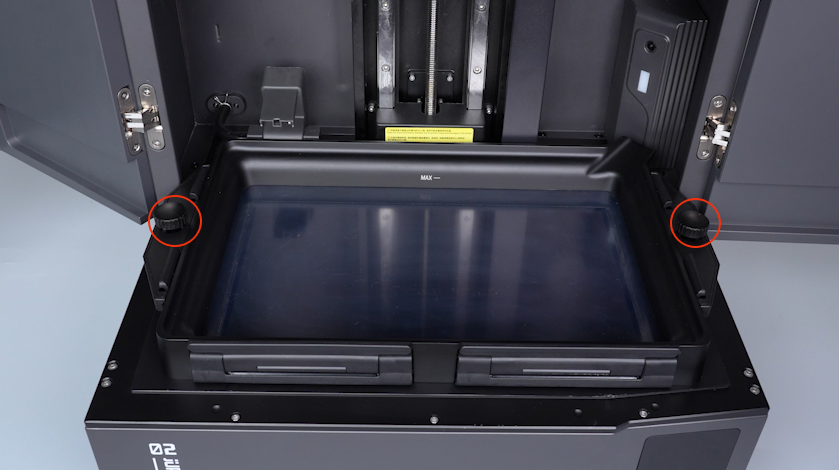
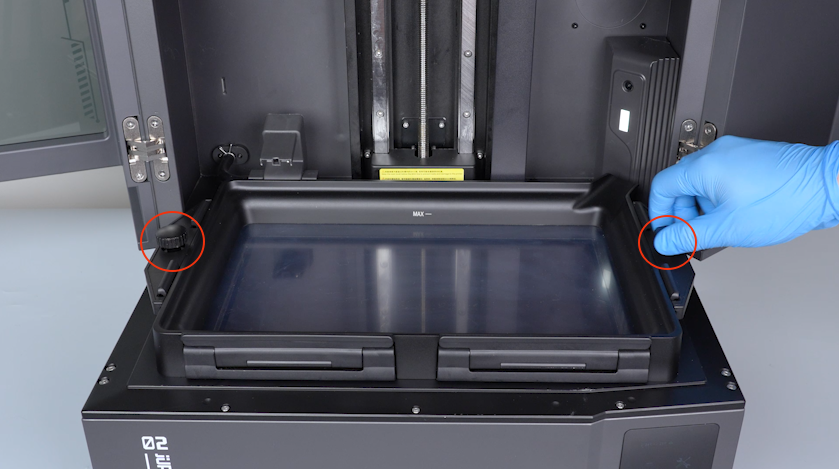
- Remove the two knurled knobs and remove the resin tank.
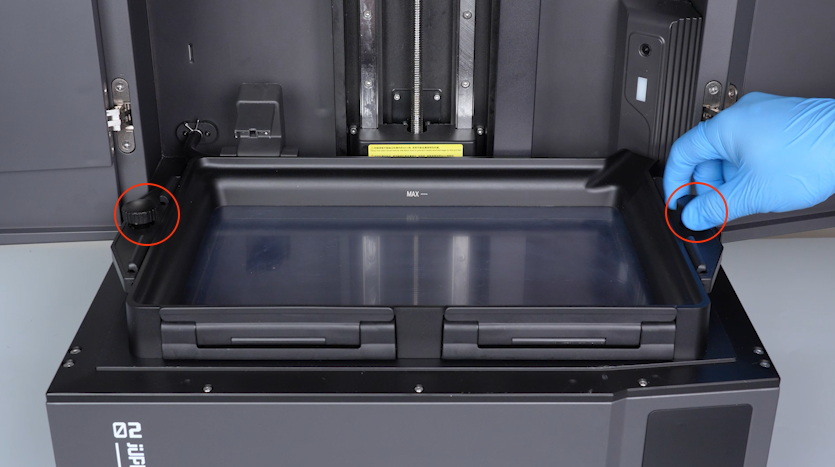
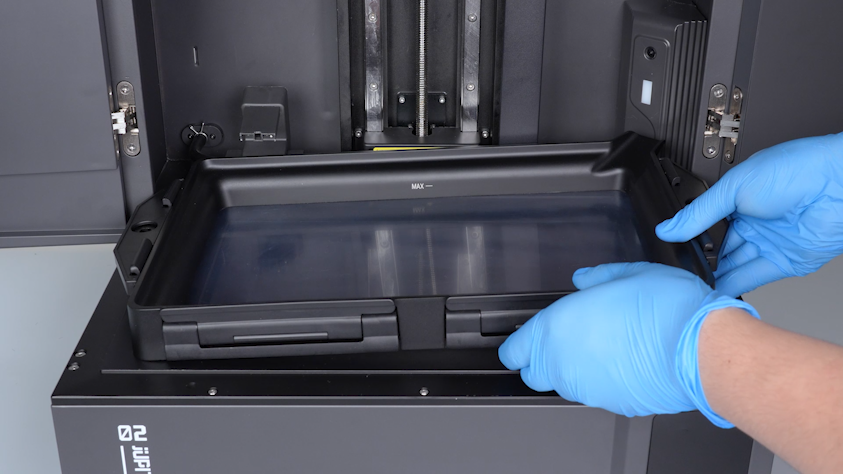
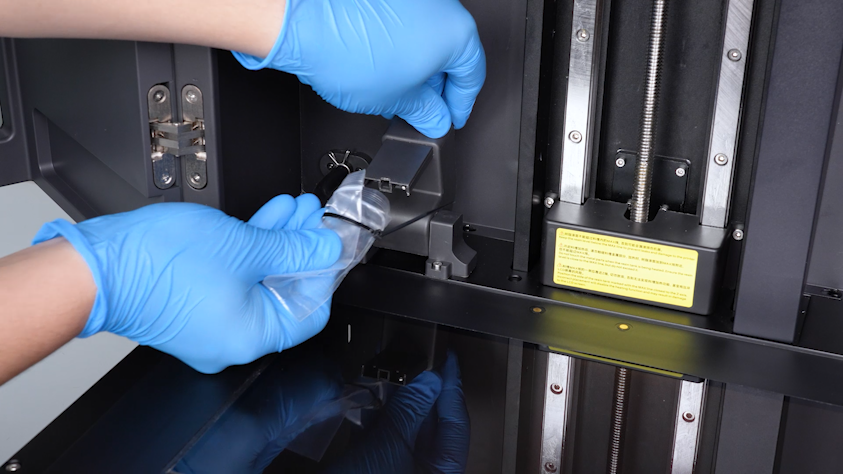
- Seal the inlet with a bag and cable tie to avoid staining the LCD screen and the printer.
Note: A small amount of resin may drip from the automatic resin feeding inlet.
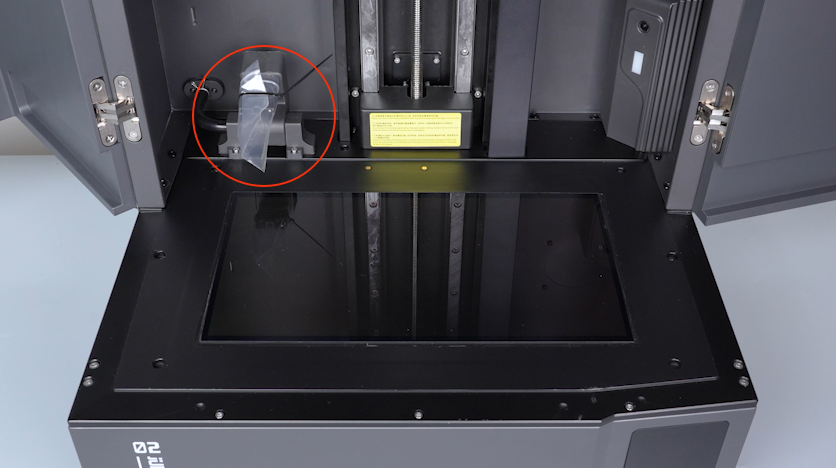
- Peel off the PET film along the edge and keep it at hand for reuse.
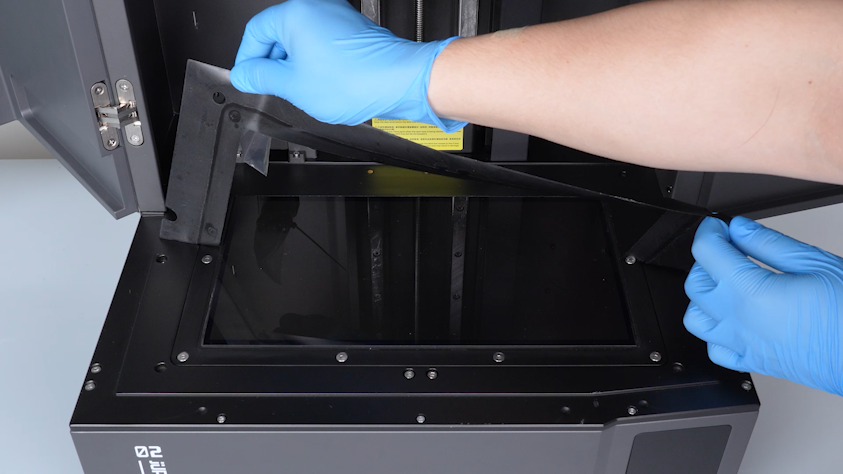
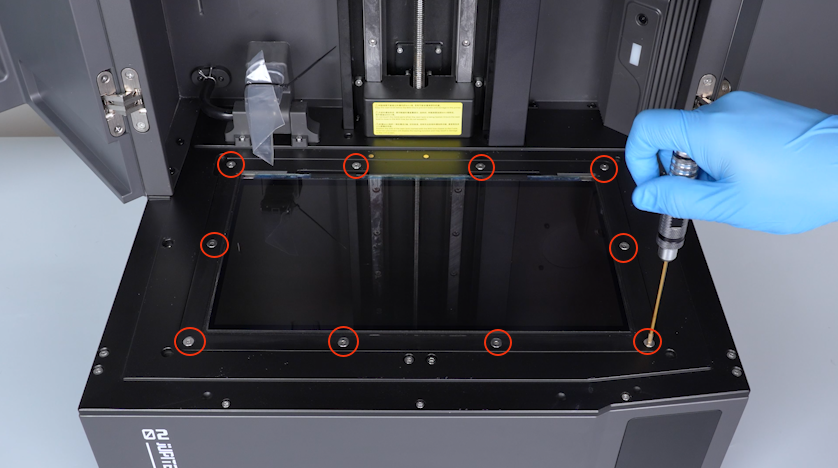
- Remove the ten screws securing the LCD screen with a 2.5 mm Allen key.
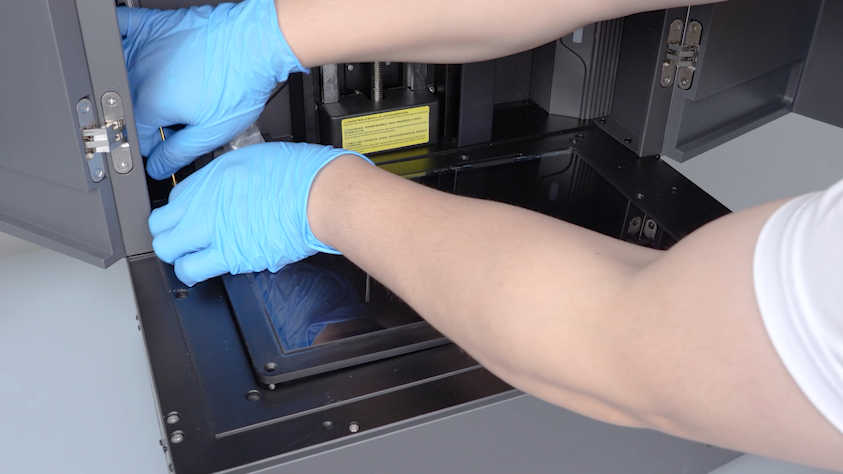
- Lift the LCD screen from the groove on the top-left corner.
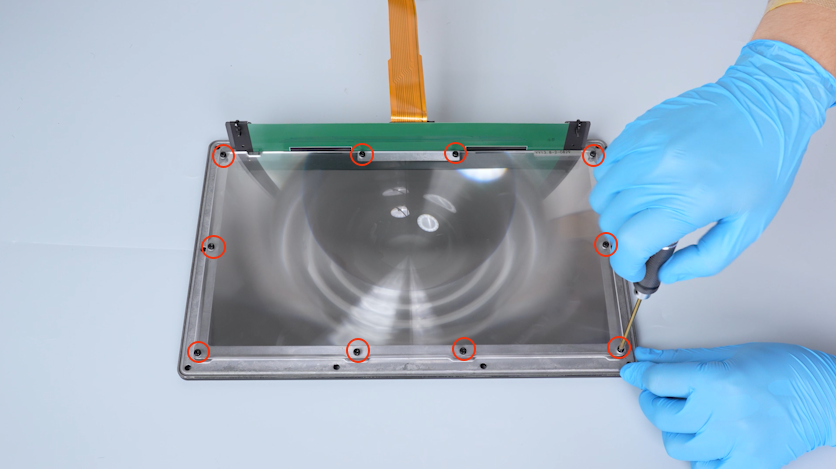
- Remove the ten screws securing the Fresnel lens with a 2.0 mm Allen key and remove the old Fresnel lens.
¶ Install the new Fresnel lens
- Put the new Fresnel lens in the installation position.
Note: Align the groove of the Fresnel lens with the protrusion on the LCD screen frame. Do not touch the surface of the Fresnel lens with fingers during installation.
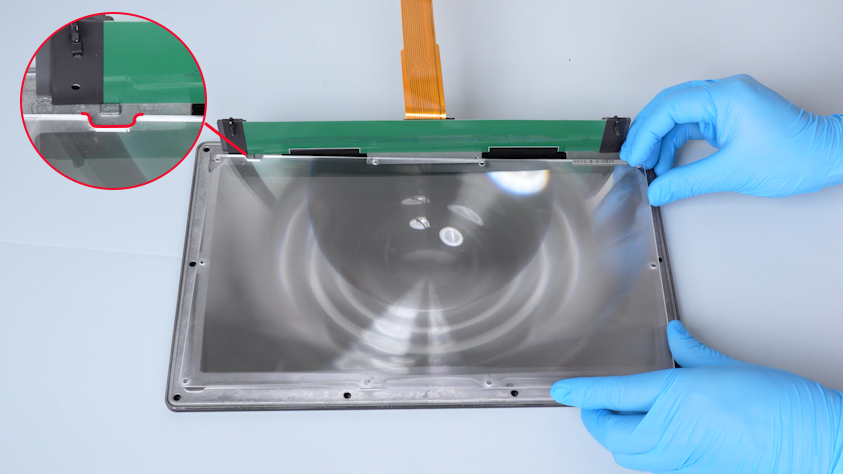
- Tighten the ten screws securing the Fresnel lens.
- Place the LCD screen module temporarily on the chamber and pass the LCD screen ribbon cable through the chamber gap.
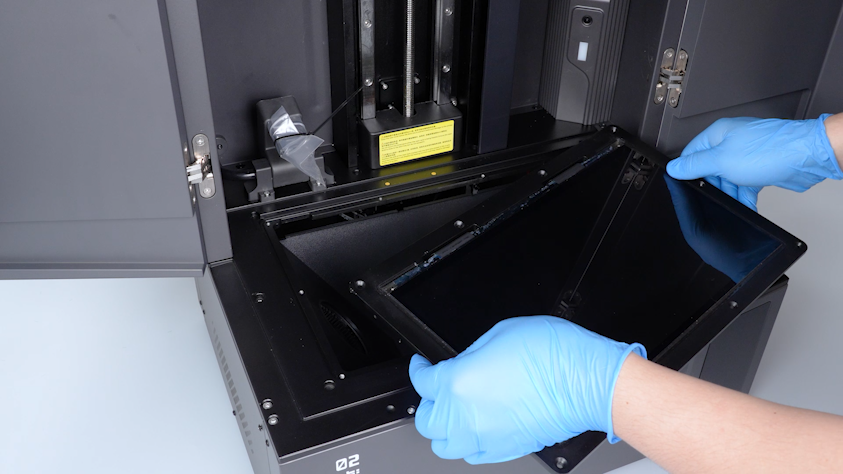
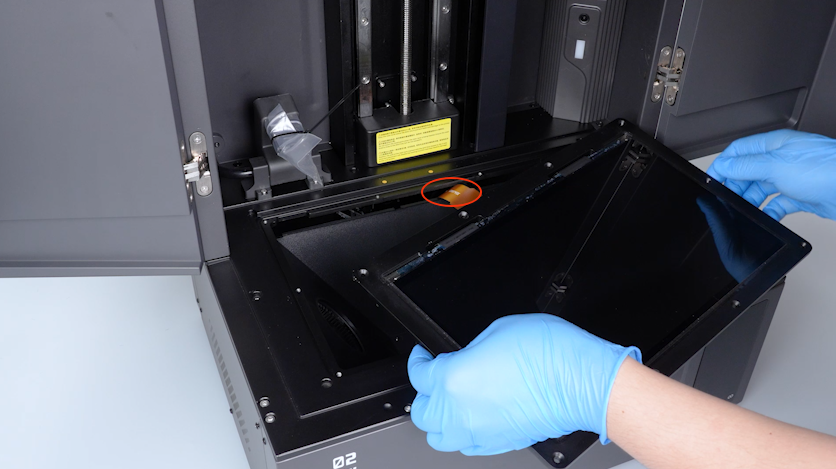
- Align the PCB on the front side of the LCD screen with the gap and put the PCB in the installation position.
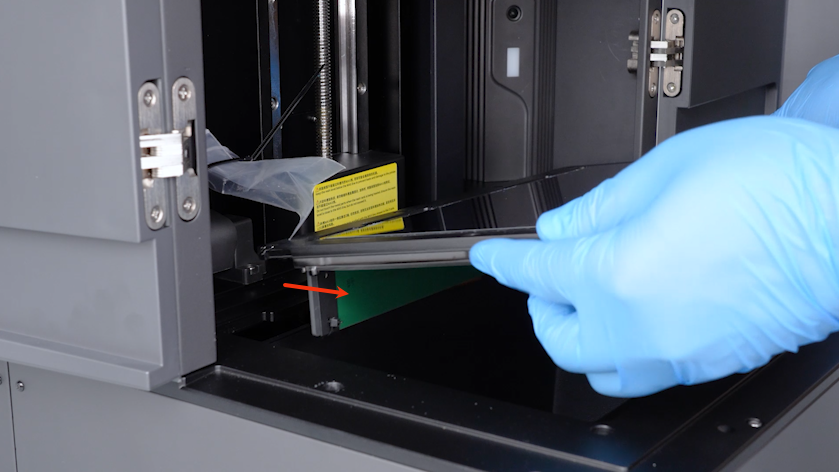
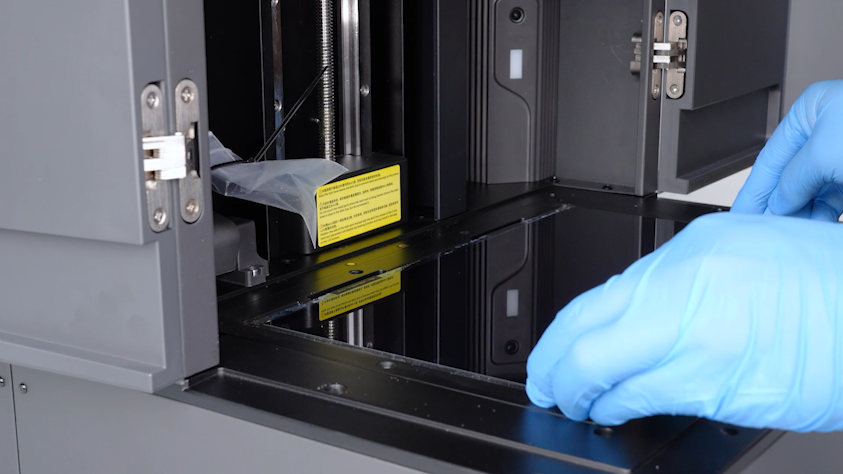
- Tighten the ten screws securing the LCD screen.
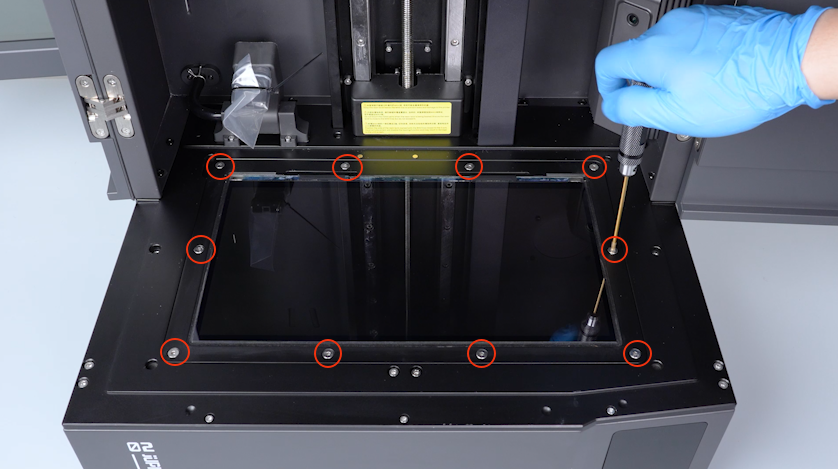
- Align the PET film with the LCD screen and attach it firmly.
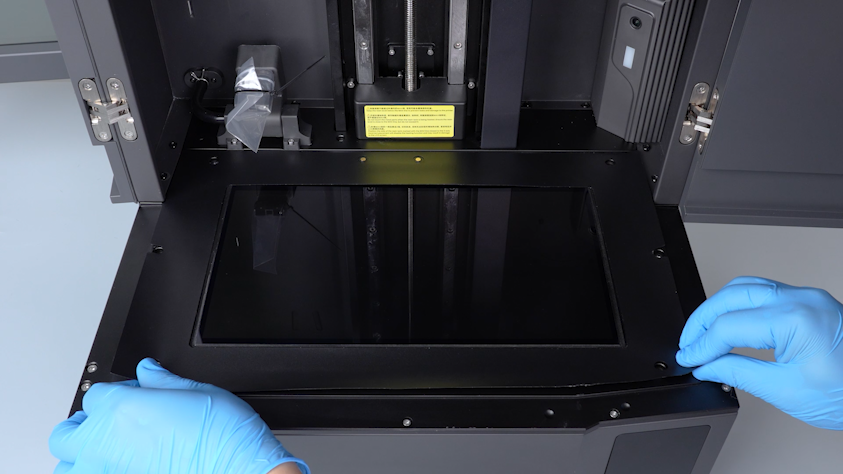
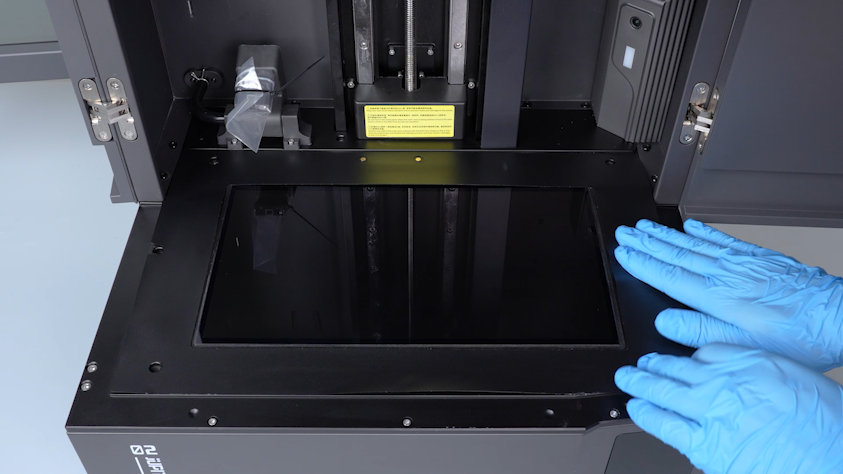
- Remove the sealing bag from the automatic resin feeding inlet.
- Put the resin tank in the installation position and tighten the two knurled knobs.
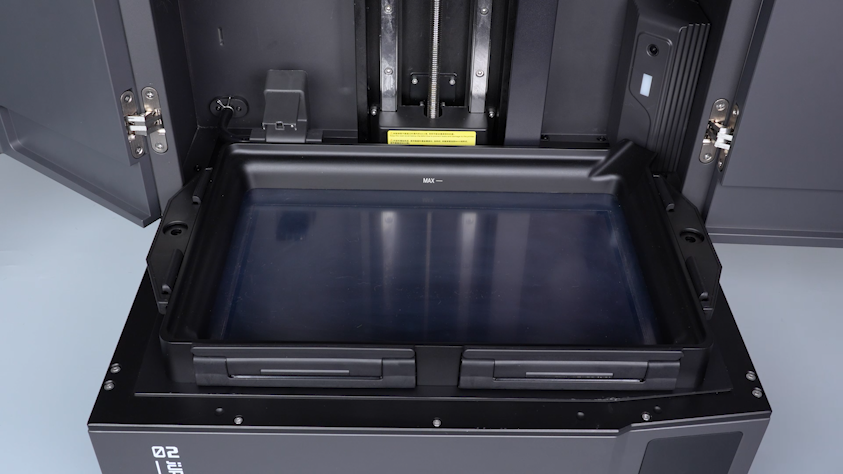
- Reset the automatic resin feeding inlet.
- Close the front door.
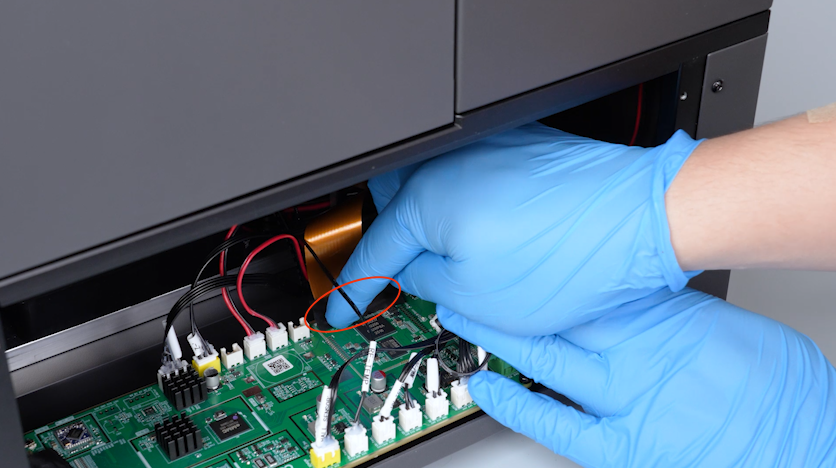
- Plug in the LCD screen ribbon cable and press the clip.
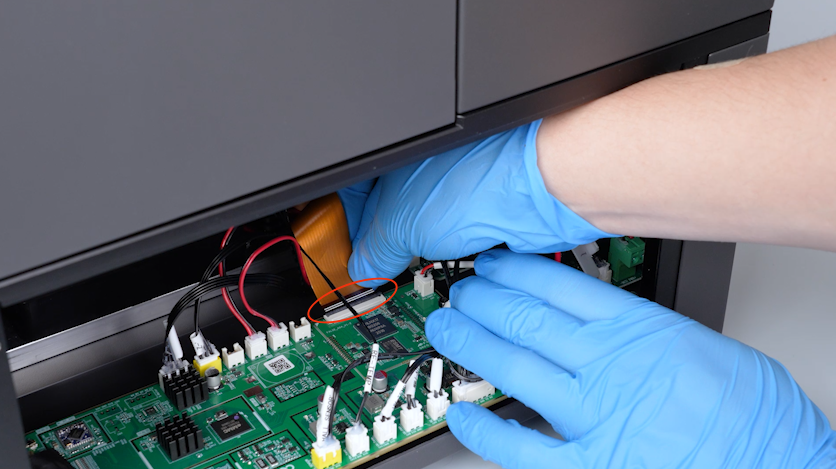
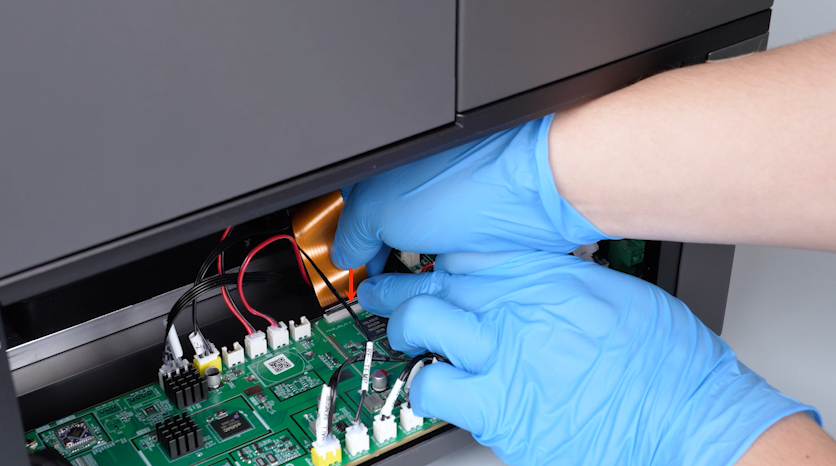
- Secure the LCD screen ribbon cable with tape.
- Put the right cover in the installation position and tighten the five screws securing the right cover.
¶ Verification
- Plug in the power supply cable and turn the power switch ON (symbol "|").
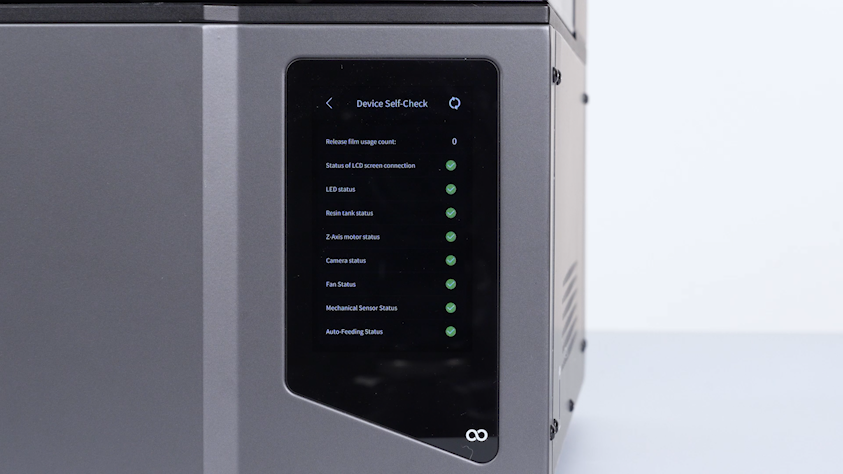
- Wait for the printer to complete self-test.
- Open the front door.
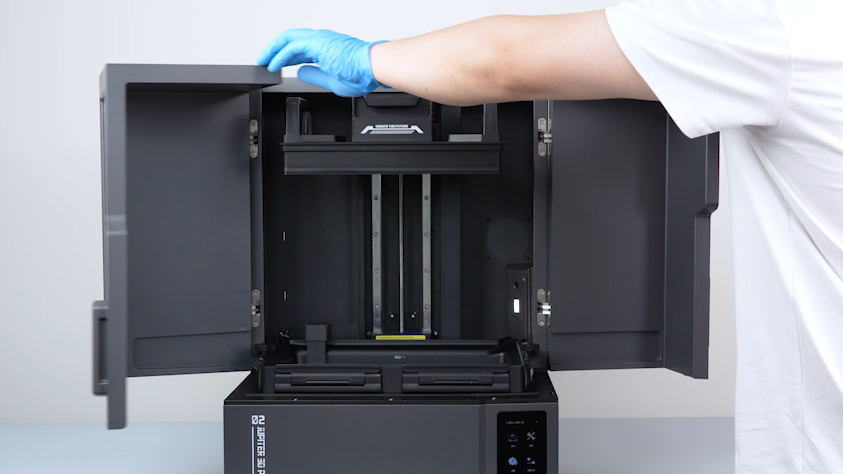
- Lift the automatic resin feeding inlet.
- Remove the two knurled knobs and remove the resin tank.
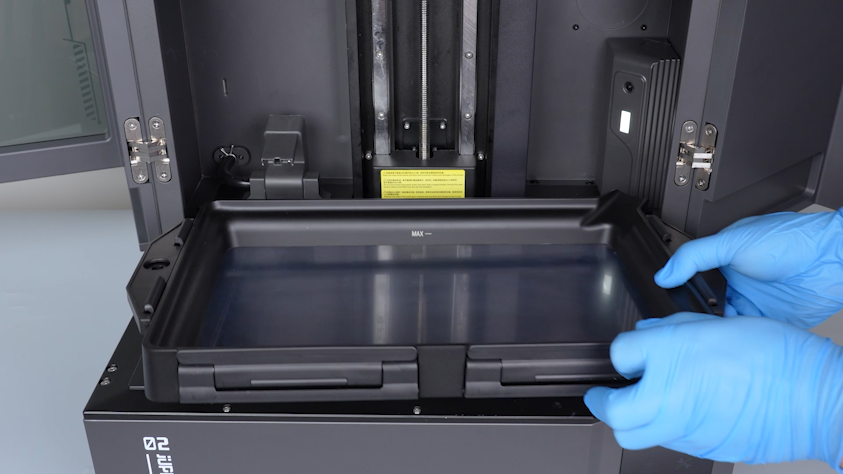
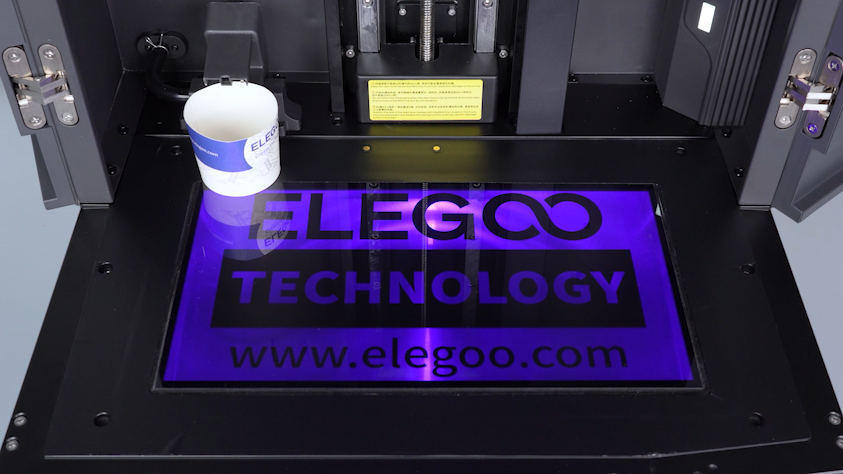
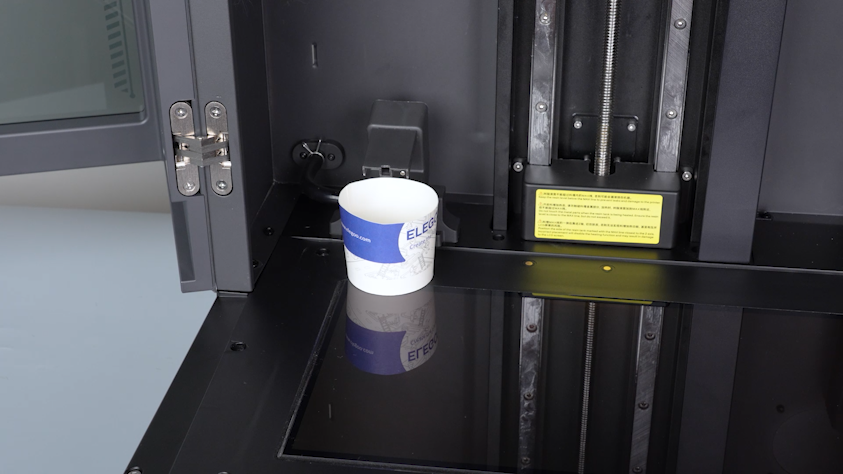
- Place a cup under the automatic resin feeding inlet to catch any dripping resin.
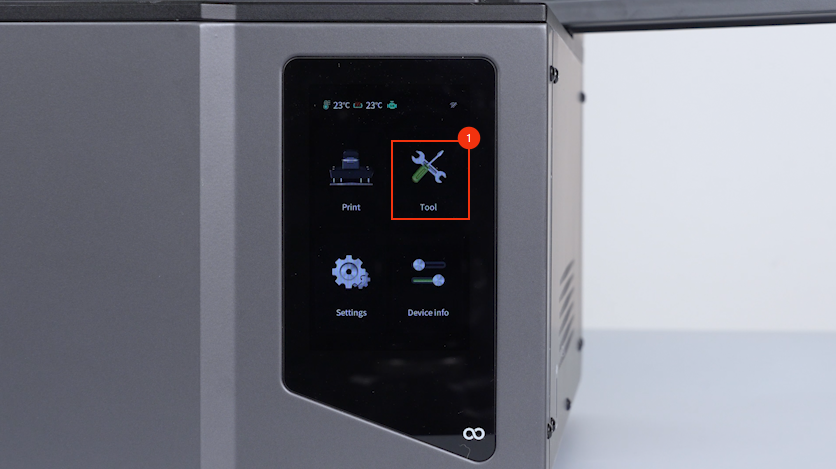
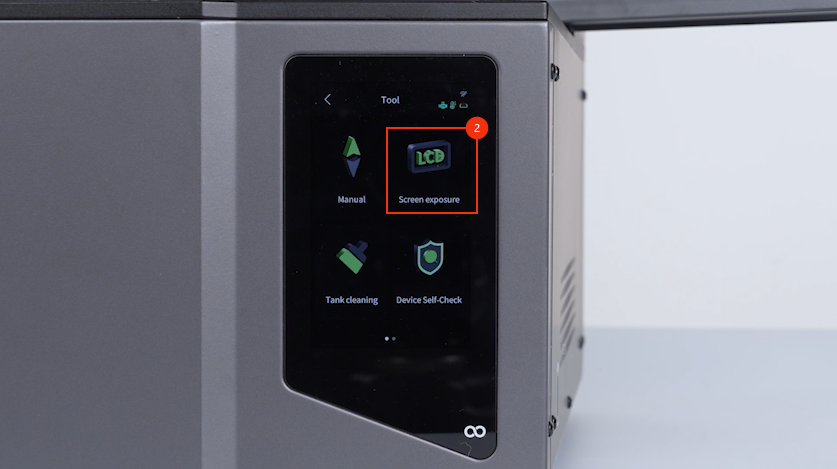
- On the touch screen, select Tools - Screen Exposure - ELEGOO.
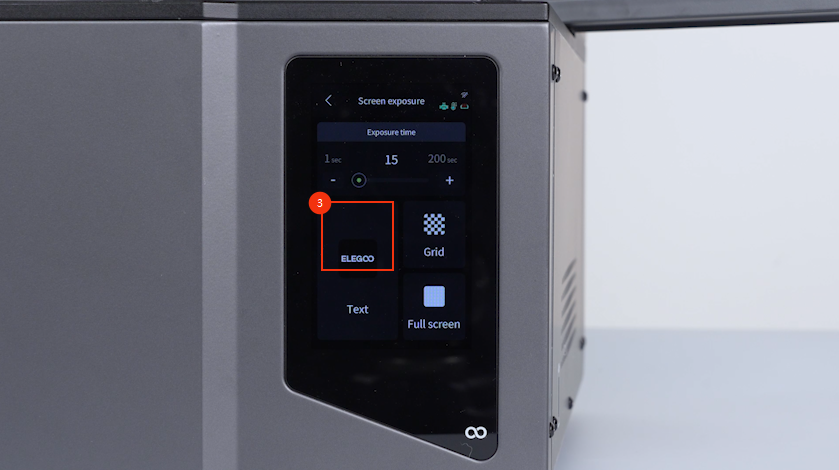
- Confirm that the LCD exposure pattern is normal and the printer is ready for use.