¶ Possible Causes
- Poor connection of the Camera Module cable connector
- Camera damage
¶ Required Tools
- 2.0 mm hex screwdriver
¶ Troubleshooting Steps
¶ 1. Restart the printer
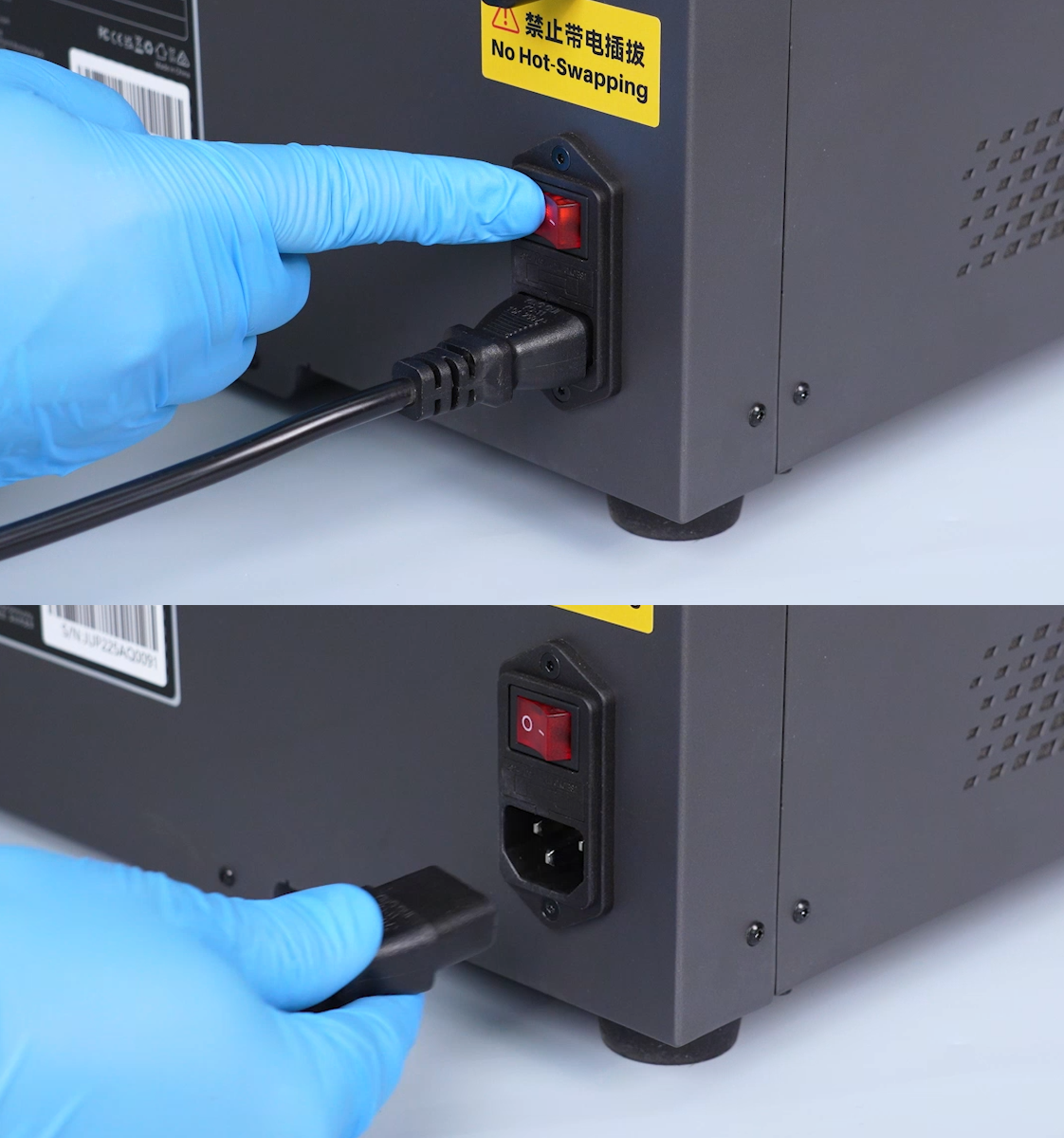
Turn off the Power Switch and ensure the Touch Screen is completely off.
Turn the printer back on and check whether the Camera Module function is restored.
¶ 2. Reconnect the camera cable
- Turn off the power switch and unplug the power cable
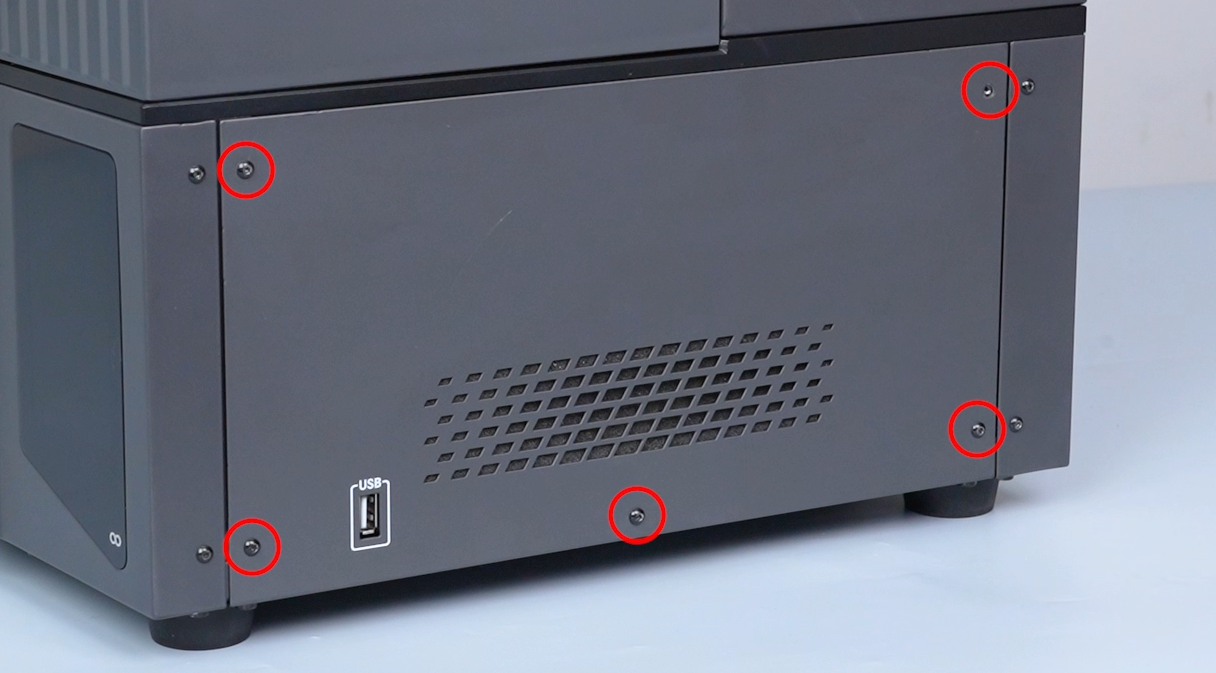
- Use a 2.0 mm hex screwdriver to remove the five screws securing the right side panel, then remove the panel
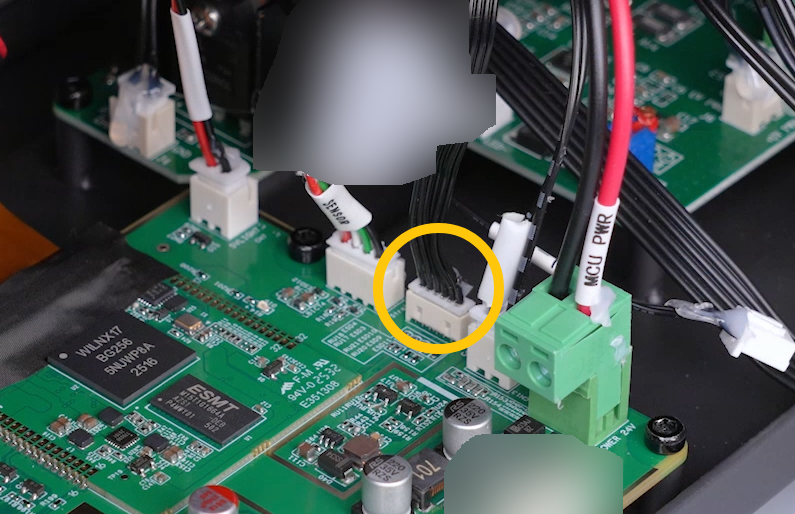
- Check whether the Camera Module cable connector is loose, then unplug and reconnect the Camera Module cable firmly
¶ Issue Status
If the issue is still not resolved, please contact technical support at: 3dp@elegoo.com, and provide the following information:
- Printer firmware version
- Printer SN code (white label located on the left side of the power switch)
- A video recording showing the Camera Module failure symptom