¶ Required Tools
Screwdriver or Metal Pry Tool
New Fuse (Glass Tube Fuse, 3A 250V, 5 × 20 mm)
¶ Disassembly Steps
Reminder: Before starting the operation, turn off the H1 HT power switch and unplug the power cord.
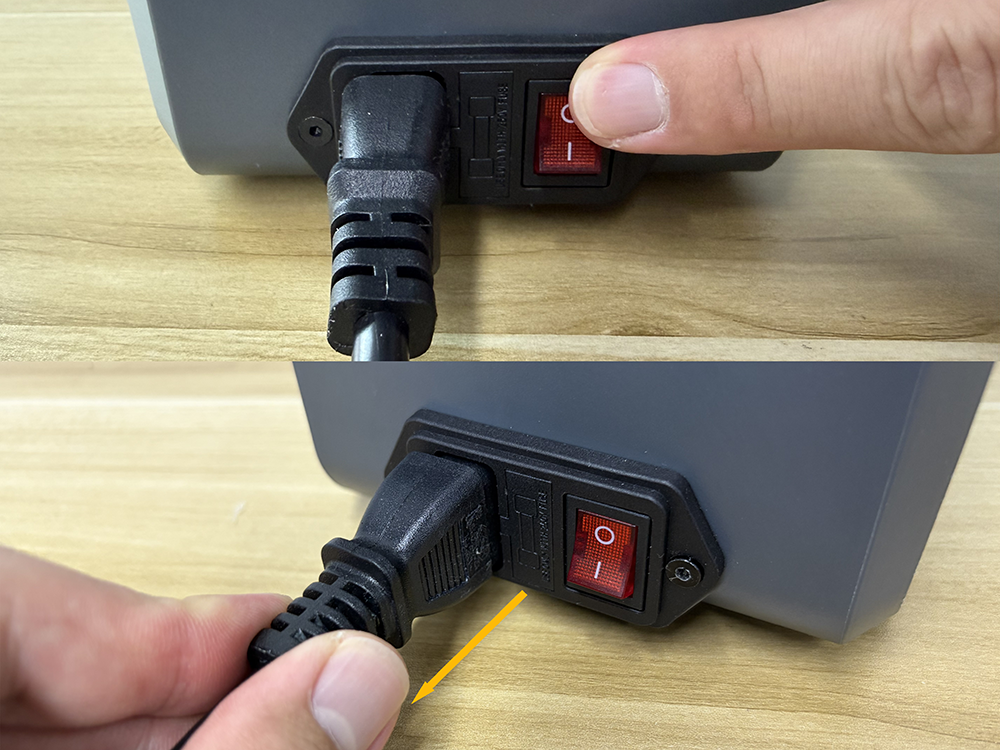
¶ Removing the Fuse
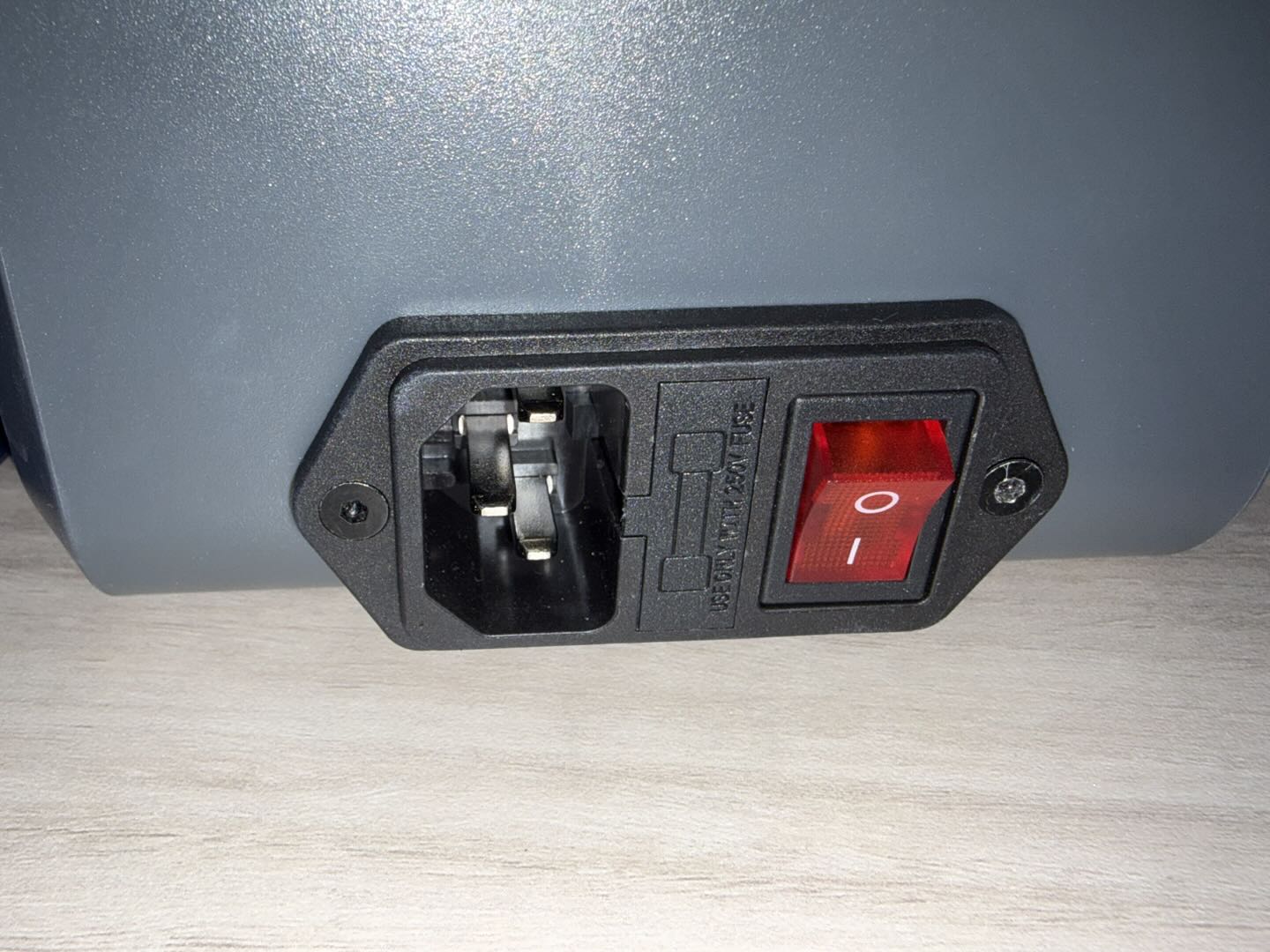
- Locate the fuse box slot on the power switch.
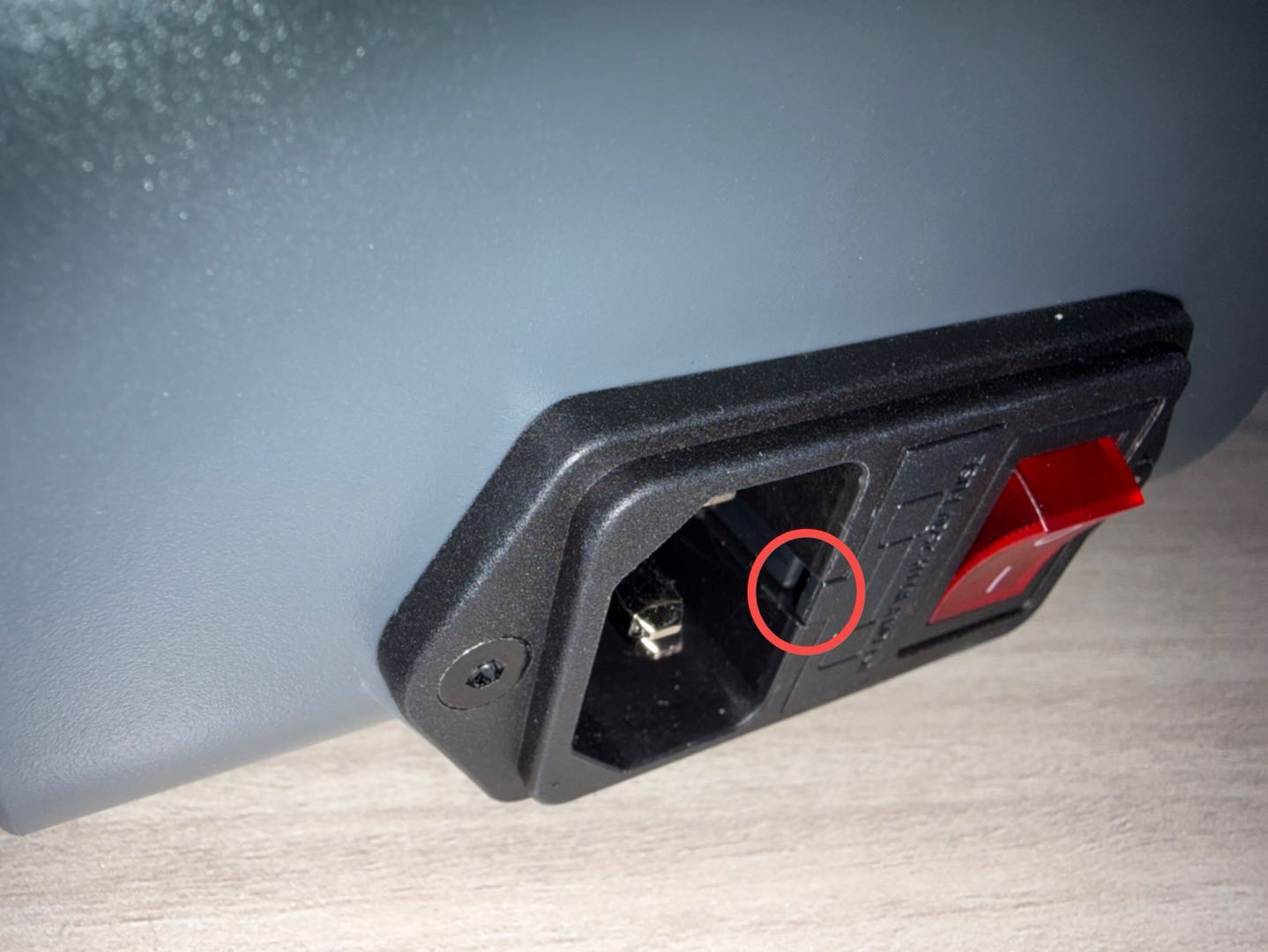
- Insert the screwdriver into the fuse box slot, gently pry the fuse box outward, and remove it.
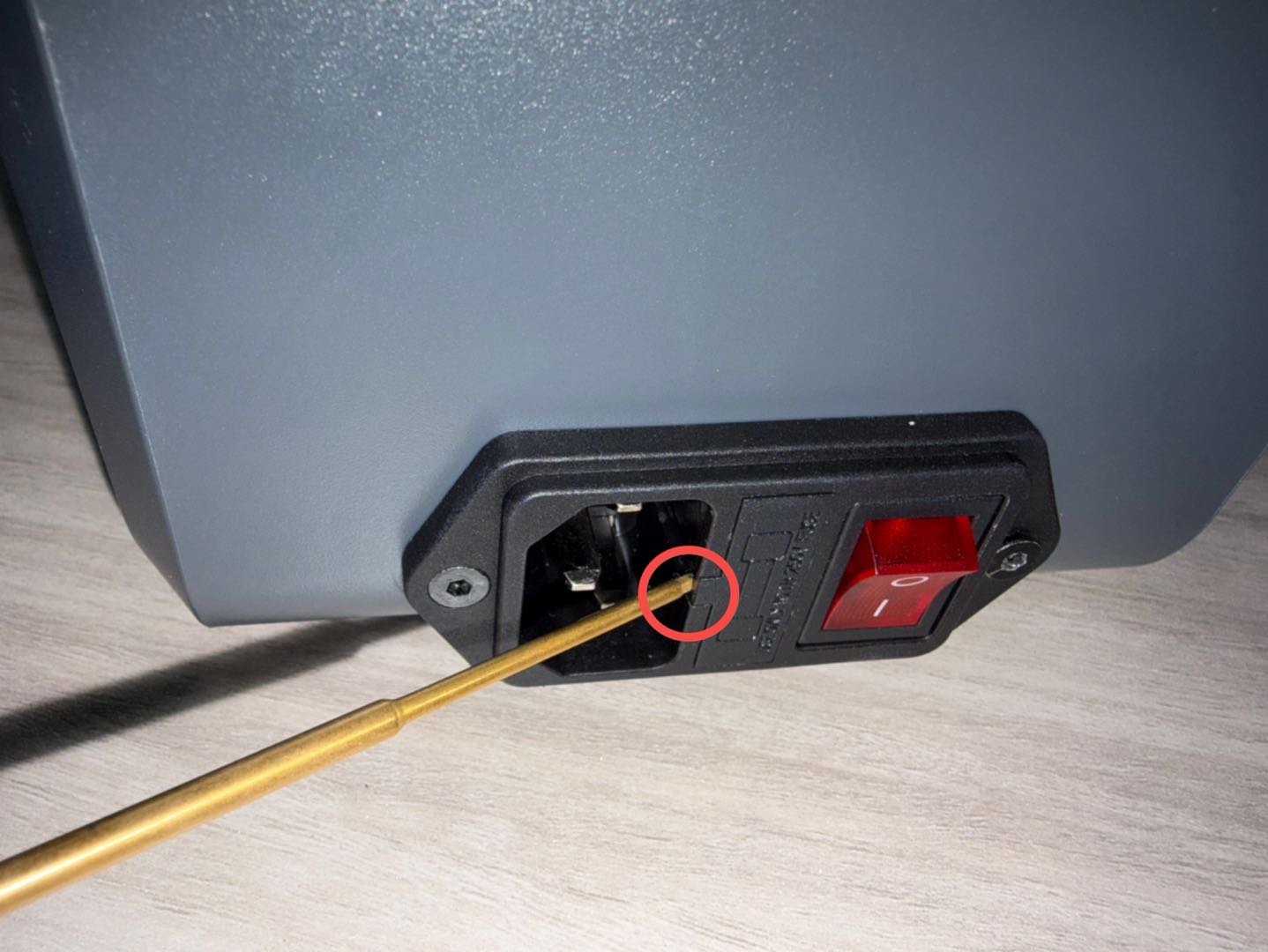
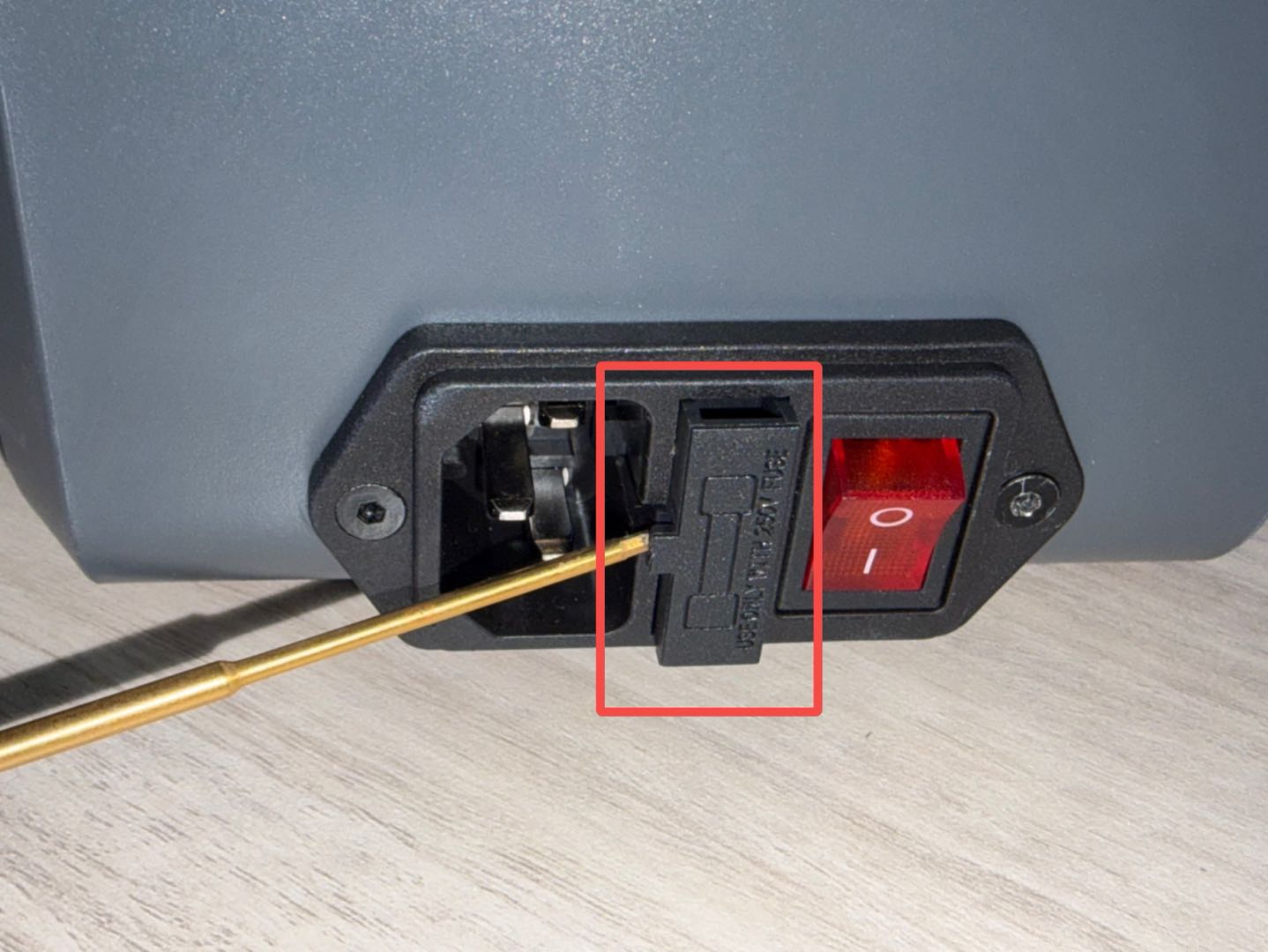
- Remove the old fuse from the fuse box.
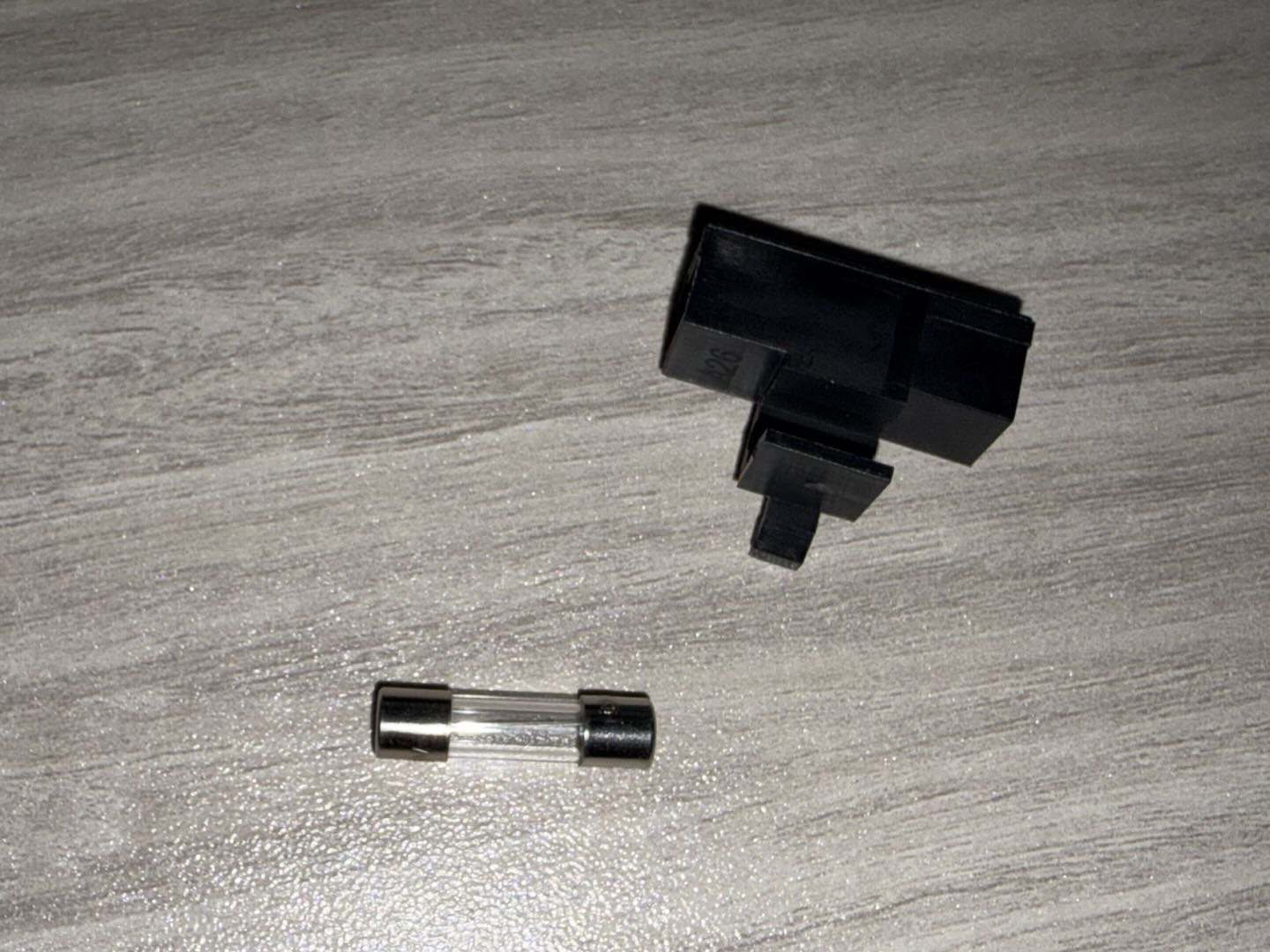
¶ Installation Steps
¶ Installing the Fuse
Note: When replacing the fuse, make sure that the rated current, voltage, and type of the new fuse are the same as those of the original fuse.
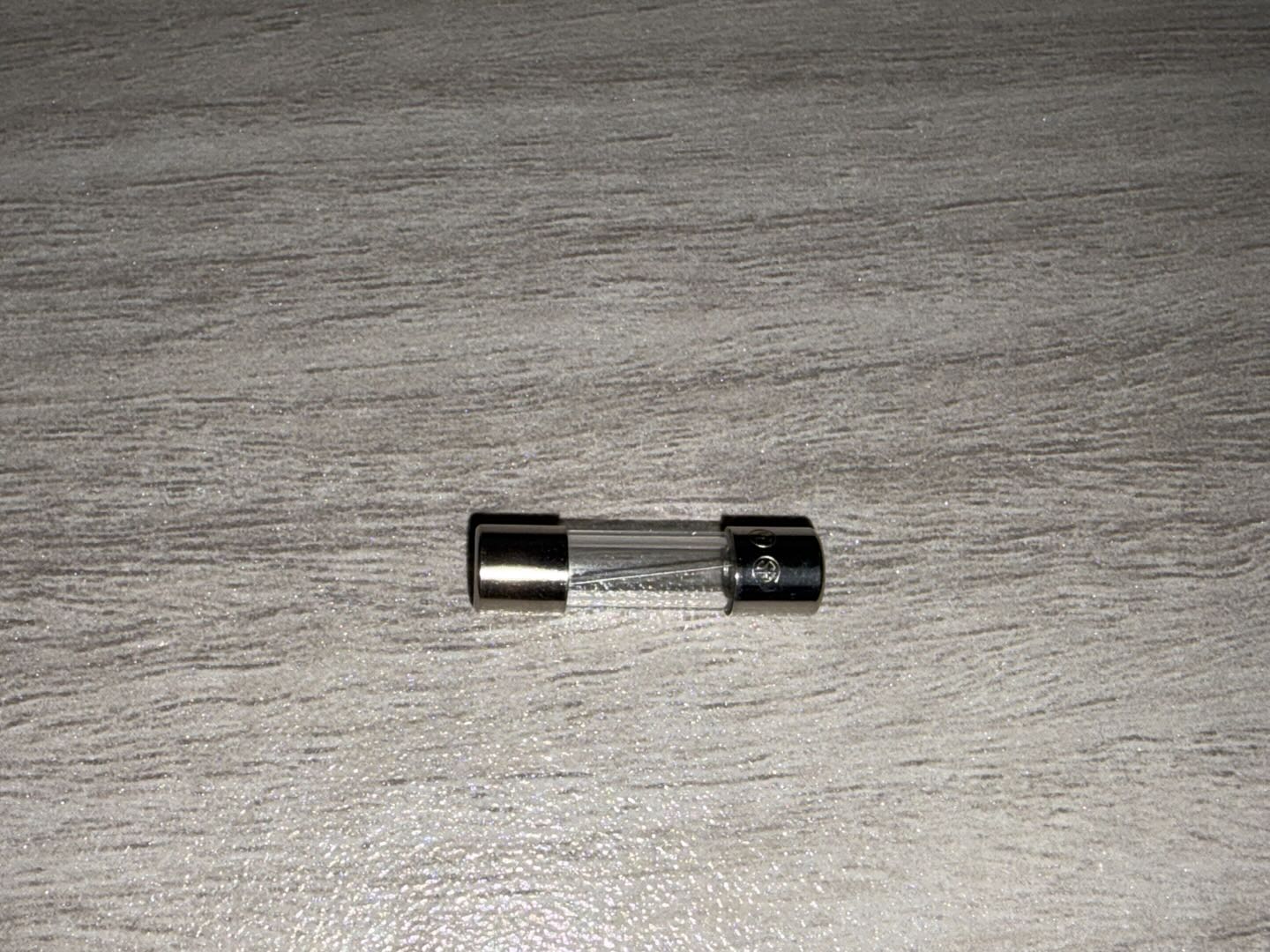
Fuse Specification: Glass Tube Fuse (3A 250V, 5 × 20 mm)
- Install the new fuse into the fuse box.
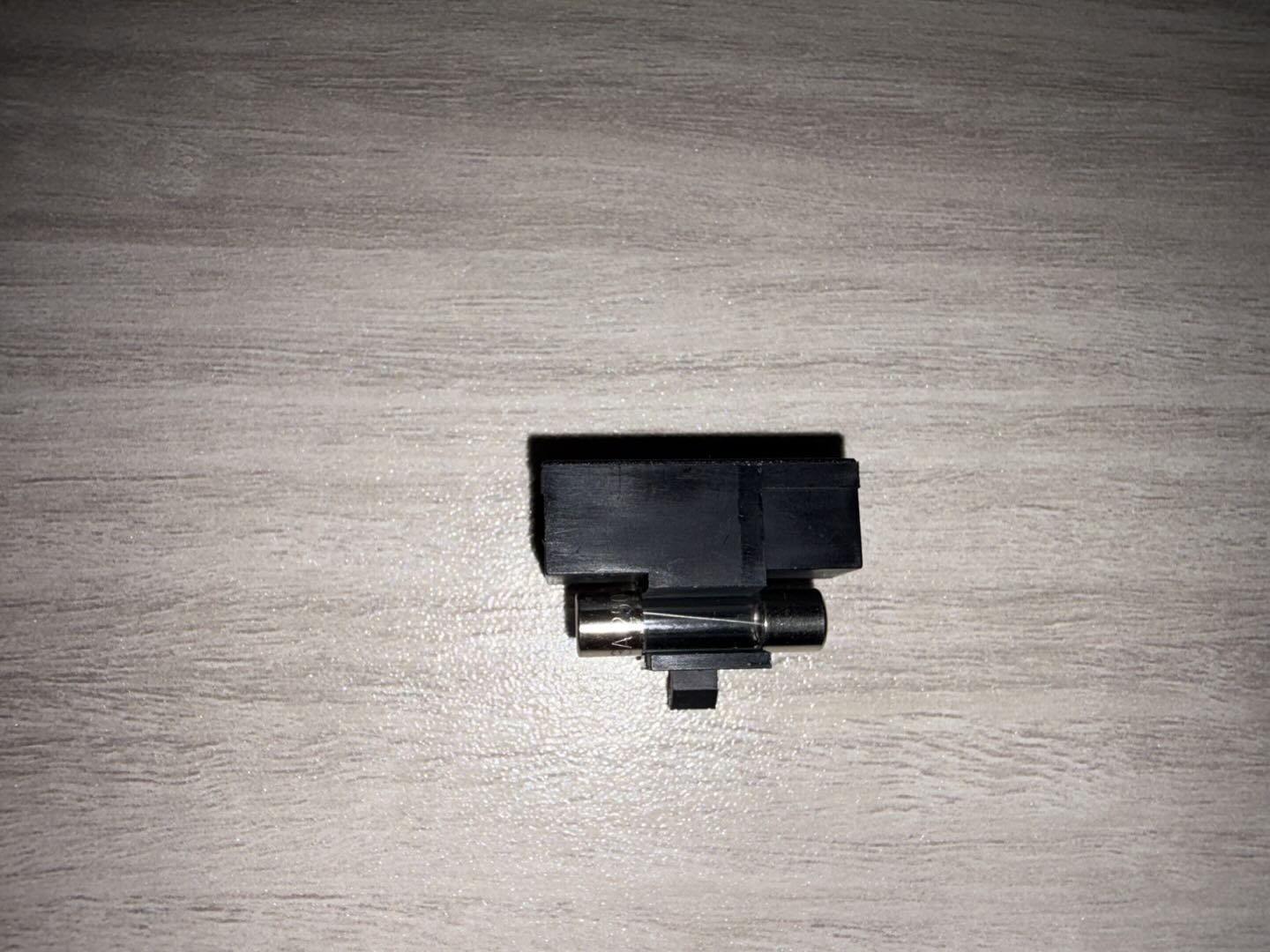
- Align the fuse box with the slot in the correct orientation and reinstall it into the power switch.
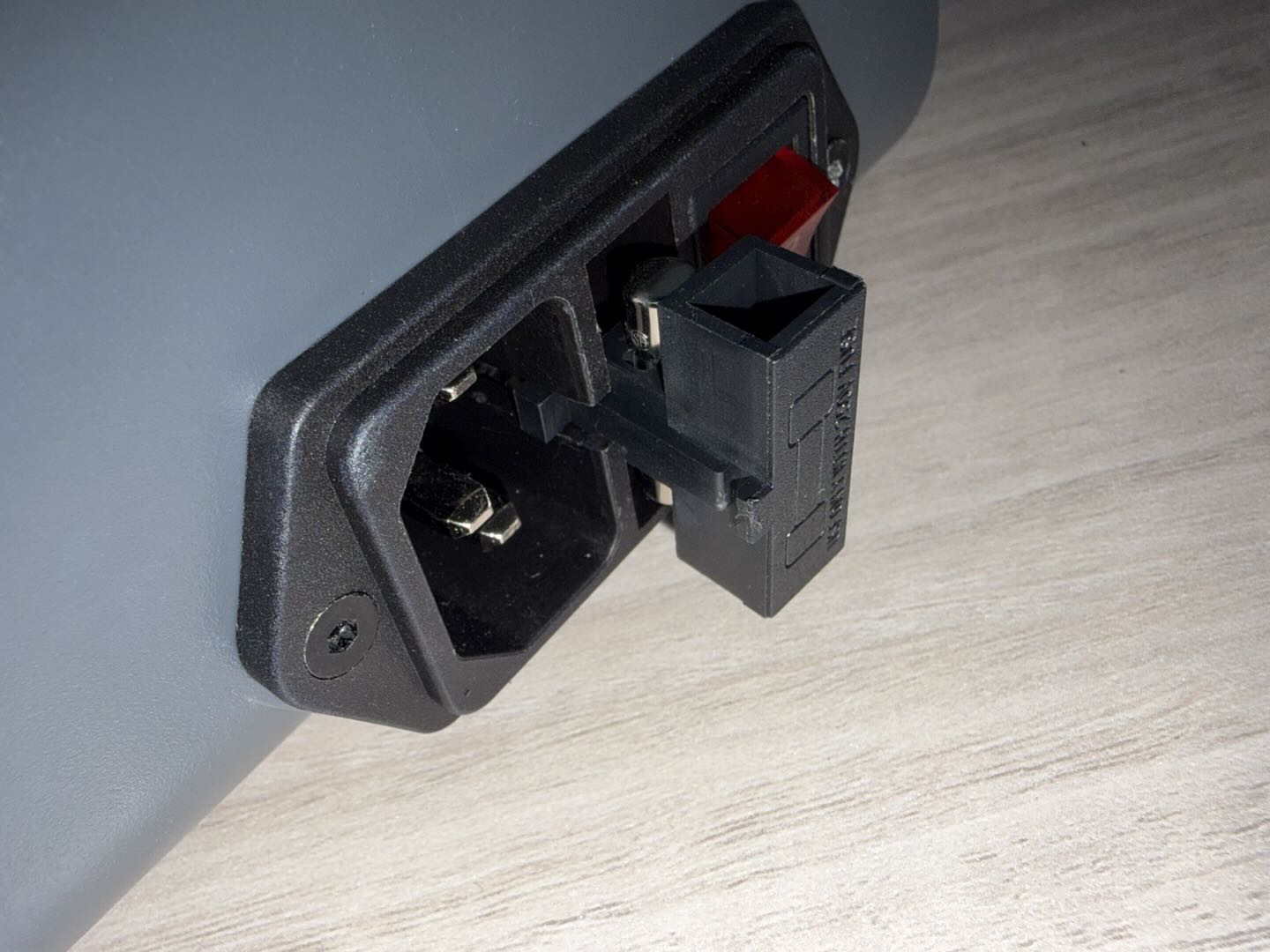
- Push the fuse box inward until it is fully secured in the power switch.
¶ Verification
- Connect the power cord and turn on the power switch.
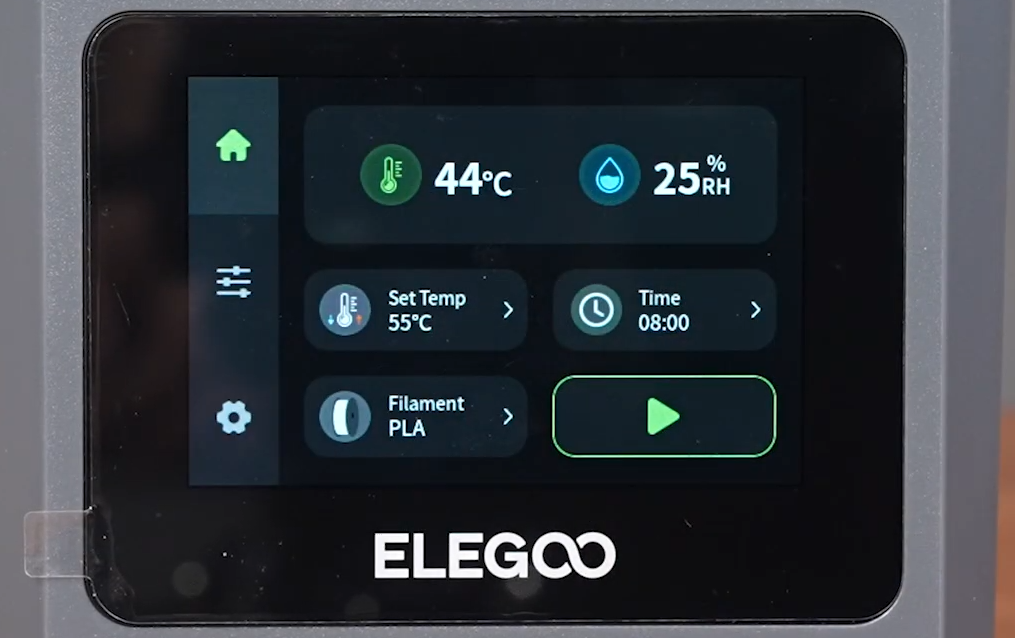
- Wait for the touch screen to start up and confirm that the display is normal.
- Confirm that the device can enter the main interface normally and that there are no abnormal prompts, sounds, or signs of overheating during operation. The power switch fuse replacement is complete.
¶ Help Us Improve
If you have any ideas about the wiki pages, please let us know via ELEGOO official feedback channel.