¶ Preparation
-
Download the ELEGOO Cura installation package.
https://github.com/ELEGOO-Slicer/ELEGOO-Cura4.8.0/releases/tag/4.8.0_1.1.1.0 -
Download the initial settings for the ELEGOO Cura.
https://wiki.elegoo.com/fdm-slicing-software/elegoo-cura-quick-start-guide
¶ Operation Steps
-
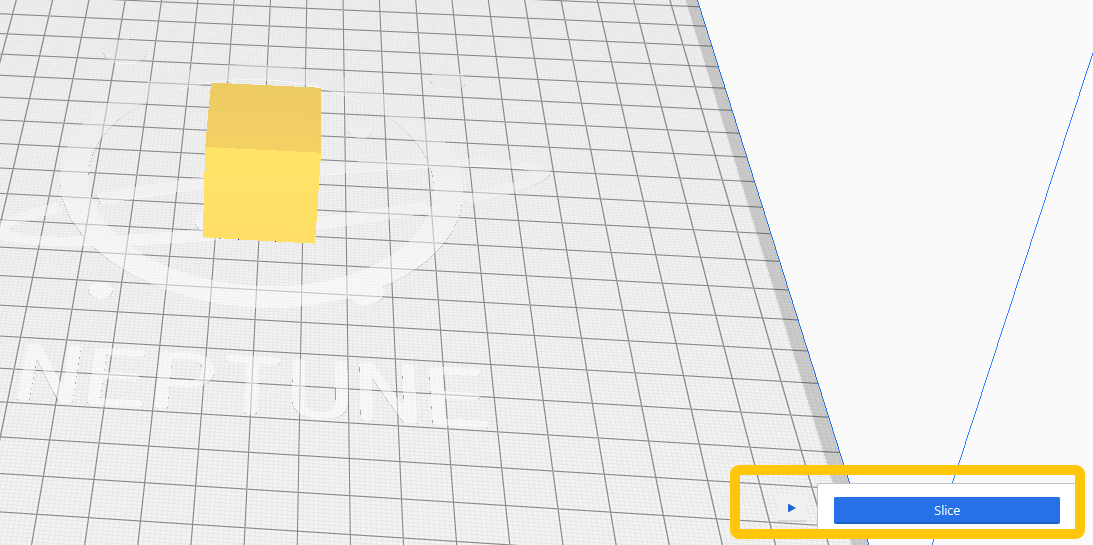
Import a model into the ELEGOO Cura and select Slice.
-
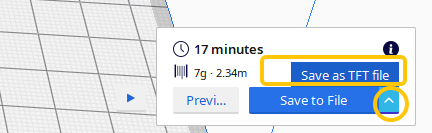
Select the drop-down button - Save as TFT file.
-
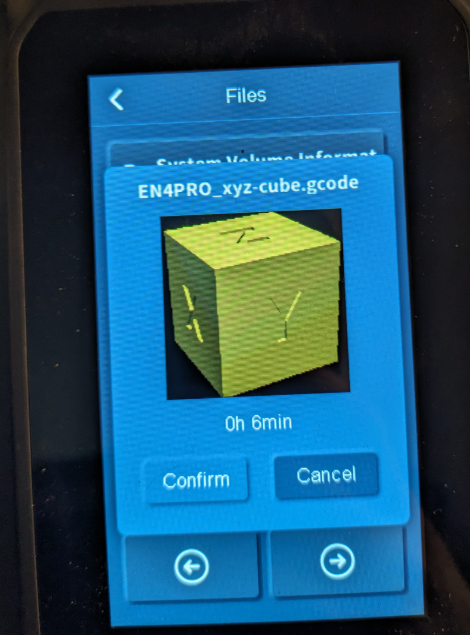
Insert the USB flash drive and send the model file. The touch screen shows the thumbnail.