¶ Preparation before operation
Download and install the latest version of the ELEGOO Slicer.
https://github.com/ELEGOO-3D/ElegooSlicer/releases
¶ Operation Steps
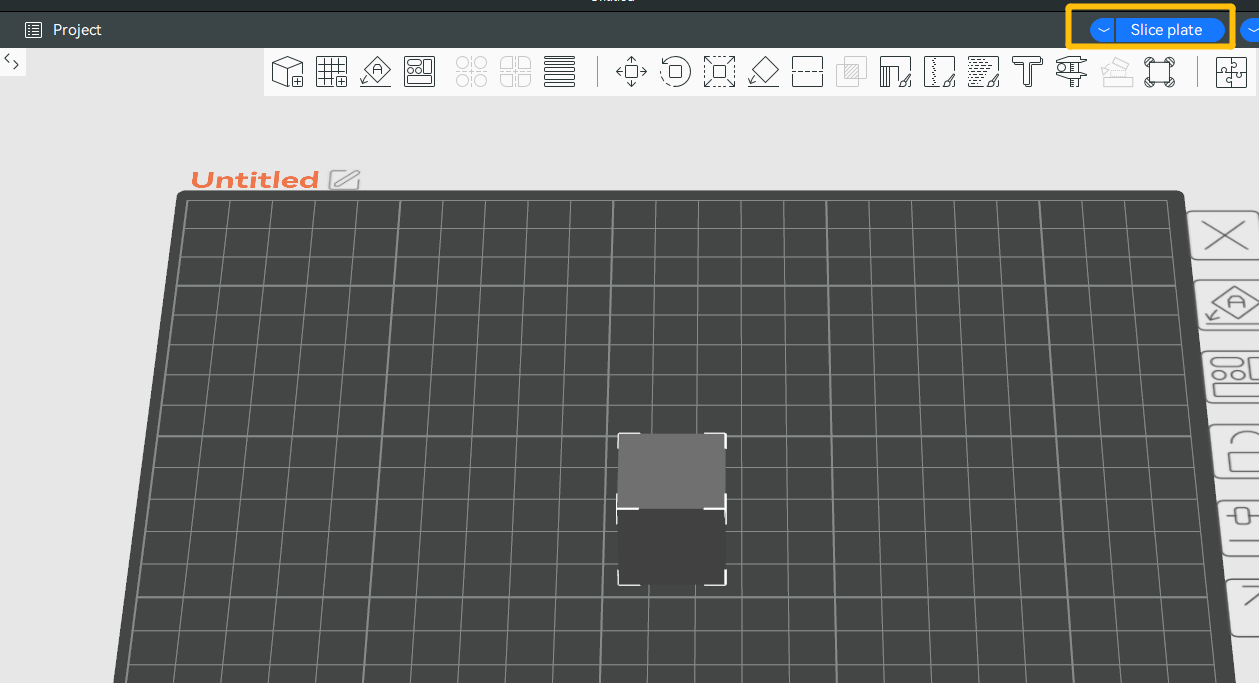
- Import a model into the ELEGOO Slicer and select Slice plate.
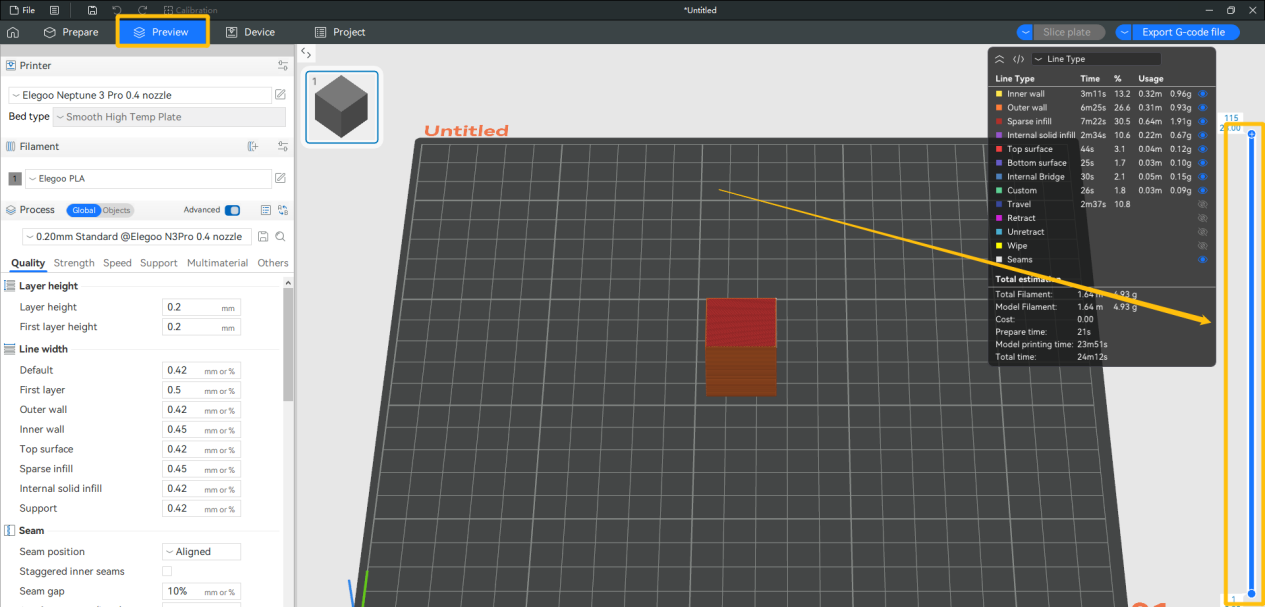
- Select Preview and locate the layer slider.
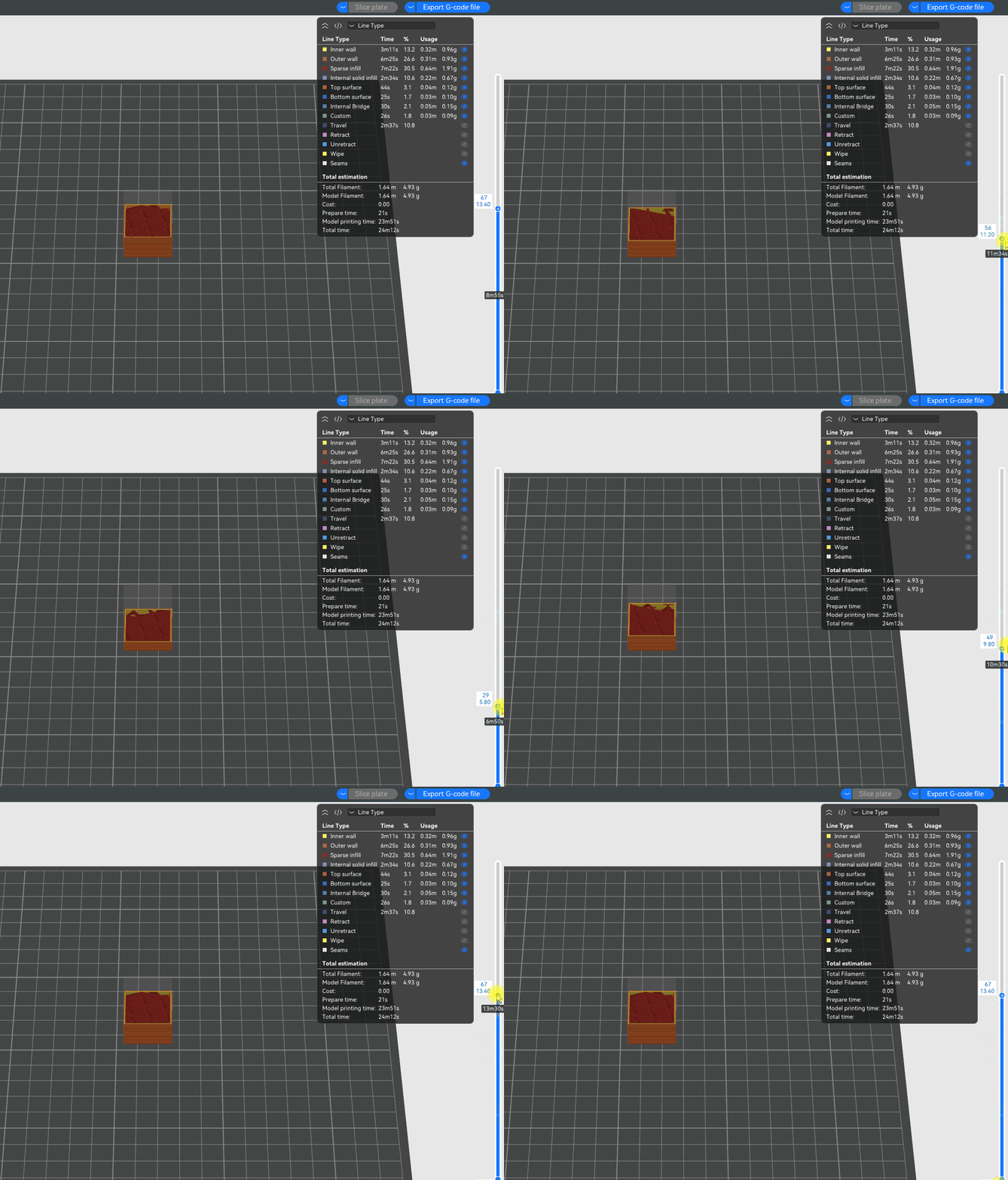
- Drag the layer slider to confirm the print height where you want to pause printing.
- Right-click the layer slider and select Add Pause. Click Slice plate.
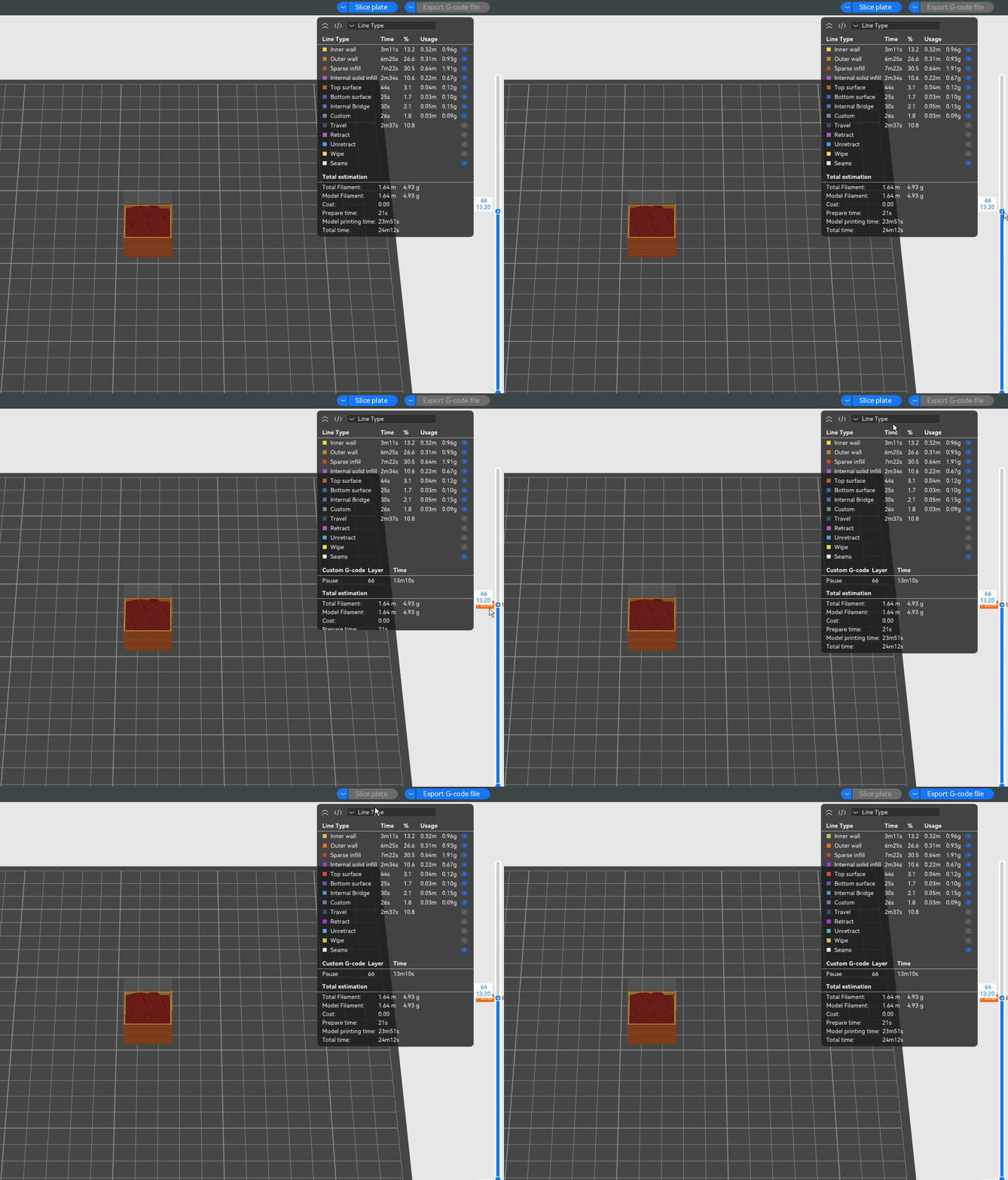
- Send the G-code file to the printer. During the printing process, the printer can automatically pause at the specified height.
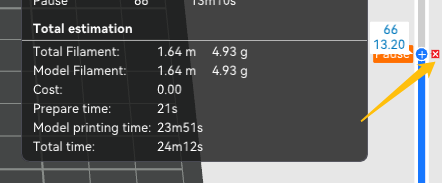
Note: If you want to cancel the pause, you can move the mouse cursor over the pause position and click the × button.