¶ Feature Overview
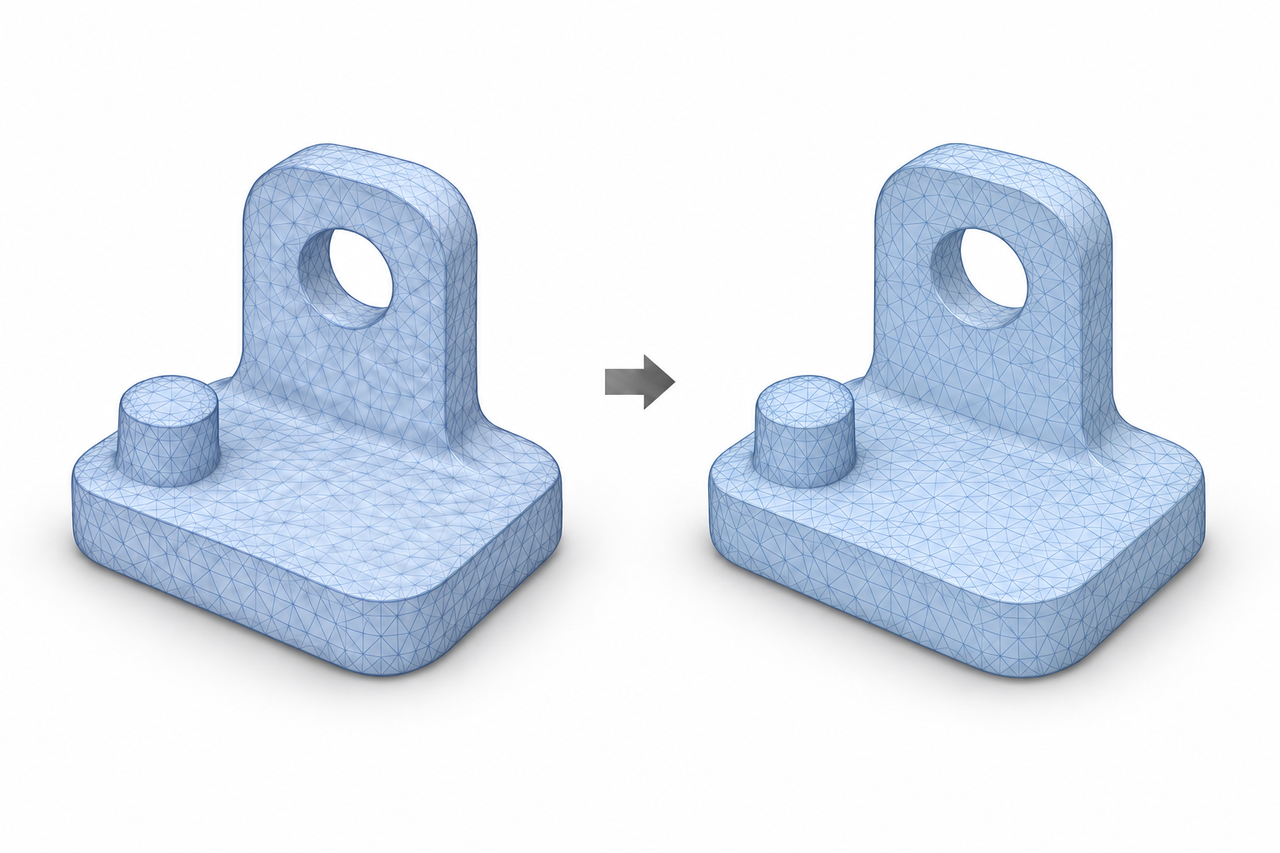
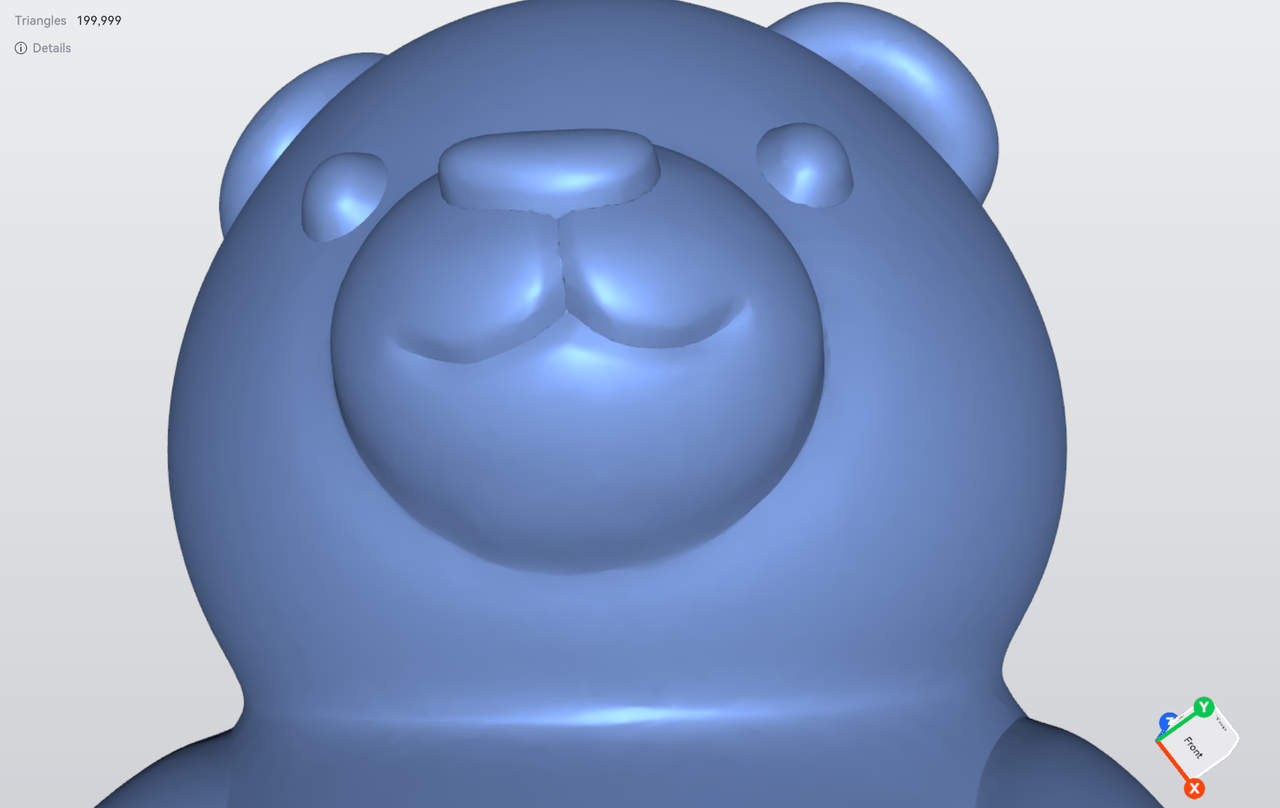
Smoothing reduces minor surface irregularities to create a smoother surface. It is suitable for reducing minor bumps and surface imperfections caused by scanning noise. Smoothing primarily adjusts the surface geometry rather than reducing the number of triangles.
¶ How to Use
Start with a low smoothing intensity and compare the result with the original model after each application.
¶ Actual Results
¶ Original
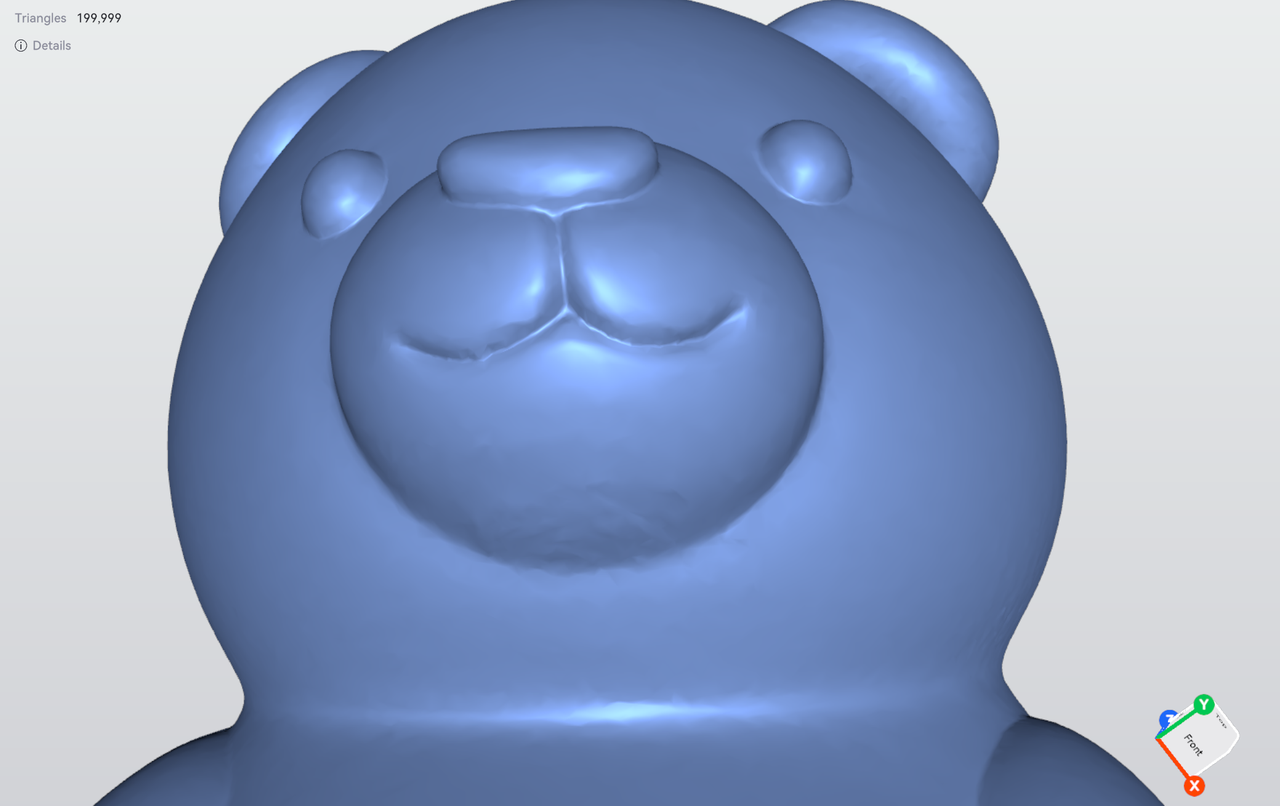
¶ Low
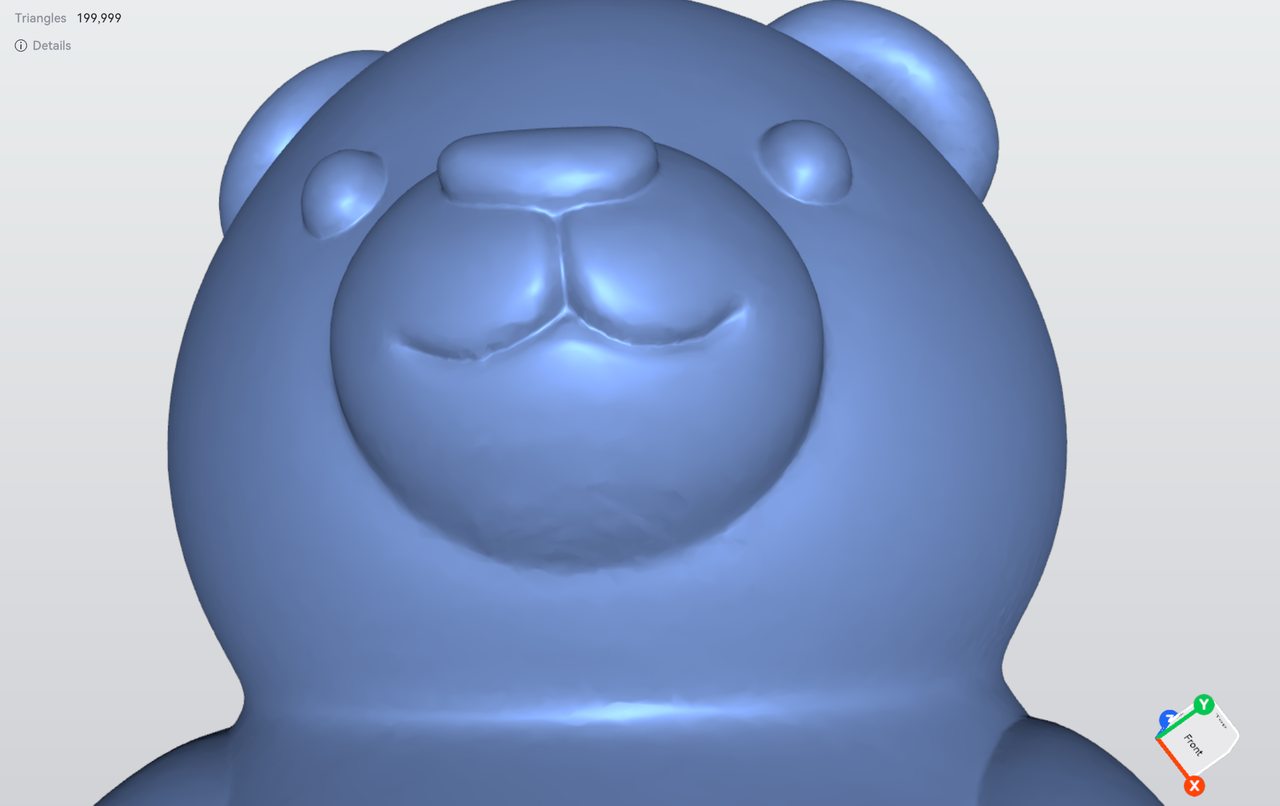
¶ Medium
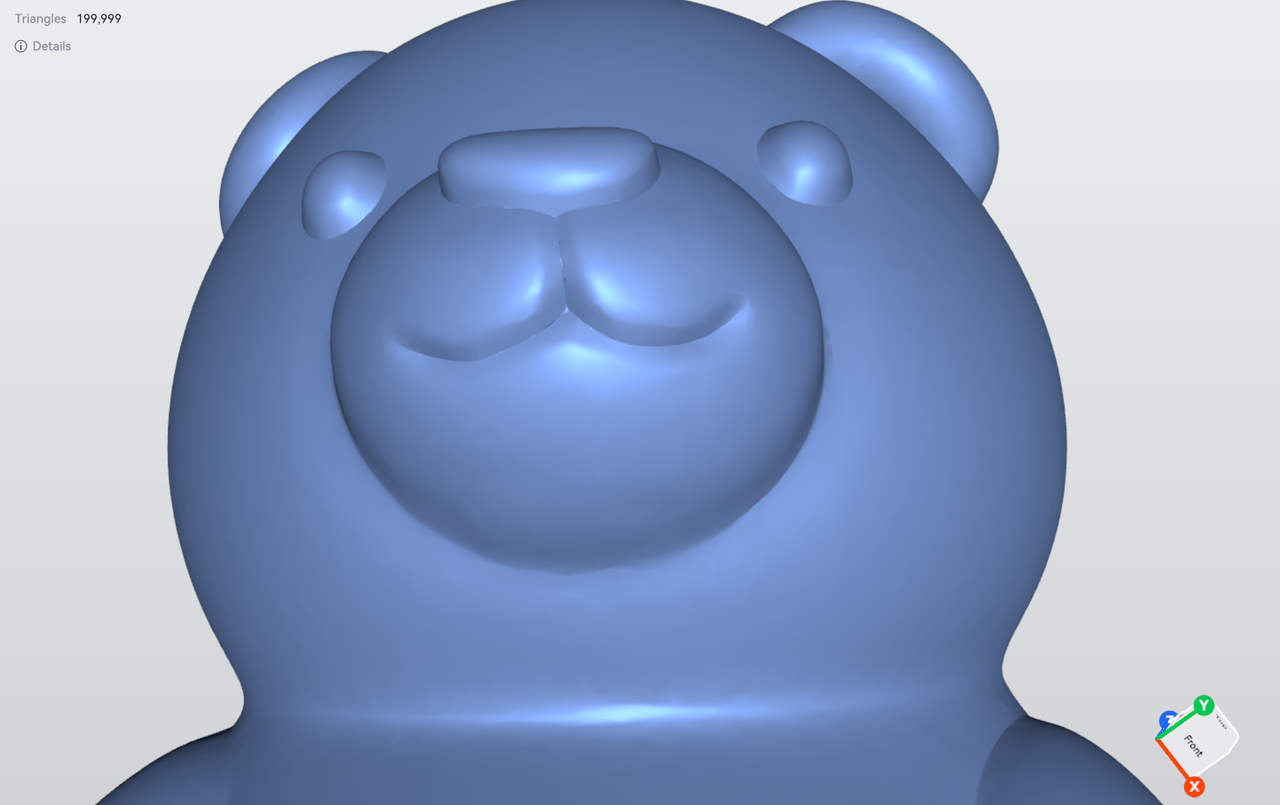
¶ High
¶ Notes
Excessive smoothing may round off sharp edges, reduce surface details, or alter the model's dimensions. Do not mistake the object's original engravings, patterns, or grooves for noise and remove them.
¶ Help Us Improve
If you have any suggestions for our wiki pages, please let us know through the ELEGOO Official Feedback Channel.