¶ Feature Overview
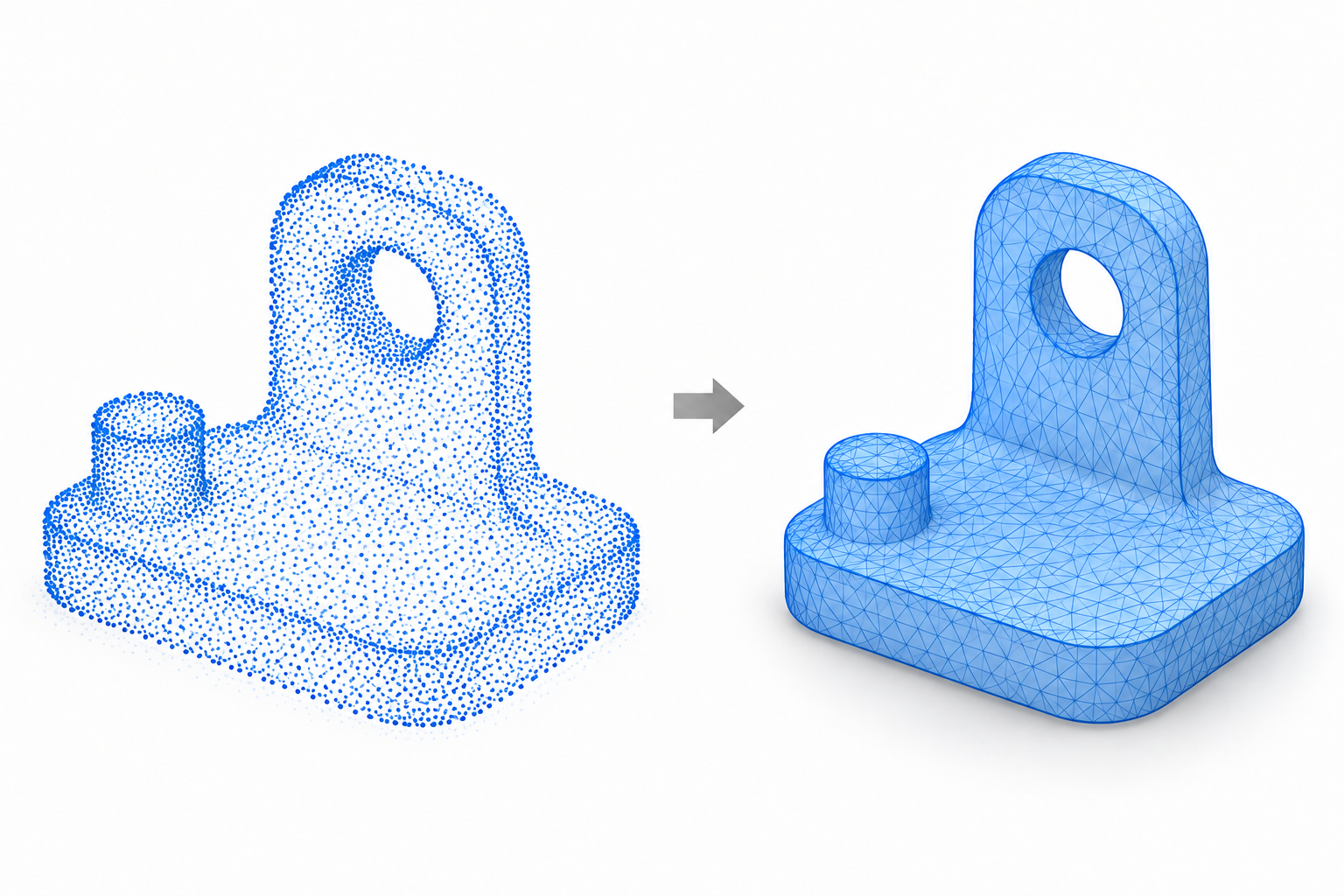
Mesh wrapping reconstructs the scanned pointcloud into a surface model composed of triangular faces, providing a basis for subsequent editing, export, and 3D printing preparation.
¶ How to Use
After inspecting and cleaning up the pointcloud, proceed to mesh wrapping. For your first attempt, you can use the default settings. Once the process is complete, rotate the model to inspect its overall shape, holes, and fine details.
¶ Parameter Explanation
¶ Resolution
Resolution refers to the distance between adjacent points in the scanned data, typically measured in millimeters (mm). A smaller resolution value generally results in denser sampling points, helping preserve surface details, but it may also increase data size and processing demands. A larger resolution generally results in sparser sampling points, making small features more likely to be lost.
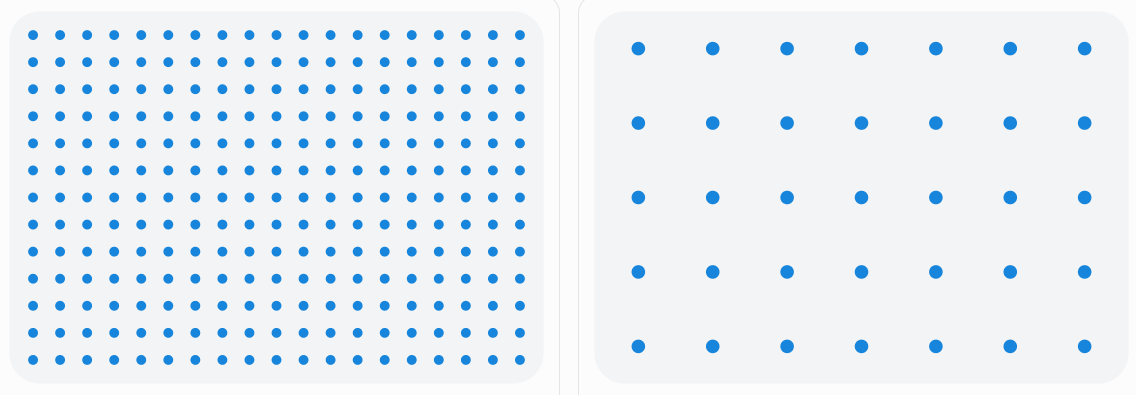
Note: Resolution indicates sampling density and is not equivalent to scanning accuracy. Actual scanning results are also affected by device performance, scanning distance, object surface properties, and scanning settings.
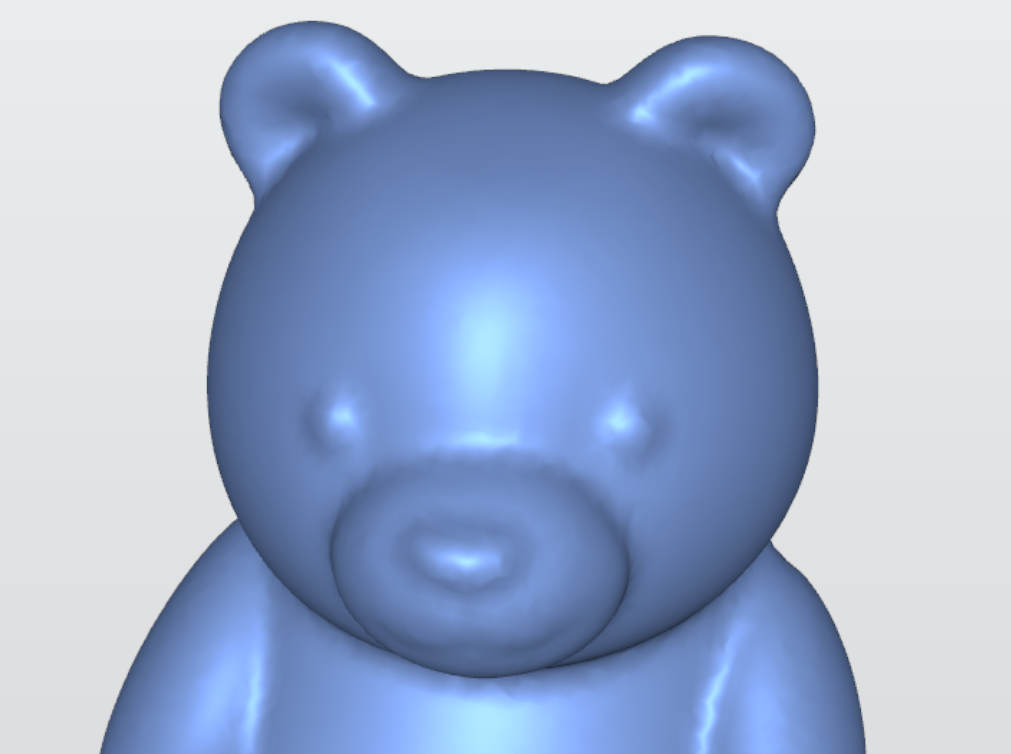
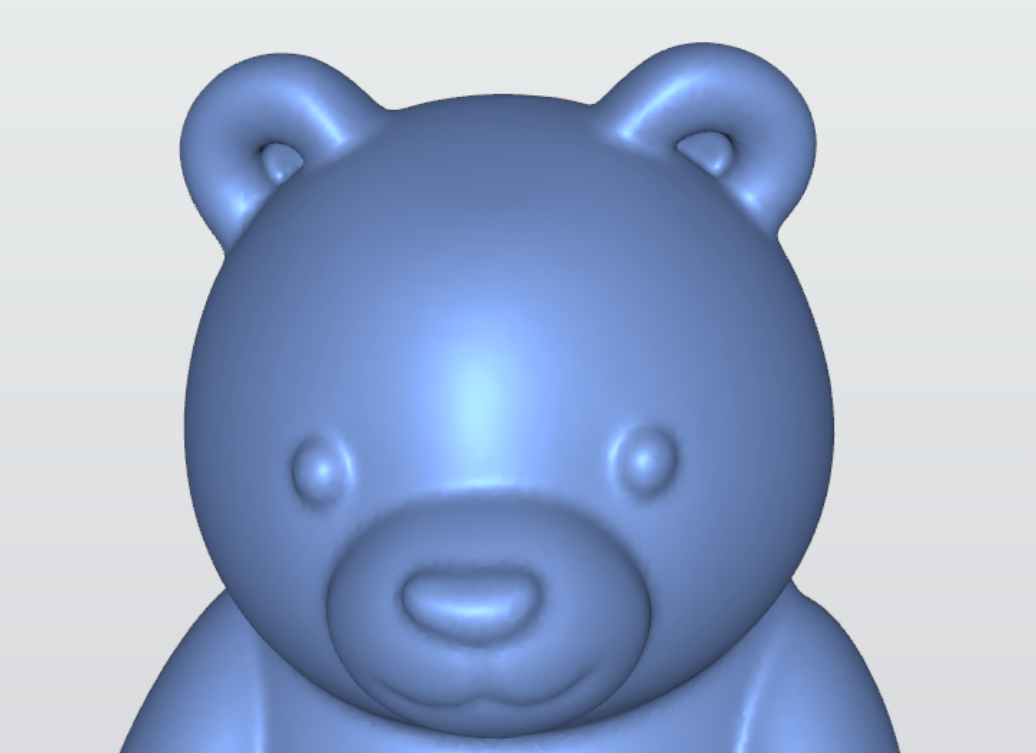
In most cases, a resolution of 0.1 mm is sufficient. A smaller value may help preserve more surface details, but memory usage can increase significantly, and processing may take longer.
¶ Differences Between Resolution Settings
| Resolution: 2 mm | Resolution: 1 mm | Resolution: 0.1 mm |
|---|---|---|
 |
 |
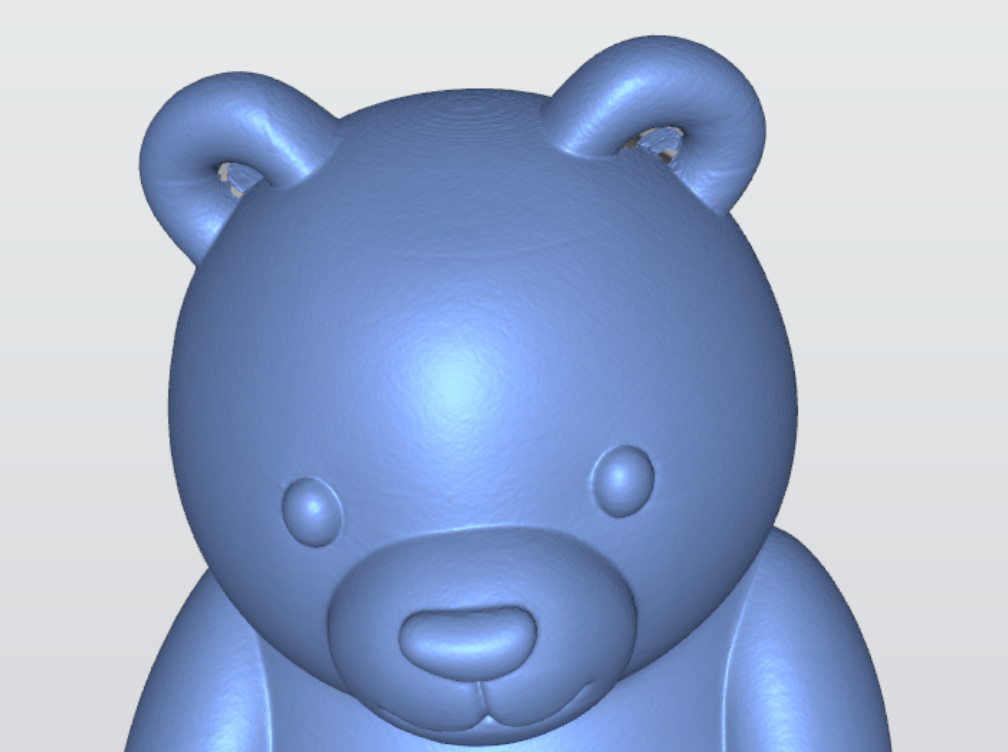 |
¶ Noise Removal
The noise removal controls how aggressively noise artifacts in the scanned data are filtered. It helps remove stray points and irregular surface variations, resulting in a cleaner and smoother scan.
Beginners are advised to start with the default noise removal and adjust it according to the results. If noticeable noise artifacts remain on the surface, increase the level as needed. If fine details are lost or edges become blurred, reduce the level.
The current tests were performed with a resolution of 0.2 mm.
¶ Effects of Different Noise Removal
| Noise Removal: 0% | Noise Removal: 70% | Noise Removal: 100% |
|---|---|---|
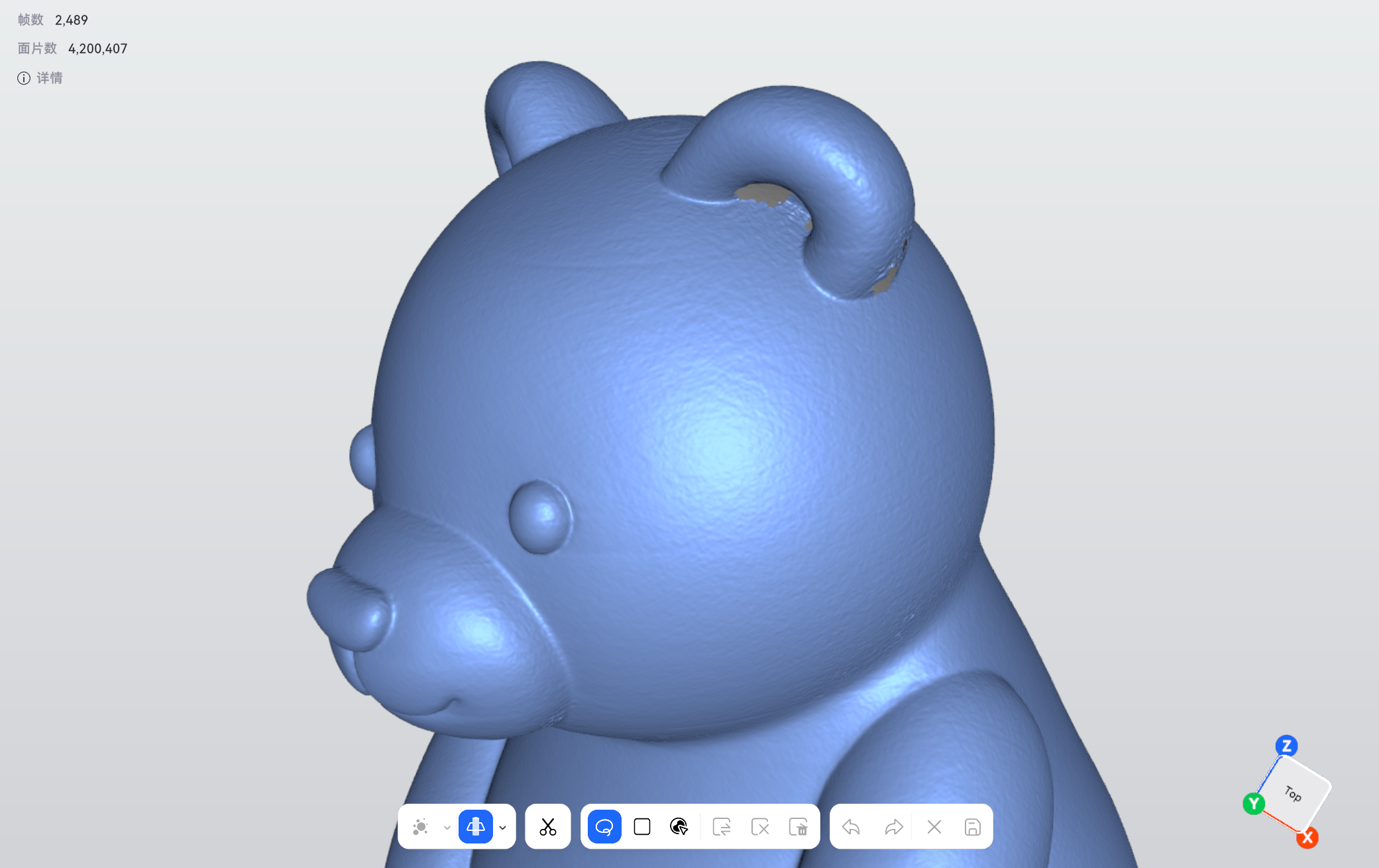 |
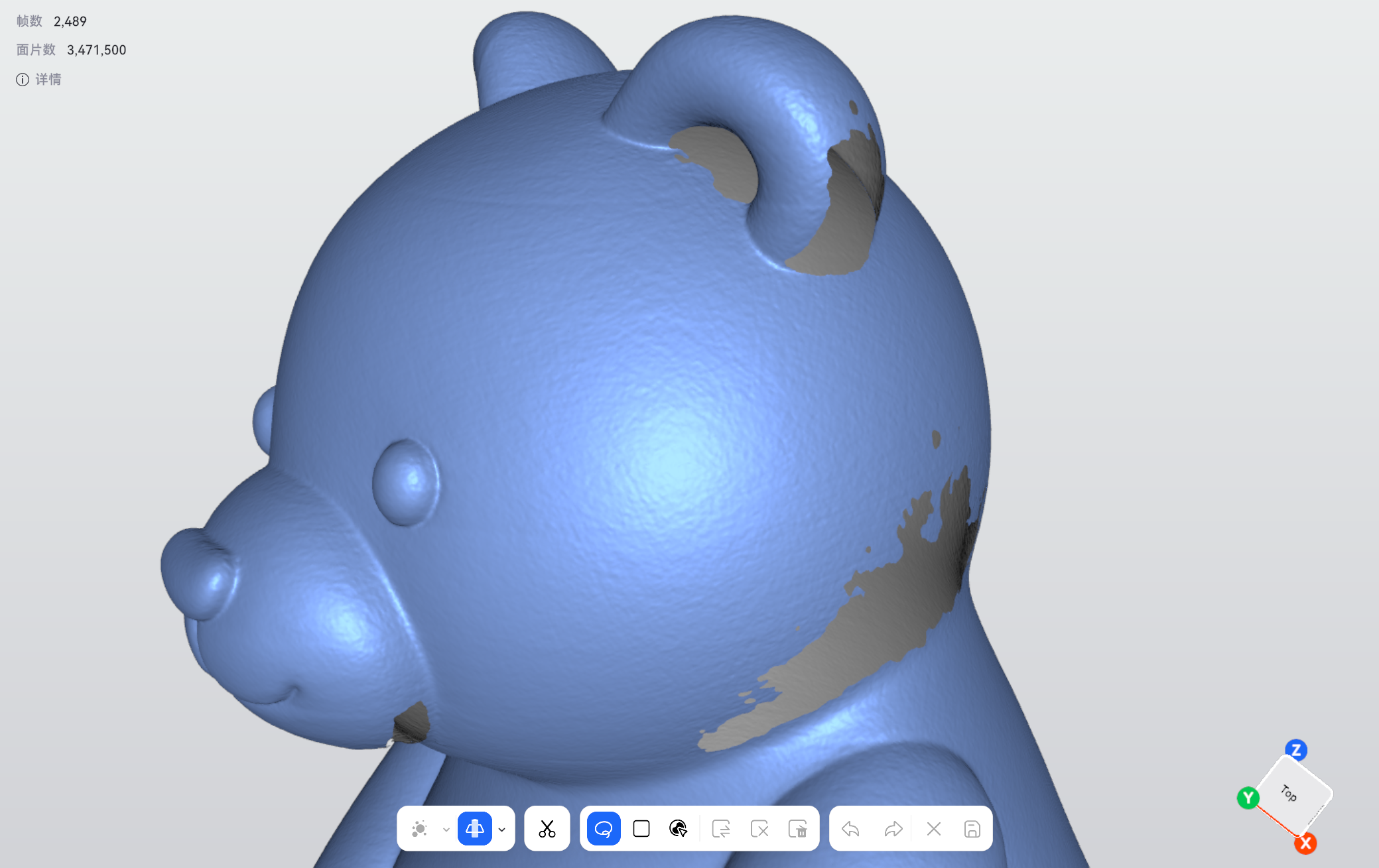 |
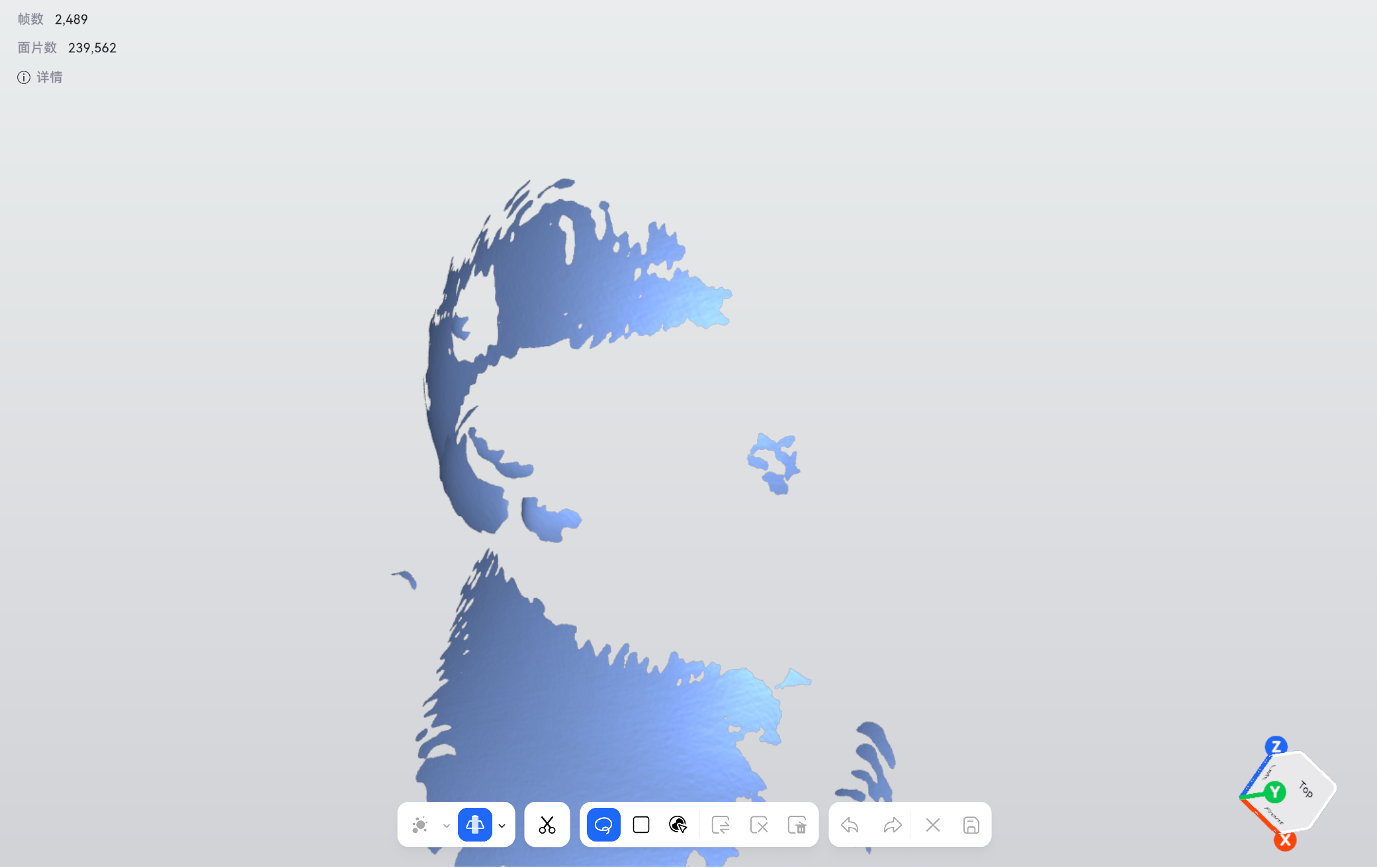 |
¶ Precautions
Mesh wrapping does not guarantee a completely closed model. The resulting mesh may still contain holes. Surfaces reconstructed by the software do not necessarily represent areas that were actually captured during scanning. If important areas are missing, prioritize rescanning those areas.
¶ Help us improve
If you have any ideas about the wiki pages, please let us know via ELEGOO official feedback channel