¶ 1. Open the Software
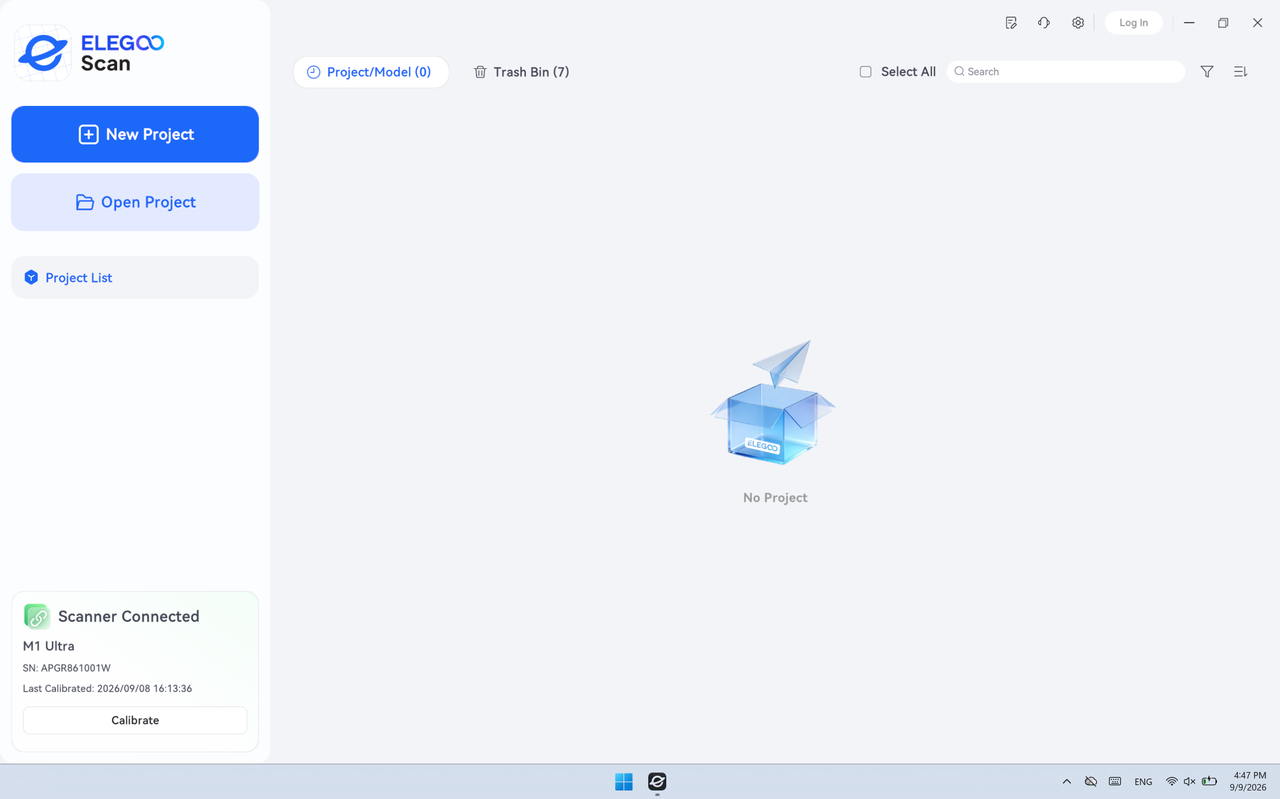
Launch ELEGOO Scan to open the main interface.
¶ 2. Open the Settings Page
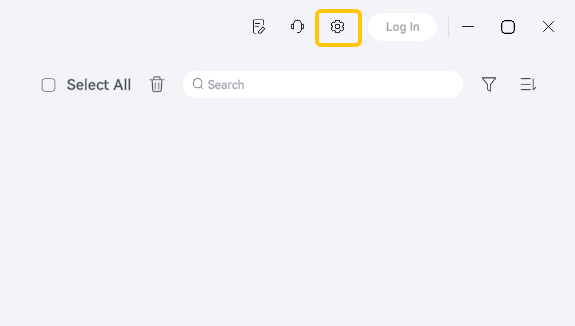
Click Settings in the upper-right corner of the interface to open the Settings window.
¶ 3. Select Software Update
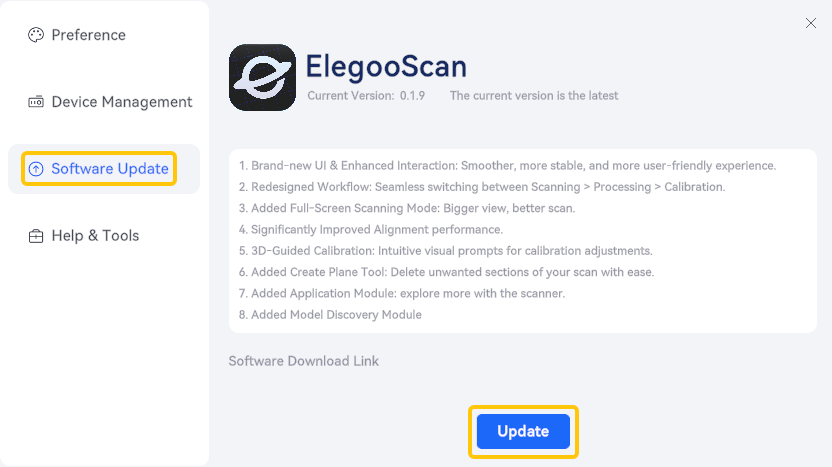
In the left sidebar of the Settings window, click Software Update. The right panel displays the current software version, the update status, and the release notes, if available.
¶ Click Update to Start the Update
Click the blue Update button to automatically download and install the latest software version.
¶ Notes
- Do not close the software or shut down the computer during the update. Doing so may cause the installation to fail or may cause software issues.
- After the update is complete, ELEGOO Scan will restart automatically. Once it has restarted, open the Software Update page and verify that the version number reflects the updated version.
¶ Help Us Improve
If you have any suggestions for improving our wiki pages, please share them through the ELEGOO Official Feedback Channel.