¶ Feature Overview
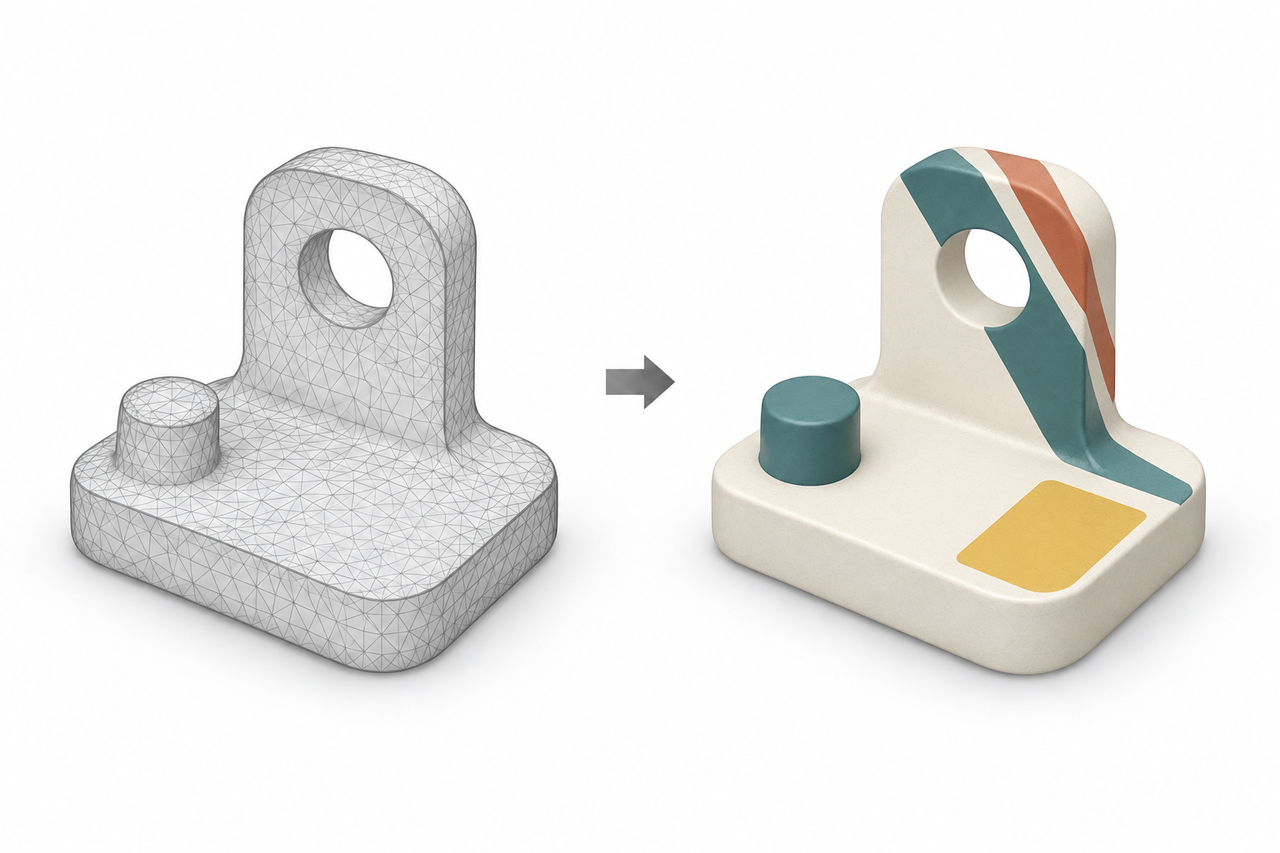
Maps the color images captured during scanning onto the model's surface, allowing the model to display the object's colors and patterns. This feature is useful for models intended for color display, archiving, or visualization. Use Color Mapping to automatically map the captured color data onto the model.
¶ How to Use
Ensure that usable color data was captured during scanning, and keep the original project. It is generally recommended to generate the texture after completing the main geometry editing operations. Once color mapping is complete, check for pattern misalignment, stretching, and noticeable color differences along texture seams.
¶ Notes
Color mapping cannot repair missing geometry, nor can actual colors be reconstructed from grayscale IR images alone. If the mesh is modified after texture generation, you may need to regenerate the texture.
¶ Help Us Improve
If you have any suggestions for our wiki pages, please share them through the ELEGOO Official Feedback Channel.