¶ Fault Phenomenon:
The printer restarts during printing, causing the print job to abort, and the touchscreen returns to the main interface.
¶ Fault Causes:
- Adapter failure
- Power switch PCB board failure
¶ Tools Required for Troubleshooting:
- Multimeter
- 2.0mm hex screwdriver
- A jumper wire
¶ Troubleshooting Steps:
¶ 1. Check the adapter
a. Check whether the adapter's output power is 24V and whether the output voltage is stable.
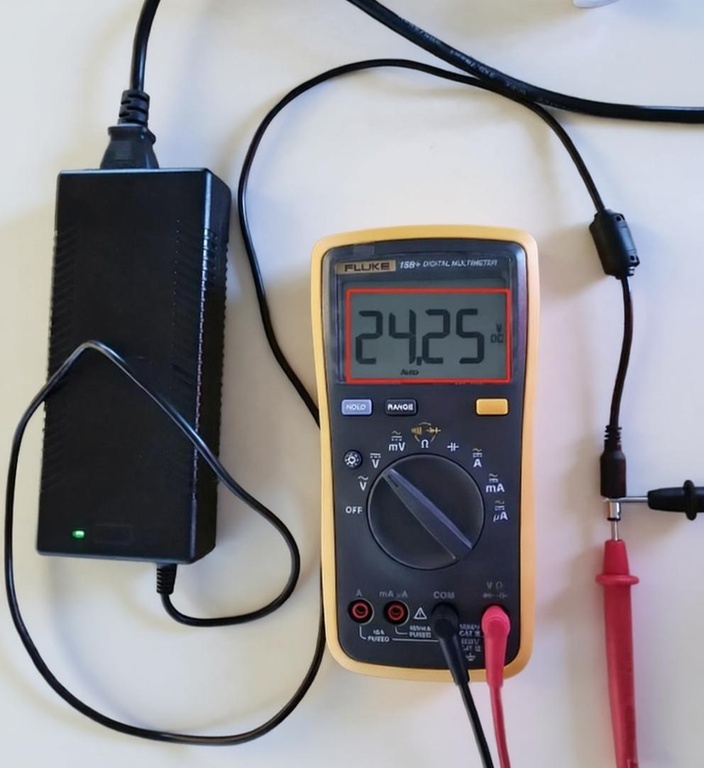
b. Replace with another 24V 5A adapter for the current printer.
- If the issue does not occur with the other adapter, the original adapter needs to be replaced.
¶ 2. Bypass the power PCB board for testing
a. Turn off the printer power switch and unplug the adapter.
b. Refer to the video below to disconnect the power PCB board. Use a jumper wire to connect the terminals on both sides of the power PCB board.
https://www.youtube.com/watch?v=KyUwUBMaJpM
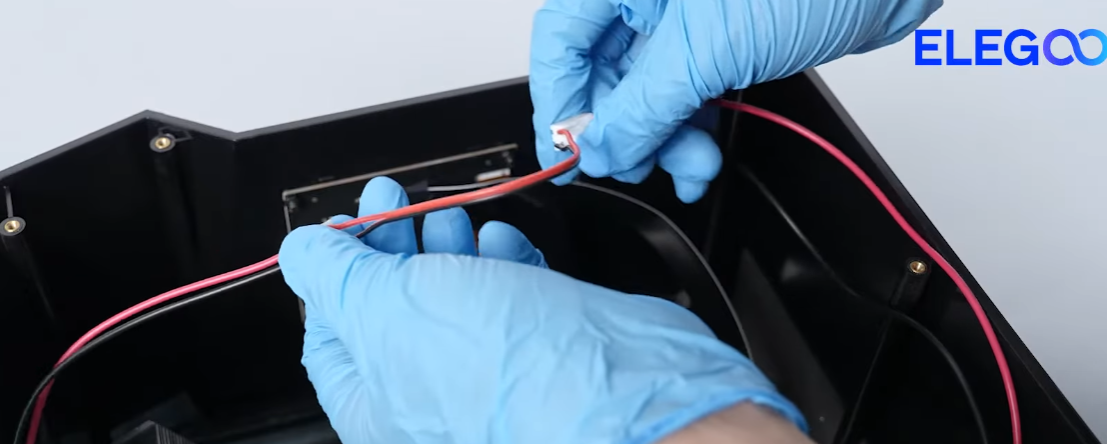
c. Plug in the adapter and turn on the power switch.
d. Run the exposure test via the touchscreen.
- If the printer no longer restarts at this point, the power PCB board needs to be replaced.
Technical support email address: 3dp@elegoo.com