Neptune 4&4pro Nozzle Replacement
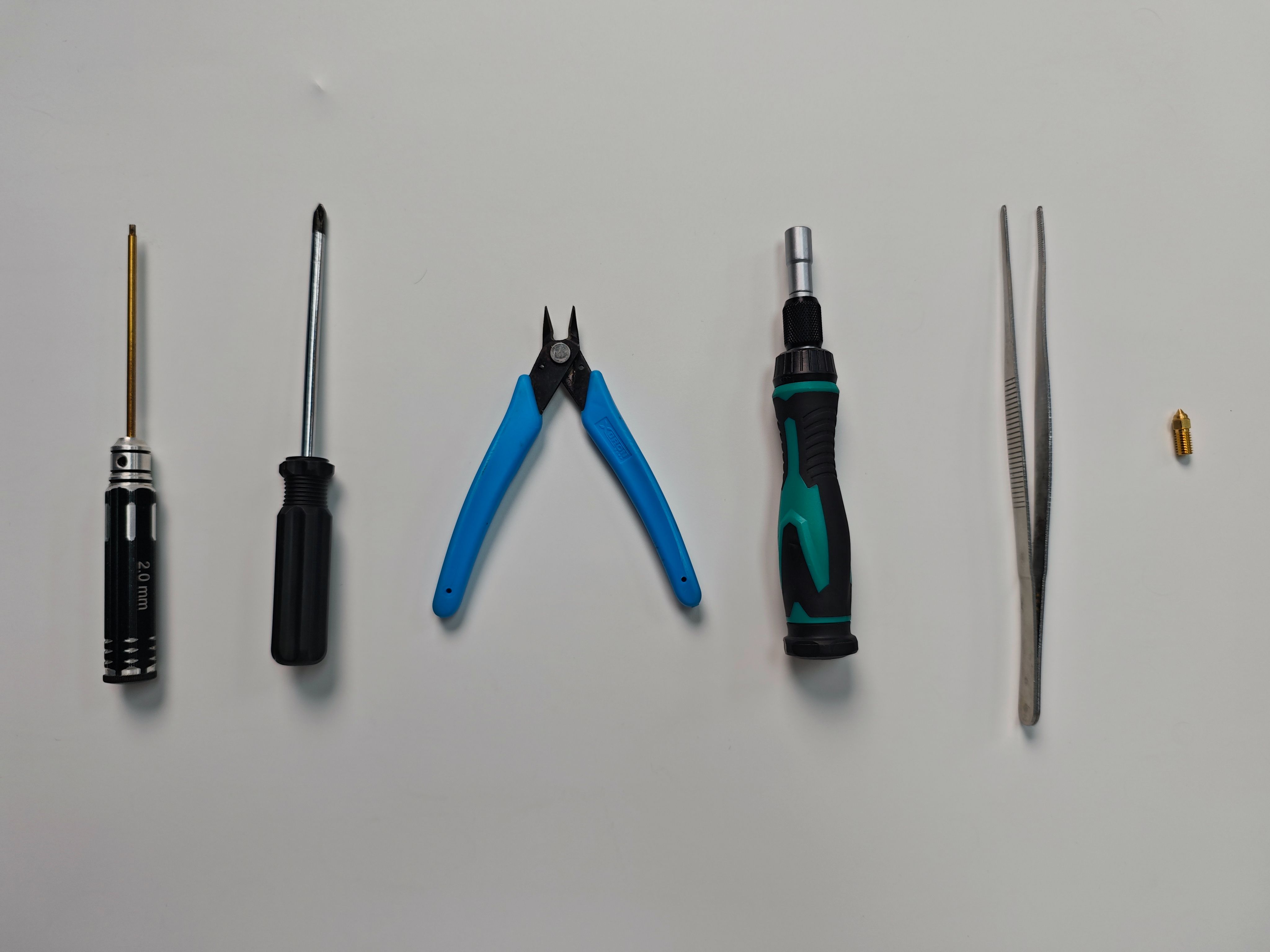
Tools and materials needed:
●2.0mm hex wrench
●5.0mm Phillips screwdriver
●Nozzle
●M6 socket wrench/6mm hex wrench
●Pliers
●Tweezers
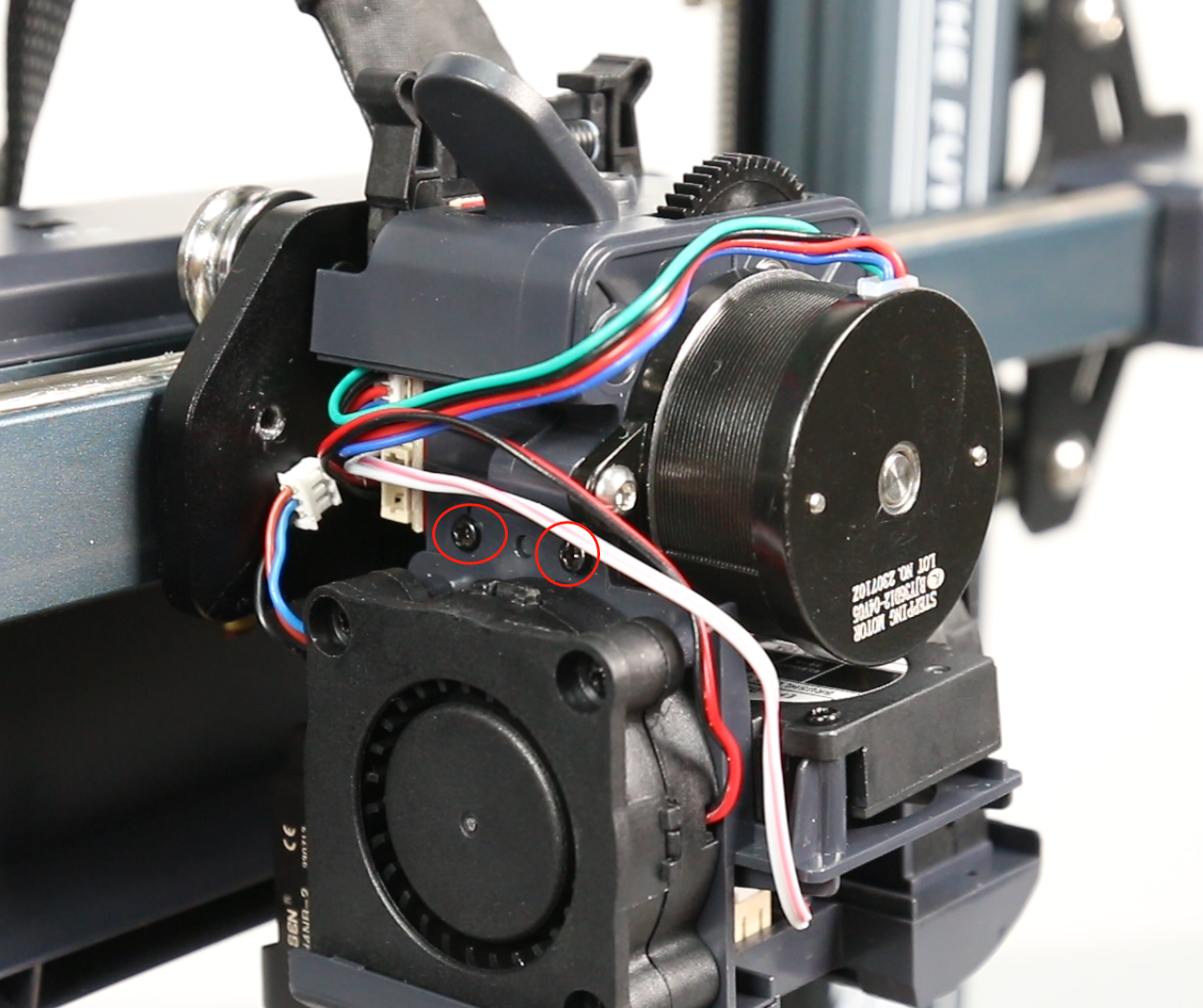
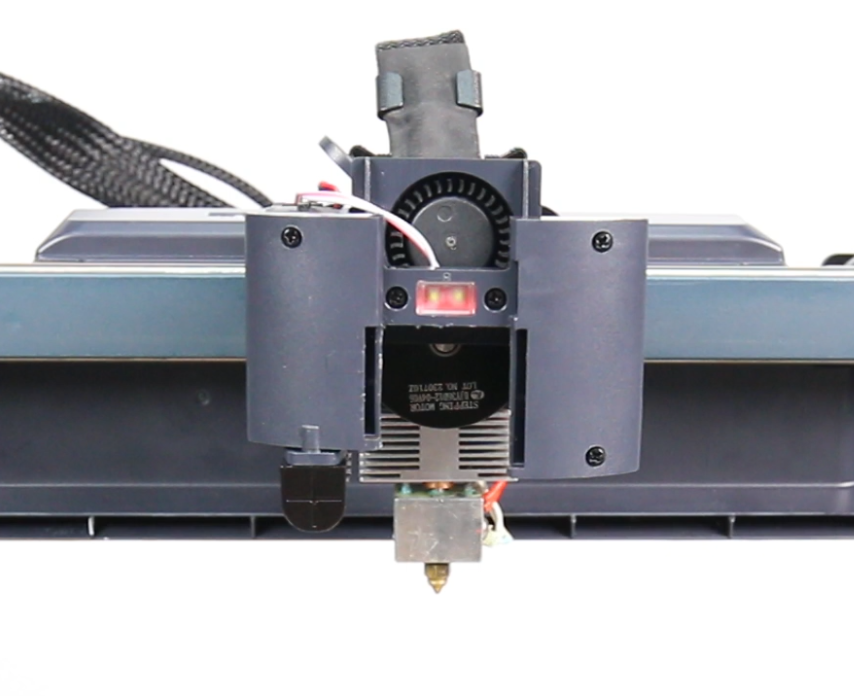
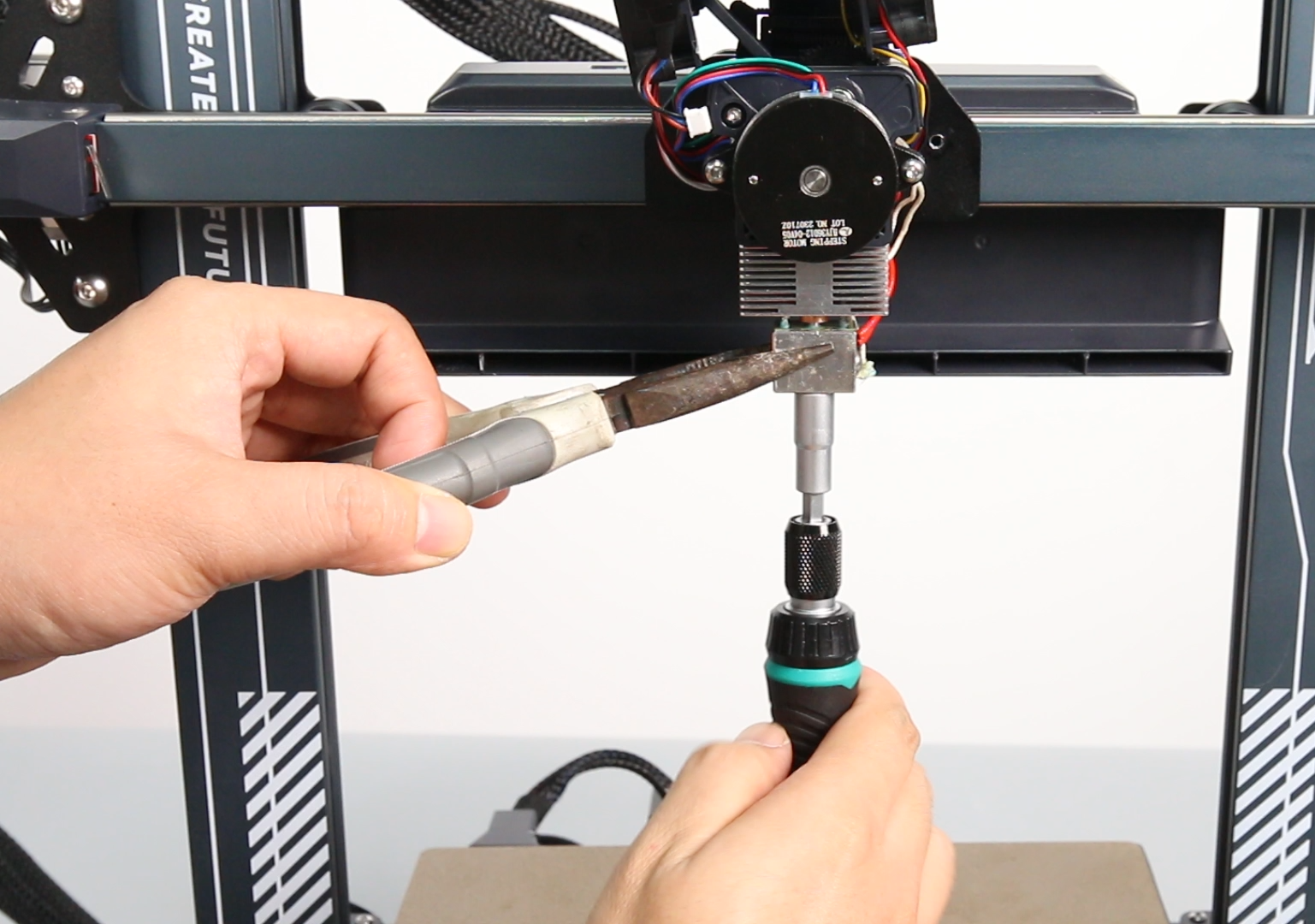
- Use pliers to hold the square metal heated chamber, then use a 6mm socket wrench or a 6mm open-end wrench to loosen the nozzle and take it out (operate with the nozzle heated), and replace it with a new nozzle.
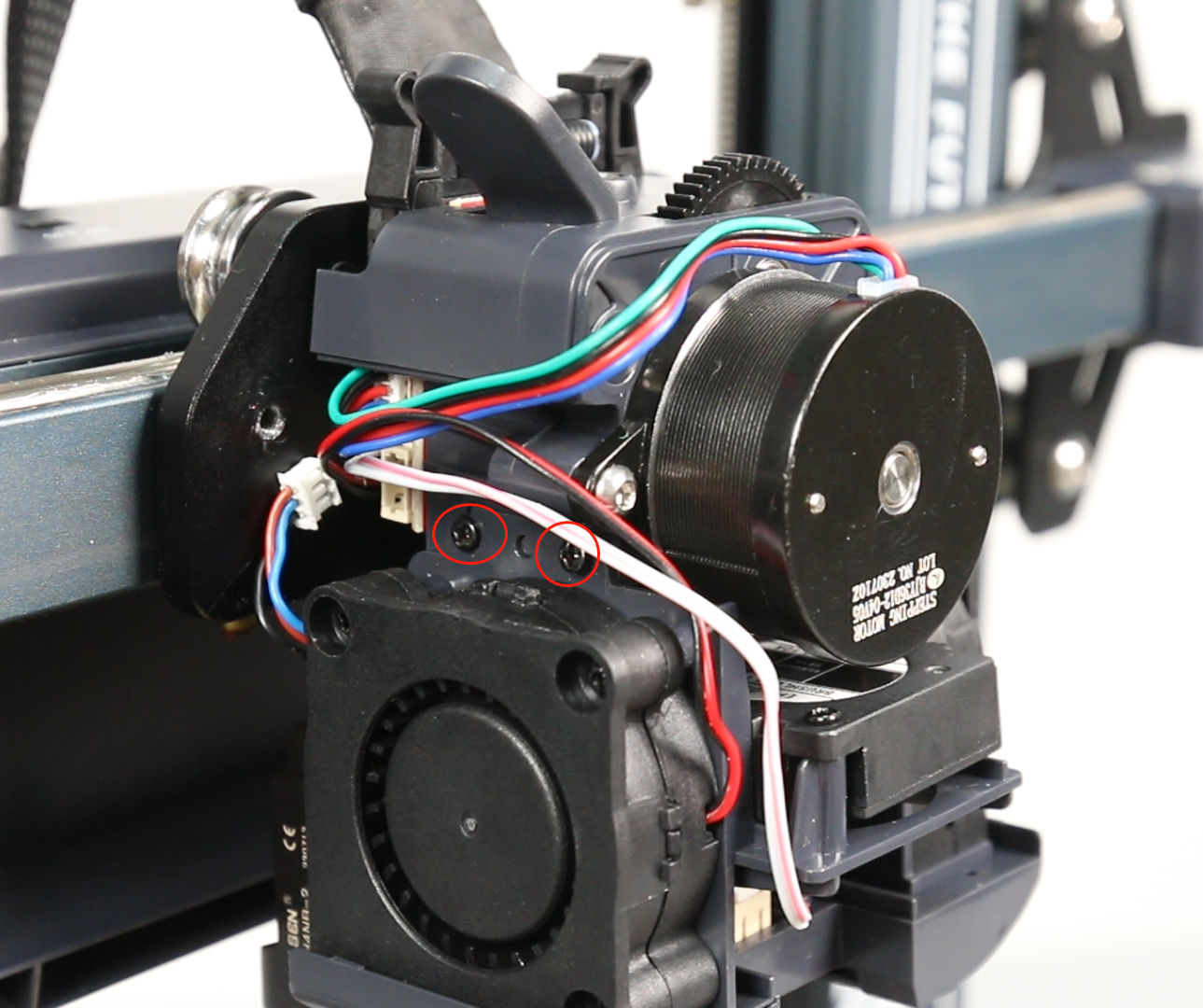
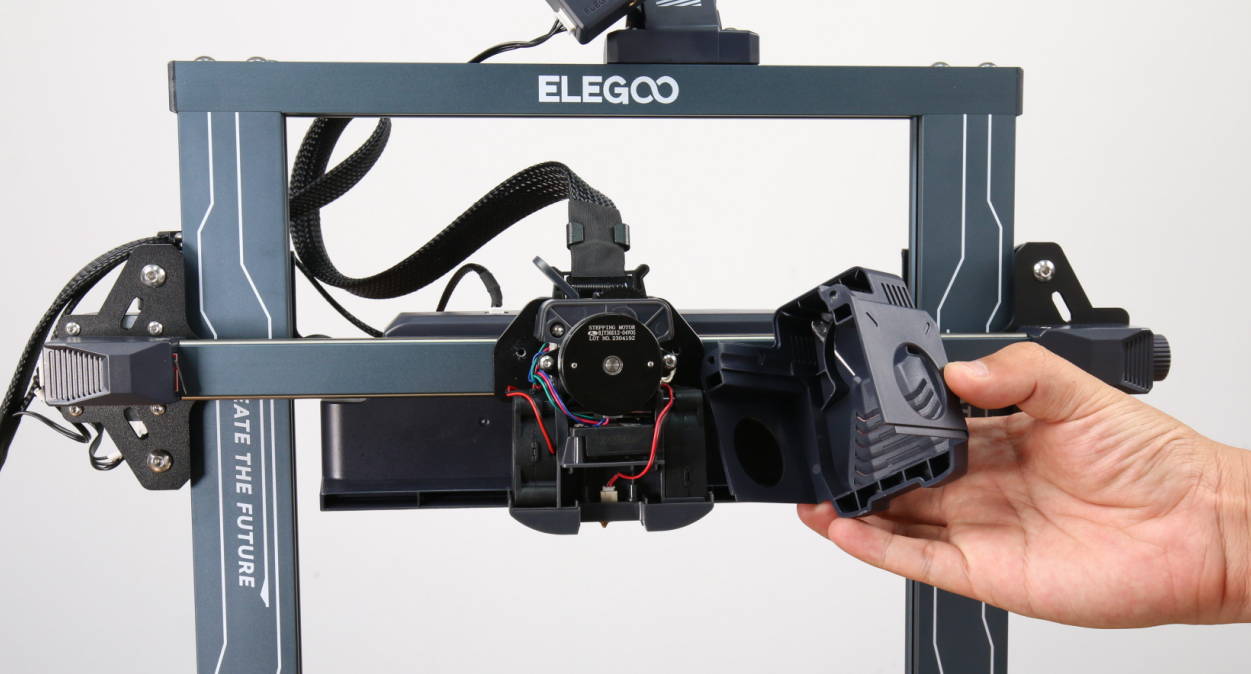
- Install the front cover of the whole print head assembly (It has a groove design and can be installed by sliding it in), and use a 2.0mm hex wrench to tighten the two fixing screws of the "print head front cover".
- Operate on the touch screen to re-level, and it can be used normally.