The scanner is a precision optoelectronic imaging device. Routine maintenance focuses on the housing, optical glass platform, and data cables to maintain imaging accuracy and extend the service life of the device.
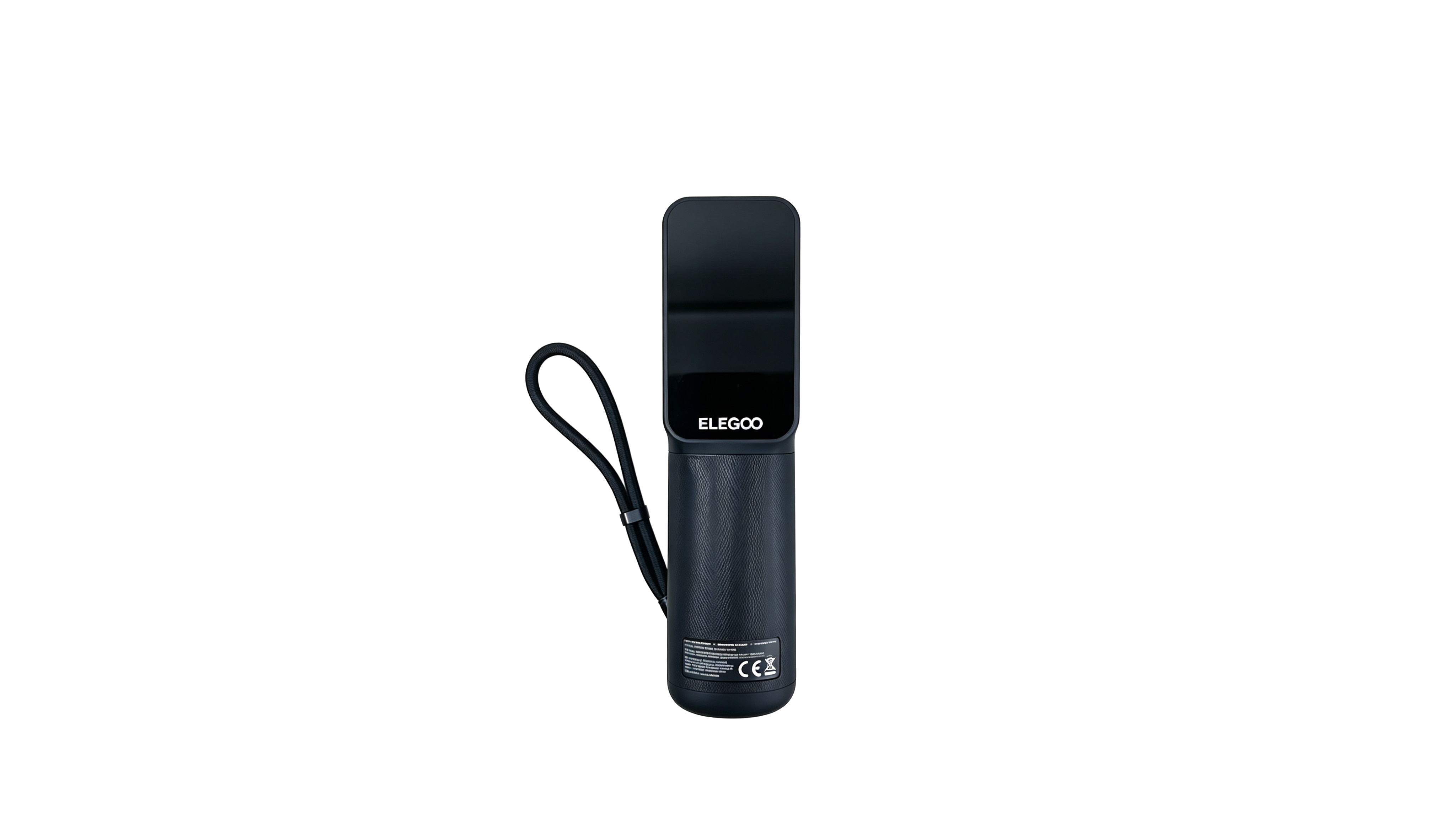
¶ Cleaning the Scanning Glass Platform (Optical Glass)
The glass platform serves as a reference surface for imaging. Stains and scratches can directly affect the resulting scan images.
- Removing Loose Dust: Turn off the device and allow it to cool, if necessary. Use a manual air blower to remove loose dust particles from the surface.
- Removing Fingerprints and Oil: Moisten a lint-free optical cleaning cloth with a small amount of isopropyl alcohol, then gently wipe the surface in one direction. Do not wipe in circular motions.
- Precautions: Do not allow hard objects to contact the glass surface. Do not dry-wipe it with ordinary paper towels or rough cloths, as these may scratch the glass.
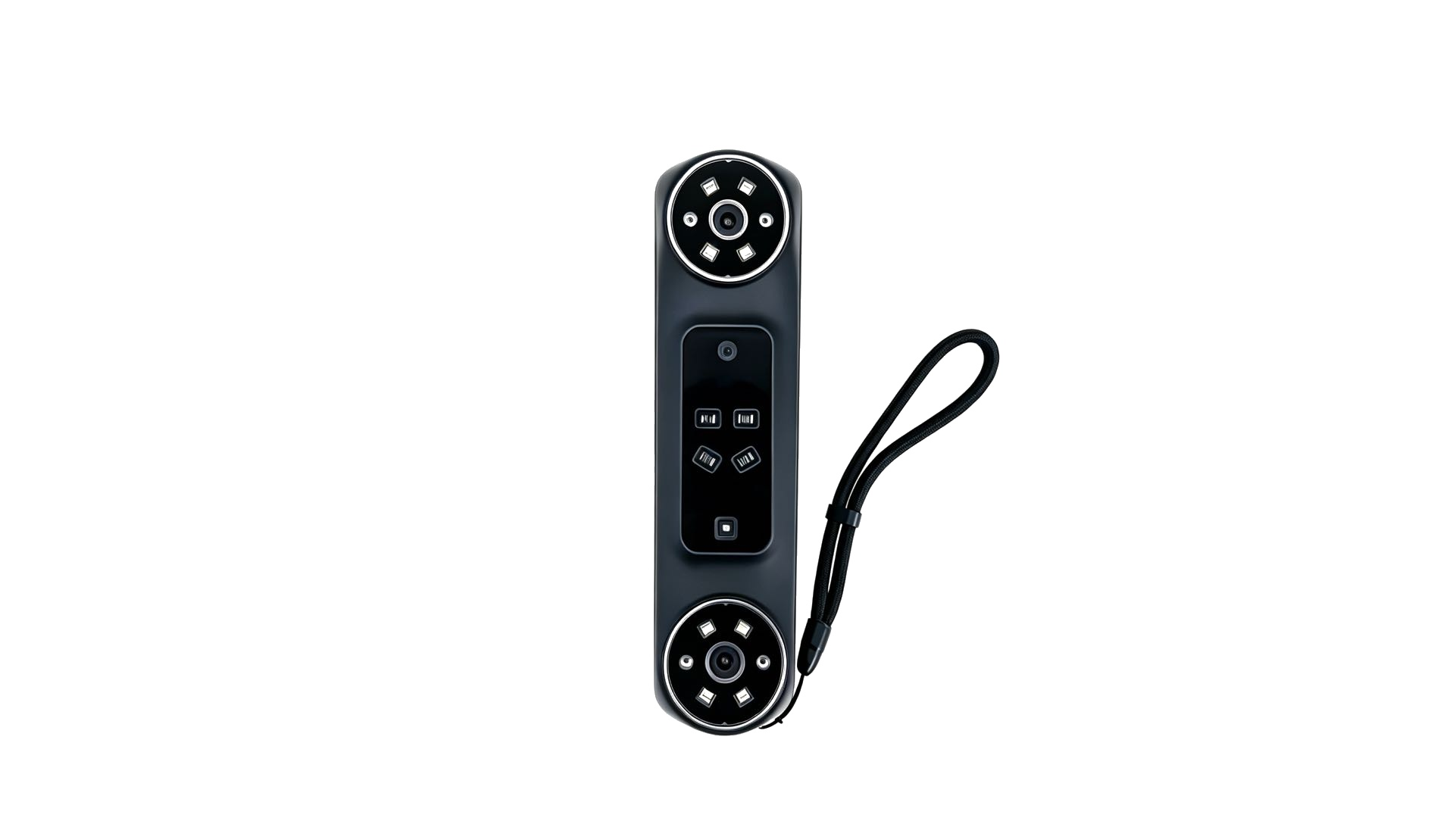
¶ Cleaning the Scanner Housing (Excluding the Optical Glass Platform)
- Routine Dust Removal: Turn off the device and use a cleaning cloth to remove loose dust from the surface. Do not spray or pour water directly onto the housing, as this may cause water marks or discoloration.
- Removing Stubborn Dirt: Wipe the surface with a soft, slightly damp cloth. Wring out the cloth thoroughly so that it does not drip.
- Precautions: Do not use alcohol, ether, acetone, or other organic solvents to clean the housing, as they may damage the plastic, causing discoloration or cracking.
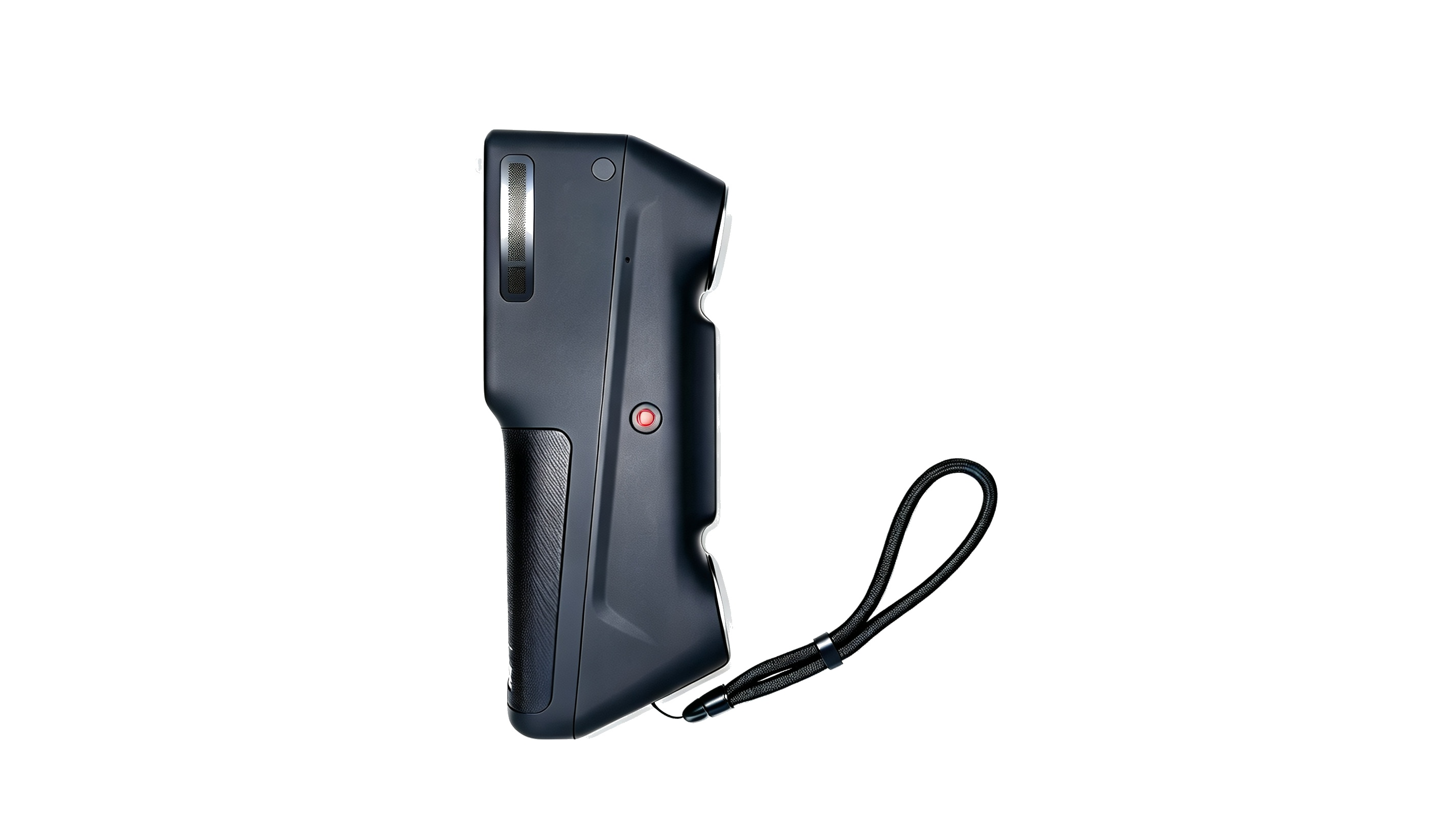
¶ Data Cable Maintenance
The data cable transmits image data between the scanner and the host computer. Damage to the cable or connectors may cause data loss, dropped frames, or unstable connections.
- Connecting and Disconnecting: Hold the connector body when plugging in or unplugging the cable. Do not pull on the cable itself, as this may break internal wires or damage soldered connections.
- Cable Routing: Leave sufficient slack to prevent continuous tension. Maintain the cable's bend radius at or above the specified minimum. Avoid sharp bends, knots, and crushing or stepping on the cable.
- Operating Environment: Keep the cable away from heat sources, oil, and corrosive chemicals. If the outer sheath becomes damaged, cracked, hardened, or deteriorated, stop using the cable and replace it.
- Connector Maintenance: Keep metal connectors dry and dust-free. Periodically wipe away loose dust with a soft, dry cloth. Avoid prolonged exposure to damp environments or condensation to help prevent oxidation and poor electrical contact.
- Cable Storage: When storing the cable for an extended period, coil it loosely. Do not tie or bundle it tightly, as this may place stress on the internal conductors.
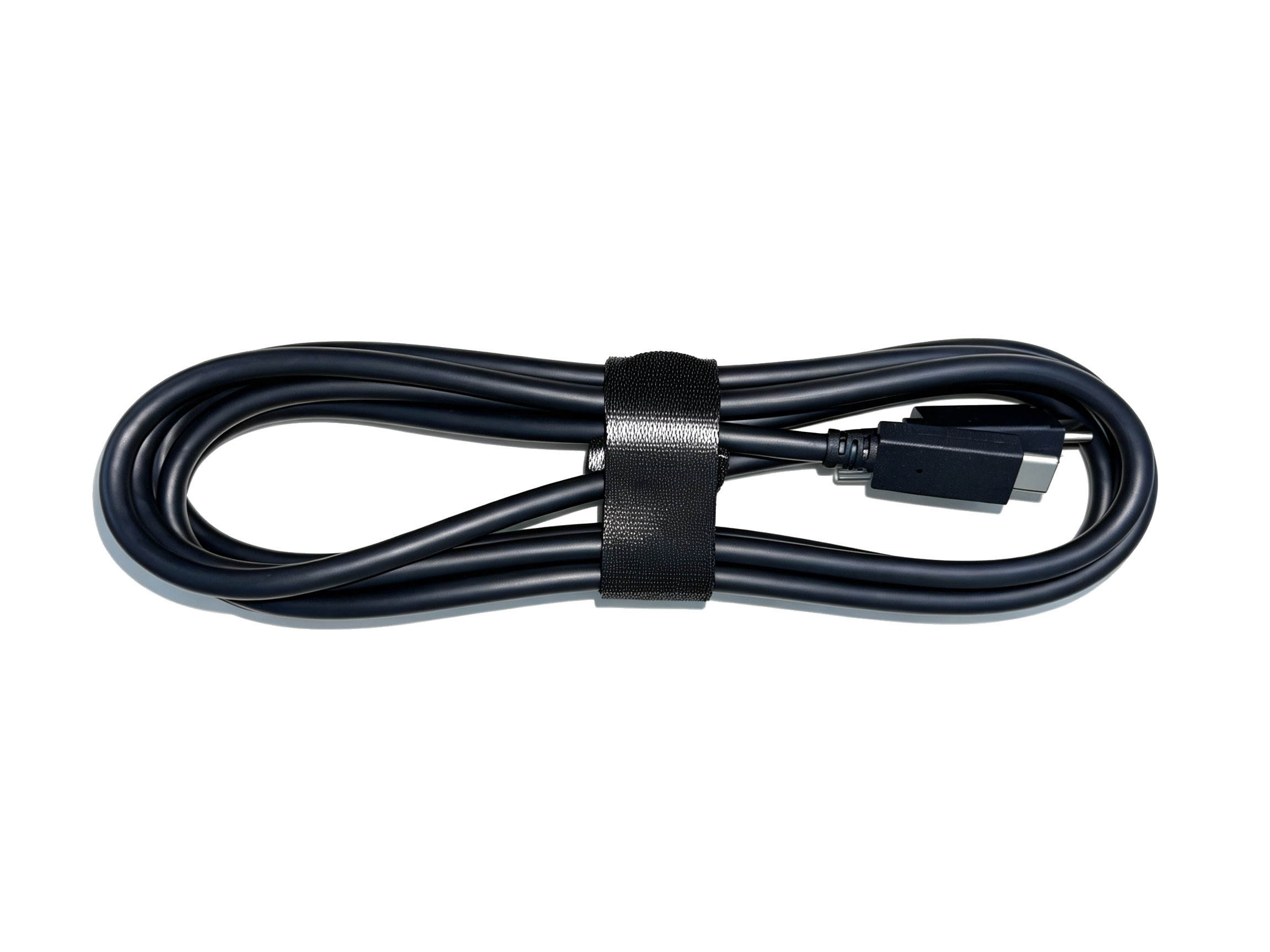
¶ Storage Requirements
- Horizontal Placement: Place the scanner on a stable, level surface. Avoid tilting the device to prevent mechanical stress or deformation of the internal optical components.
- Environmental Conditions: Store the scanner in a cool, dry place away from direct sunlight, high temperatures, high humidity, and excessive vibration. Cover the device with a dust cover when not in use.
- Long-Term Storage: Clean the scanner and disconnect the power before storage. Remove the battery if it is designed to be user-removable, loosely coil the cables, and place the device in its original packaging. Avoid placing heavy objects on the package, and protect the lens assembly from damage.
¶ Troubleshooting-Related Notes
If scans show stripes, blurry images, or intermittent disconnections, check the optical system, battery, housing, lens, and cable sheath and connectors for contamination or damage, as applicable.
¶ Help Us Improve
If you have any suggestions for our wiki pages, please let us know through the ELEGOO Official Feedback Channel.