¶ How to Export a Project
- In ELEGOO Scan, click Home in the upper-left corner to return to the Home page.
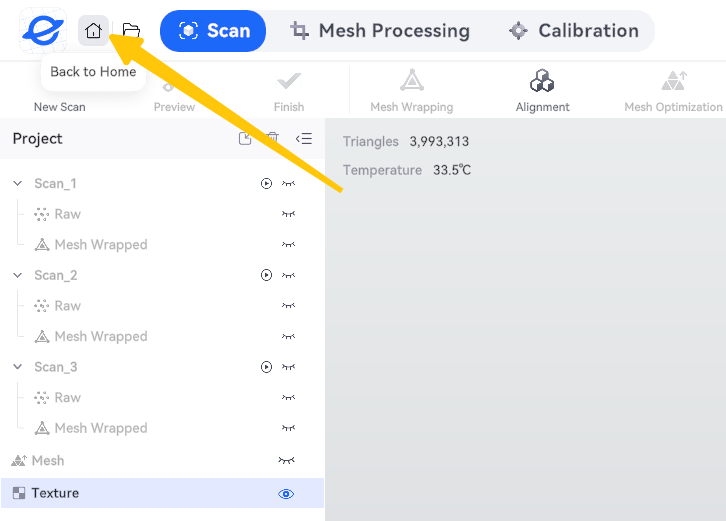
- Confirm OK;

- Locate the project, click the icon in the upper-right corner of the project card and select Open File Location.
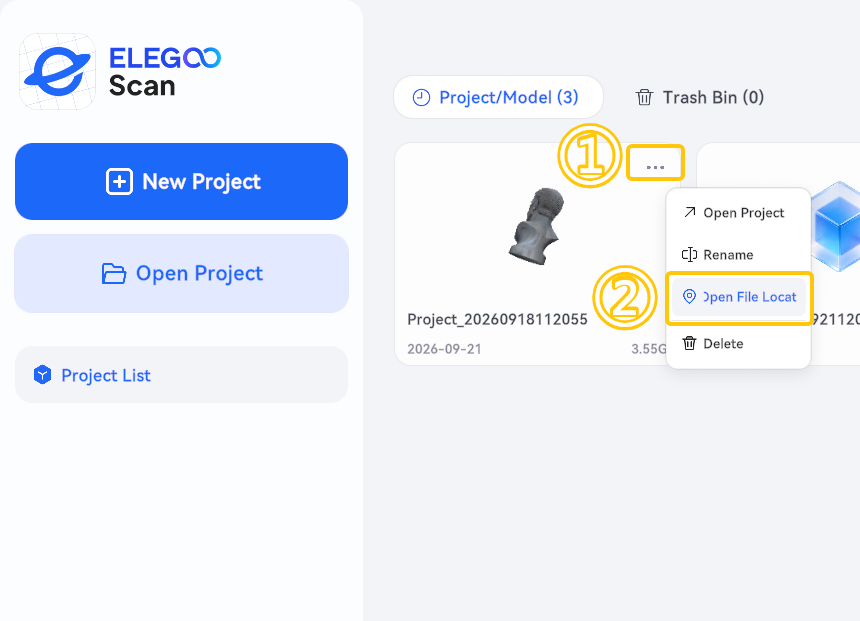
- Open the project folder.
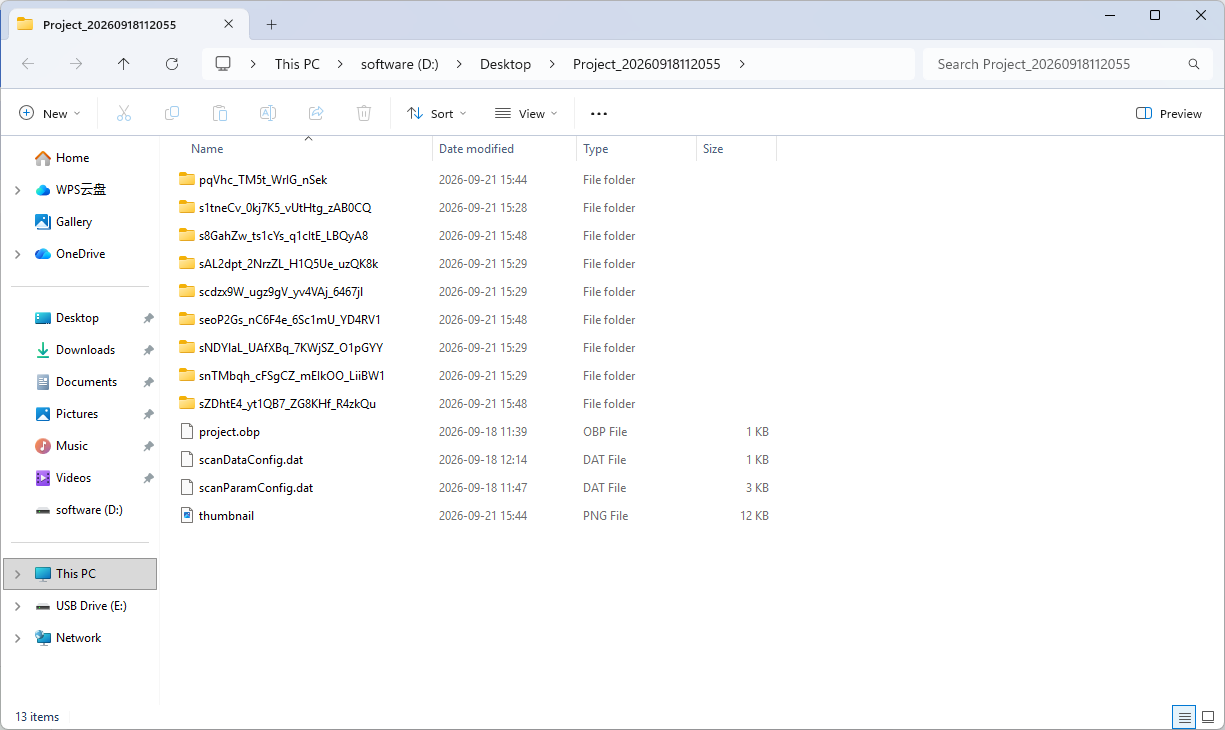
- Return to the parent directory.
Note: The default project directory is:
C:\Users\admin\AppData\Local\Elegoo\ElegooScan\Projects
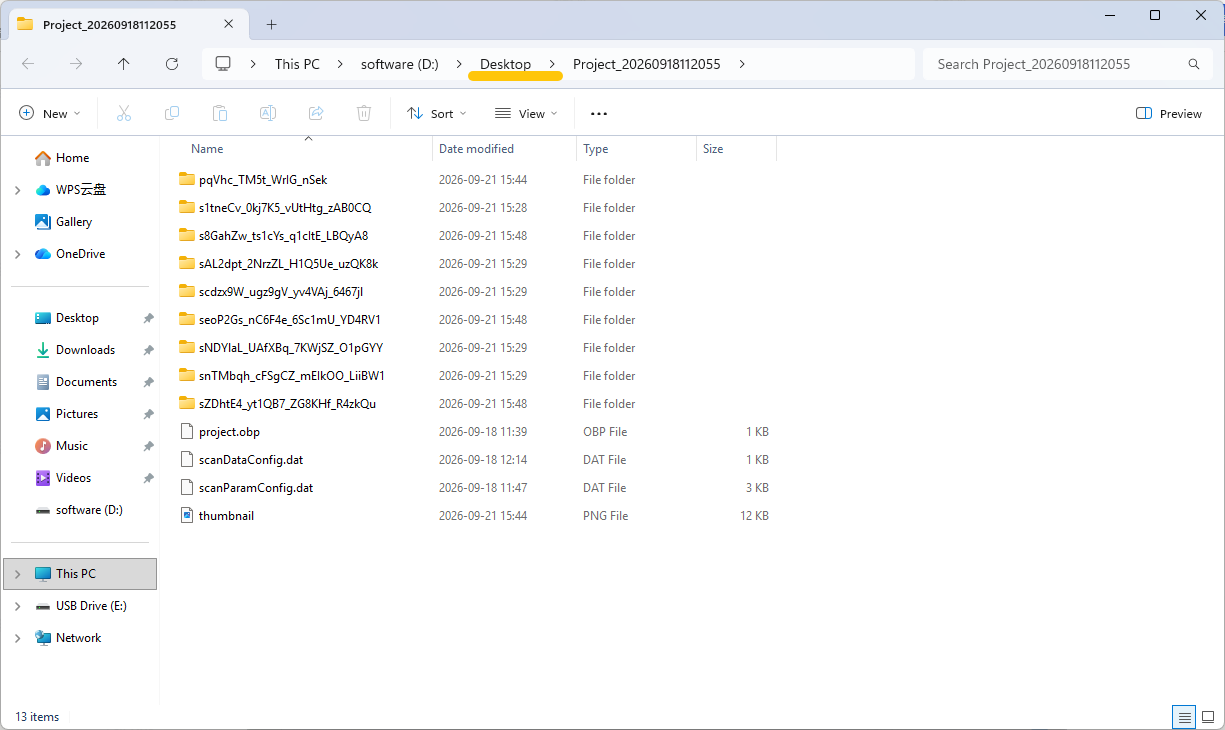
- Copy the entire project folder to export the project.
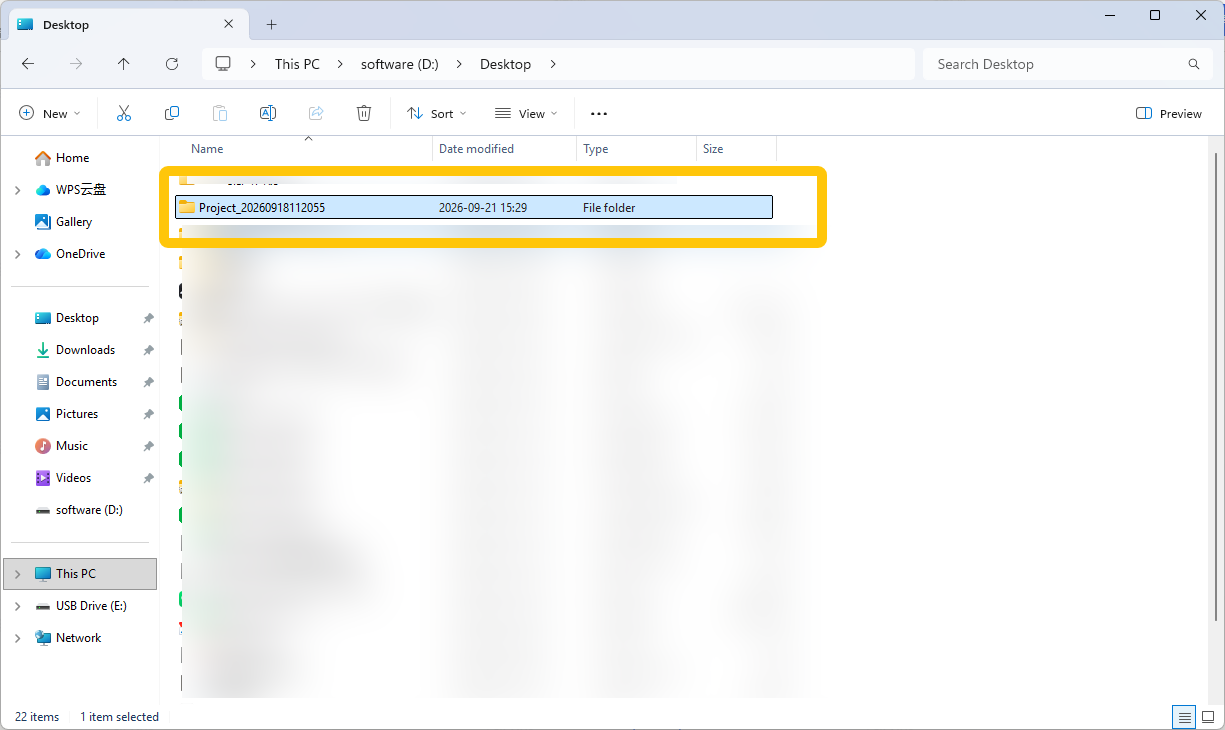
¶ How to Import a Project
- Copy the exported project folder to another computer using a USB flash drive or another file transfer method.
- Find the transferred project folder and open it.
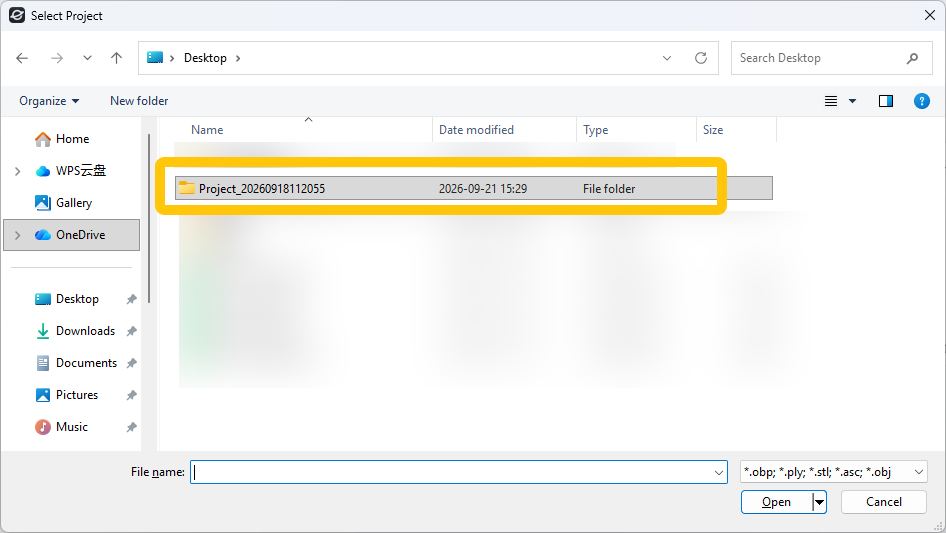
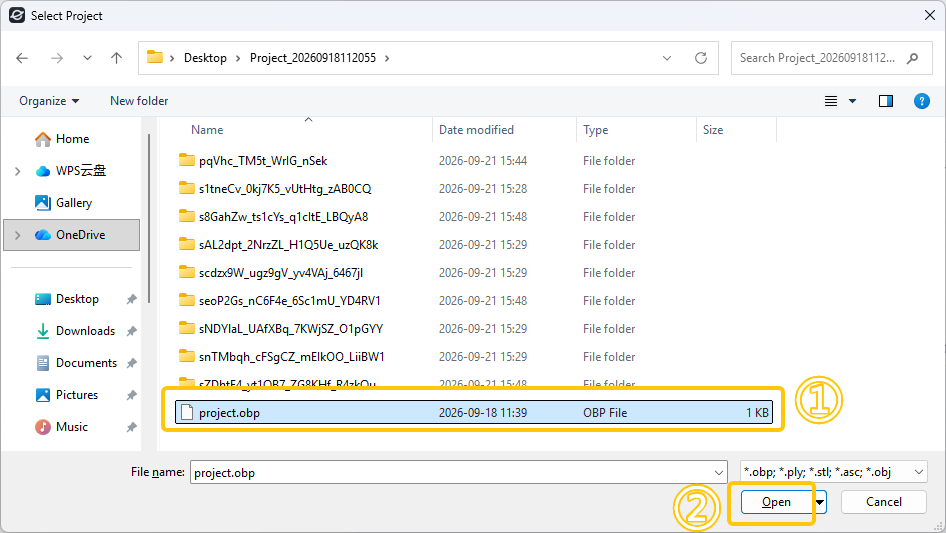
- Locate the
.obpproject file and click Open to open the project.
¶ Help Us Improve
If you have any suggestions for improving our wiki pages, please share them through the ELEGOO Official Feedback Channel.