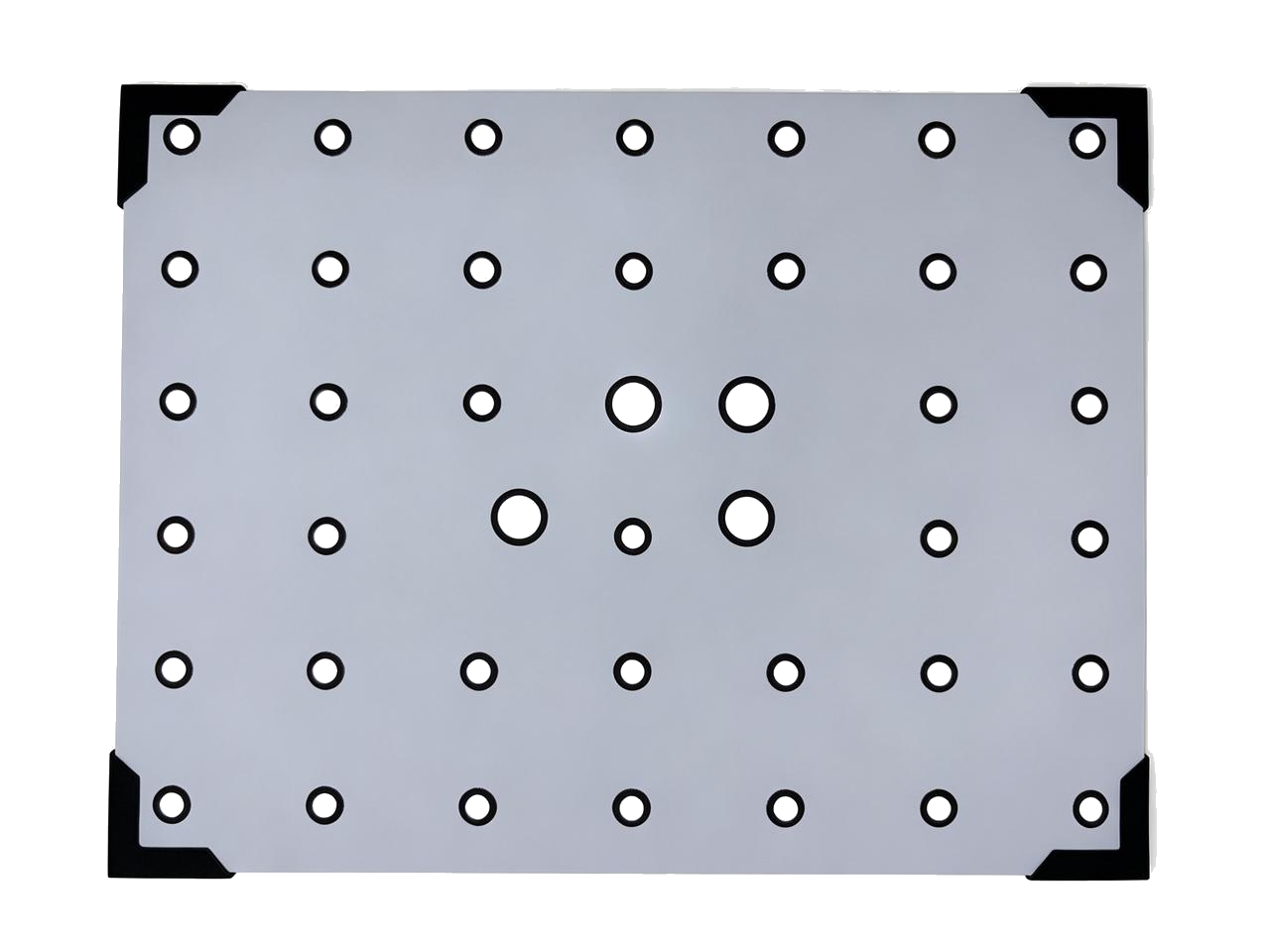
The calibration board is a specialized tool used to ensure scanning accuracy. Handle and store it carefully to prevent scratches and deformation.
¶ Cleaning
- Gently wipe the calibration board with a clean, lint-free cloth. Do not wipe it with ordinary paper towels , coarse cloths, or other materials that may contain abrasive particles, as they may scratch the coating.
- Wipe in one direction only. Avoid repeated back-and-forth wiping.
- Keep the calibration board away from corrosive liquids and acidic or alkaline chemicals. Avoid touching the surface of the calibration board directly with your fingers; handle it by the edges whenever possible.
- Allow the board to air-dry naturally after cleaning. Do not use hot air to dry it, as this may deform the base plate.
¶ Storage
- After use, place the calibration board in the original storage bag or protective case. Do not allow the board surface to come into direct contact with the bottom of the case. Place a layer of sponge or protective foam between them.
- Store the board flat. Do not stack objects on it, apply pressure, or bend it, as this may deform the base plate.
- Store the board in a dry place at room temperature. Keep it away from direct sunlight, high temperatures, moisture, and corrosive gases.
- Handle the board with care to prevent drops and impacts. Even minor impacts to the edges or corners may cause slight deformation of the base plate, compromising the flatness of the calibration board.
¶ Usage Precautions
- When carrying or holding the calibration board, grip only the non-patterned areas along the four edges to prevent the markers from fading.
- Ensure that both sides of the calibration board are clean and free of scratches.
- Return the calibration board to its designated storage location promptly after use.
¶ Common Issues
- If calibration results are unstable or calibration results are unstable or inaccurate, first check the calibration board for dirt, scratches, or warping.
¶ Help Us Improve
If you have any suggestions for our wiki pages, please let us know through the ELEGOO official feedback channel.