¶ Required Tools
- 2.5 mm Allen key
- 2.0 mm Allen key
- 1.5 mm Allen key
- PTFE tube removal tool
¶ Disassembly Steps
¶ Preparation
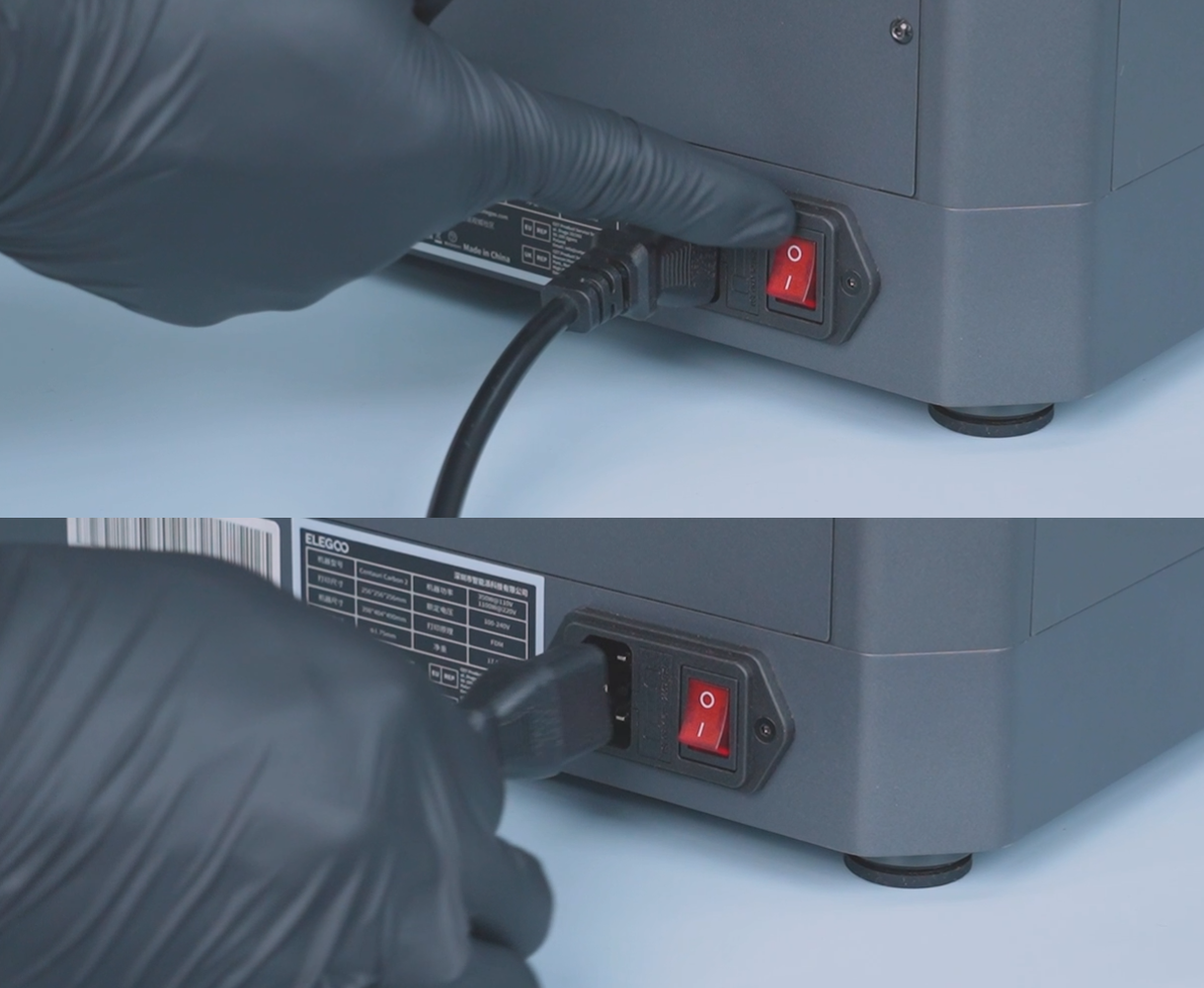
- Turn off the printer and unplug the power cord.
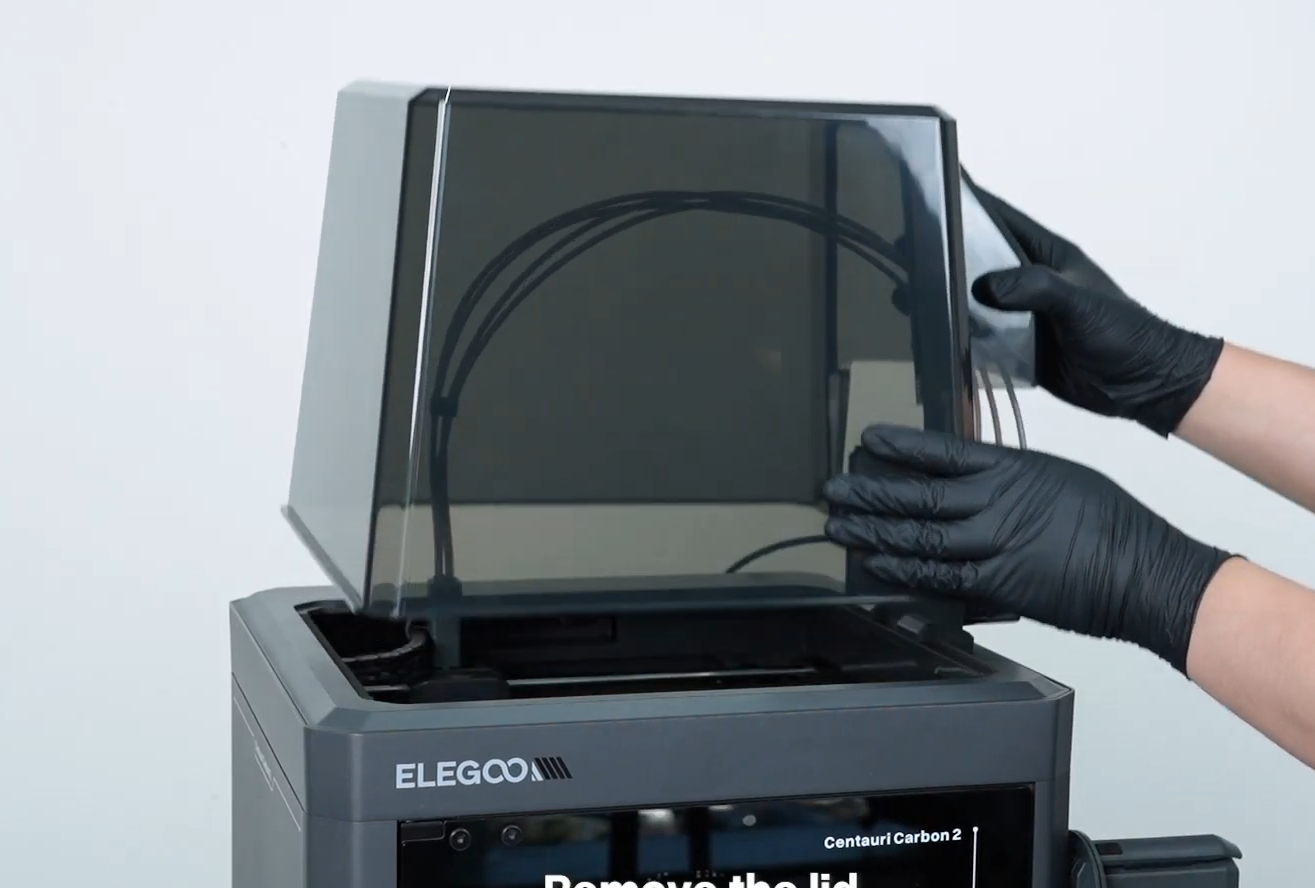
- Remove the printer's top housing.
¶ Disconnect the PTFE Tubes
To remove the PTFE tubes from the 4-in-1 hub, use the PTFE Tube Removal Tool.
Direct download link:
PTFE Tube Removal Tool
Note: The STL and G-code files for the PTFE Tube Removal Tool are stored on the USB flash drive included with the printer. Print the tool in advance before starting the disassembly procedure.
Special Case:
If the printer is unable to print the tool, you can use a small tool, such as a screwdriver or tweezers, as an alternative. Press the connector on the 4-in-1 hub and remove the PTFE tube.
PTFE Tube Removal Tool
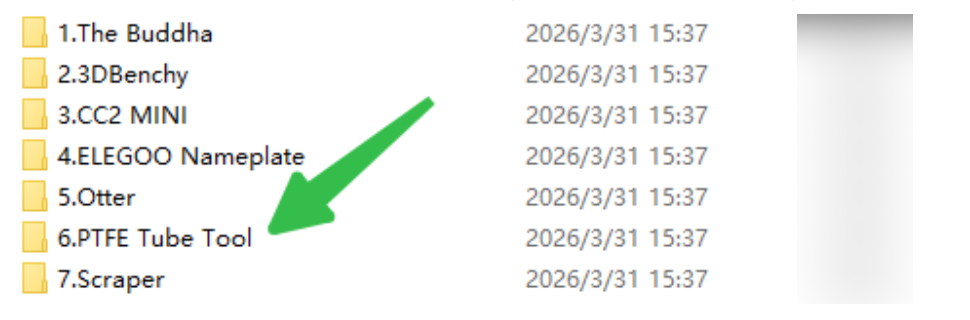
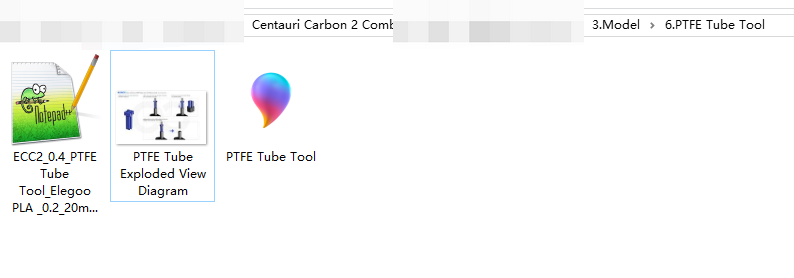
- Place each PTFE tube into the slots of the tool, then press and hold the tool down firmly.
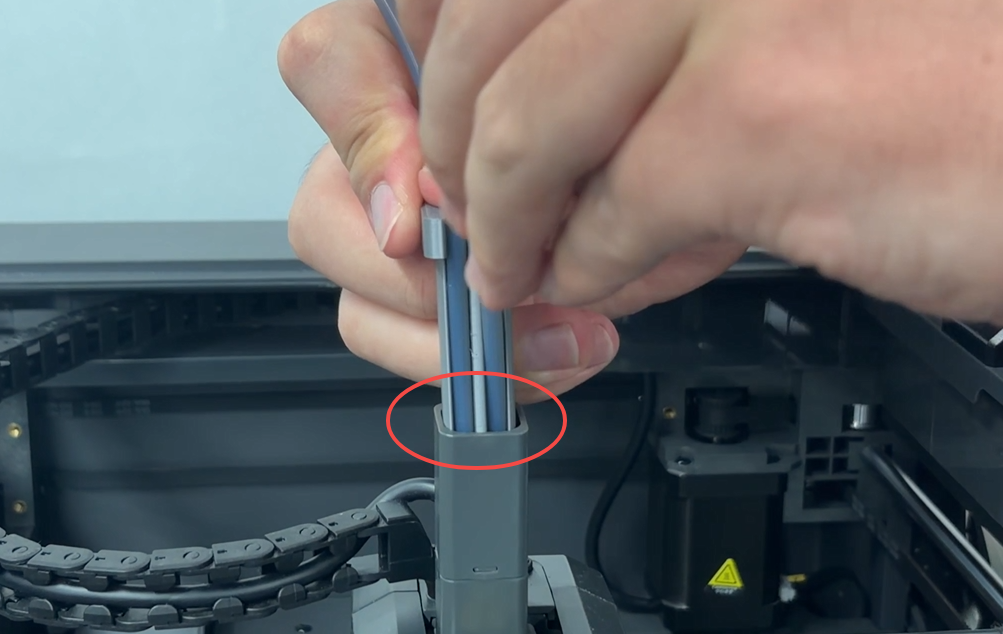
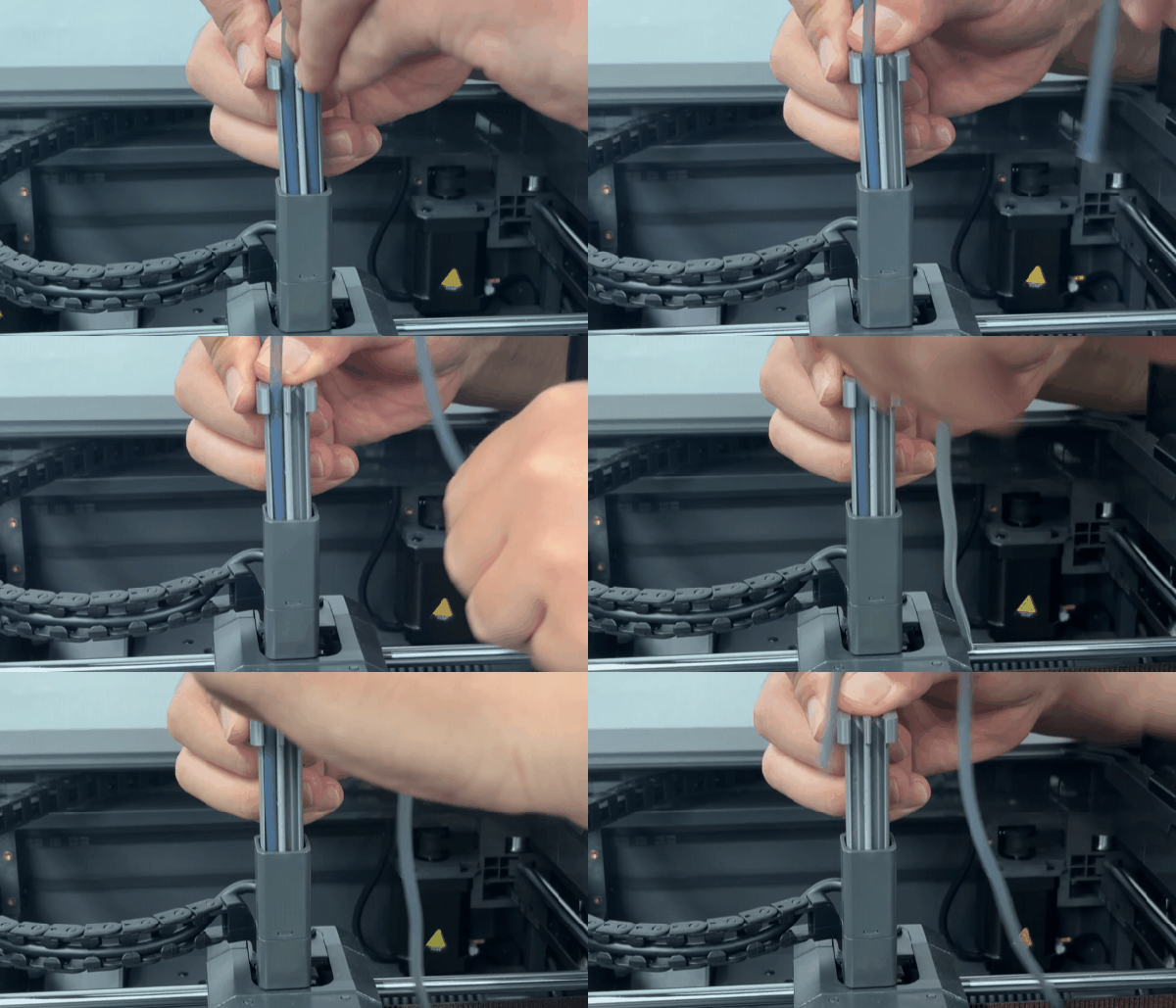
- Pull the PTFE tube upward to remove it.
Note:
When removing the PTFE tube, pull it straight upward to avoid damaging the tube or connector.
¶ Remove the Cable Chain
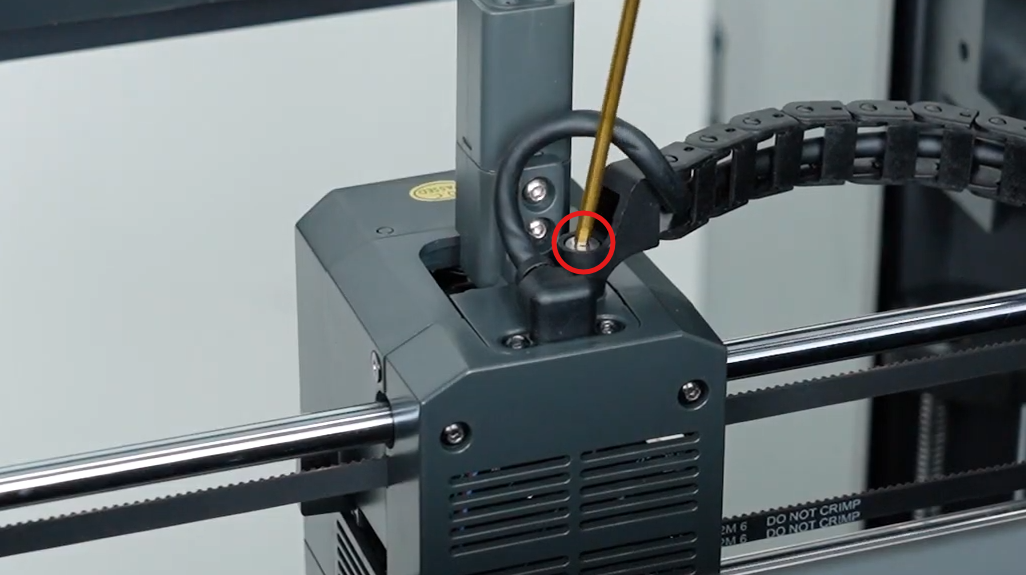
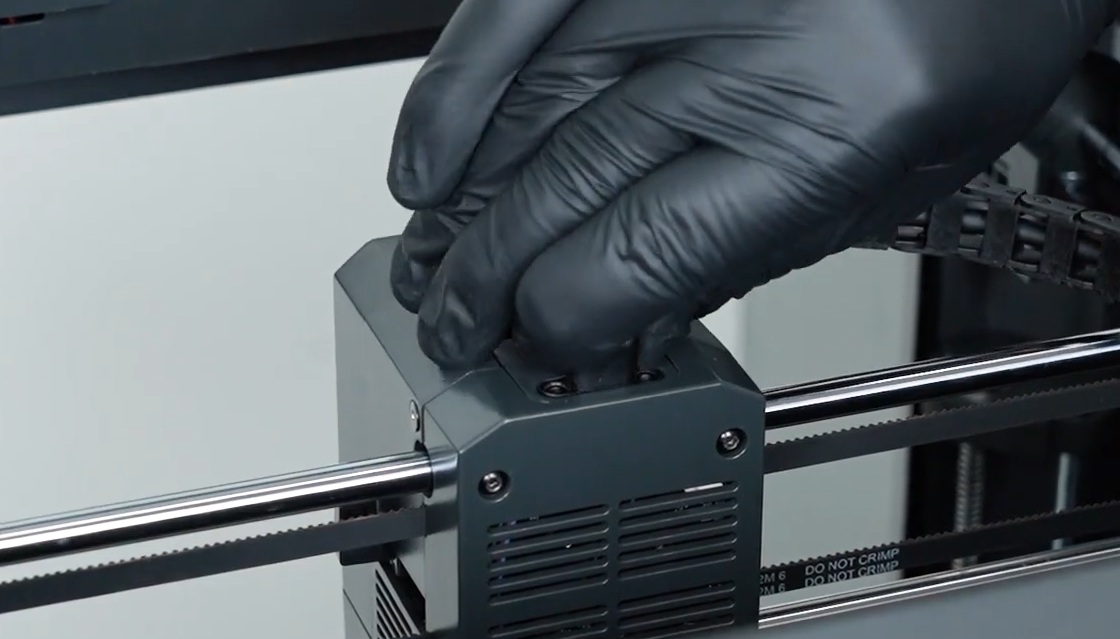
Use a 2.5 mm Allen key to loosen the screw securing the cable chain.
¶ Disconnect the Toolhead CAN Cable
- Use a 1.5 mm Allen key to loosen the two screws securing the Toolhead CAN Cable.
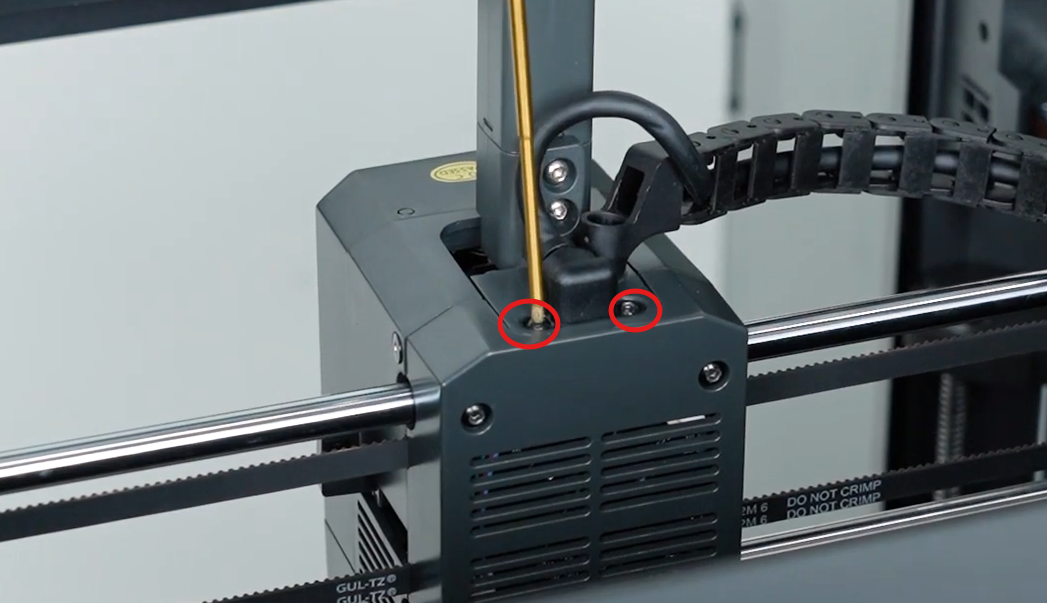
- Remove the Toolhead CAN Cable.
¶ Remove the 4-in-1 Hub
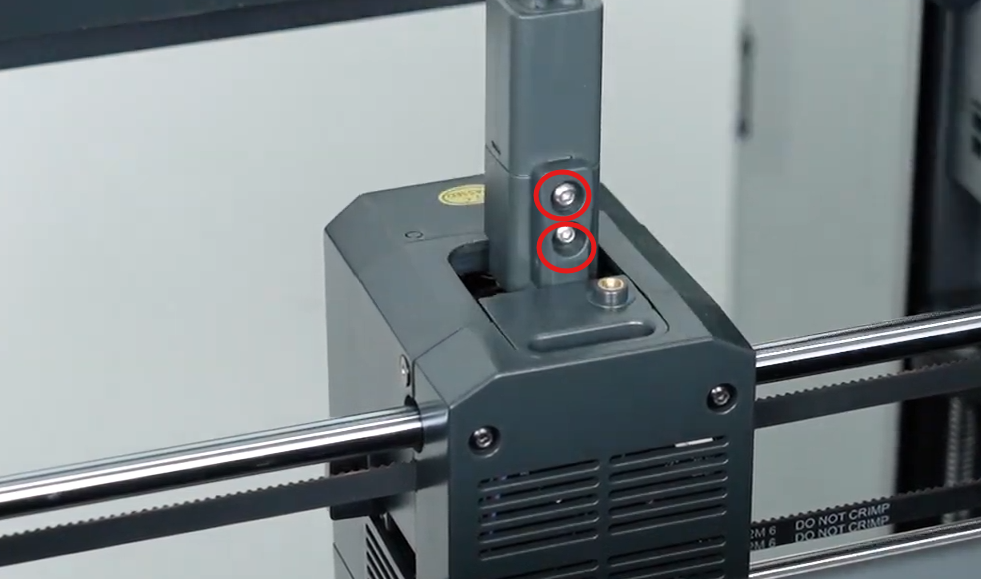
- Use a 2.0 mm Allen key to loosen the two screws securing the 4-in-1 hub.
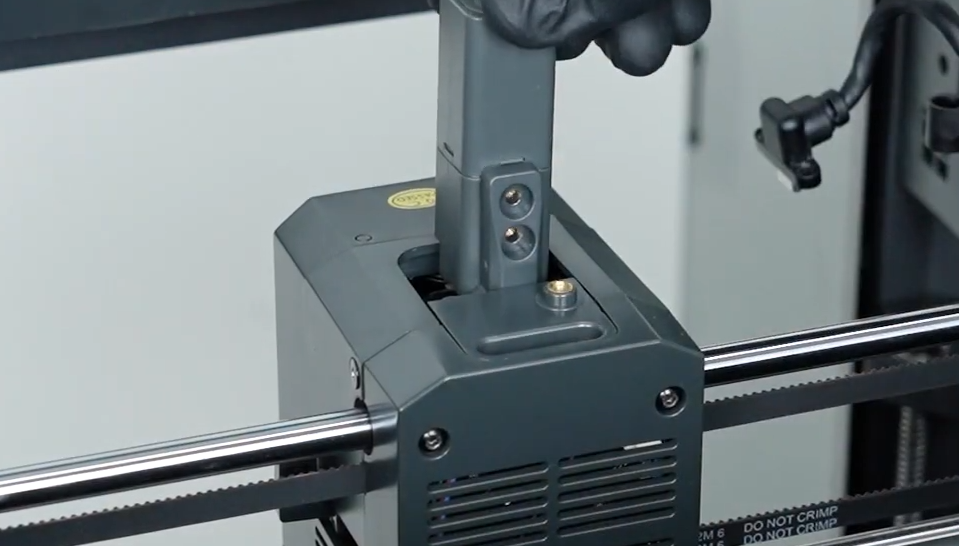
- Remove the 4-in-1 hub.
¶ Installation Steps
¶ Install the 4-in-1 Hub
- Place the 4-in-1 hub back into its original position.
- Use a 2.0 mm Allen key to tighten the two screws securing the 4-in-1 hub.
¶ Install the Toolhead CAN Cable
- Reconnect the Toolhead CAN Cable to its corresponding position.
- Use a 1.5 mm Allen key to tighten the two screws securing the Toolhead CAN Cable.
¶ Install the Cable Chain
- Reinstall the cable chain in its original position.
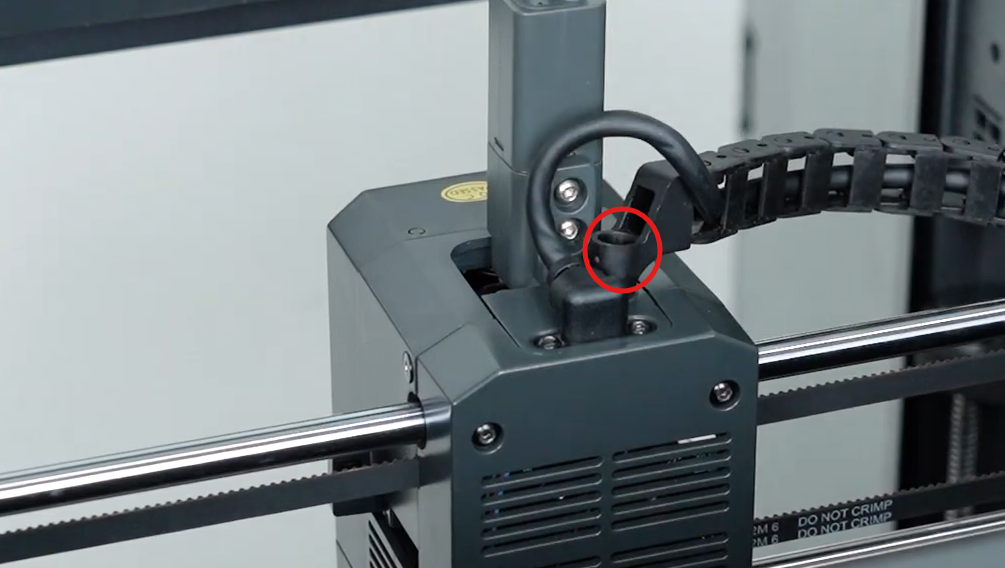
- Use a 2.5 mm Allen key to tighten the screw securing the cable chain.
¶ Install the PTFE Tubes
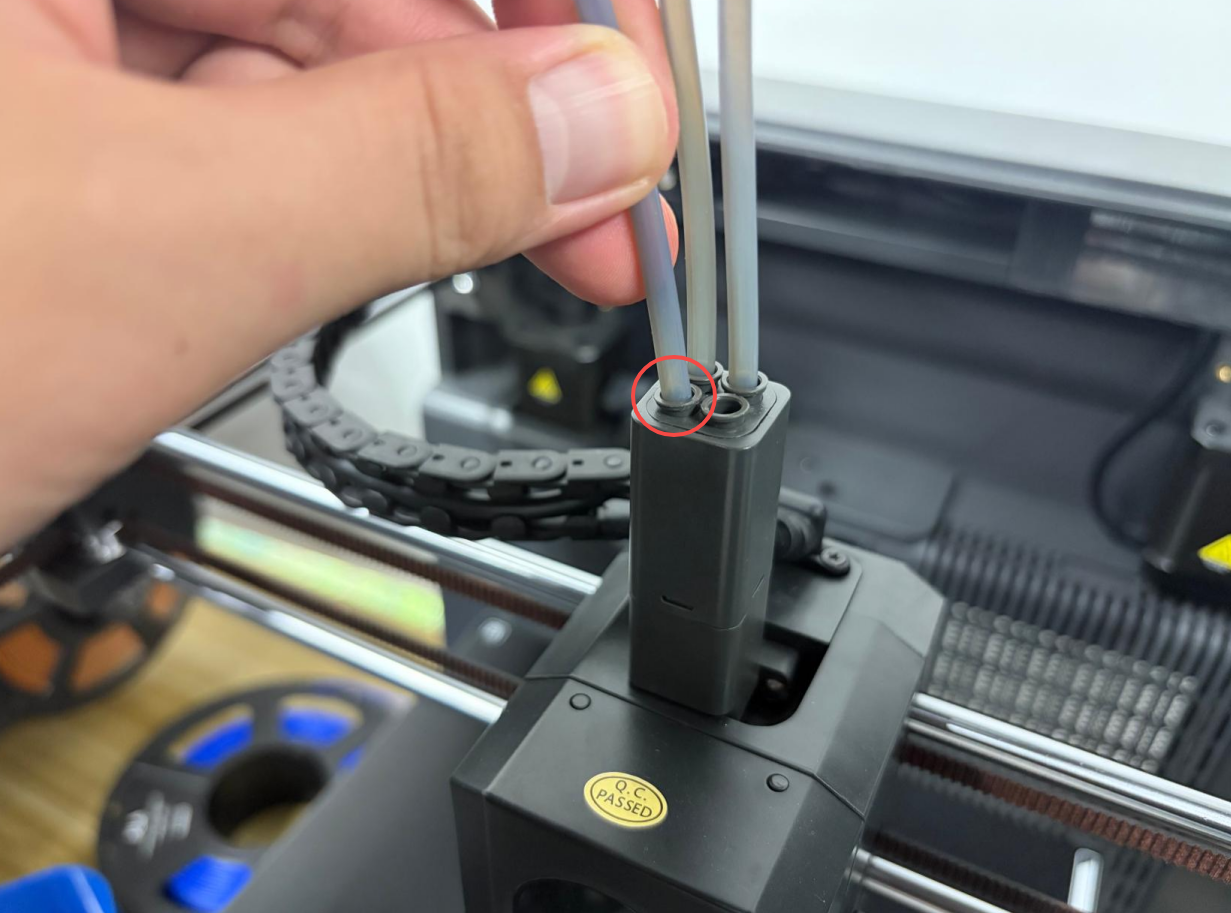
Push each PTFE tube straight down until it is fully seated in the connector.
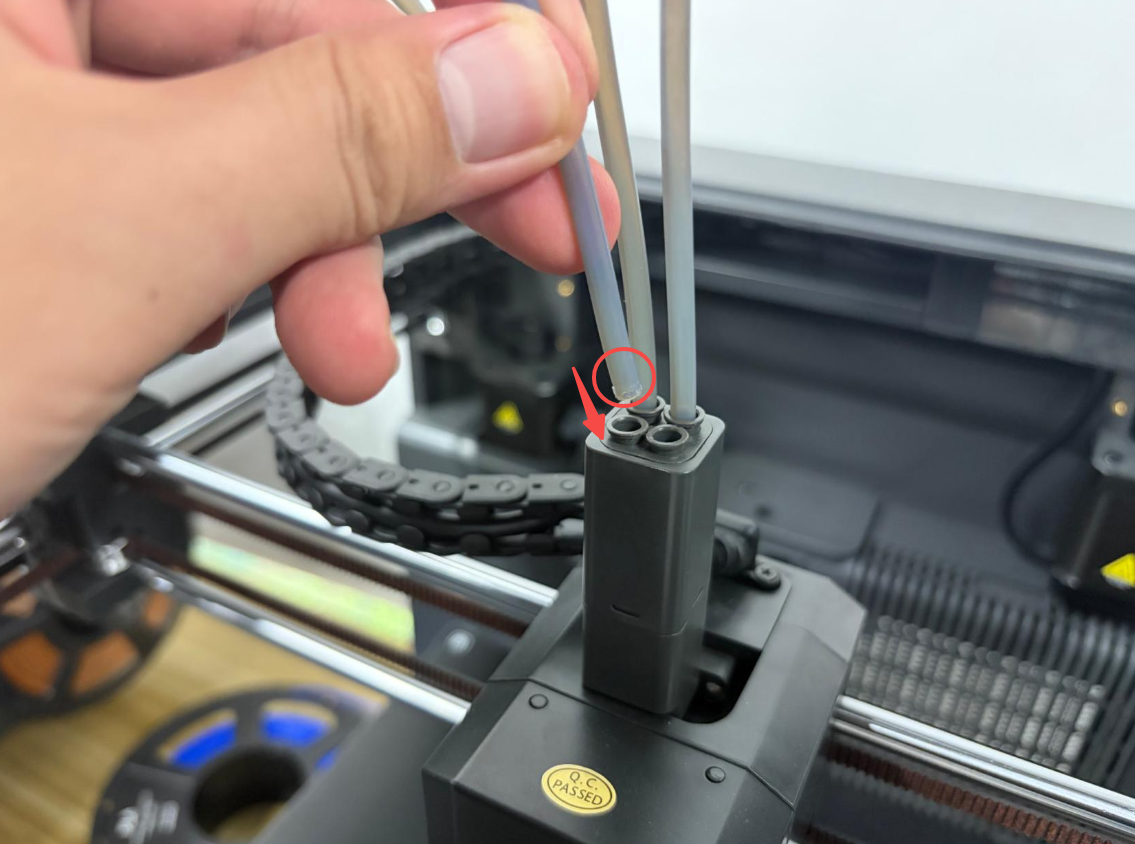
Notes:
When installing the PTFE tubes, make sure that each tube is inserted vertically.
Make sure that each PTFE tube is fully inserted into the connector to prevent filament feeding issues caused by improper installation.
The PTFE tubes do not need to be reinserted in any specific order. Simply insert all four PTFE tubes into the 4-in-1 hub.
¶ Install the Top Housing
Reinstall the printer's top housing in its original position.
¶ Verification
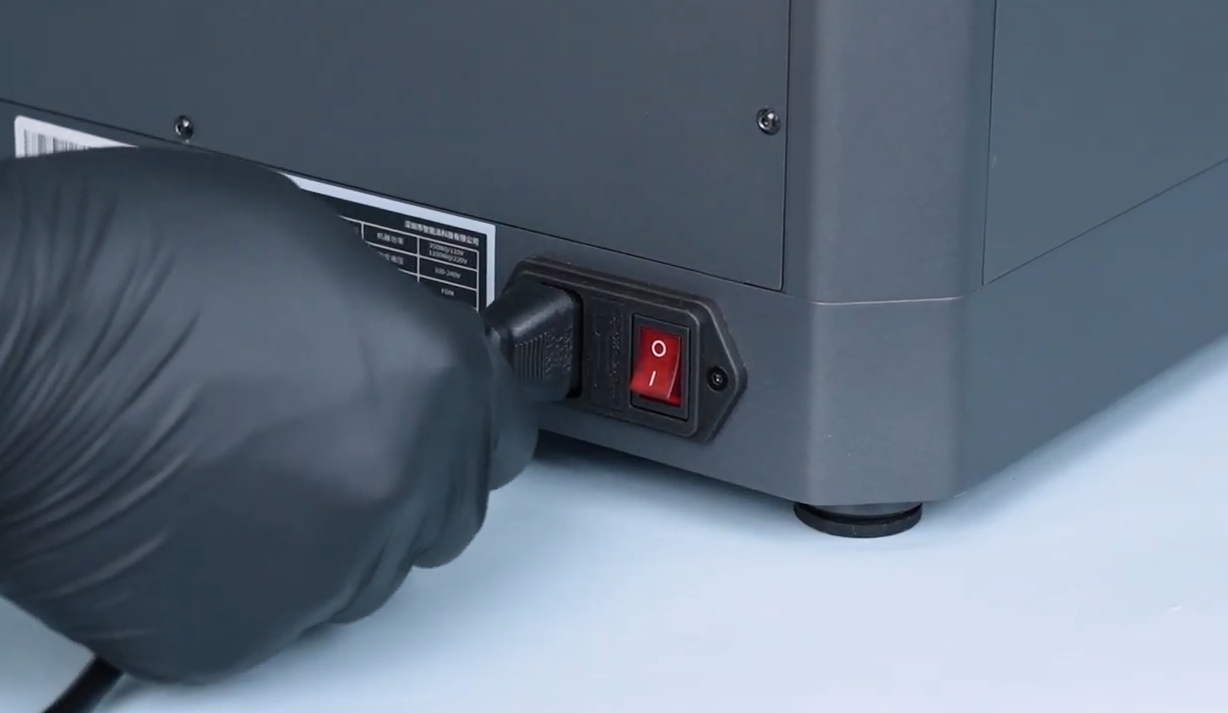
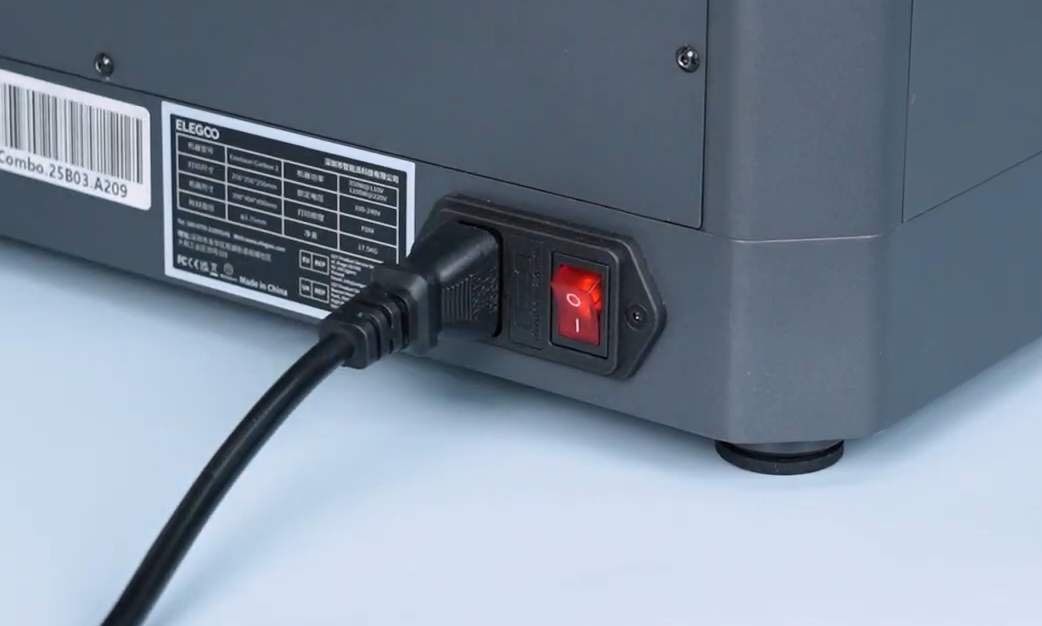
- Connect the power cord and turn on the printer.
- On the printer's touch screen, go to Filament > Select Filament > Load.
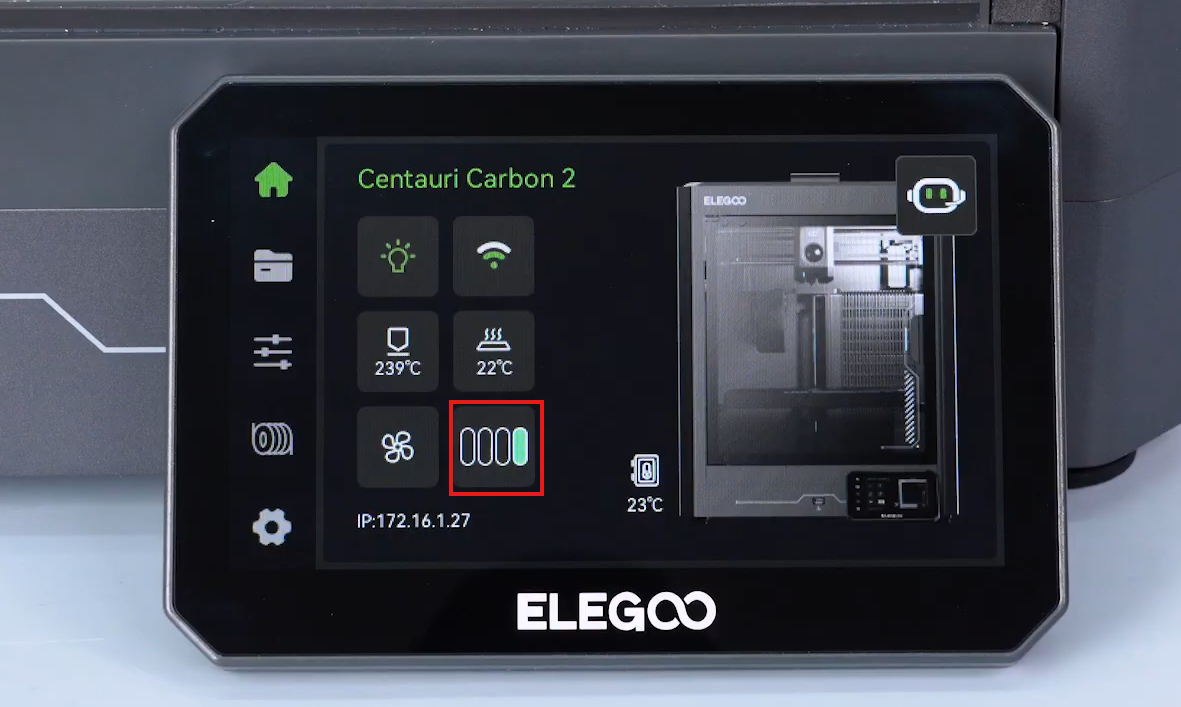
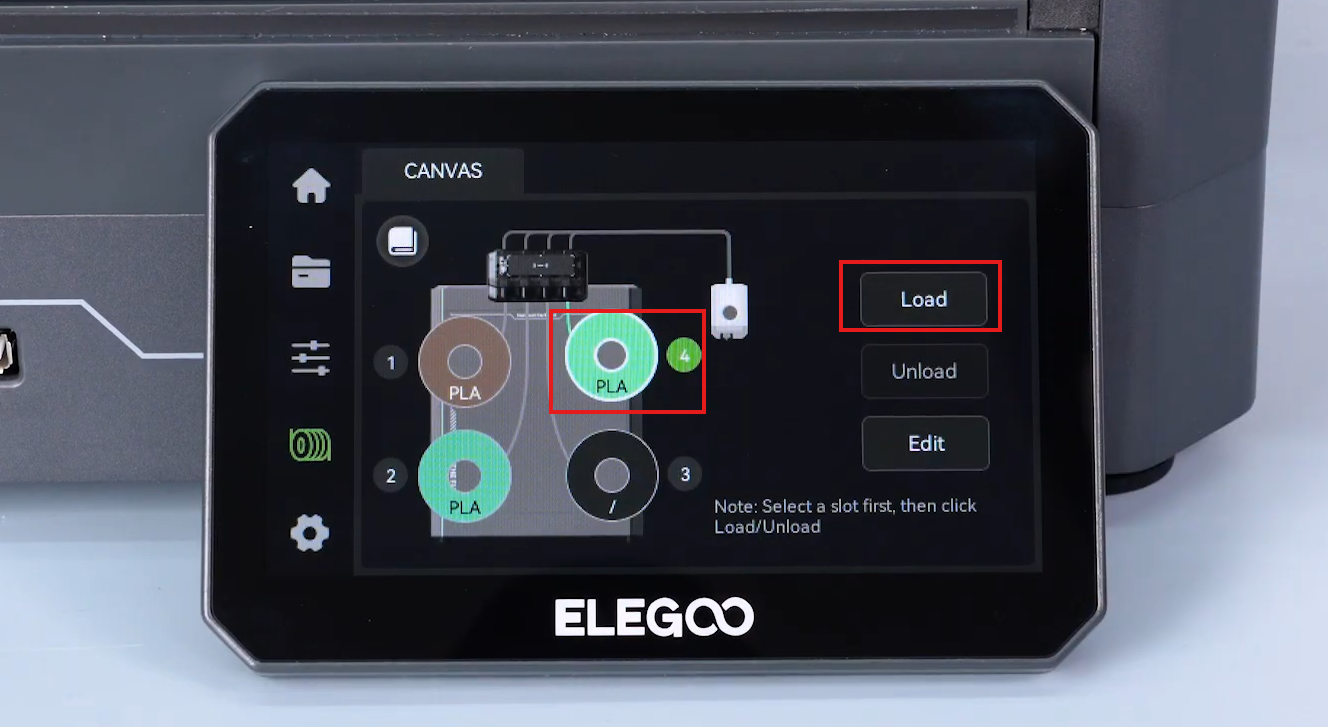
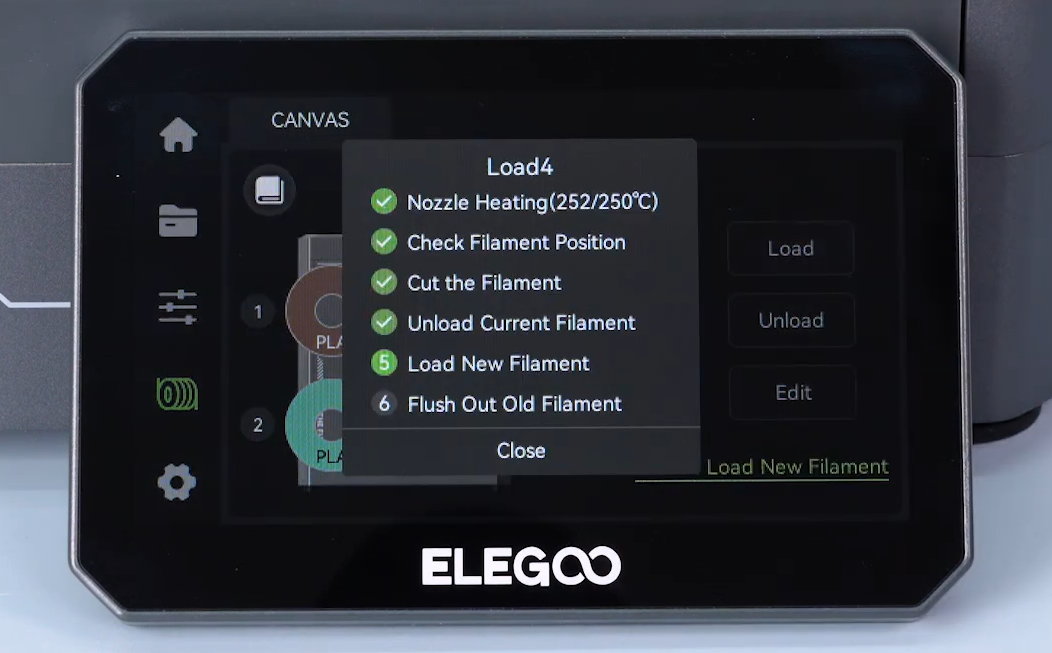
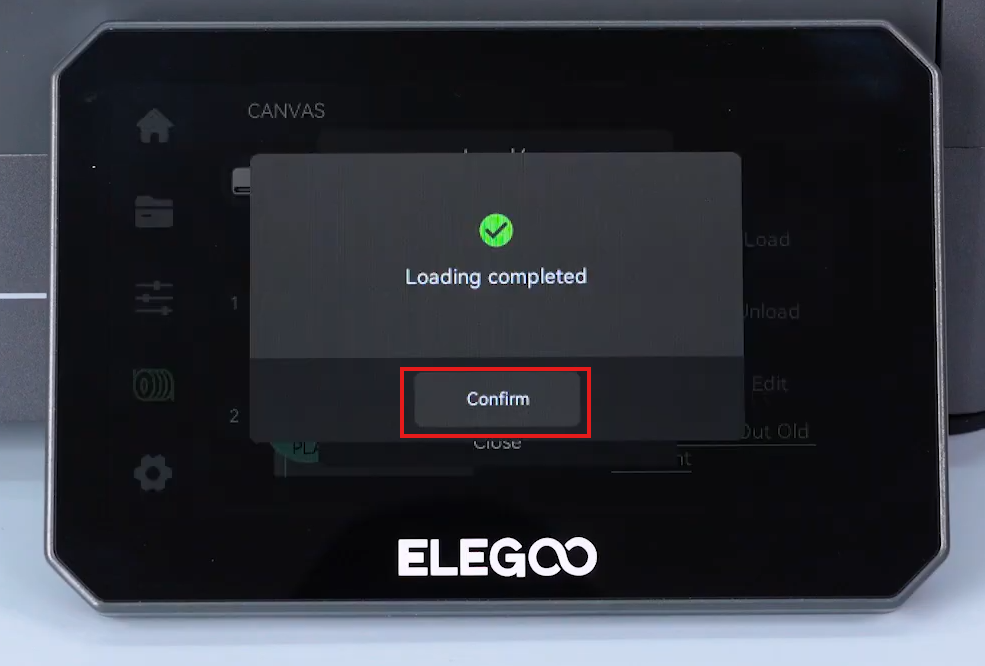
- Wait for the loading process to complete, then confirm that the filament feeds normally.
The 4-in-1 hub installation is complete. Confirm that the printer feeds filament normally.
¶ Help us improve
If you have any ideas about the wiki pages, please let us know via ELEGOO official feedback channel