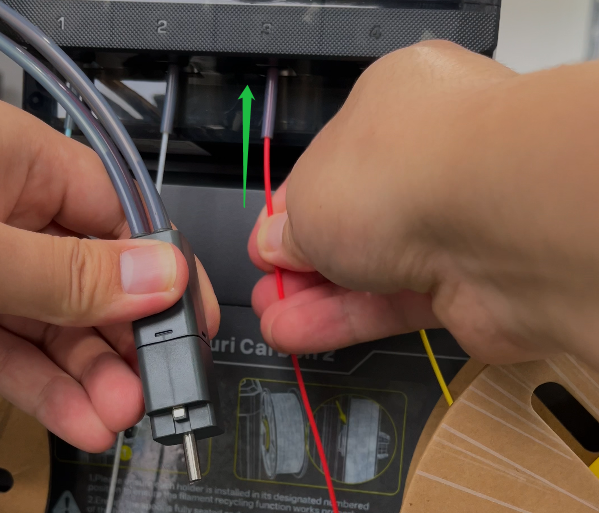
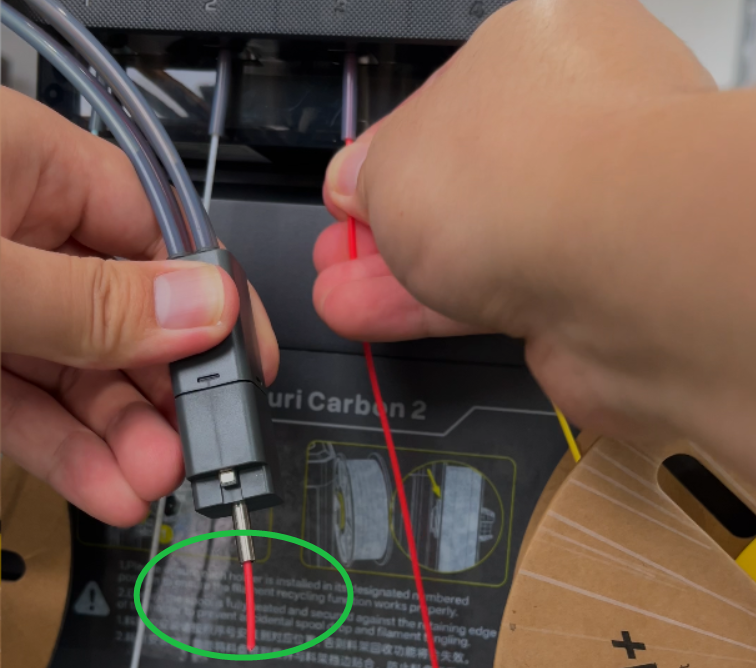
¶ Issue Description
The filament fails to be fed from CANVAS to the tool head.
¶ Reasons
-
The filament are knotted or tangled.
-
The feeding of CANVAS channels has abnormality.
-
The filament runout sensor at the tool head is abnormal.
-
Filament is not inserted normally in non-printing state.
¶ Troubleshooting Steps
¶ Tools needed for troubleshooting
-
A 1.5 mm Allen key
-
A 2.0 mm Allen key
-
A 2.5 mm Allen key
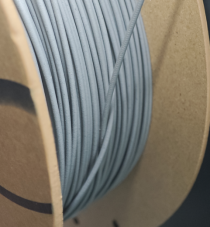
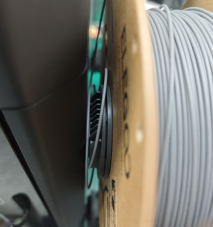
¶ Step 1 Check the channel with the flashing red light of CANVAS and observe whether the filament in the corresponding channel have been knotted or tangled.
¶ Step 2 If the filament is not tangled or knotted, continue to check whether there is filament residue inside the bottom bracket assembly.
Note: If there is residual filament inside the 4-in-1 hub and the filament detection board is not triggered, it may cause the filament entering the other channels to be fed abnormally.
-
Turn the power switch OFF (symbol "〇") and unplug the power cord.
-
Remove the cover.
-
Loosen and remove the two screws securing the extruder communication cable with a 1.5 mm Allen key.
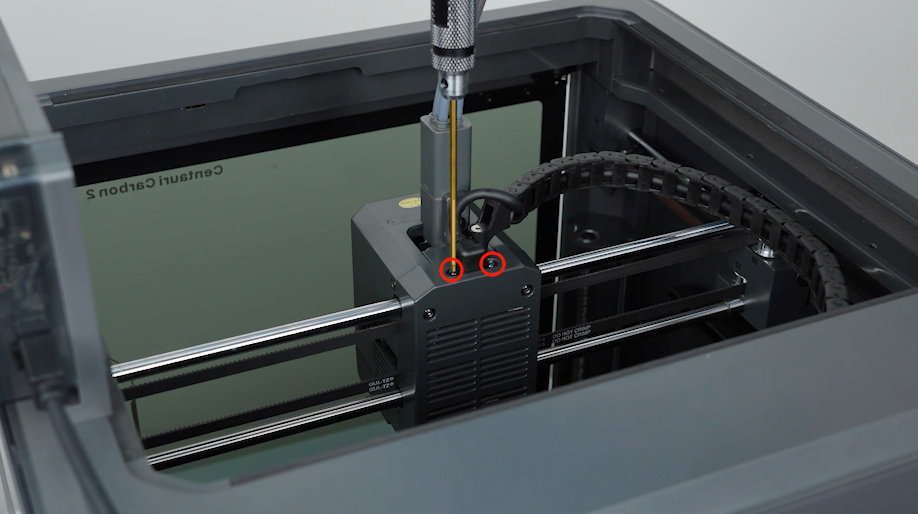
-
Loosen the screws securing the tank chain and unplug the extruder communication cable with a 2.5 mm Allen key.
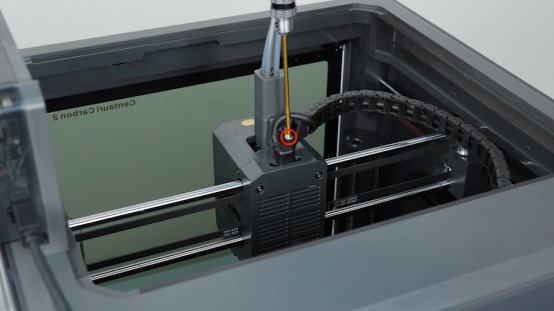
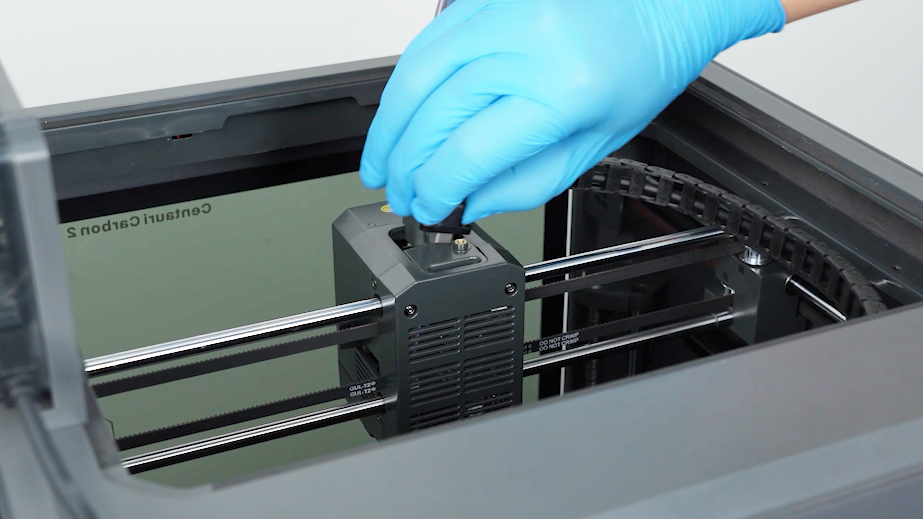
-
Loosen the two screws securing the 4-in-1 hub and remove the 4-in-1 hub with a 2.0 mm Allen key.
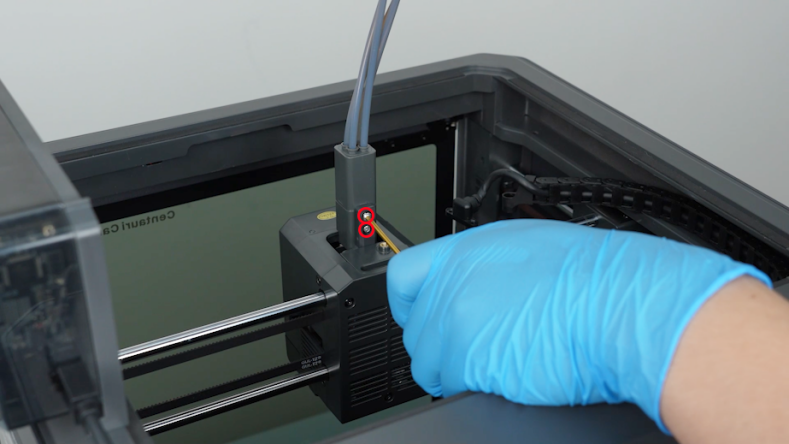
-
Push the filament manually. Check whether the filament can be pushed out from the 4-in-1 hub and whether any residual filament is left in the 4-in-1 hub.