¶ Issue Description
The touch screen displays error code 802.
¶ Reasons
-
The port on the adapter board of the pressure sensors is abnormal.
-
The adapter cable of pressure sensors is damaged or short-circuited.
-
The motherboard has a malfunction.
¶ Troubleshooting Steps
¶ Tools needed for troubleshooting
-
A 2.0 mm Allen key
-
A 2.5 mm Allen key
-
A multimeter
¶ Step 1 Check whether the adapter board cable of the pressure sensor connected to the heated bed is loose.
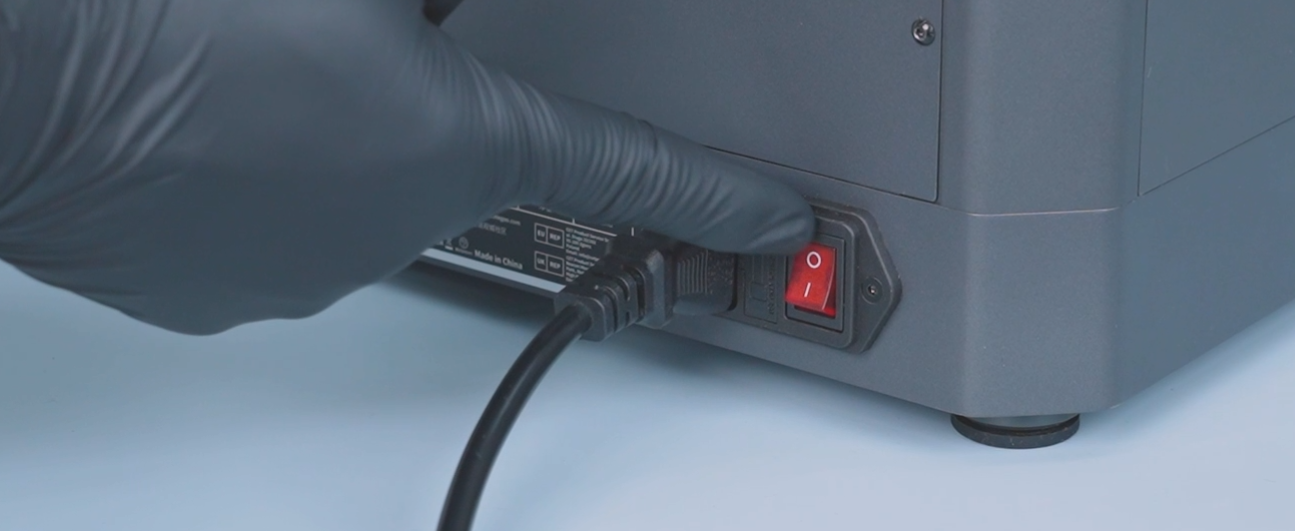
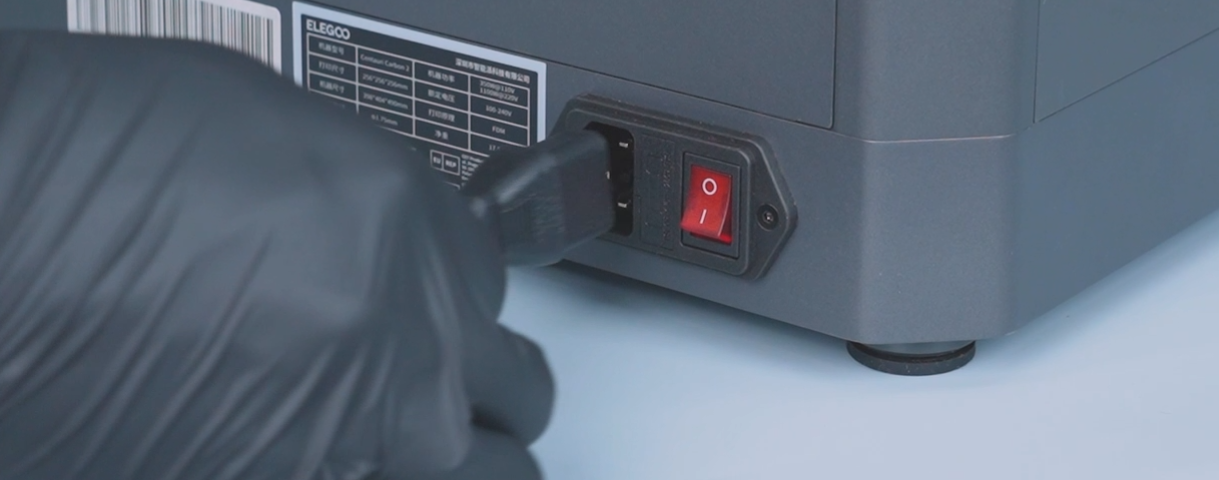
- Turn the power switch OFF (symbol "〇") and unplug the power supply cable.
- Remove the six screws securing the heated bed.
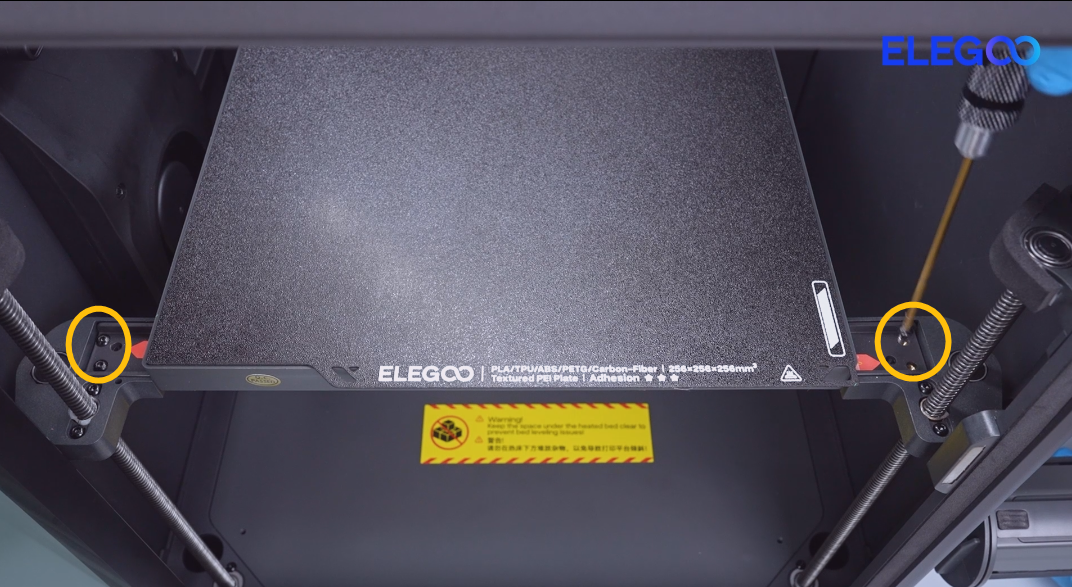
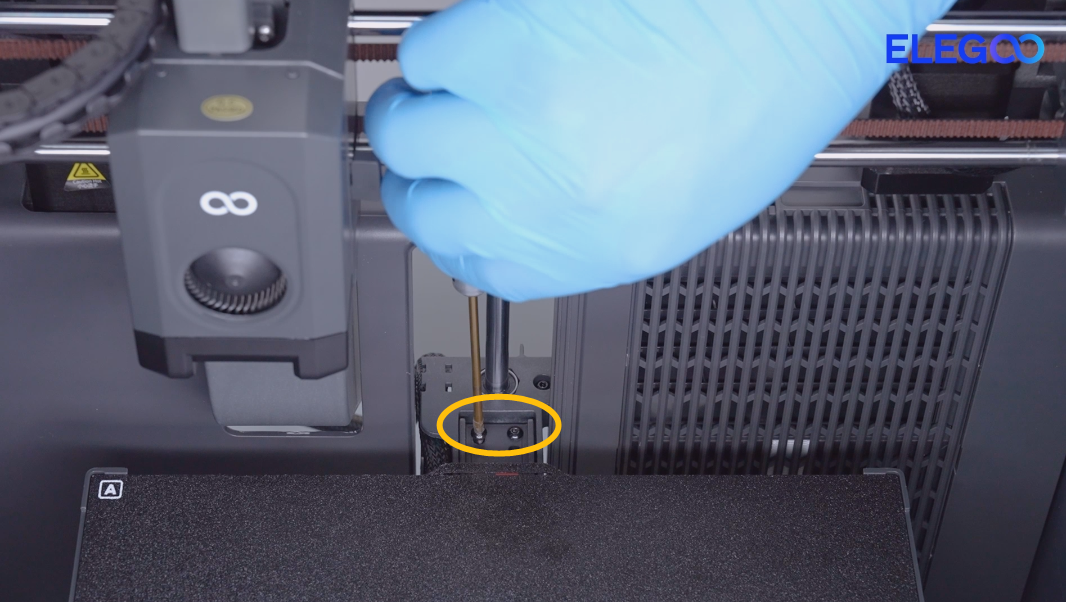
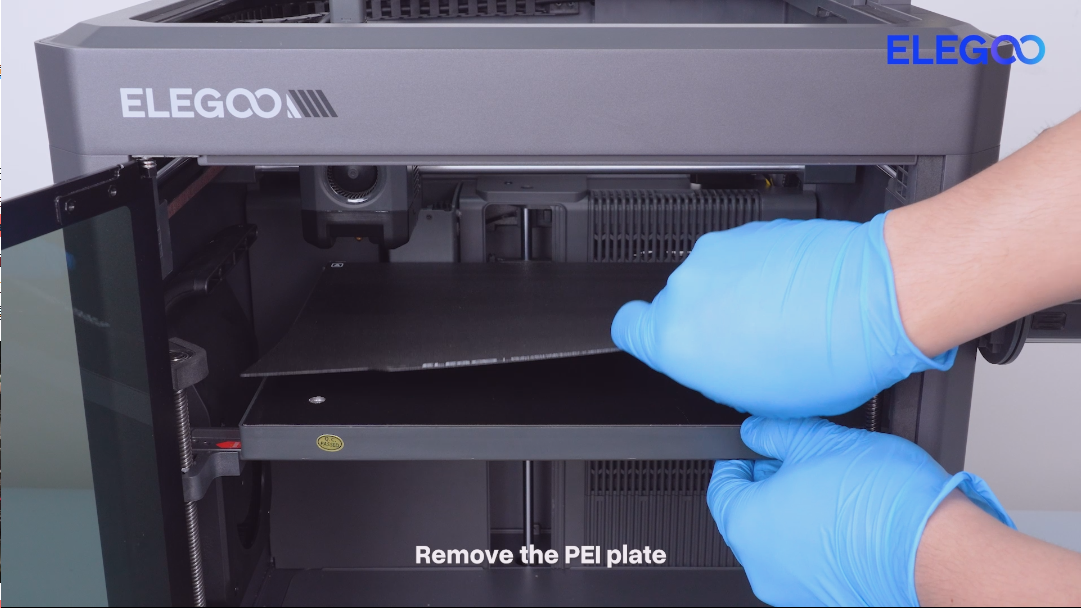
- Remove the PEI plate.
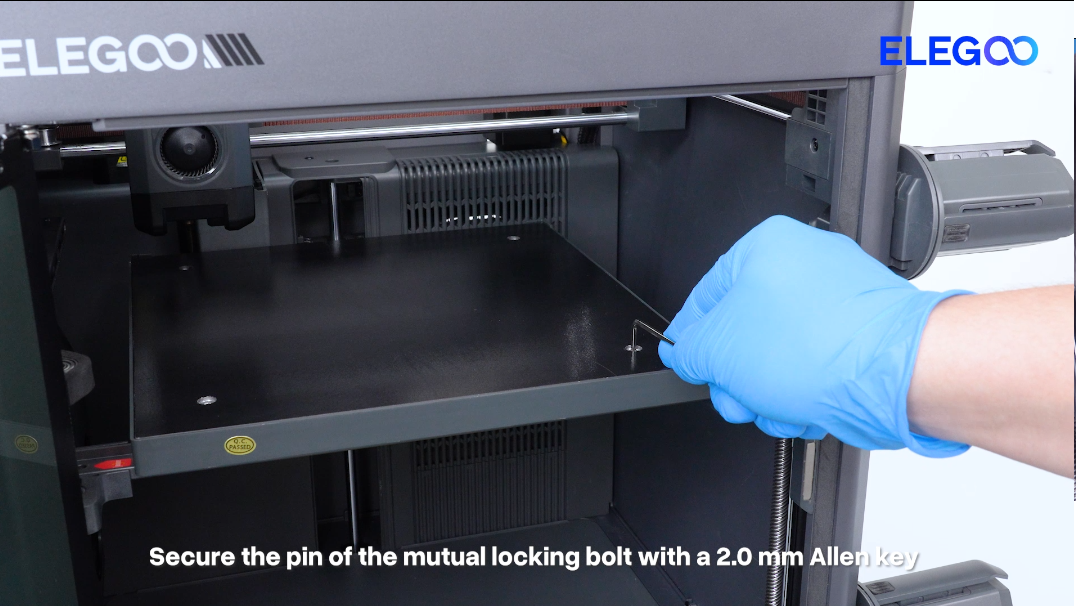
- Secure the pin of the mutual locking bolt with a 2.0 mm Allen key.
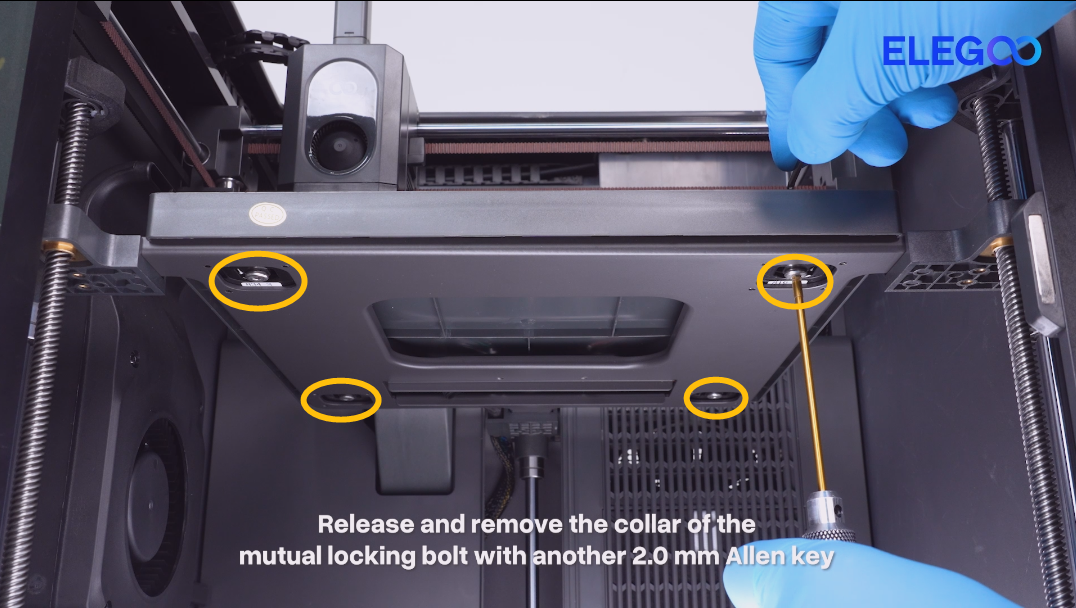
- Release and remove the collar of the mutual locking bolt with another 2.0 mm Allen key.
- Lift the heated bed.
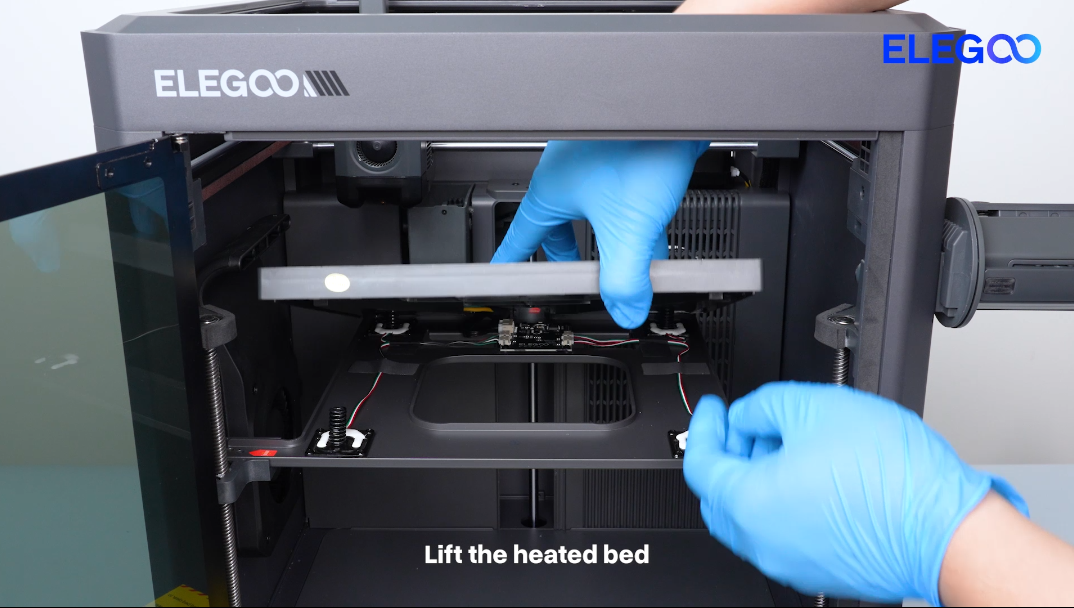
- Re-plug the pressure sensor cable and make sure the cable is securely connected.
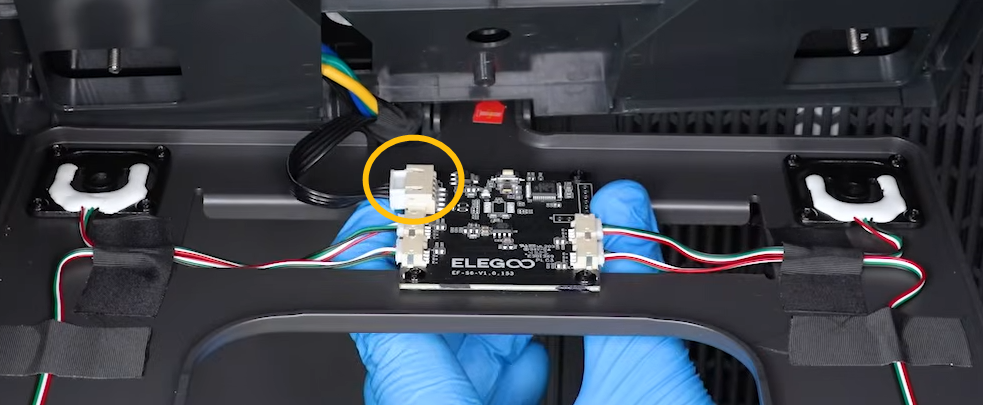
¶ Step 2 Check whether the adapter board cable of the pressure sensor connected to the motherboard is loose.
-
Turn the power switch OFF (symbol "〇") and unplug the power supply cable.
-
Remove the ten screws securing the bottom cover and remove the bottom cover.
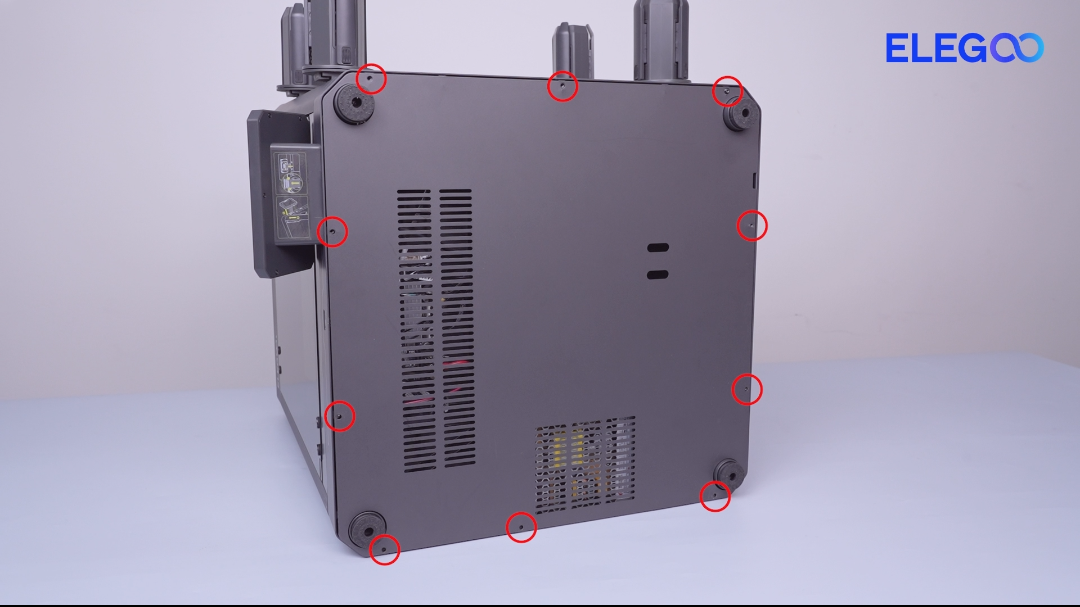
- Check whether the pressure sensor cable connected to the motherboard is loose and re-plug the cable.
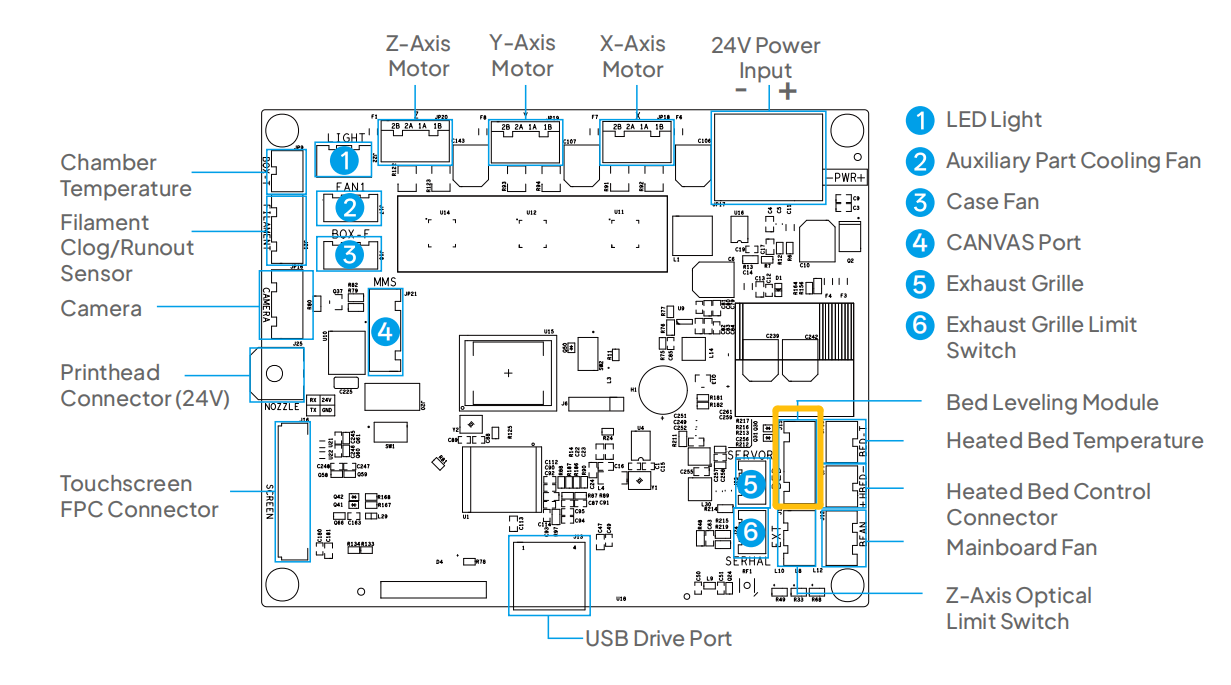
- If the error still occurs after re-plugging the adapter board cable, refer to Step 3 for further troubleshooting.
¶ Step 3 Check whether the resistance values at the corresponding positions on the motherboard is within a reasonable range.
- Set the multimeter to continuity mode.
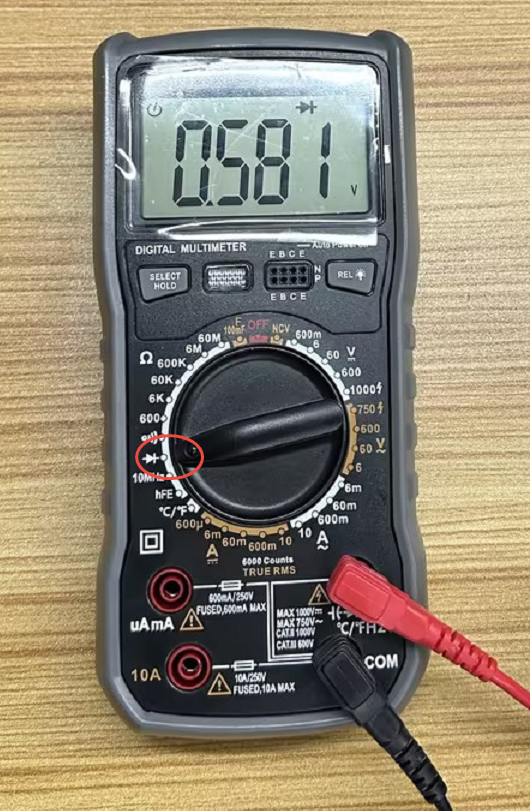
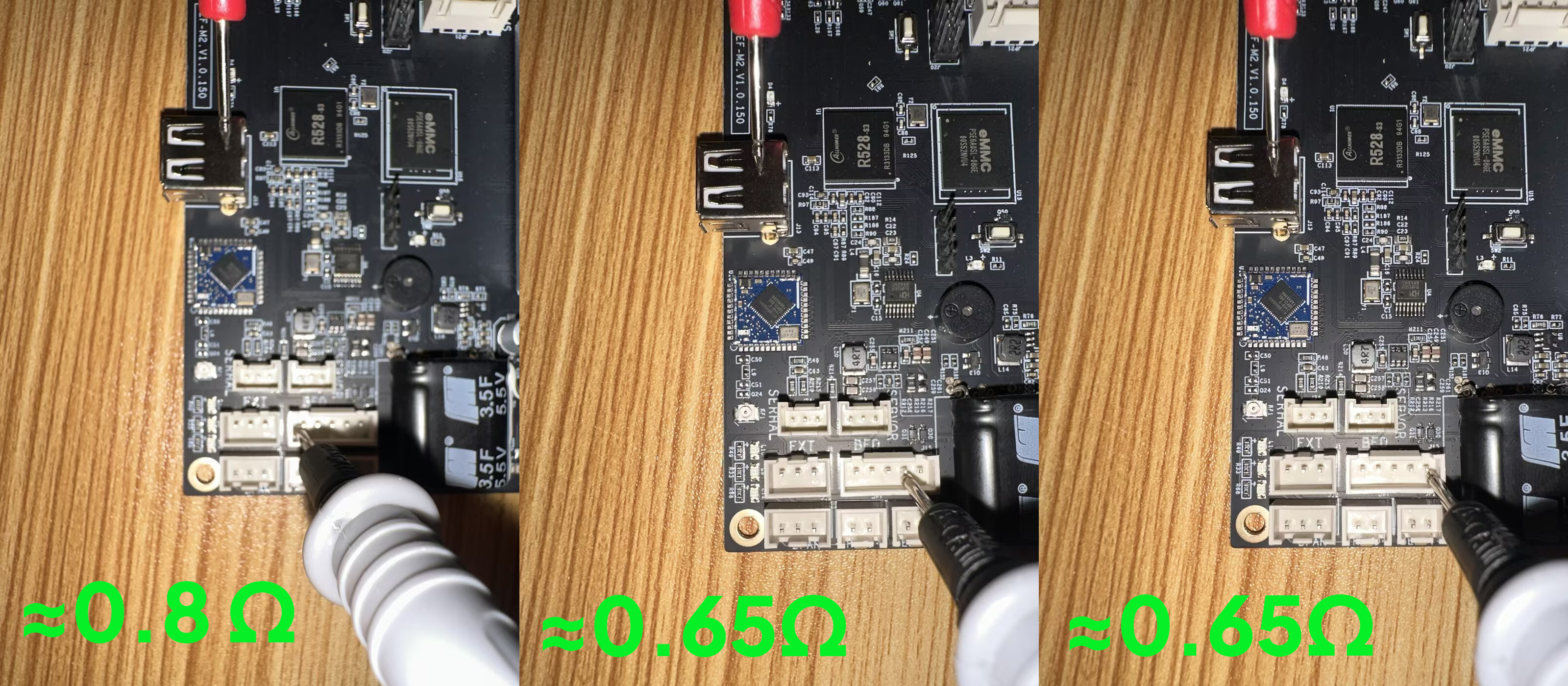
- Measure the resistance value between the metal housing of the USB port and the pins of the pressure sensor port.
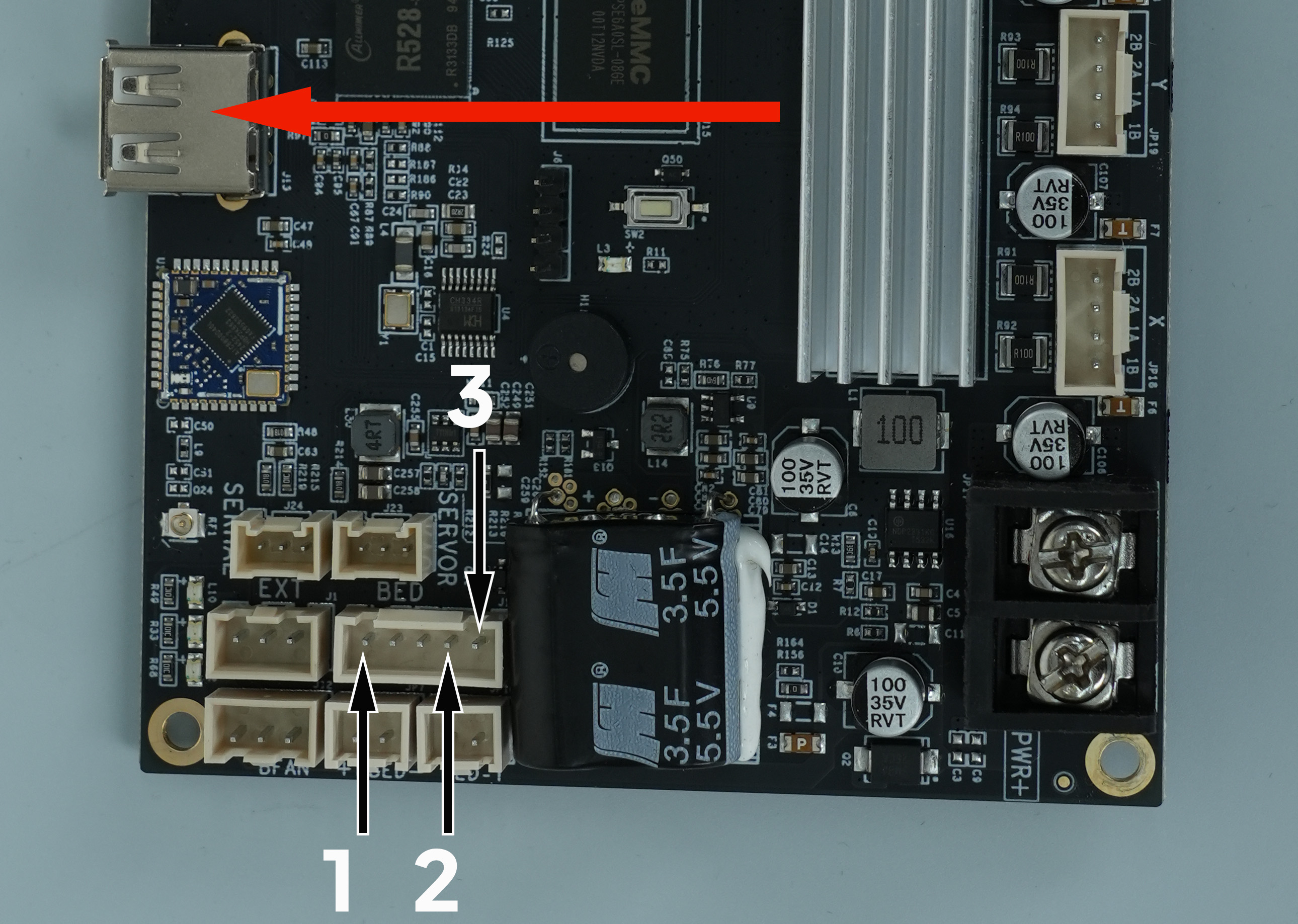
Note:
-
The resistance value between the metal housing of the USB port and Mark 1 is approximately 0.8Ω.
-
The resistance value between the metal housing of the USB port and Mark 2 and Mark 3 is approximately 0.65Ω.
-
If the measured values deviate from the normal value significantly, it indicates that the motherboard is damaged and needs to be replaced.
-
If the measured value is normal, refer to Step 4 for further troubleshooting.
¶ Step 4 Check the resistance values of the pressure sensor adapter board.**
-
Turn the power switch OFF (symbol "〇") and unplug the power supply cable.
-
Set the multimeter to continuity mode.
-
Measure the resistance value between the inner hole wall and Mark 4, Mark 5 and Mark 6 respectively.
Note:
-
Make sure the probe is connected to the area without black solder mask coating.
-
The resistance value between the inner hole wall and Mark 4 is approximately 1Ω .
-
The resistance value between the inner hole wall and Mark 5 is approximately 0.65Ω.
-
The resistance value between the inner hole wall and Mark 6 is approximately 0.65Ω.
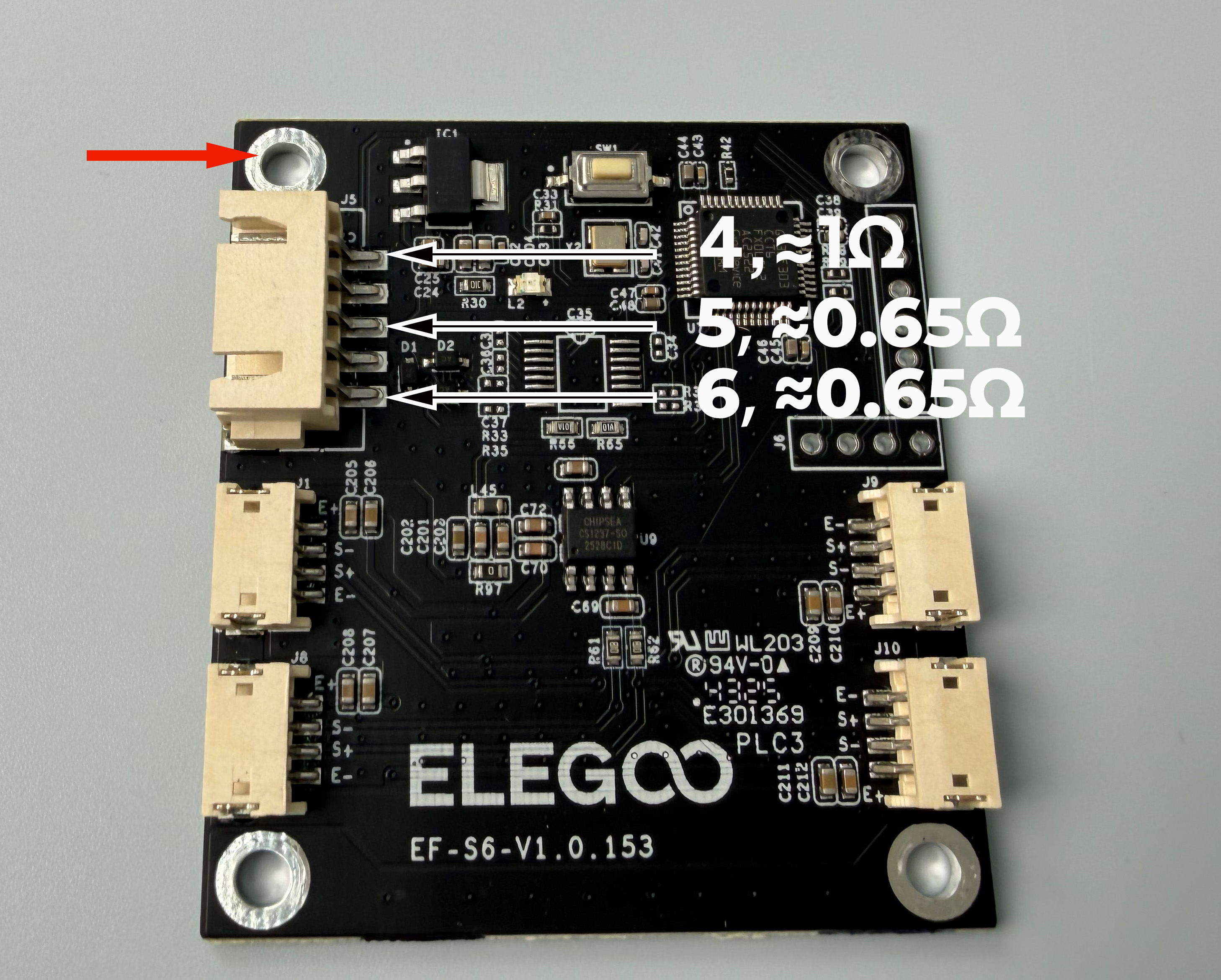
- If the measured value deviates significantly, the pressure sensor adapter board needs to be replaced.