¶ Issue Description
The heat break cooling fan is abnormal.
¶ Reasons
-
The cable of the heat break cooling fan is abnormal or the fan is stuck by a foreign object.
-
The heat break cooling fan has a malfunction or the ports of the fan are damaged.
¶ Troubleshooting Steps
¶ Tools needed for troubleshooting
- A 2.5 mm Allen key
-
Turn the power switch OFF (symbol "〇") and unplug the power supply cable.
-
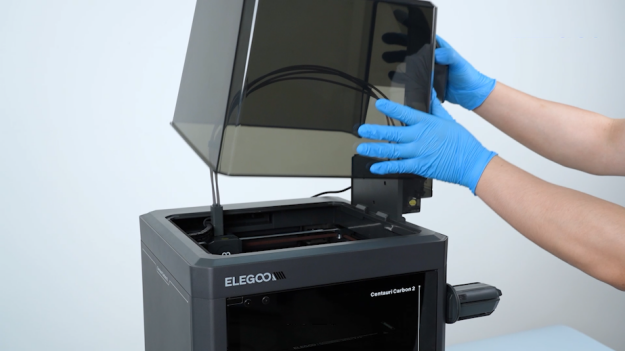
Remove the lid.
-
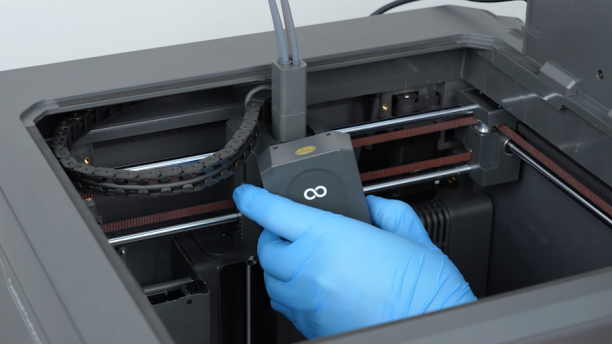
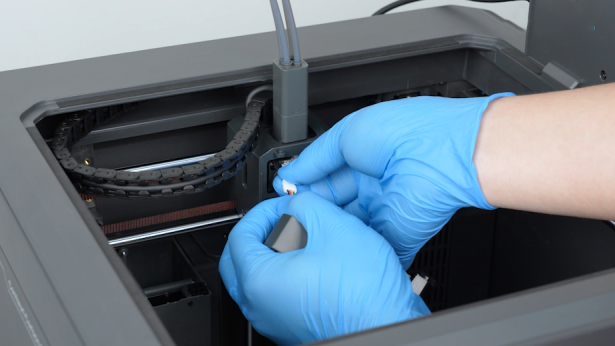
Open the front cover of the tool head and unplug the model cooling fan cable. Remove the front cover of the tool head.
-
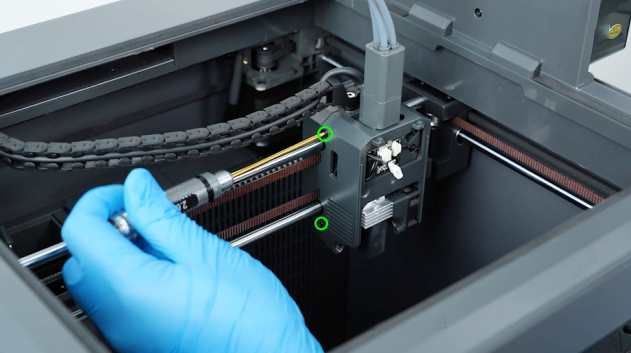
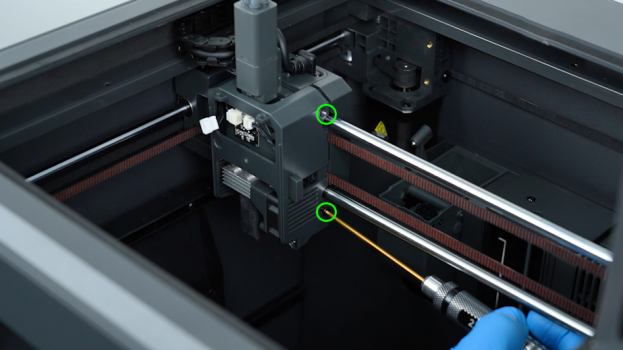
Remove the four screws securing the tool head housing with a 2.0 mm Allen key.
-
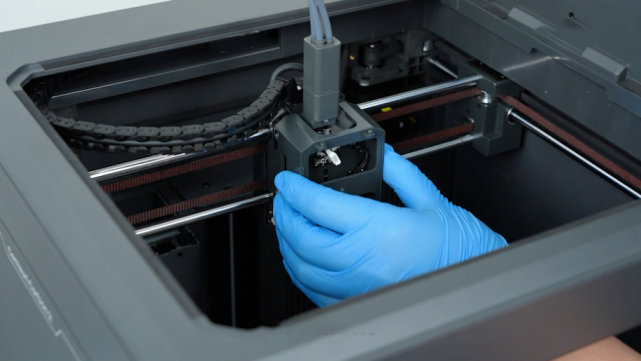
Remove the extruder housing.
-
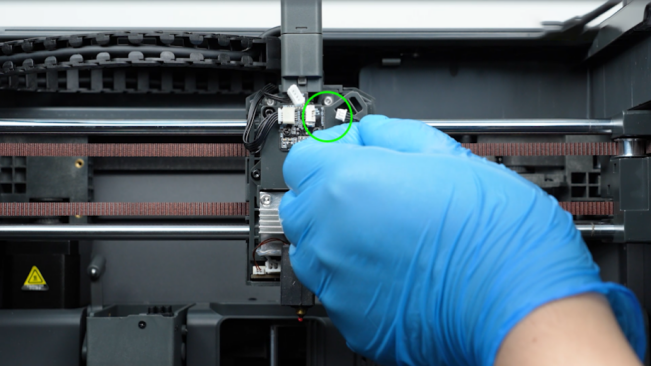
Unplug the filament runout detection cable.
-
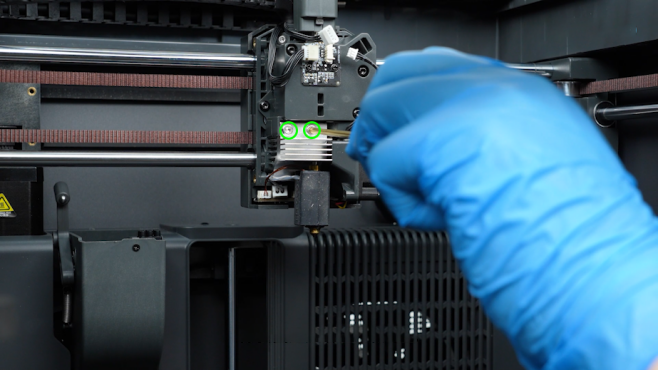
Loosen the two screws securing the hotend with a 2.5 mm Allen key. Remove the screws with a pair of tweezers.
-
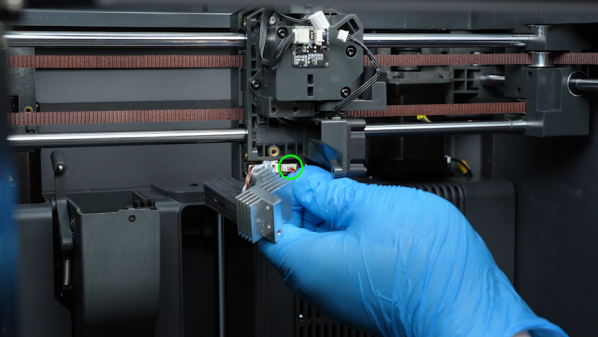
Unplug the heat break cooling fan cable.
-
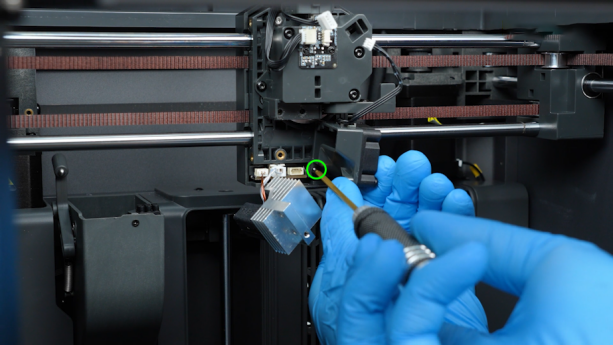
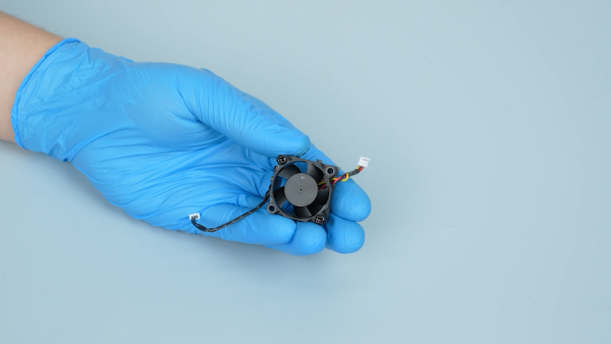
Remove the screws of the heat break cooling fan assembly with a 2.0 mm Allen key. Remove the heat break cooling fan assembly.
-
Inspect the blades of the heat break cooling fan and clean any foreign objects from the blades.
-
Plug in the heat break cooling fan cable and turn the power switch ON (symbol "|"). Preheat the nozzle to 50 ℃ and observe if the fan operates normally.
-
If the fan rotates normally, it indicates that the issue has been resolved.
-
If the fan is still abnormal, it indicates that the heat break cooling fan or its port is damaged. The heat break cooling fan and nozzle heating plate need to be replaced.