¶ Issue Description
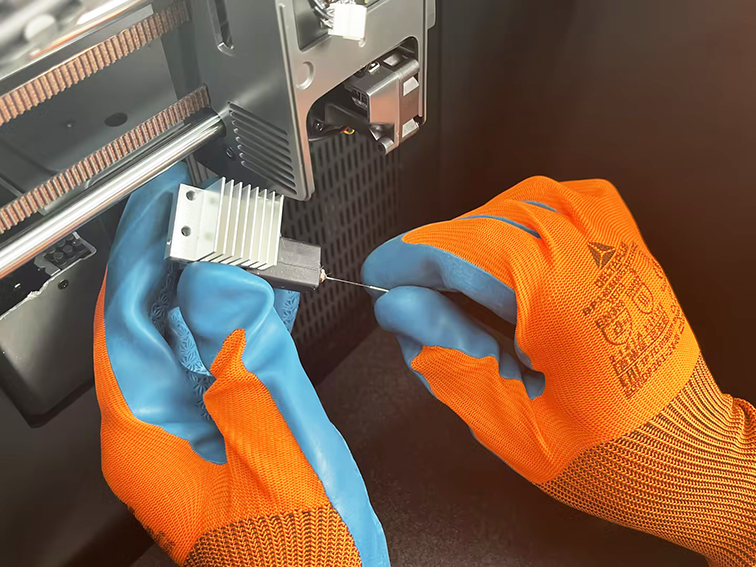
The filament fails to be extruded from the tool head.
¶ Reasons
-
The filament is tangled and knotted.
-
The filament is disconnected between the 4-in-1 hub and CANVAS.
-
The nozzle is clogged.
¶ Troubleshooting Steps
¶ Tools needed for troubleshooting
-
A 1.5 mm Allen key
-
A 2.5 mm Allen key
¶ Step 1 Check the filament spool and the PTFE tube.
-
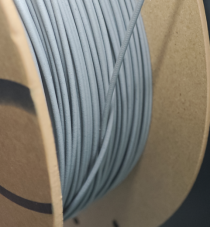
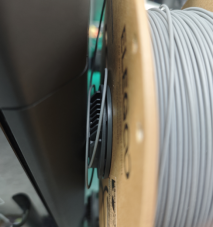
Check whether the filament has tangles or knots at the spool of the corresponding channel.
-
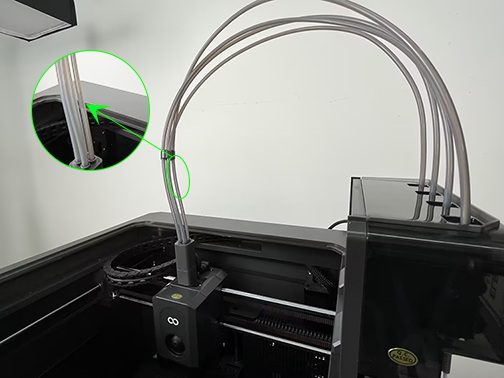
Pull out manually the filament from the abnormal channel of the CANVAS. Check whether any filament is broken in the PTFE tube.
¶ Step 2 Check the 4-in-1 hub.
-
Turn the power switch OFF (symbol "〇") and unplug the power supply cable.
-
Remove the lid.
-
Loosen and remove the two screws securing the extruder communication cable with a 1.5 mm Allen key.
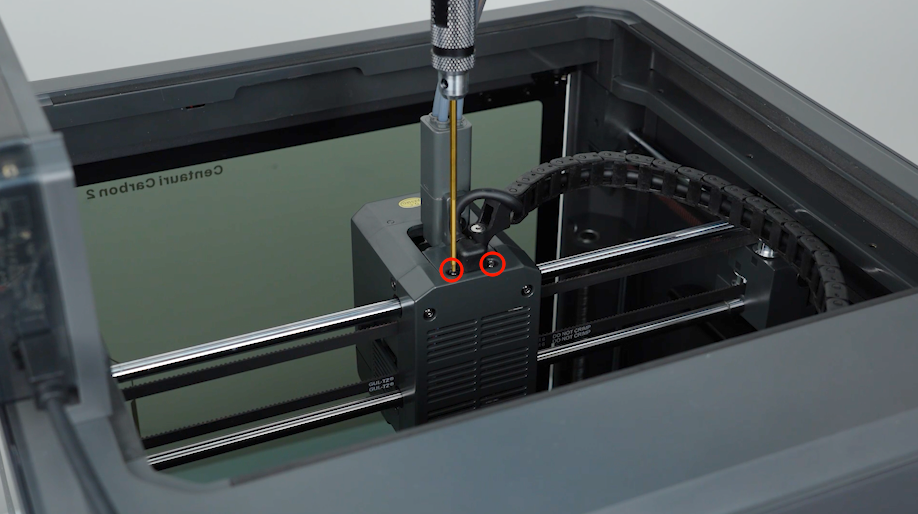
-
Loosen the screws securing the tank chain with a 2.5 mm Allen key and unplug the extruder communication cable.
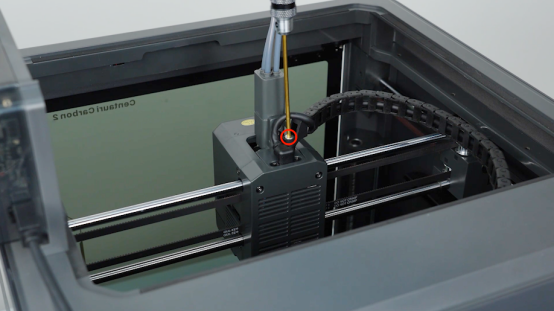
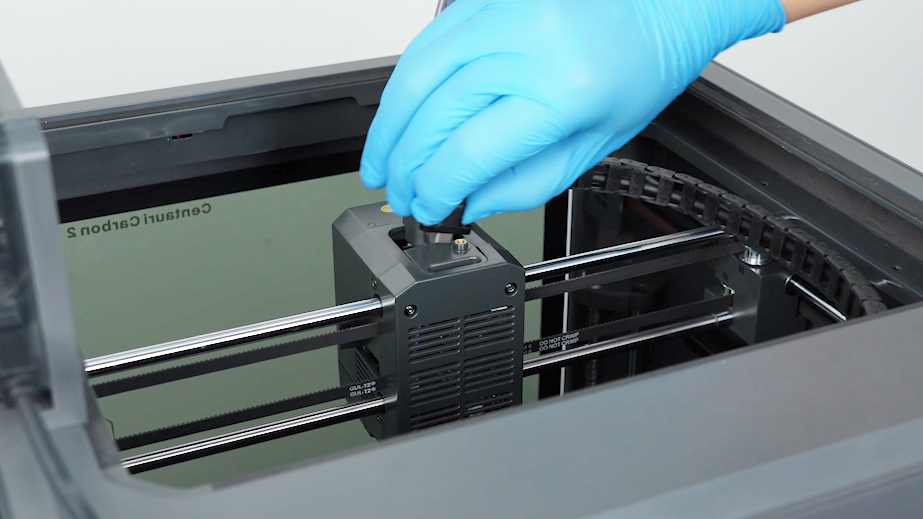
-
Loosen the two screws securing the 4-in-1 hub and remove the 4-in-1 hub with a 2.0 mm Allen key.
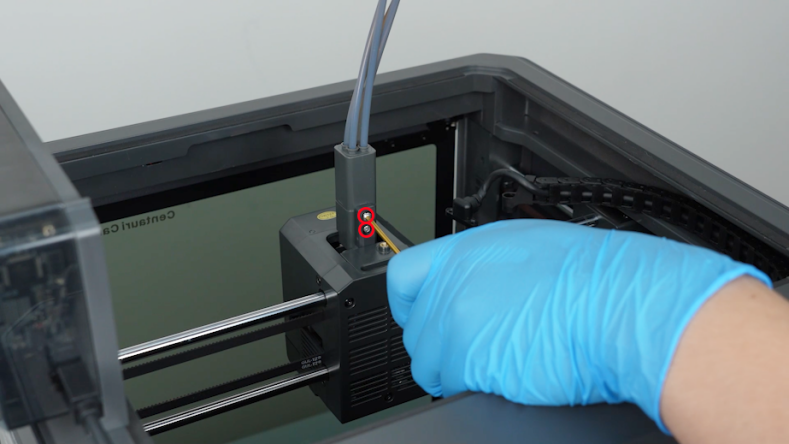
- Check the tool head for any broken filament.
- If the filament breaks in the tool head, manually pull out the filament.
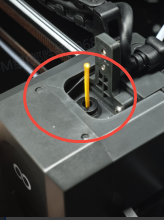
¶ Step 3 Check whether the nozzle is clogged.
-
If there is no filament broken inside, insert a filament into the 4-in-1 hub.
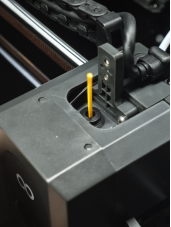
-
On touch screen, heat up the nozzle and select Load.
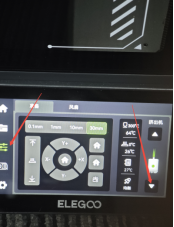
-
Check the filament extrusion at this time. If it cannot be extruded normally, it indicates that the nozzle is clogged. Please try:
a.Remove the screws marked below and the tool head housing.
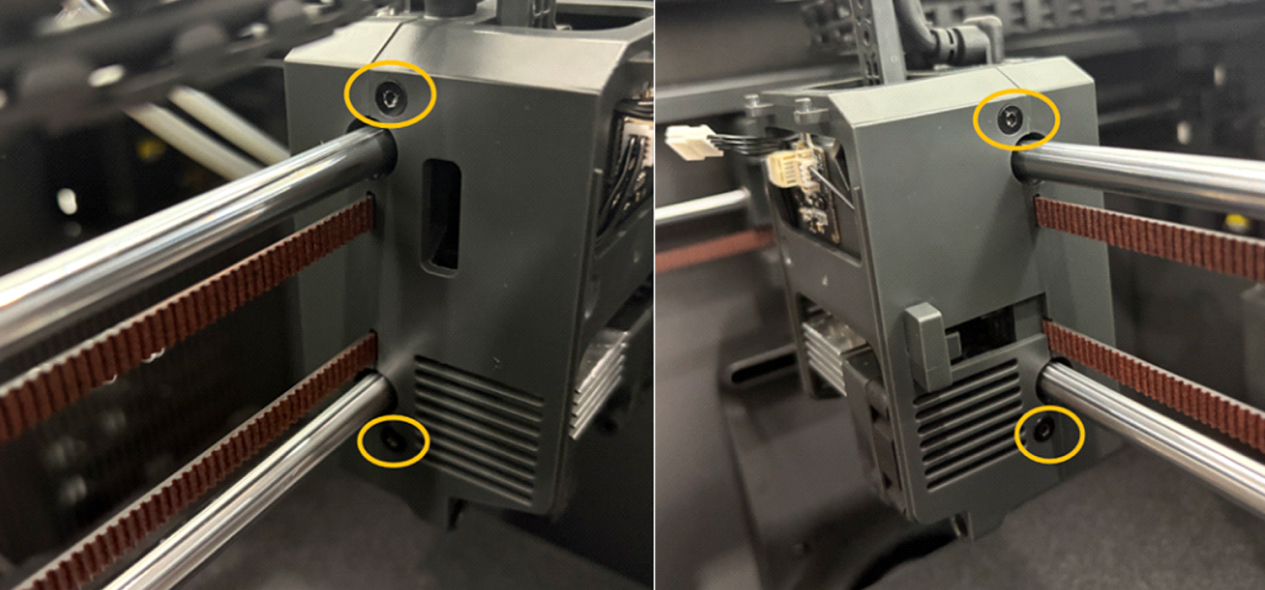
b.Tighten the gear by turning the screw in the corresponding position counterclockwise.
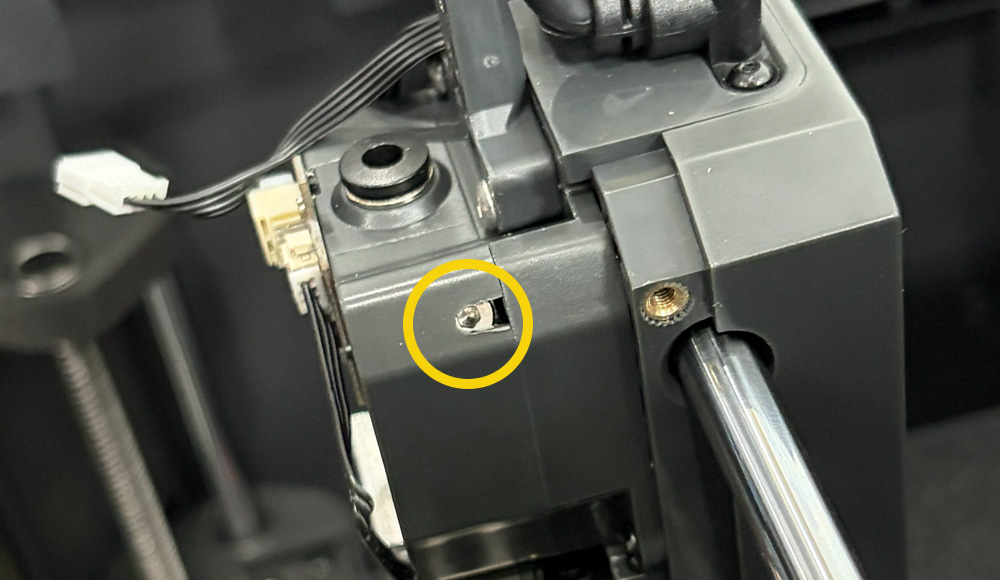
c.Set the nozzle temperature to 200 °C on the touch screen and clear the nozzle with an unclogging tool.
Note: Do not touch the nozzle during operation to avoid burns.