¶ Issue Description
The touch screen displays error code 1211.
¶ Reasons
-
The filament runs out.
-
The filament is not loaded into the CANVAS normally.
-
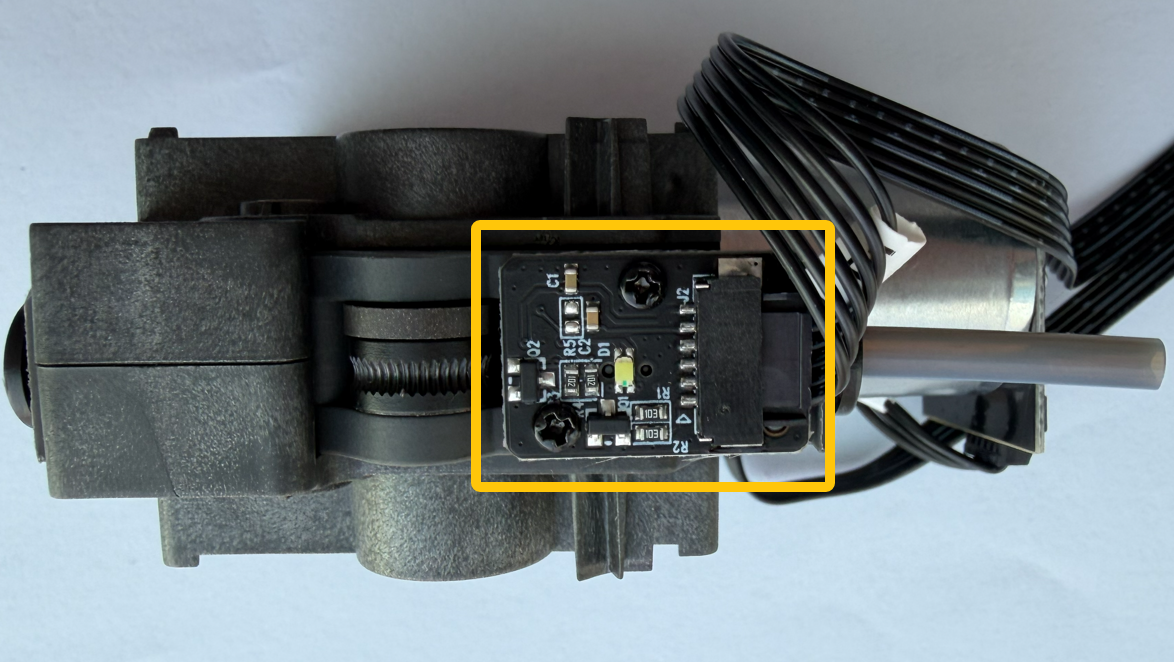
The filament runout board in the CANVAS is triggered abnormally.
¶ Troubleshooting Steps
¶ Tools needed for toubleshooting
-
A 2.0 mm Allen key
-
A pair of tweezers
¶ Step 1 Check whether the filament runs out and whether the filament is loaded normally.
- Check whether the PTFE tube on the top of the CANVAS has any filament.
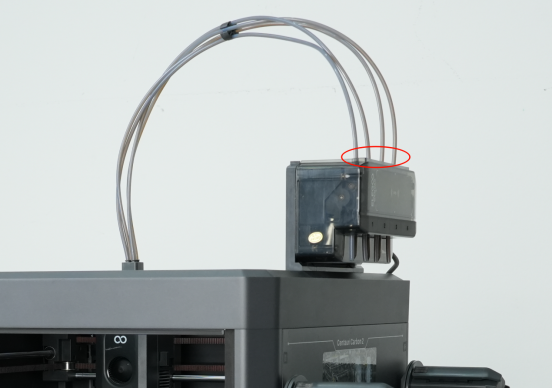
-
If the PTFE tube does not have any filament, it indicates that the filament runs out and you need to load new filament.
-
If the PTFE tube has filament, it indicates that the filament does not run out. Refer to the next step for further troubleshooting.
- Check whether the filament is loaded normally into the CANVAS.
-
Check the touch screen for any filament runout prompts.
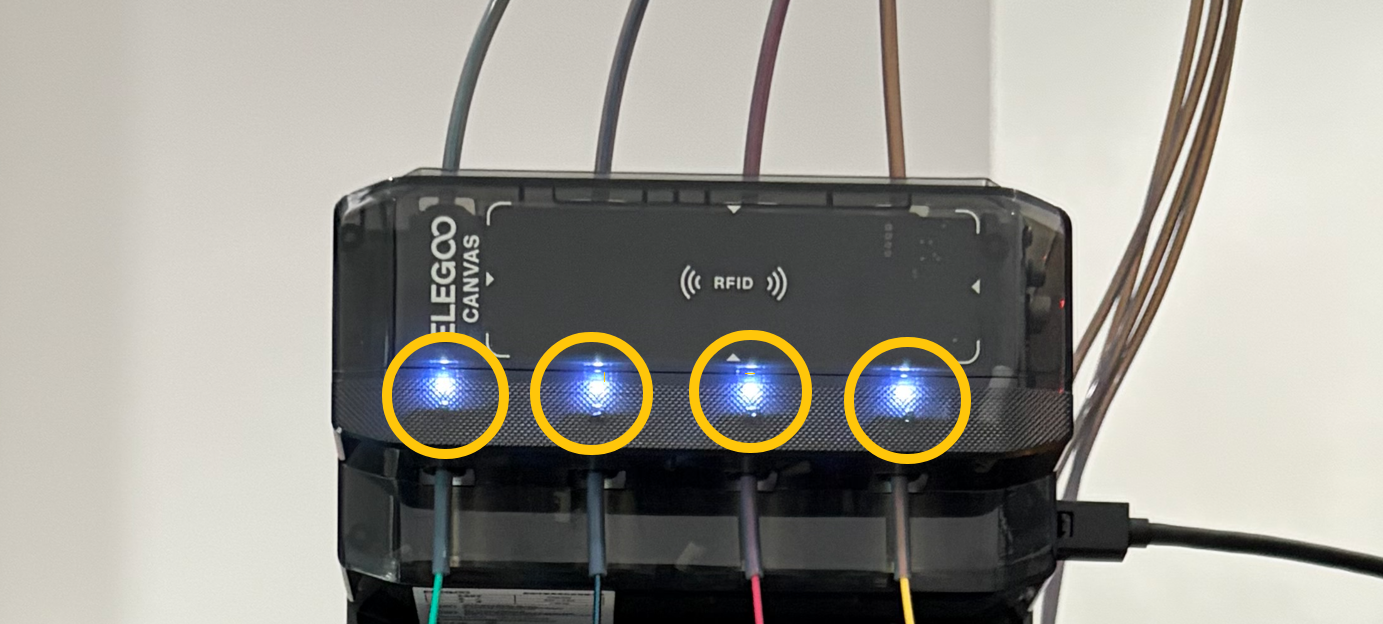
- If the CANVAS does not detect any filament, the filament contained in the PTFE tube (marked in the picture below) can be extruded into the chute excess. The touch screen displays filament runout prompt.
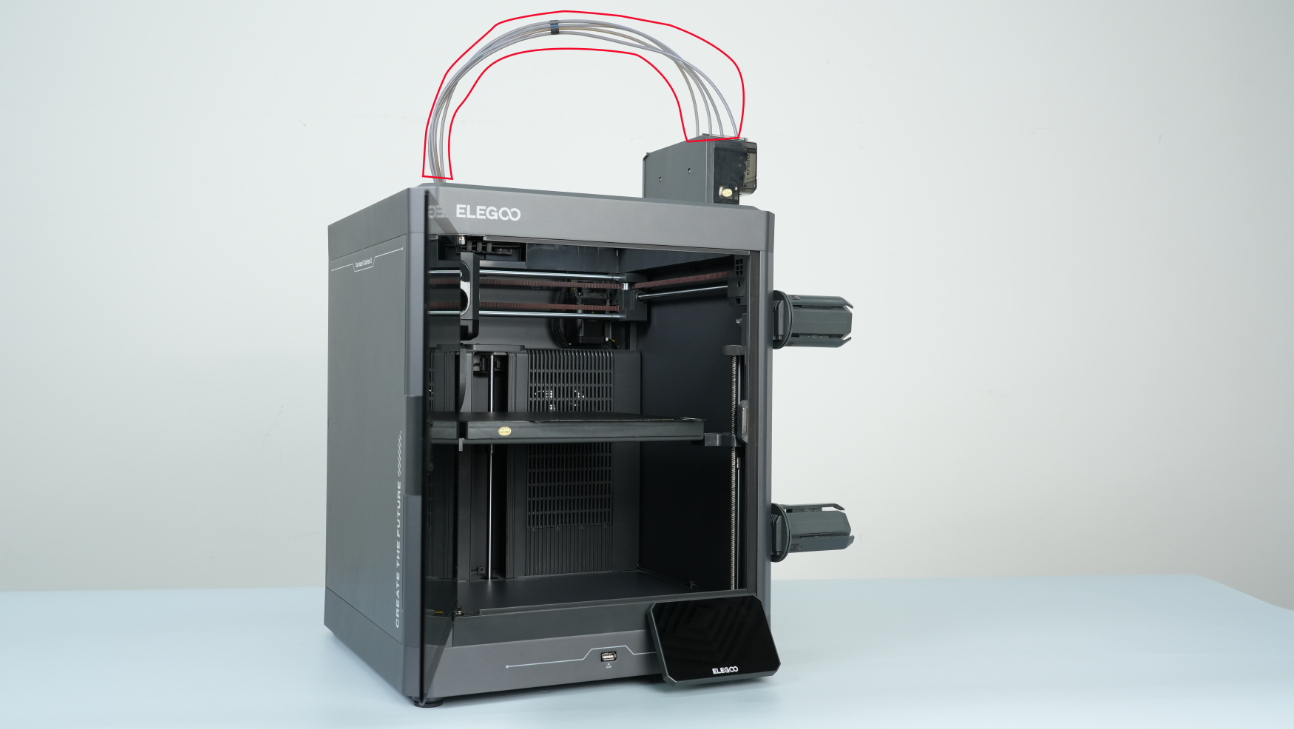
- If the CANVAS does not detect any filament, the filament contained in the PTFE tube (marked in the picture below) can be extruded into the chute excess. The touch screen displays filament runout prompt.
-
If the touch screen displays the prompt, it indicates that the filament is not loaded through the CANVAS and you need to re-load the filament.
-
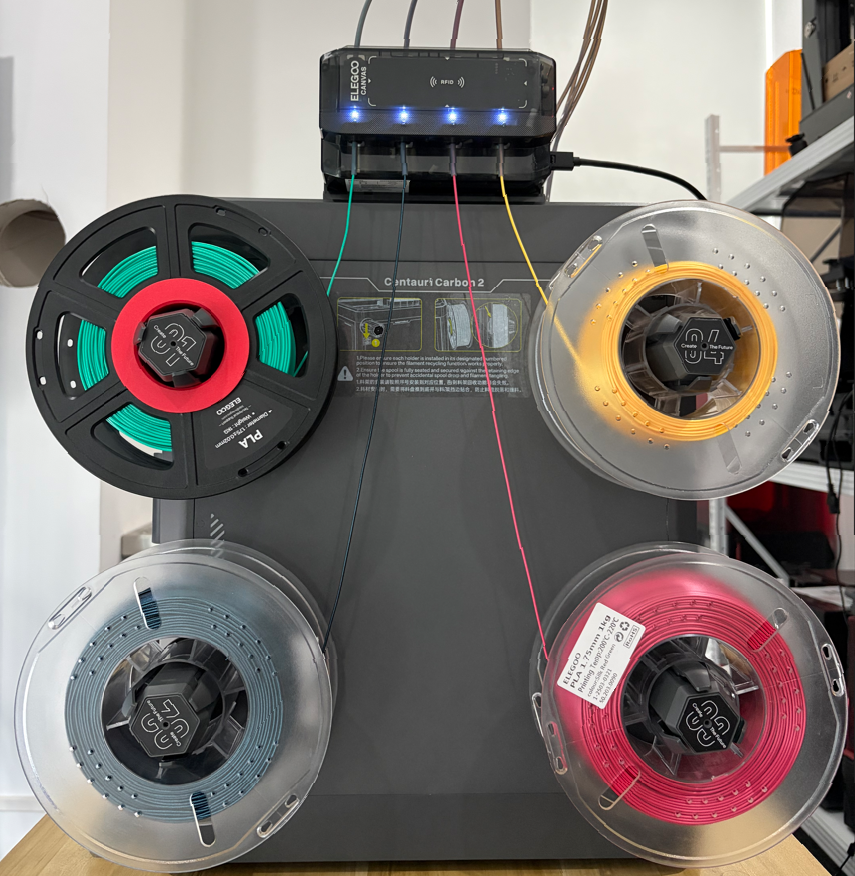
If the touch screen does not display any prompt, check the indicator of the CANVAS and make sure the filament are installed normally.
¶ Step 2 Check the filament detection board cable.
-
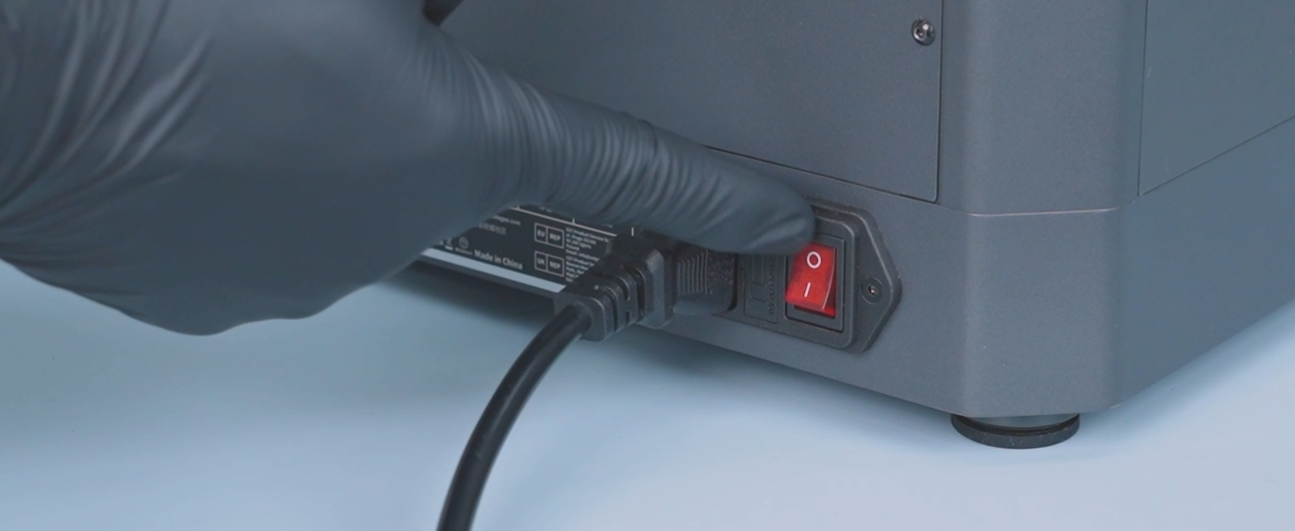
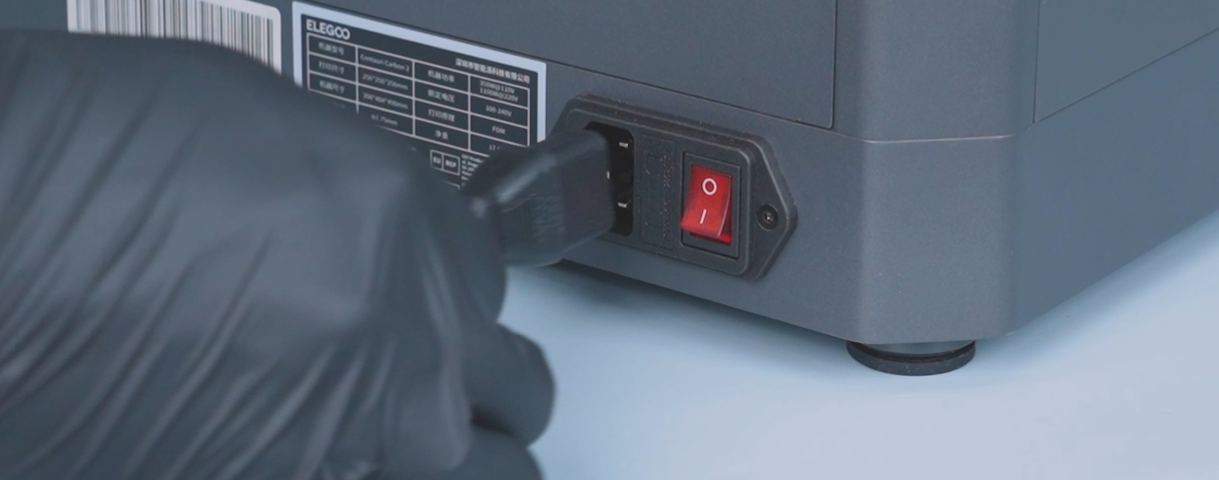
Turn the power switch OFF (symbol "〇") and unplug the power supply cable.
-
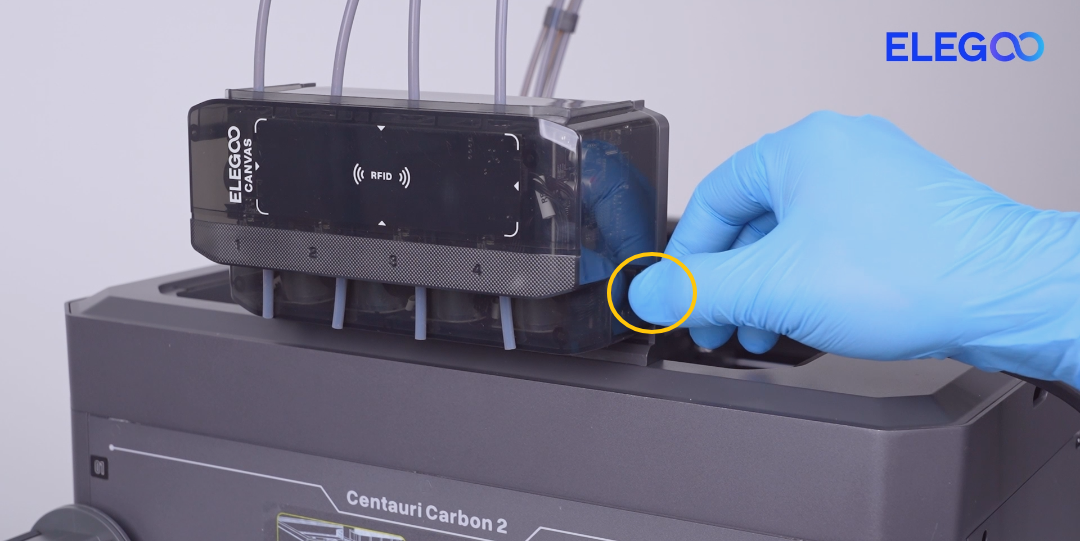
Unplug the CANVAS communication cable.
-
Unplug the PTFE tubes on the upper and lower sides of the CANVAS. Gently press the end of the PTFE tube with a pair of tweezers. Unplug the PTFE tube after it is loose.
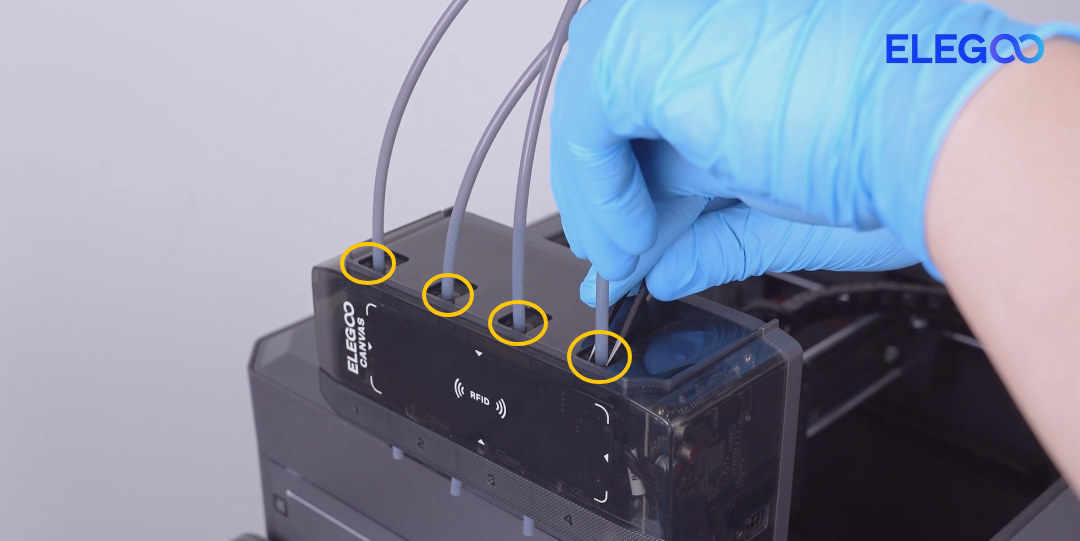
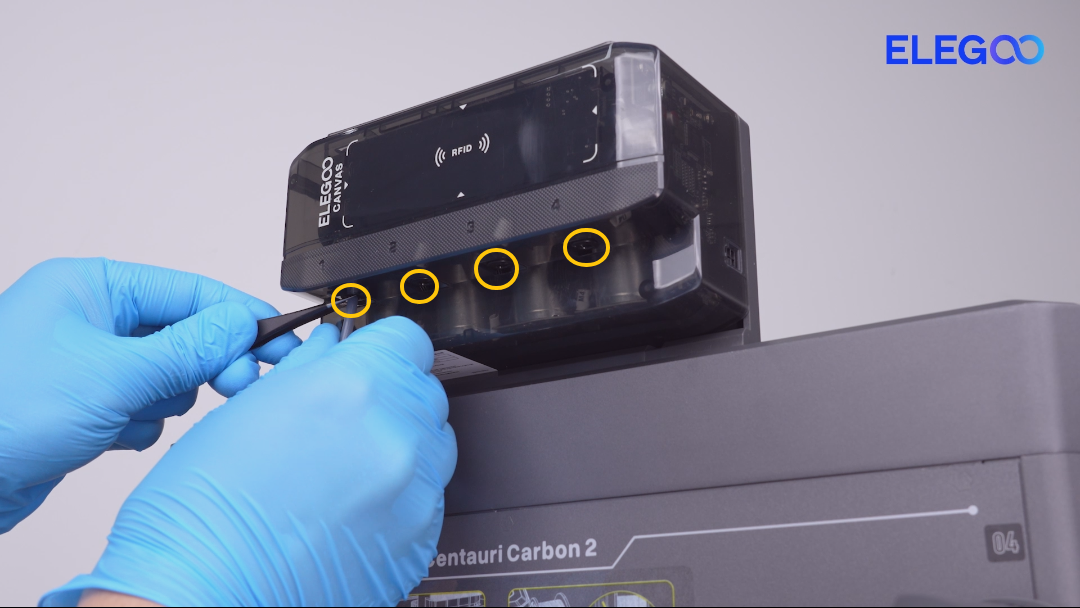
-
Hold the CANVAS when releasing the last screw. Remove the CANVAS. Release and remove the three screws securing the canvas holder. Hold the CANVAS when releasing the last screw. Remove the CANVAS.
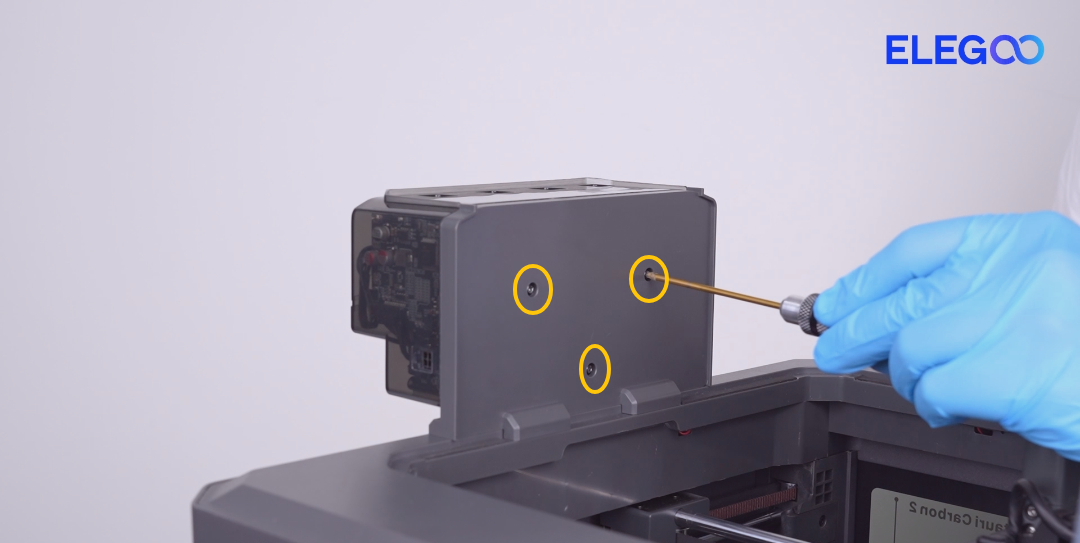
- Release and remove the six screws securing the CANVAS housing.
Note:
- Screws marked by yellow circle are M3 x18.
- Screws labeled by the blue circle are M3 x 8.
- Screws labeled by the red circle are M3 x 45.
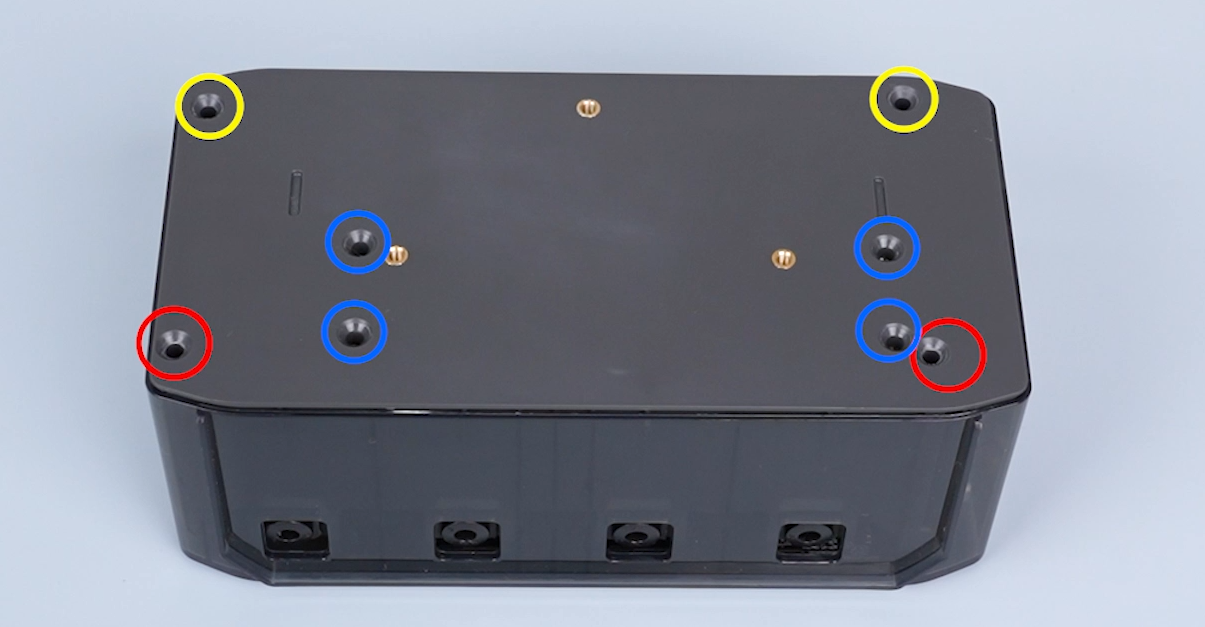
- Check the filament detection board cables.
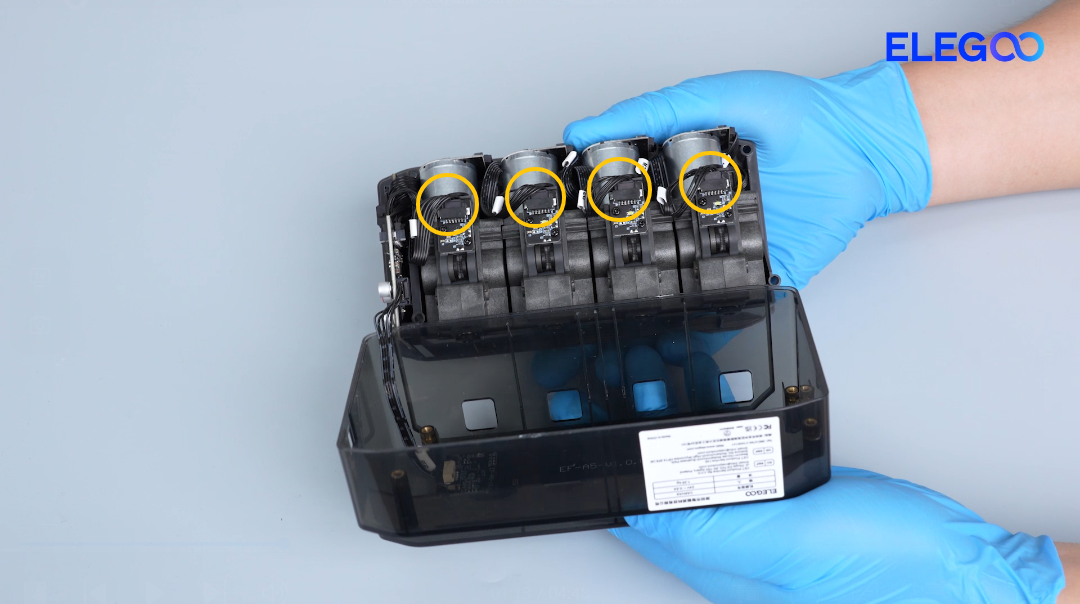
- Re-plug the four filament detection board cables and secure them.
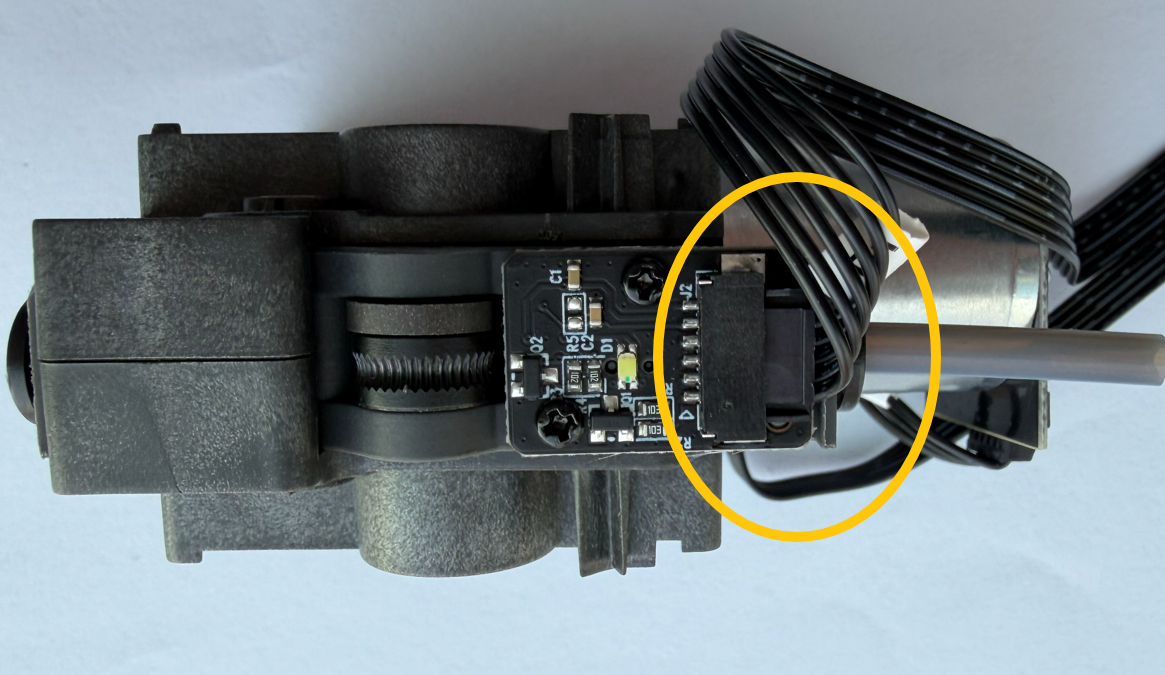
- Restore the feeder motors and the CANVAS. Print a model for testing.
- If the issue still occurs, it indicates that the filament detection board needs to be replaced.