¶ Tools and Materials
-
A 2.0 mm Allen key
-
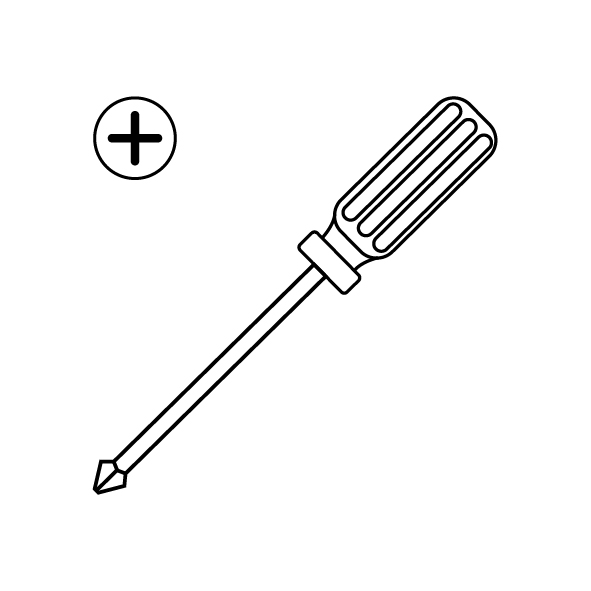
A Phillips screwdriver
-
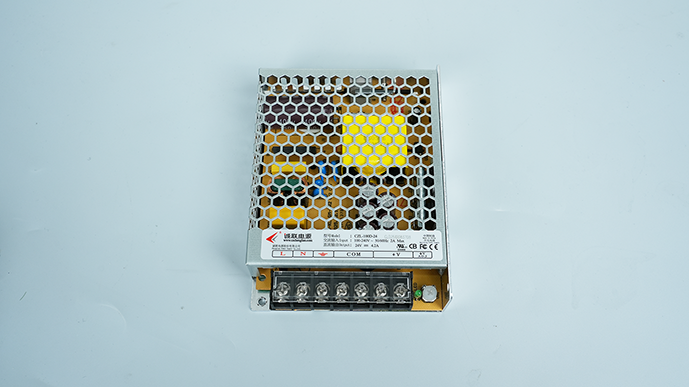
A new power supply

¶ Tutorial video
¶ Instructions
¶ Preparation before Operation
Turn the power switch OFF (symbol "〇") and unplug the power supply cable.
¶ Remove the Old Power Supply
-
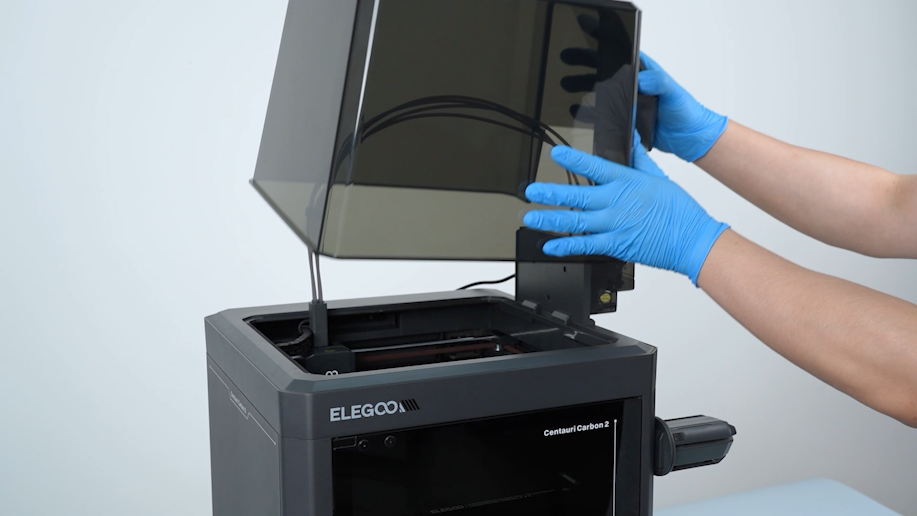
Remove the lid.
-
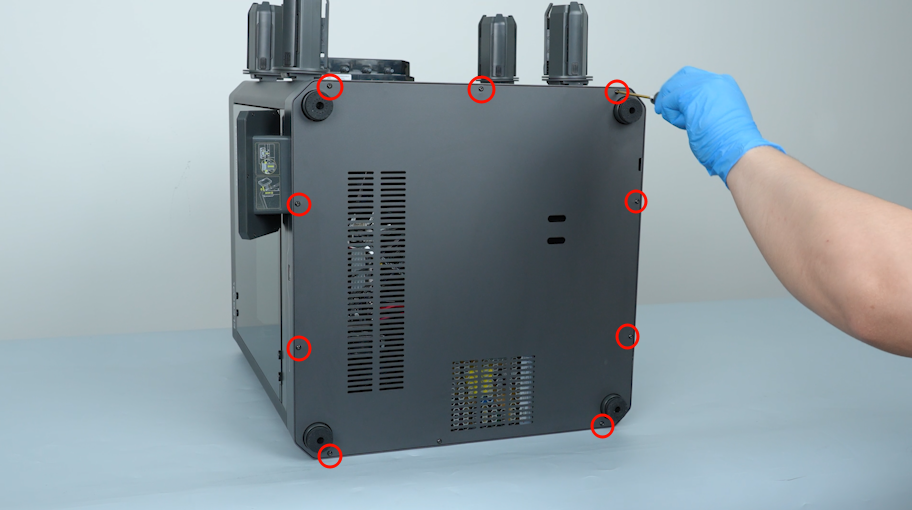
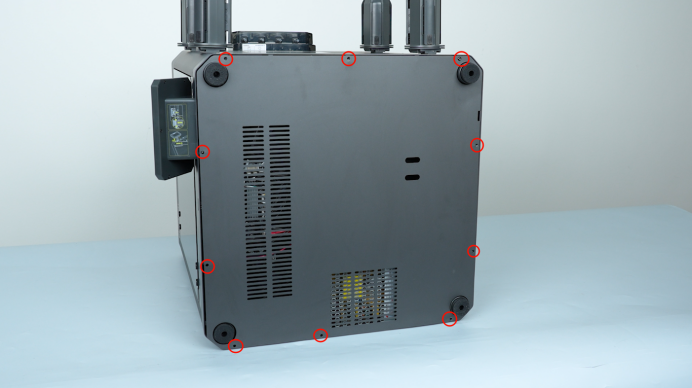
Release and remove the ten screws securing the bottom cover with a 2.0 mm Allen key. Remove the bottom cover.
-
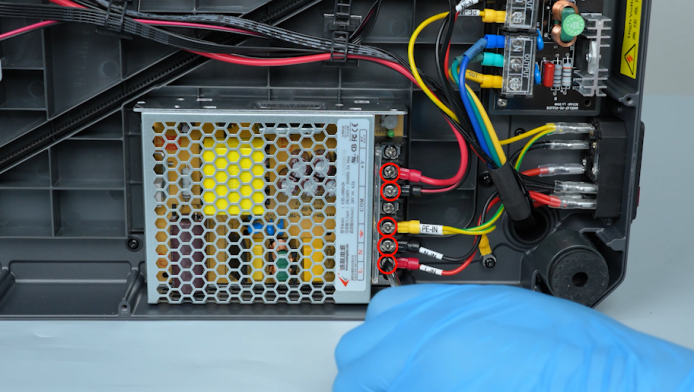
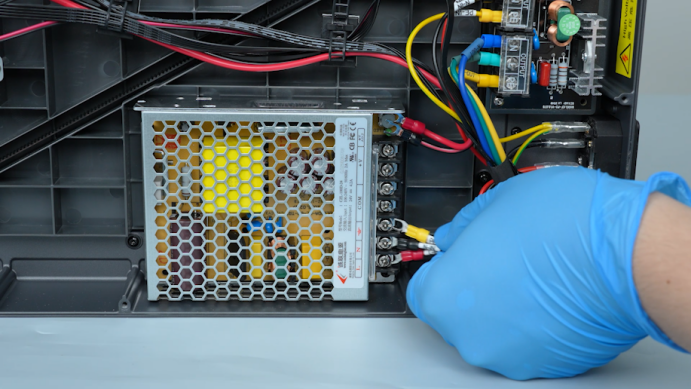
Lift the power supply cover. Loosen the screws securing the power input wires and power output wires with a Phillips screwdriver. Remove the cables.
-
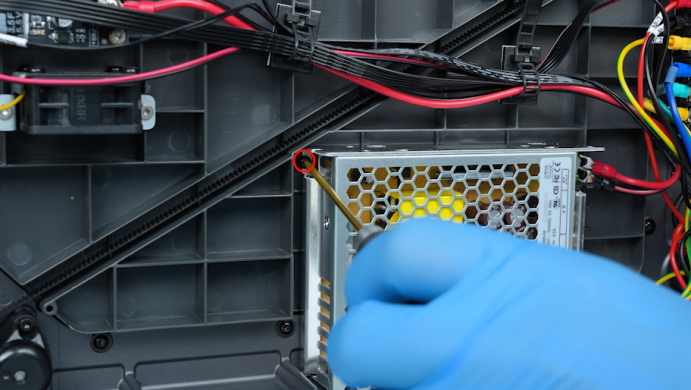
Release and Remove the two screws securing the power supply with a 2.0 mm Allen key.
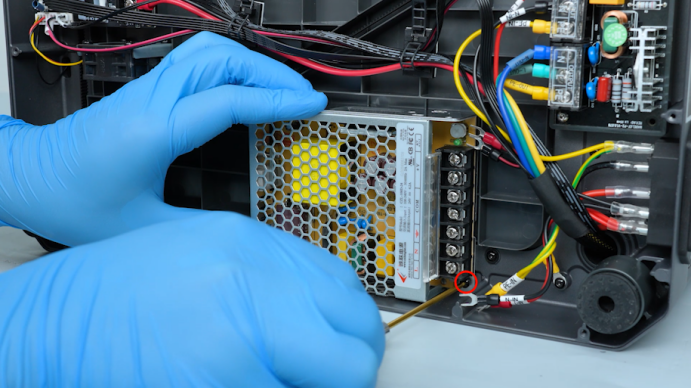
-
Remove the old power supply.
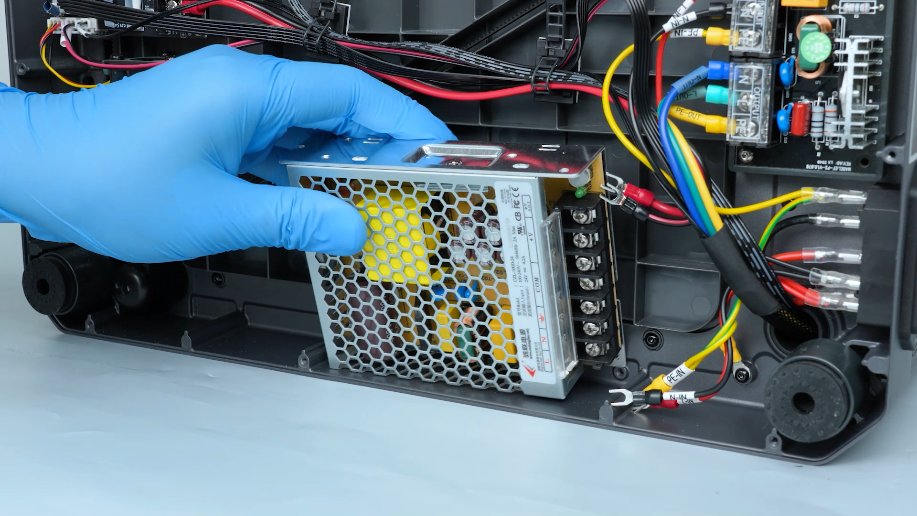
¶ Install the New Power Supply
-
Place the new power supply in its installation position.
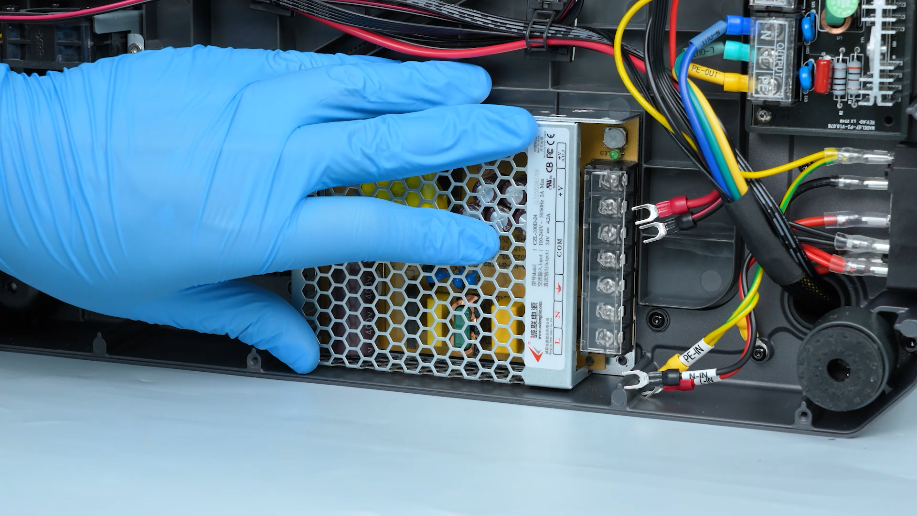
-
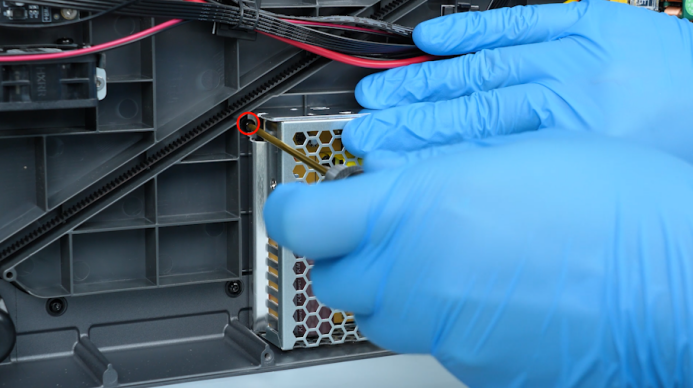
Hold the power supply and tighten the two screws securing the power supply with a 2.0 mm Allen key.
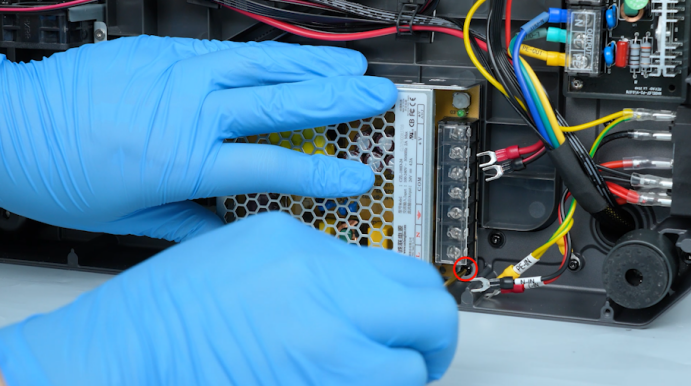
-
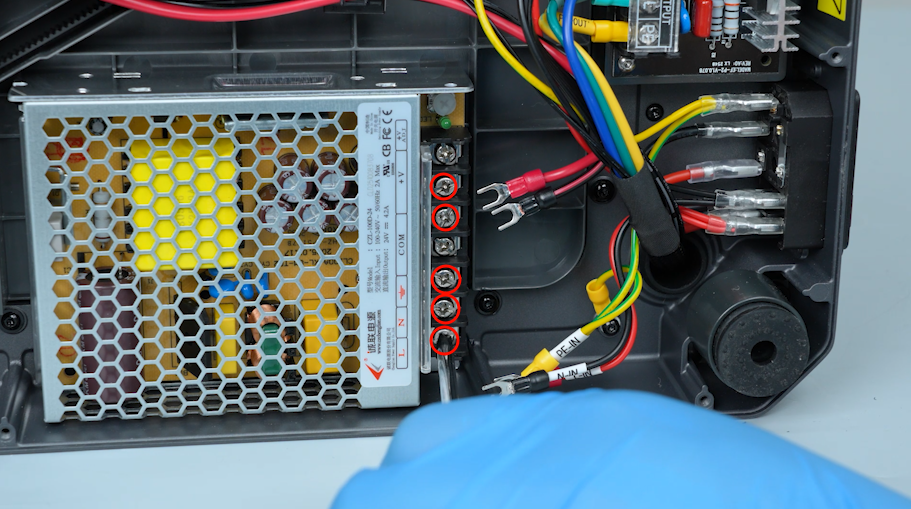
Open the power supply cover and loosen the screws securing the power supply cables and power output cables with a Phillips screwdriver.
-
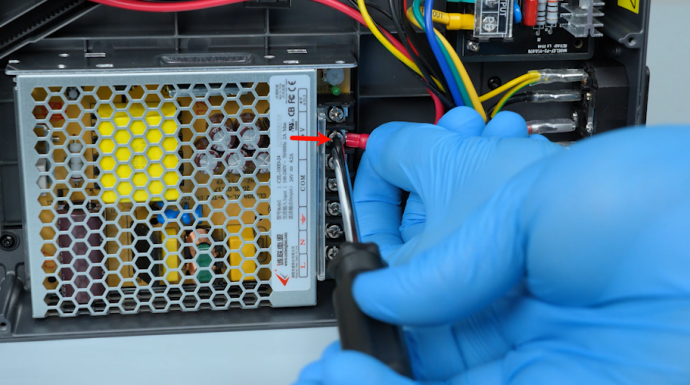
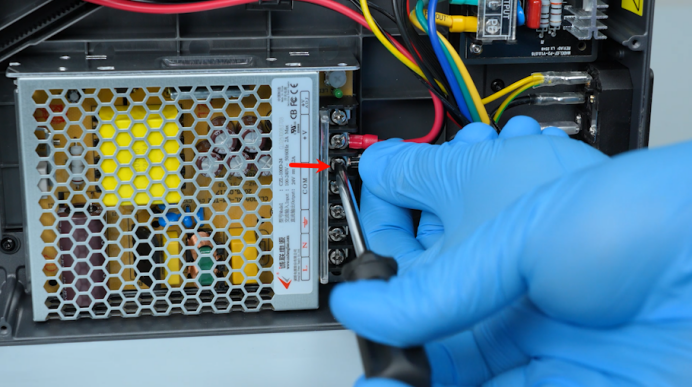
Connect the red wire to the V+ port and tighten the screw with a Phillips screwdriver. Connect the black wire to the COM port and tighten the screw with a Phillips screwdriver.
-
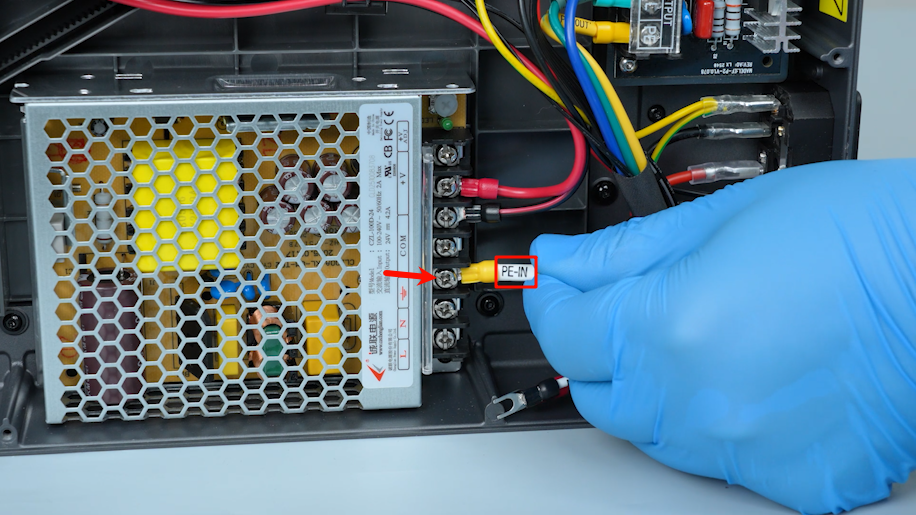
Connect the PE-IN wire to the ground port and tighten the screw with a Phillips screwdriver.
-
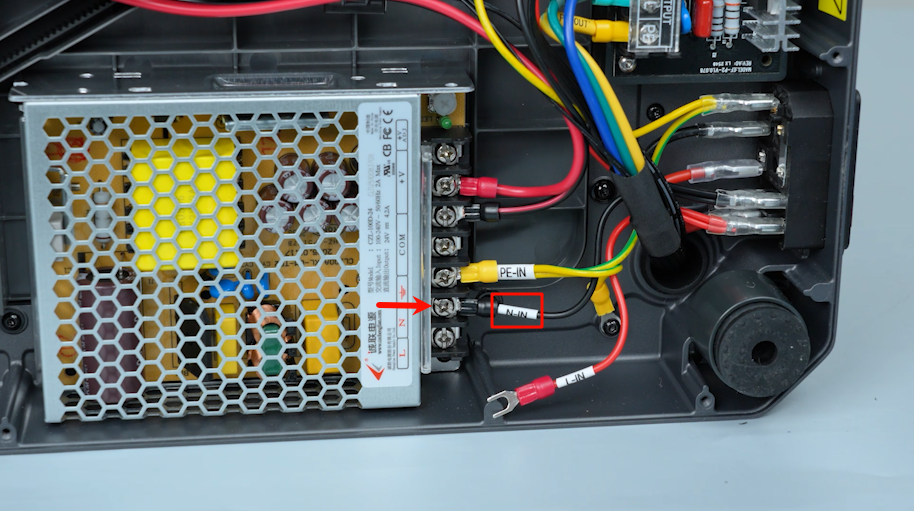
Connect the N-IN wire to the N port and tighten the screw with a Phillips screwdriver.
-
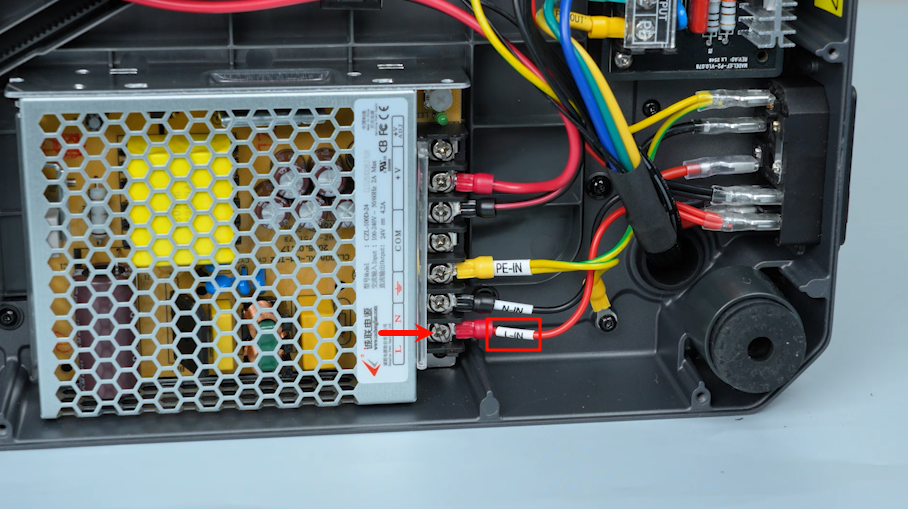
Connect the L-IN wire to the L port and tighten the screw with a Phillips screwdriver.
-
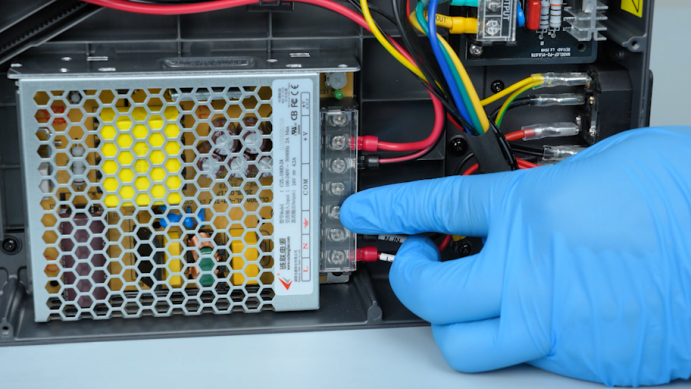
Close the power supply cover. Put the bottom cover in the installation position and tighten the ten screws securing the bottom cover with 2.0 mm Allen key.
¶ Restart printer
- Plug in the power supply cable and turn the power switch ON (symbol "|").
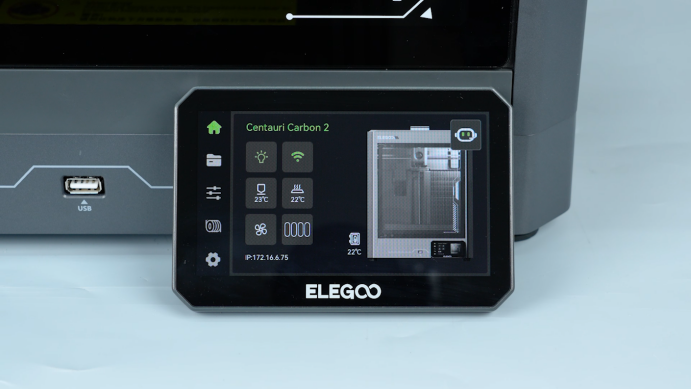
- Confirm that the touch screen can work normally and the printer is ready for use.