¶ Tools and Materials
-
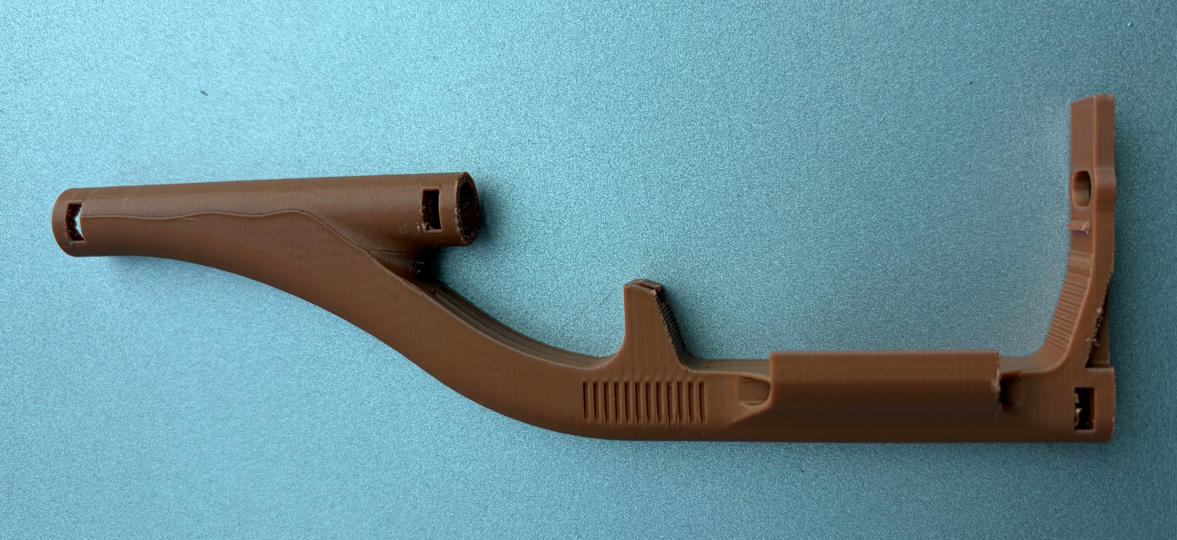
Flexible filament printing adapter x 1
flexible_filament_printing_adapter.stl
-
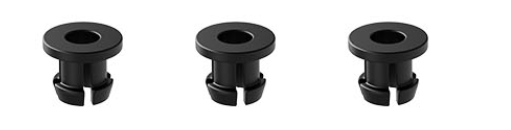
PTFE tube collet x 3
-
Snap x 3

-
PTFE tube (outer diameter: 4 mm, inner diameter: 2 mm, length: 48 mm) x 1
-
PTFE tube (outer diameter: 4 mm, inner diameter: 2 mm, length: 25 mm) x 1
¶ Instructions
-
Turn the power switch OFF (symbol "〇") and unplug the power supply cable.
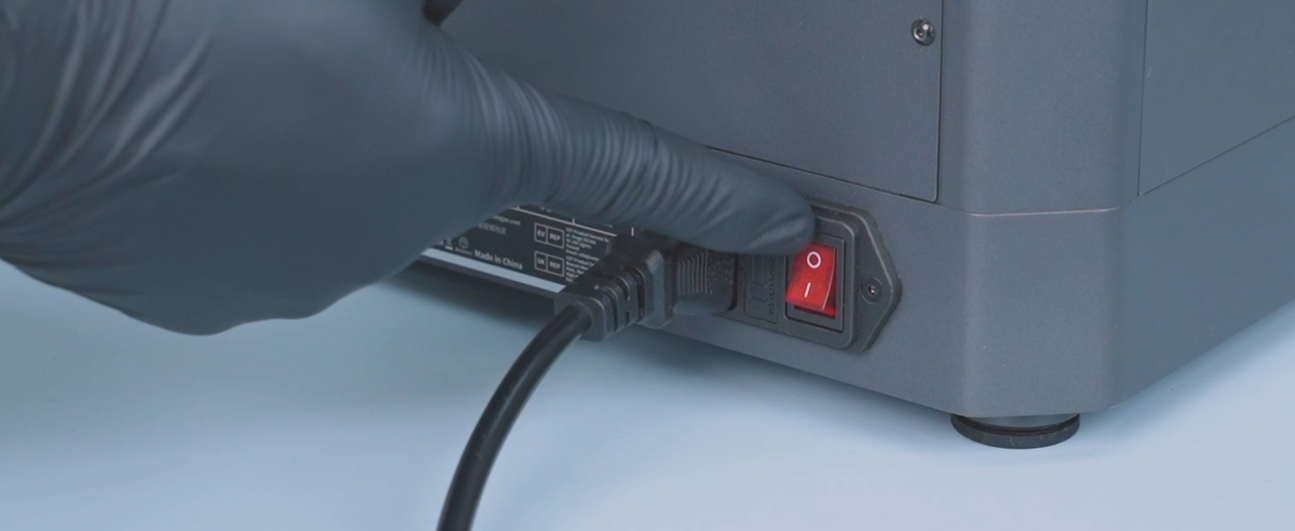
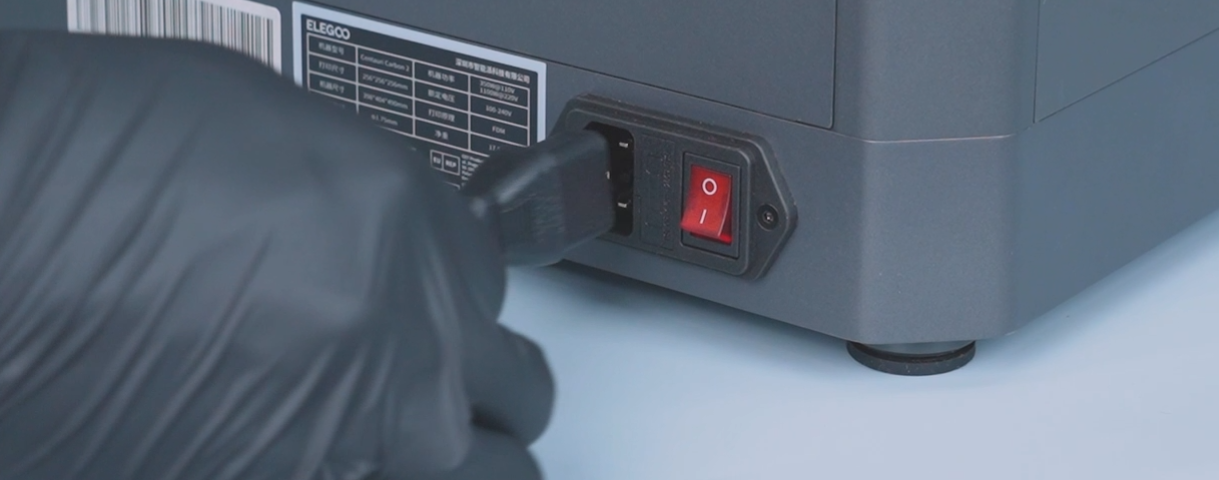
-
Unplug the CANVAS communication cable.
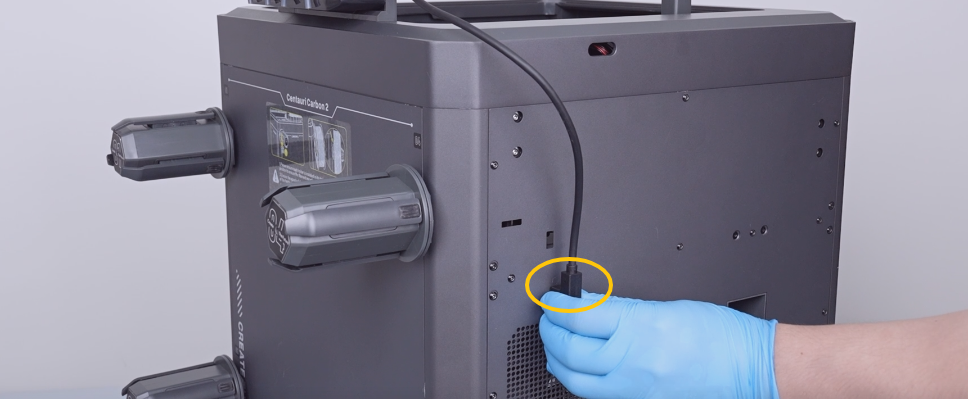
-
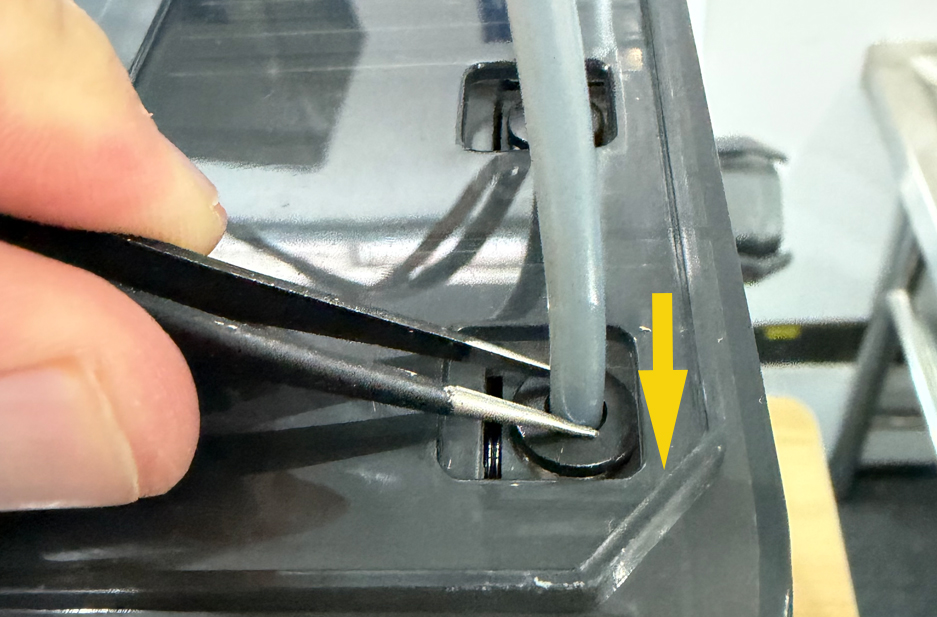
Unplug the PTFE tubes of channel 1.
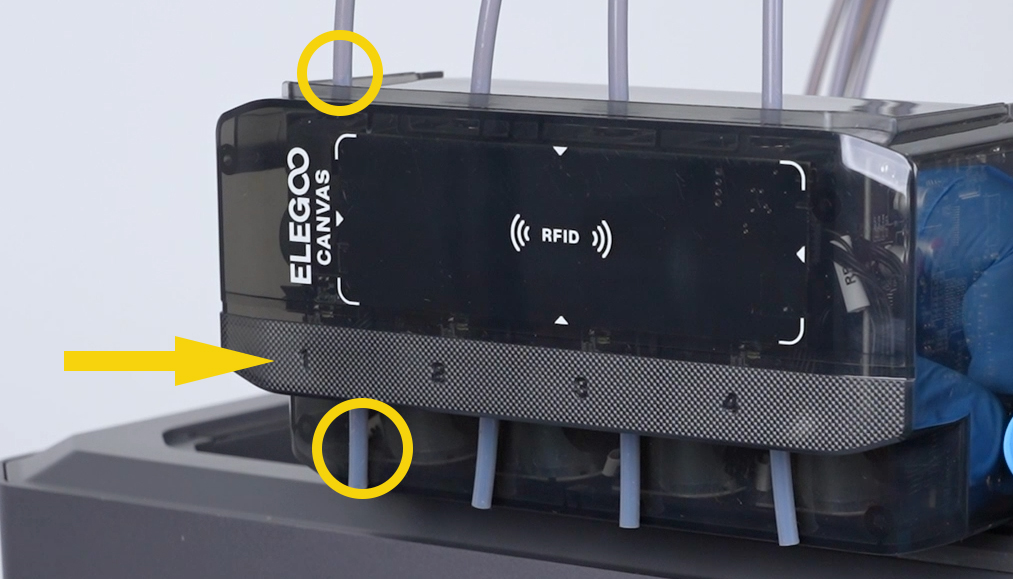
Note: Gently press the connector with a pair of tweezers to loosen and remove the PTFE tube.
-
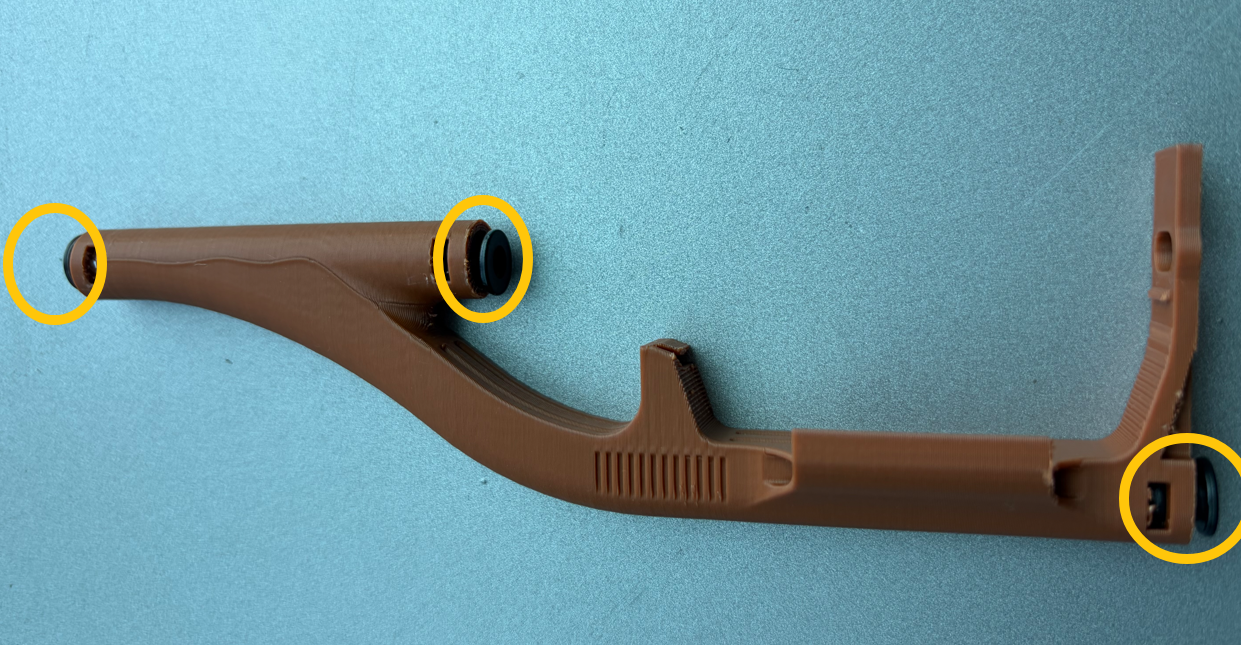
Install the collets onto the filament printing adapter.
-
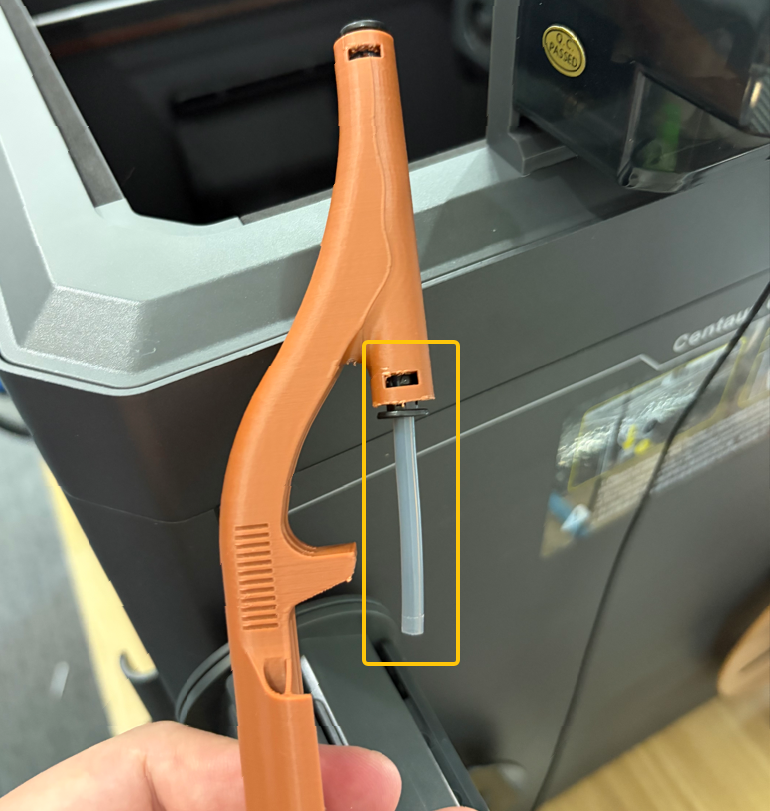
Insert the 48 mm long PTFE tube into the middle collet of the filament printing adapter.
-
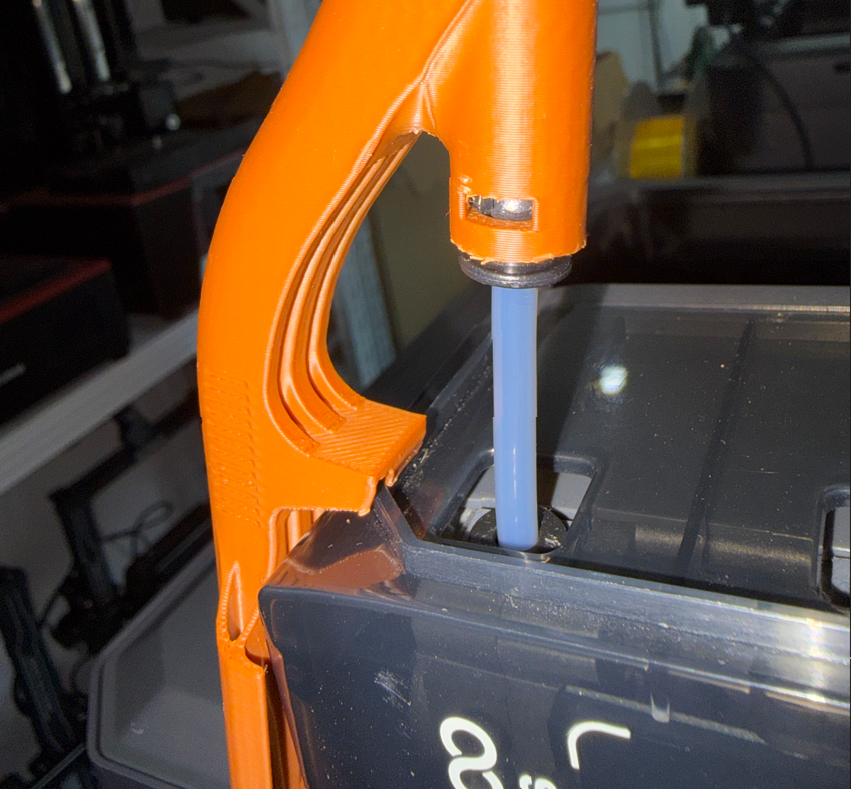
Install the filament printing adapter on the left side of the CANVAS.
Note:
-
The upper groove of the filament printing adapter must align with the upper edge of the CANVAS.
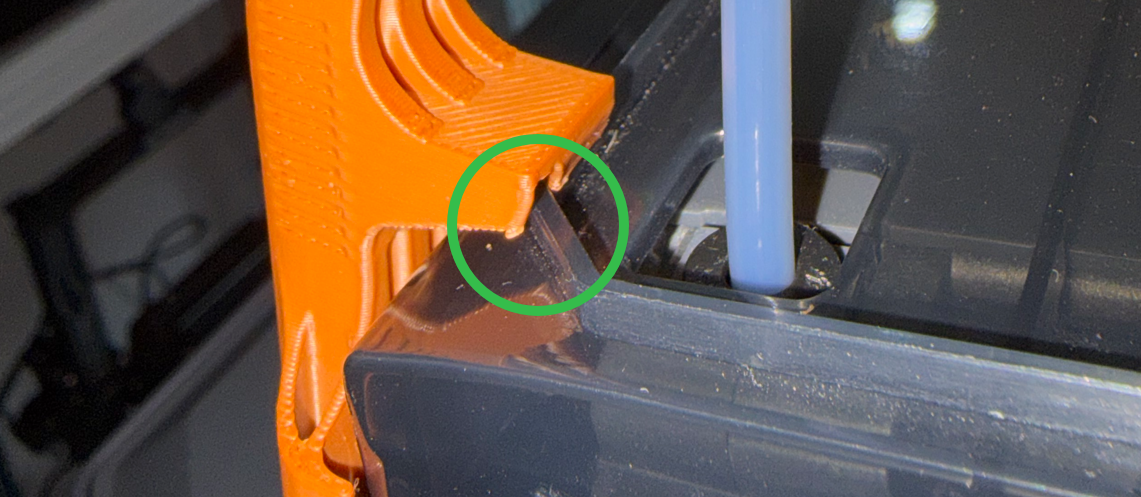
-
The lower slot must align with the channel 1 feeding inlet.
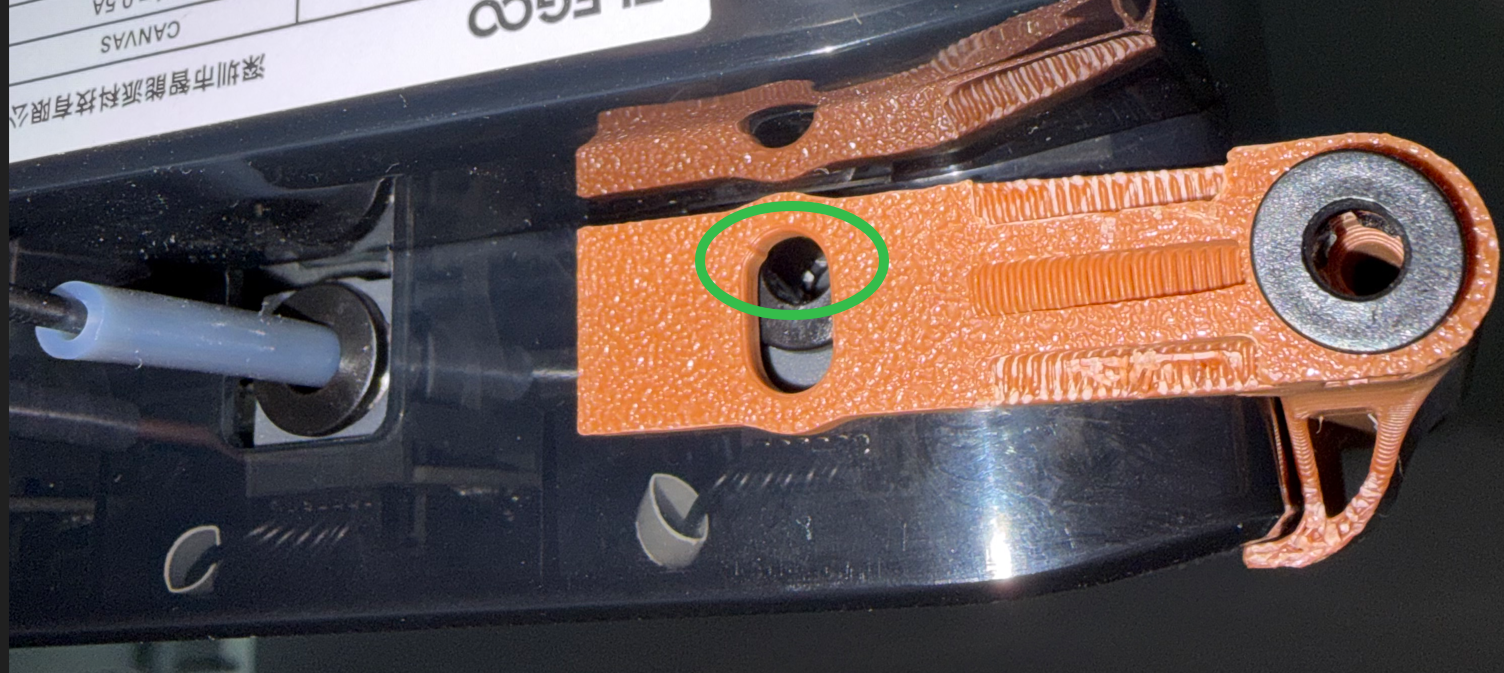
-
Insert the long PTFE tube for channel 1 into the upper part of the filament printing adapter.
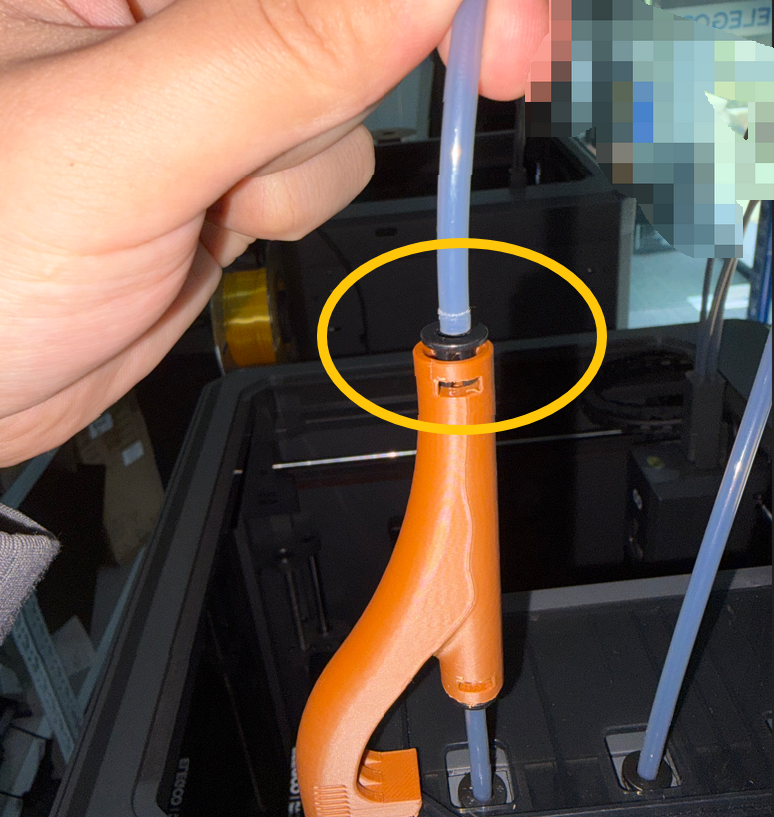
-
Insert the 25 mm long PTFE tube into the lower part of the filament printing adapter.
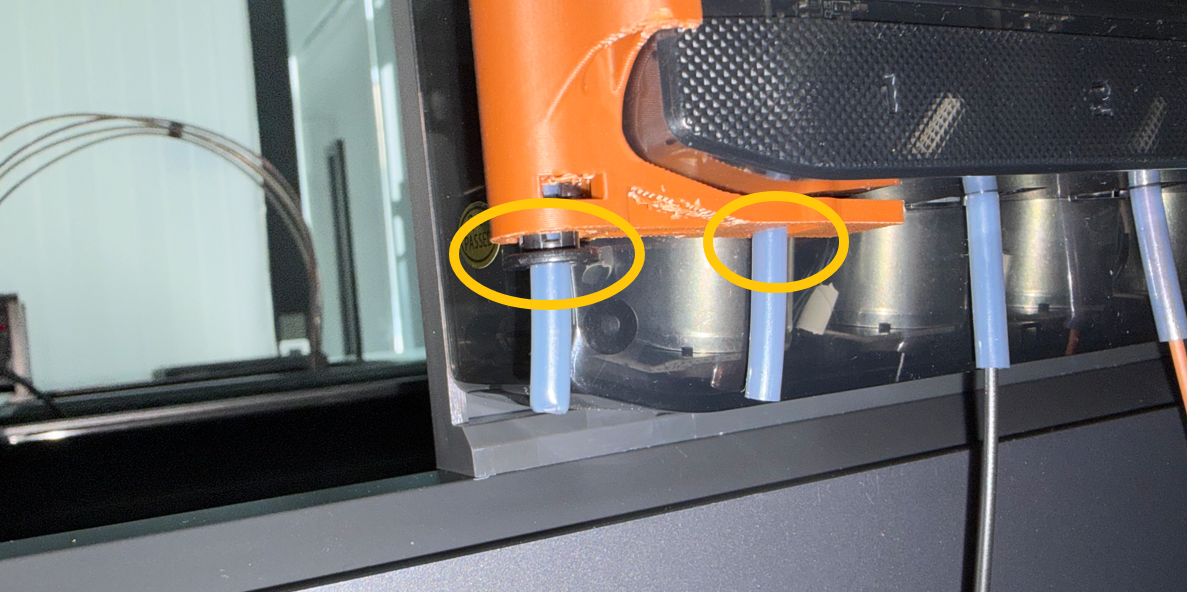
-
Install the snaps into the three collets of the filament printing adapter.
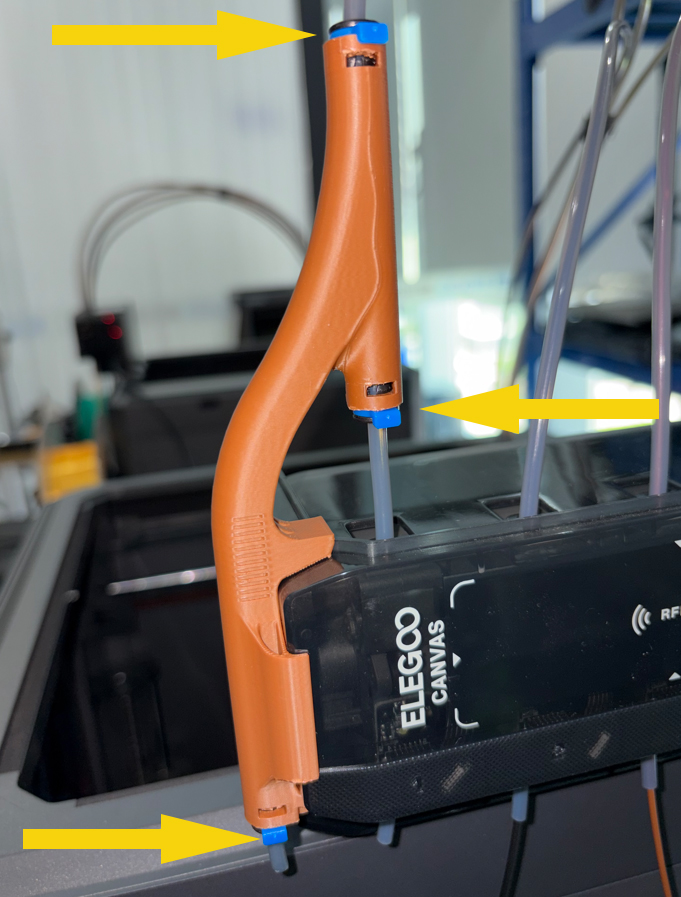
-
After installation, pull the PTFE tubes slightly and make sure that they are securely installed.
-
Insert the TPU filament into the PTFE tube on the lower side of the filament printing adapter. Feed the filament into the PTFE tube until it cannot be inserted any further.
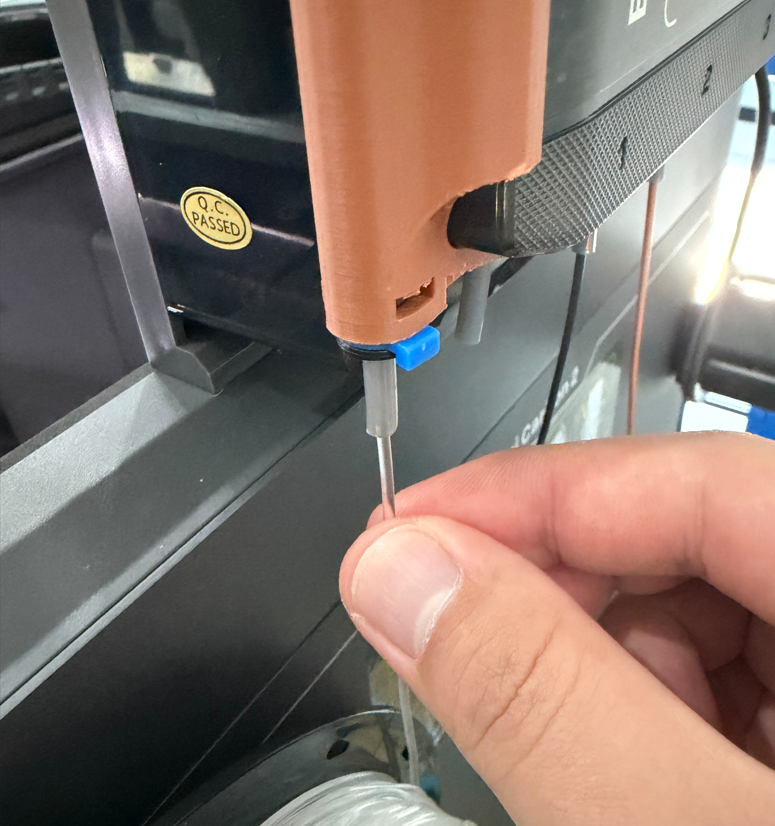
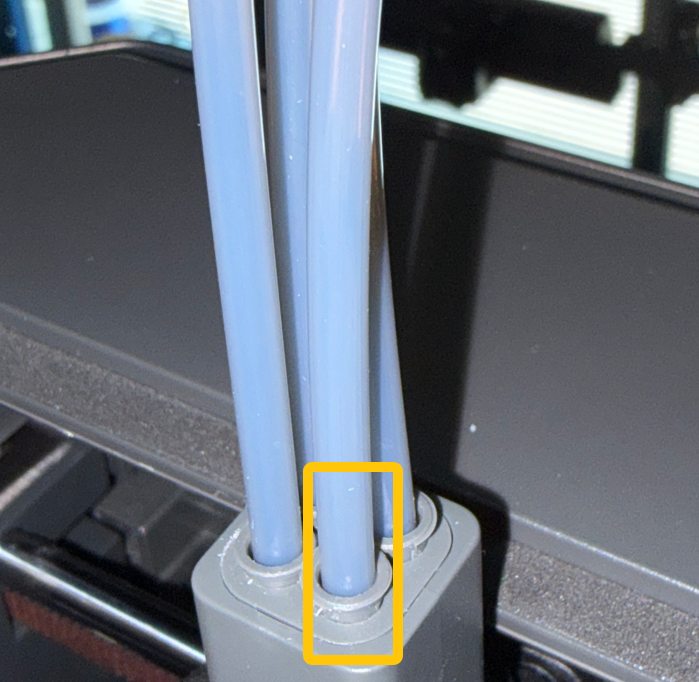
Note: Make sure that the TPU is inserted into the 4-in-1 hub.
-
Plug in the power cord and power on the printer.
-
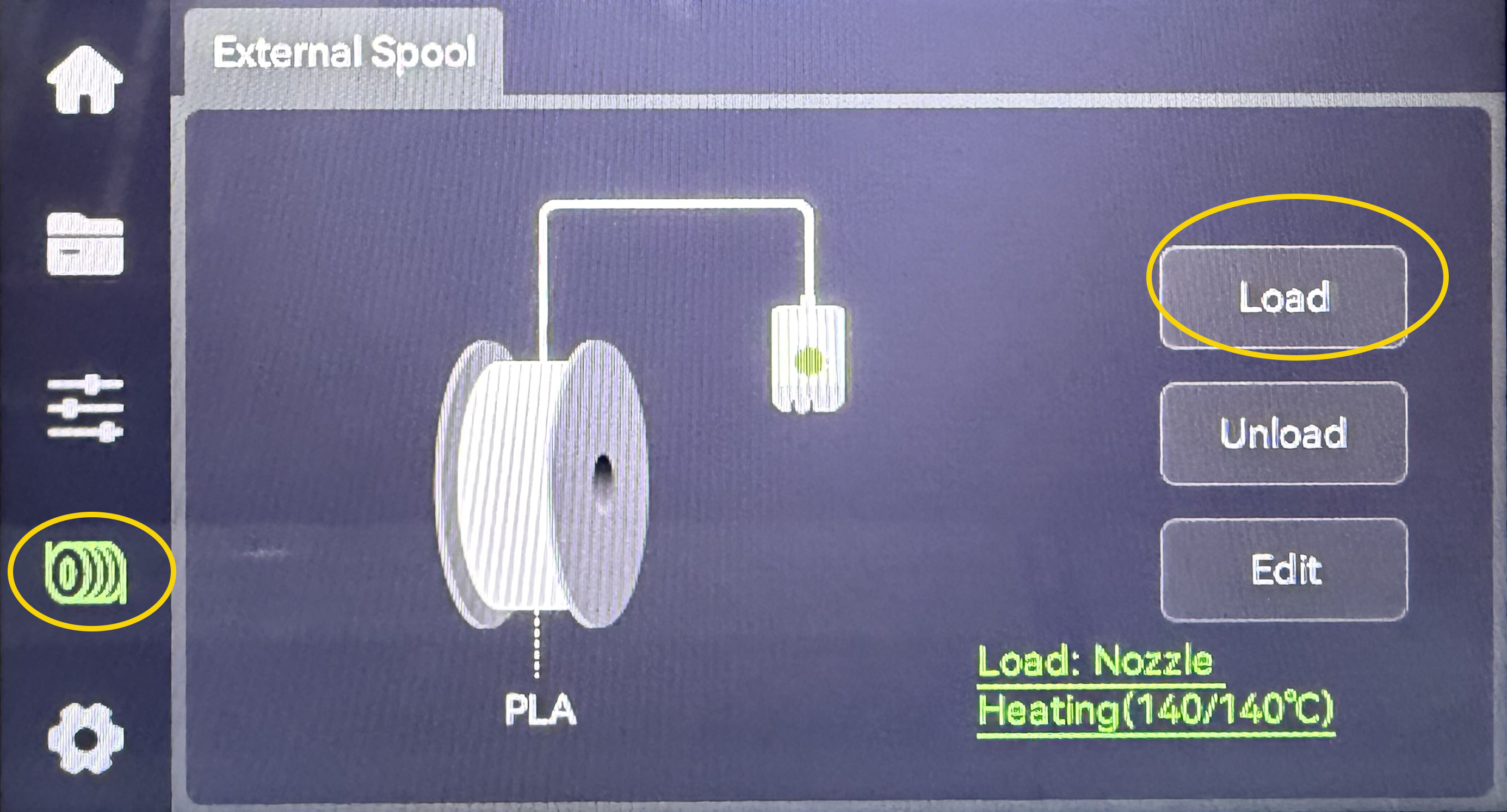
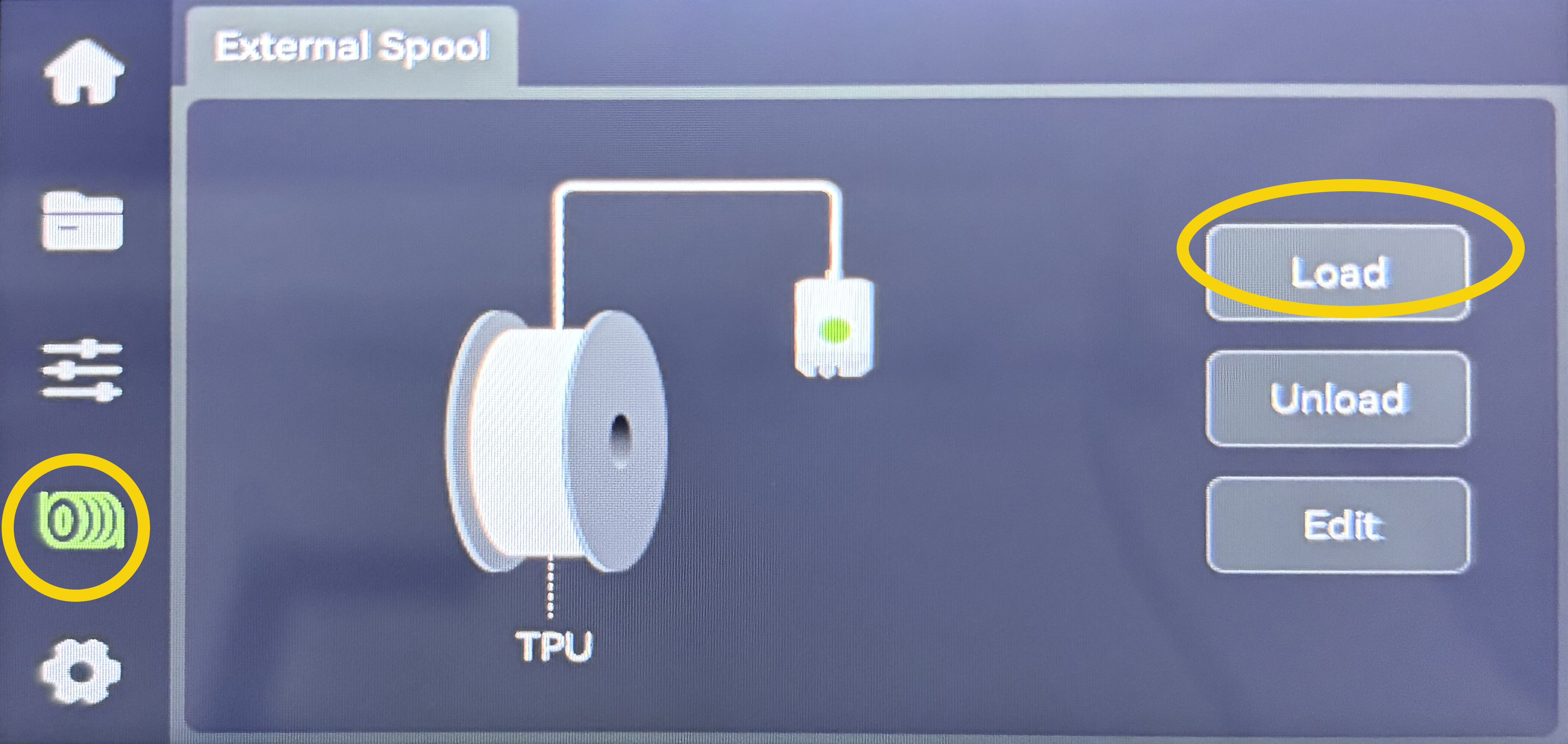
On the touch screen, select Filament - Edit - TPU - Confirm.
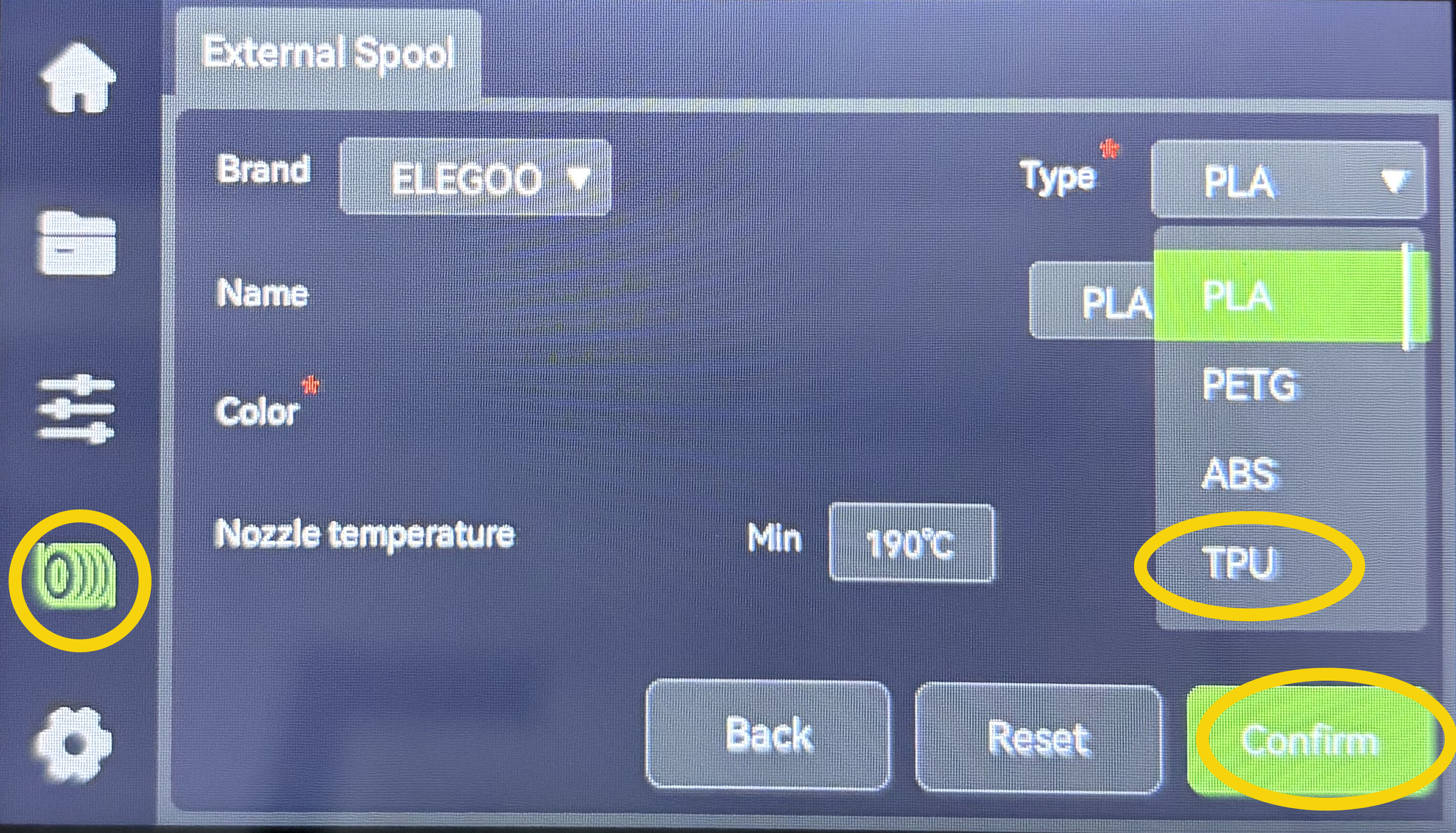
-
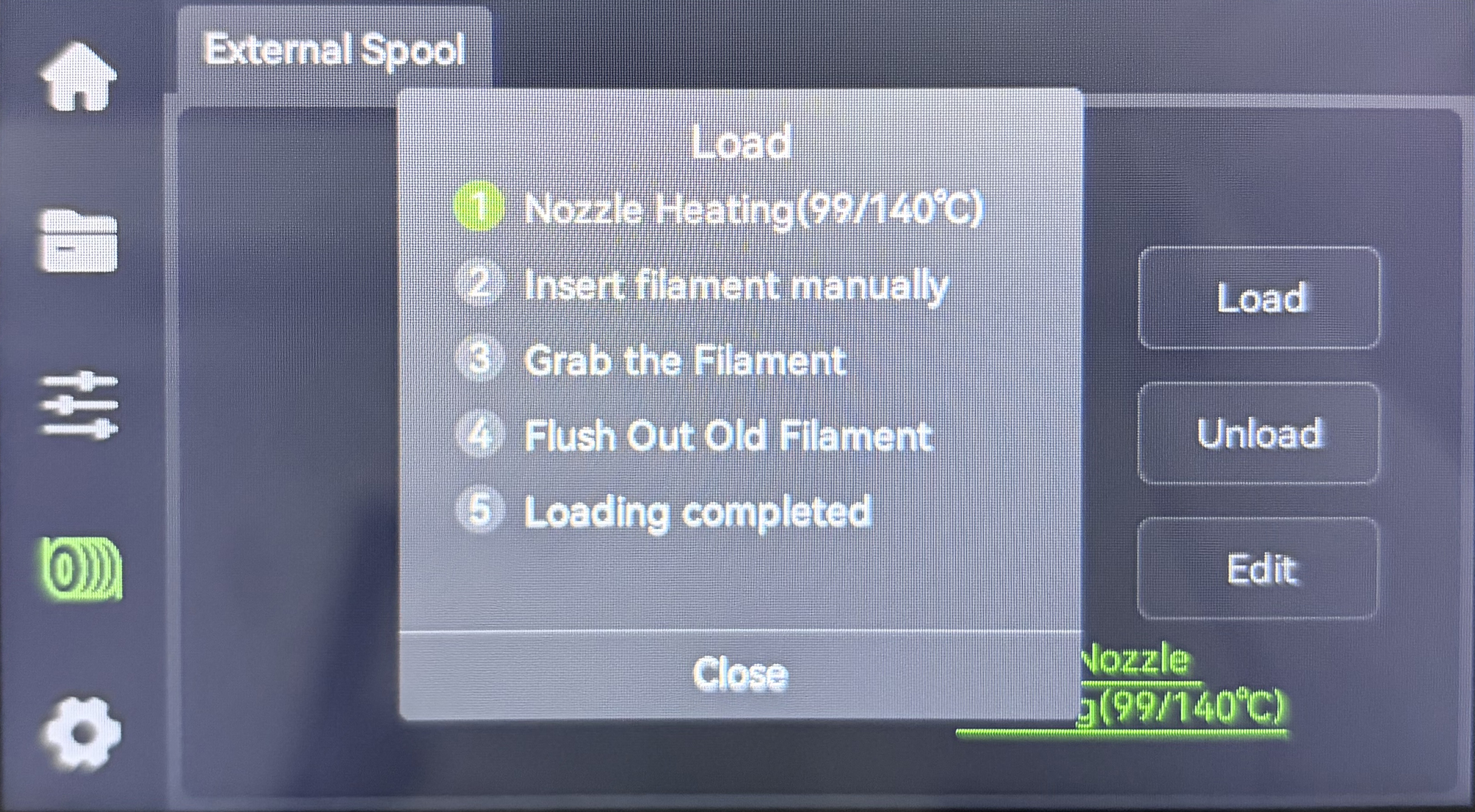
On the touch screen, select Load and wait for the TPU loading to complete. The printer is ready for use.