¶ Preparations Before Operation
- Update the firmware version of Centauri Carbon 2 Combo to V01.03.01.89 and above.
- Install the Elegoo Matrix App and ensure its version is 1.0.11 and above.
- Make sure Centauri Carbon 2 Combo is connected to a WiFi network with internet access.
¶ Operation Steps:
¶ Method 1 Control the printer by scanning the QR Code
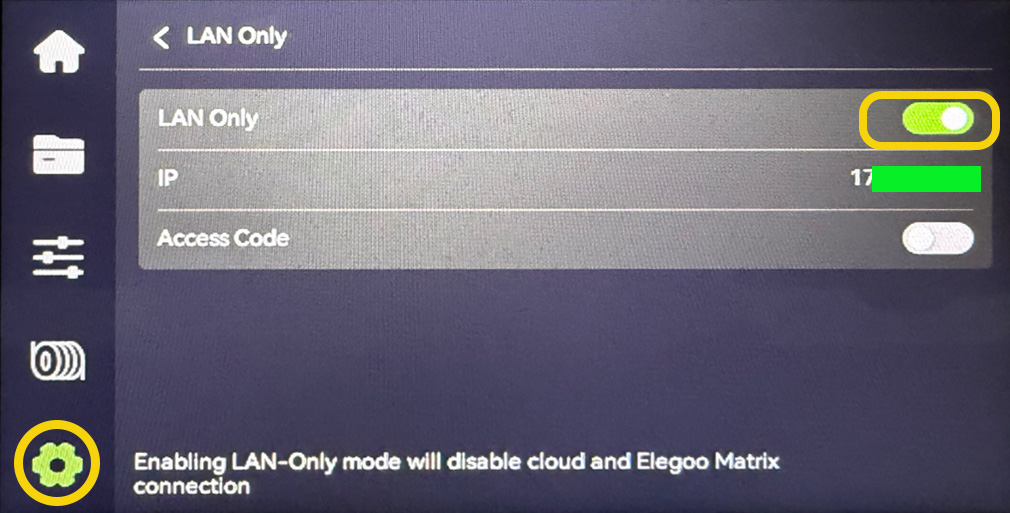
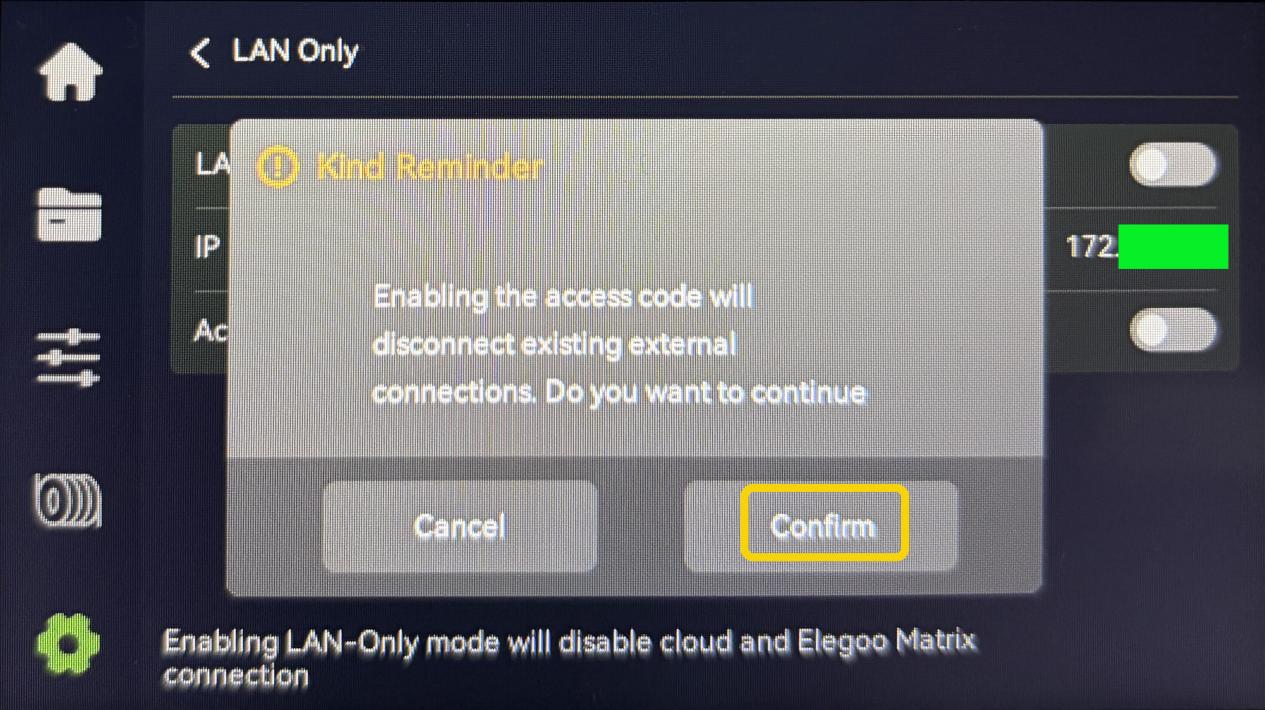
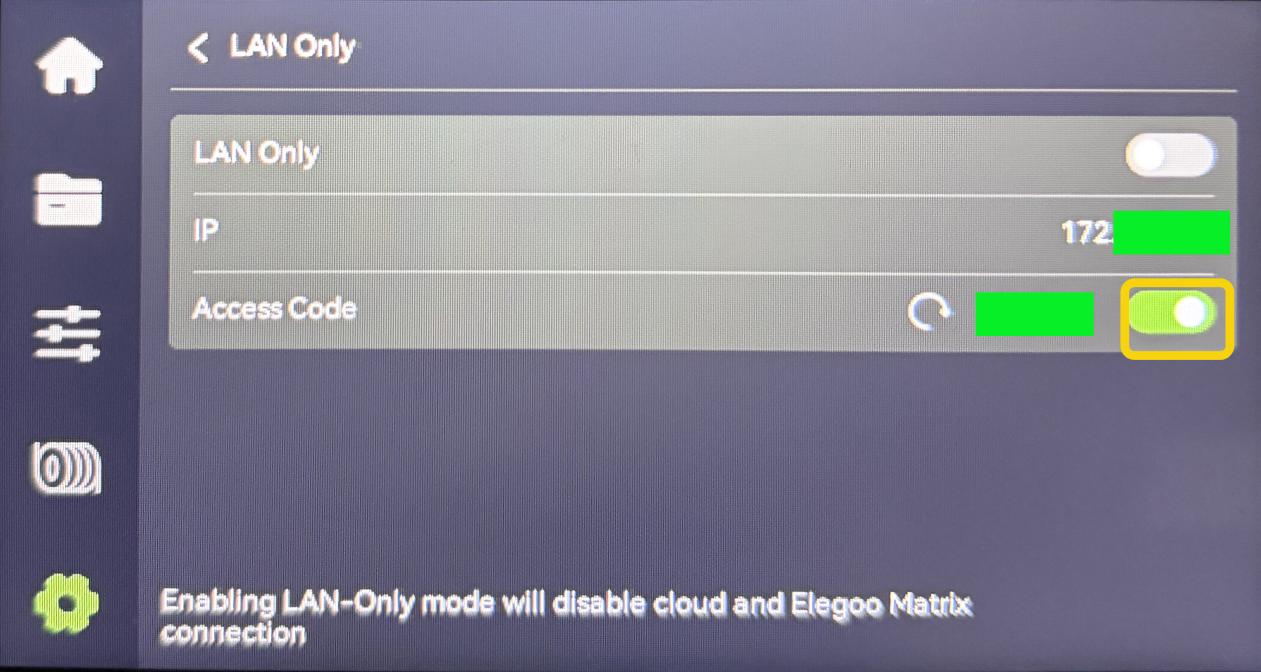
- On the touch screen, select Settings - LAN Only. Disable LAN Only and select Confirm.
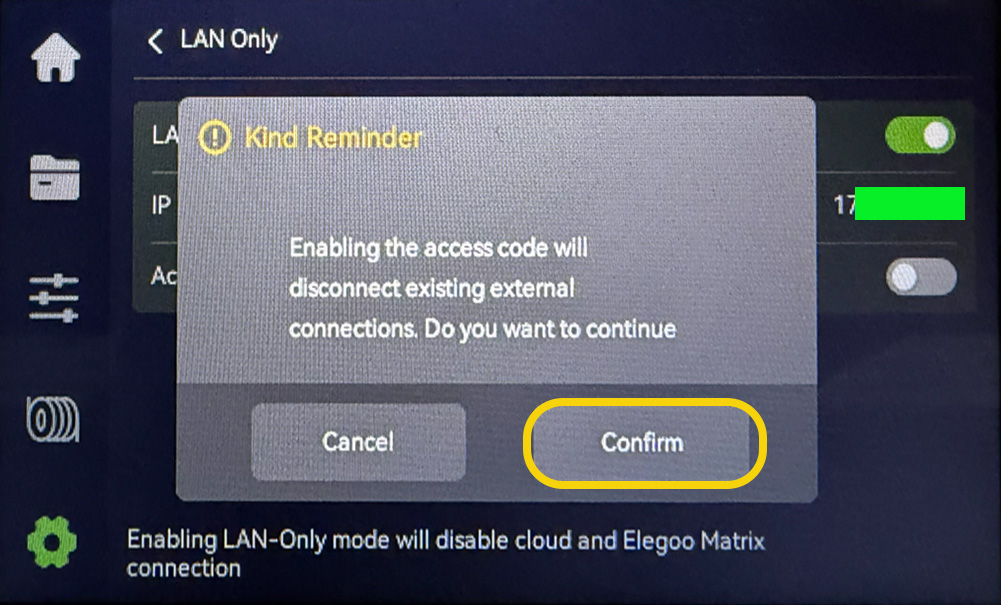
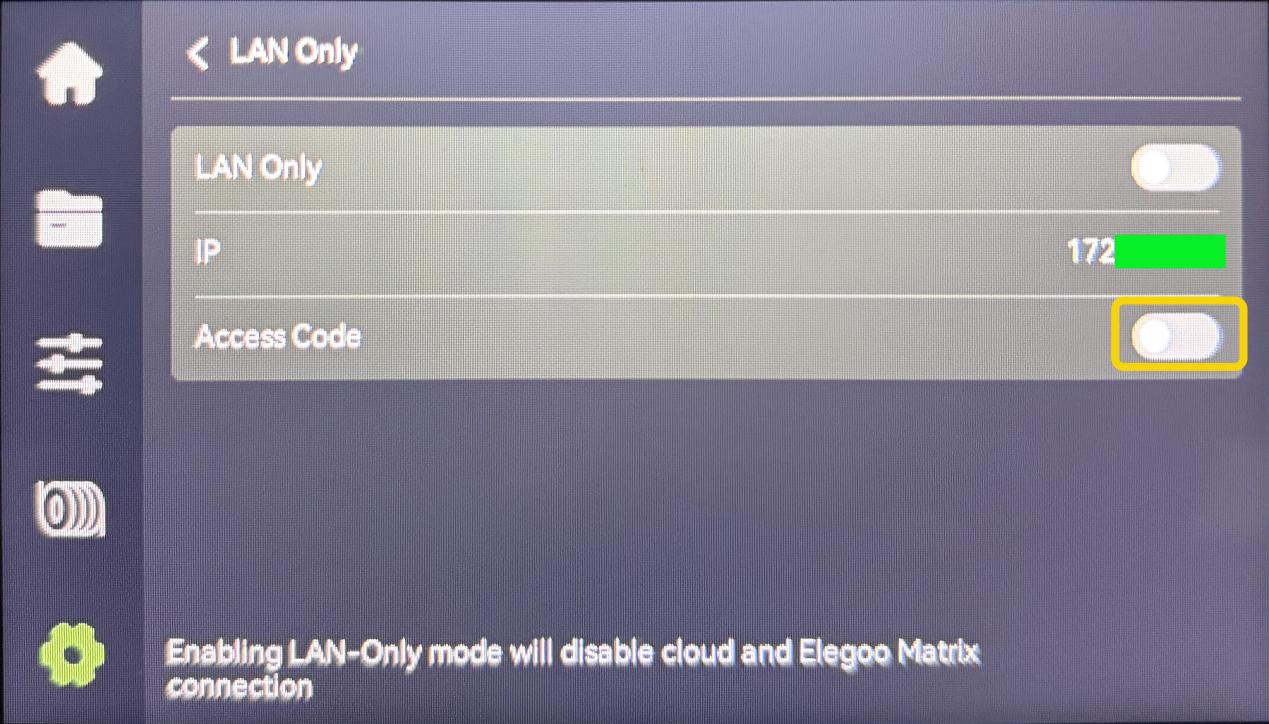
- Enable Access Code.
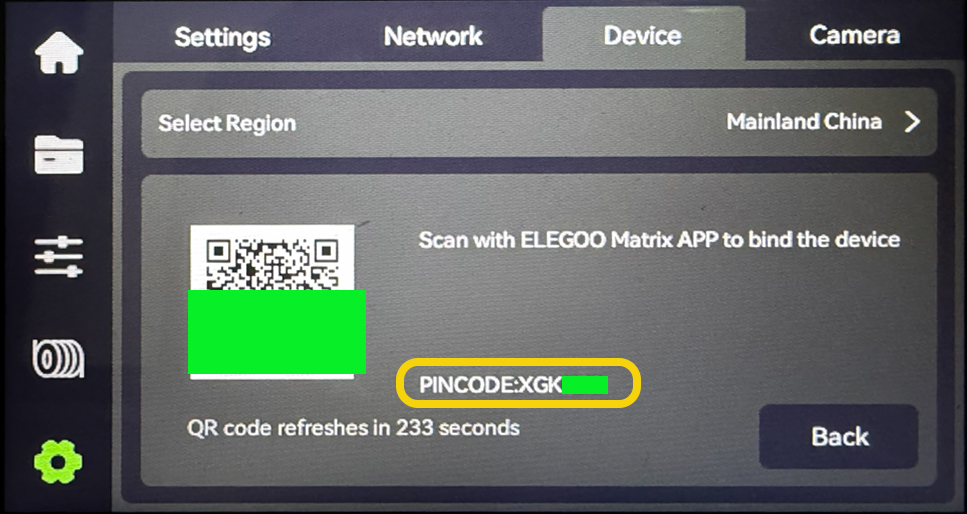
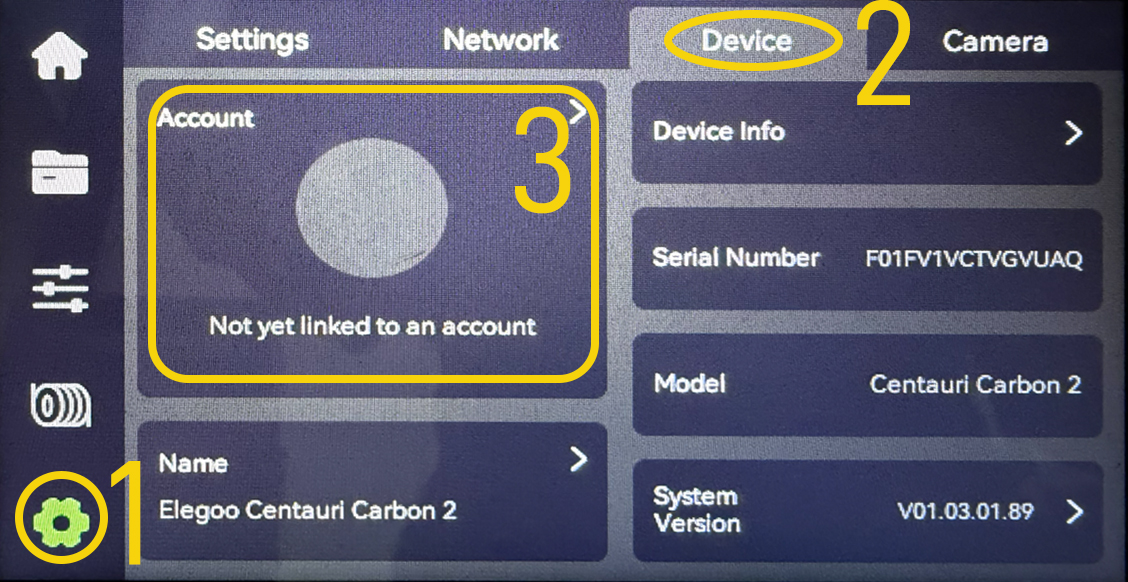
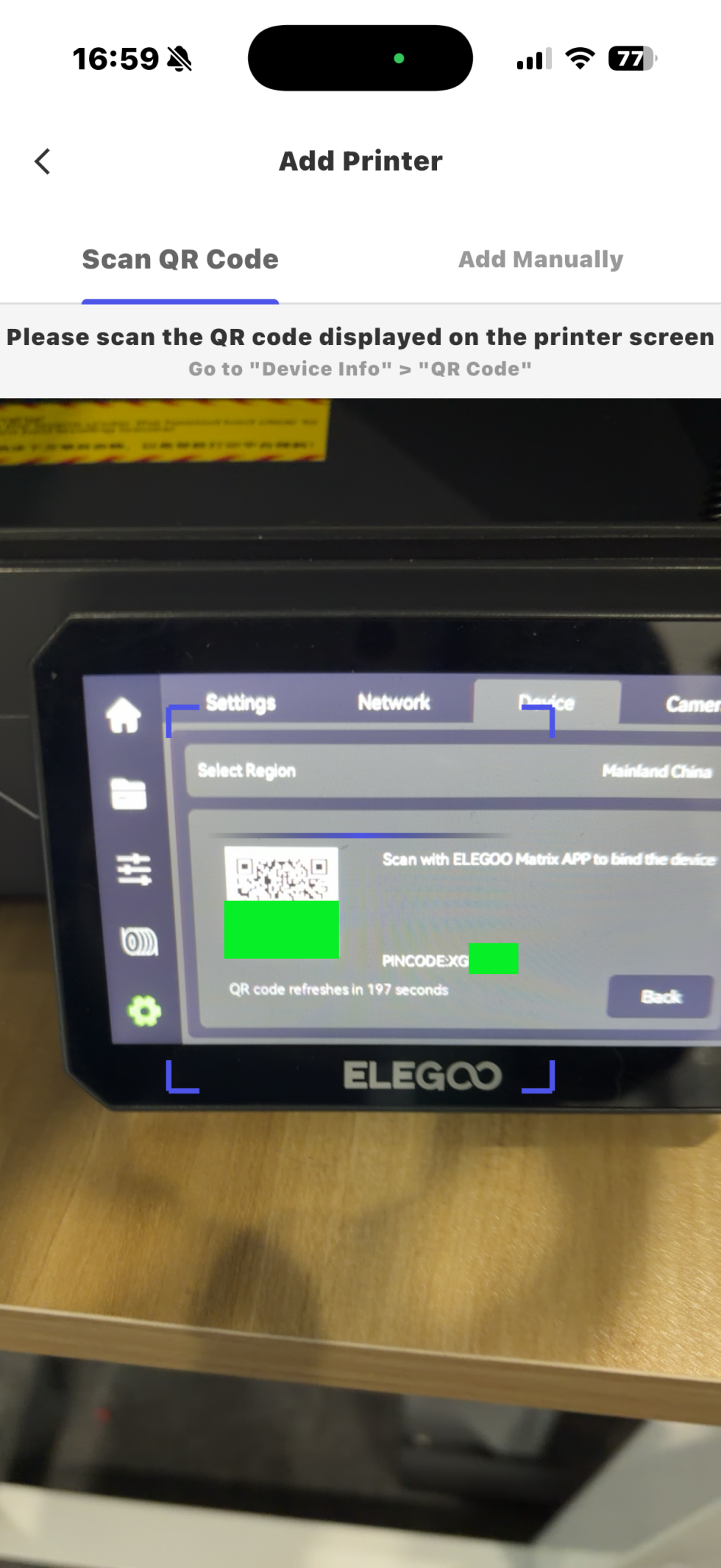
- Select Settings - Device - Account and the printer generates a QR code.
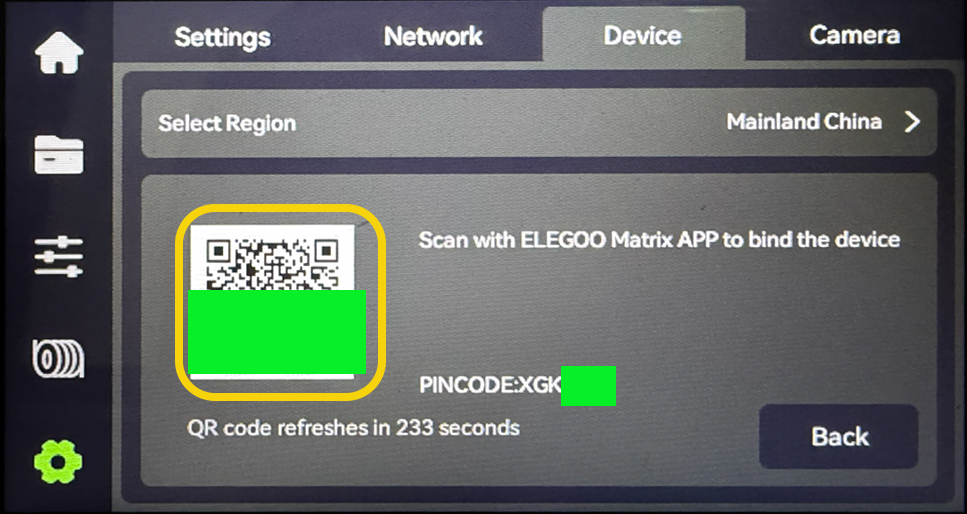
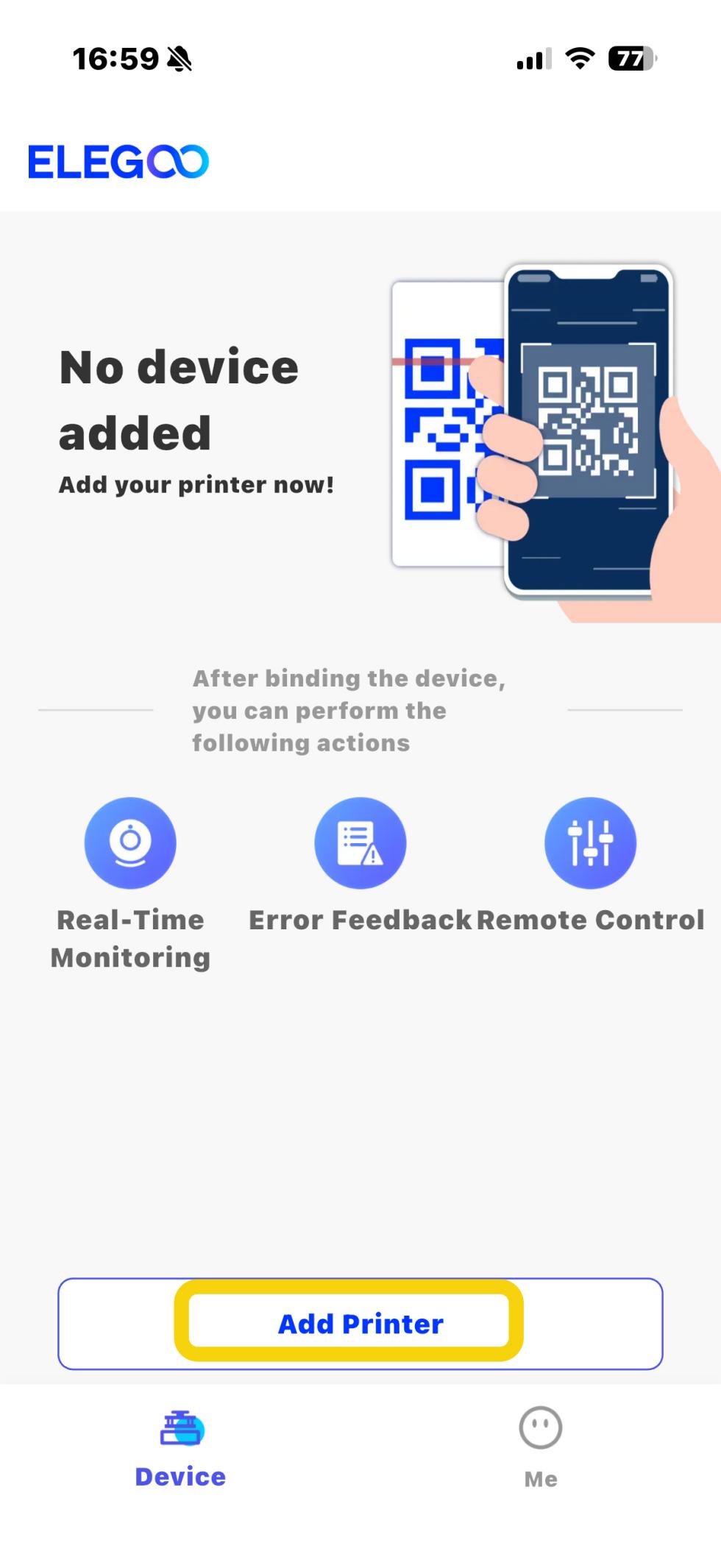
- Open the Elegoo Matrix. Select Add Printer and scan the QR code displayed on the printer's touch screen.
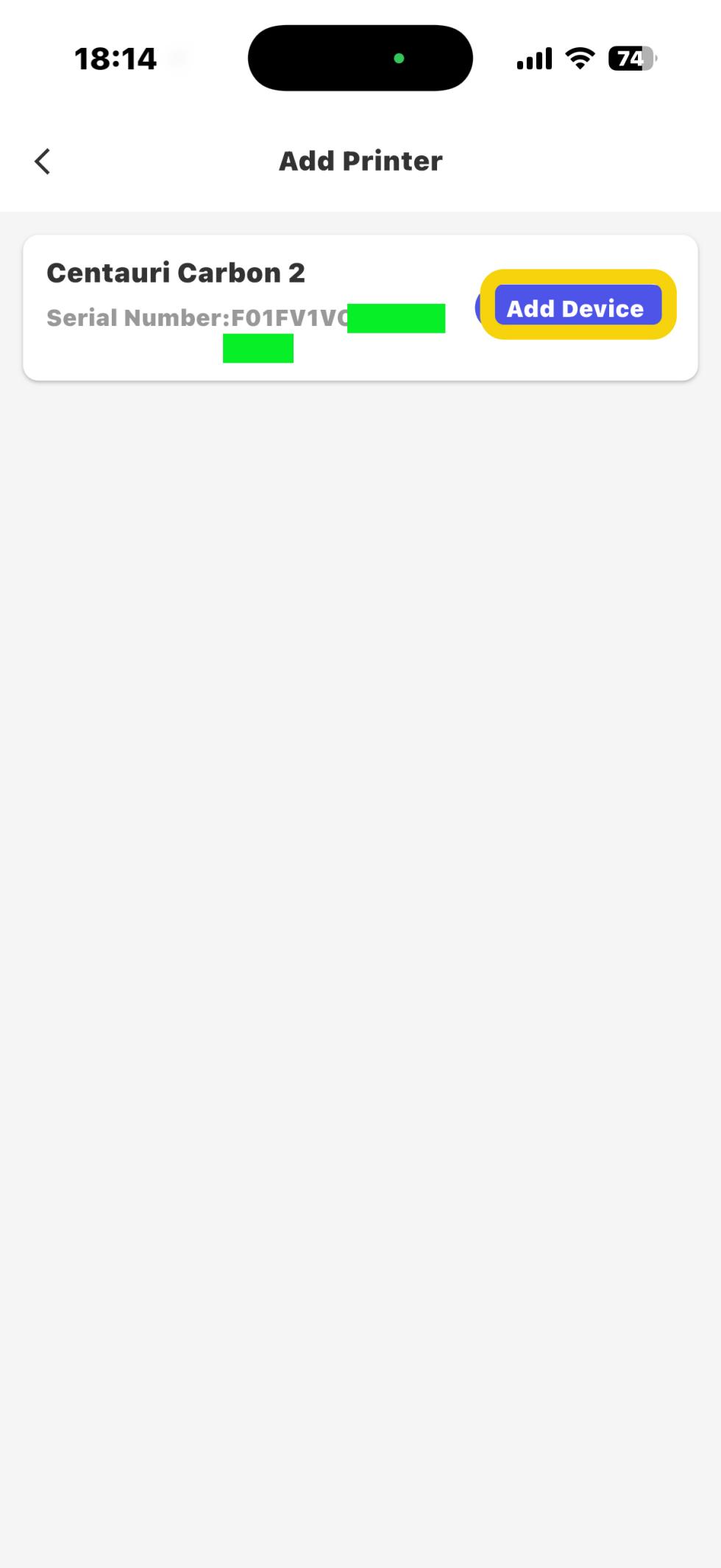
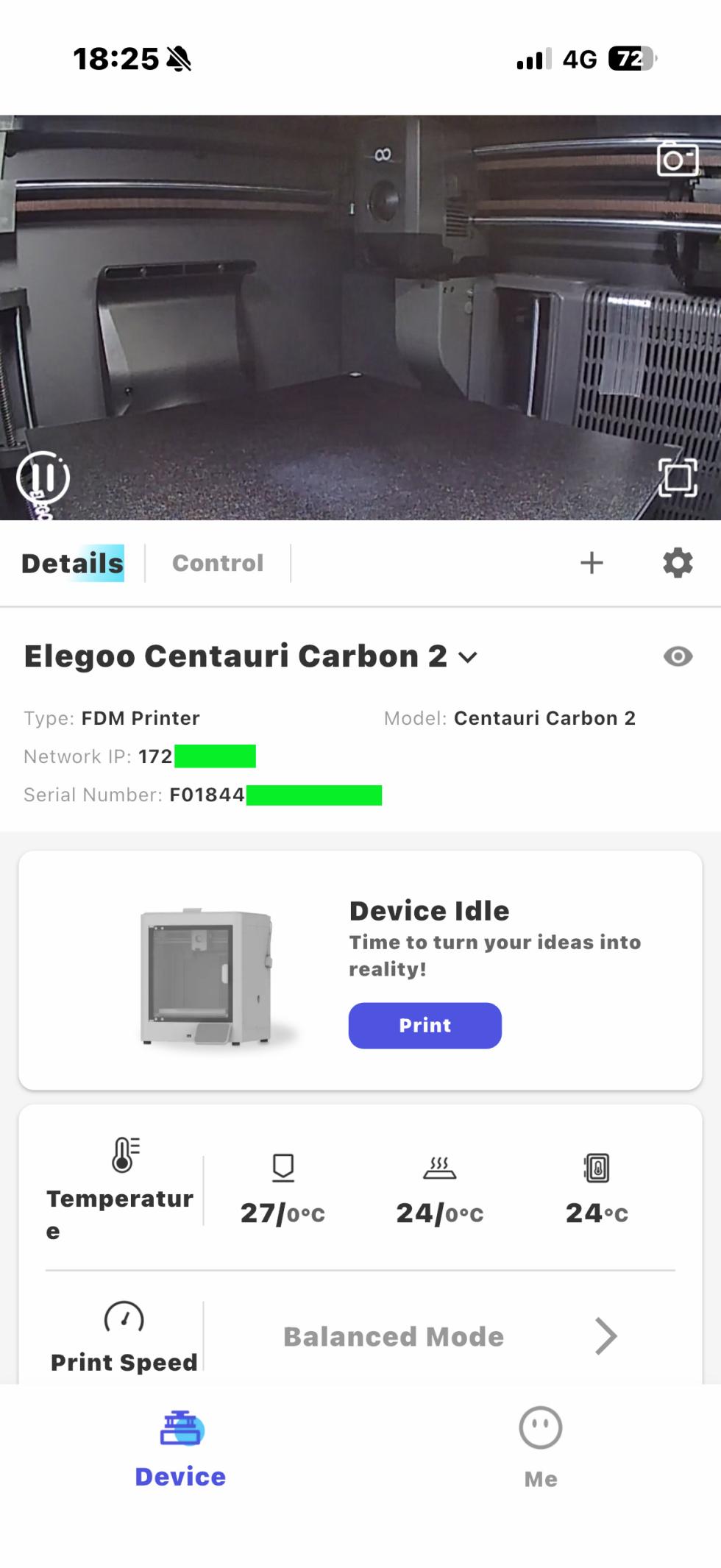
- Select Add Device and enter the control interface of Elegoo Matrix.
¶ Method 2 Control the printer by entering the PINCODE
- On Elegoo Matrix, select Add Printer - Add Manually.
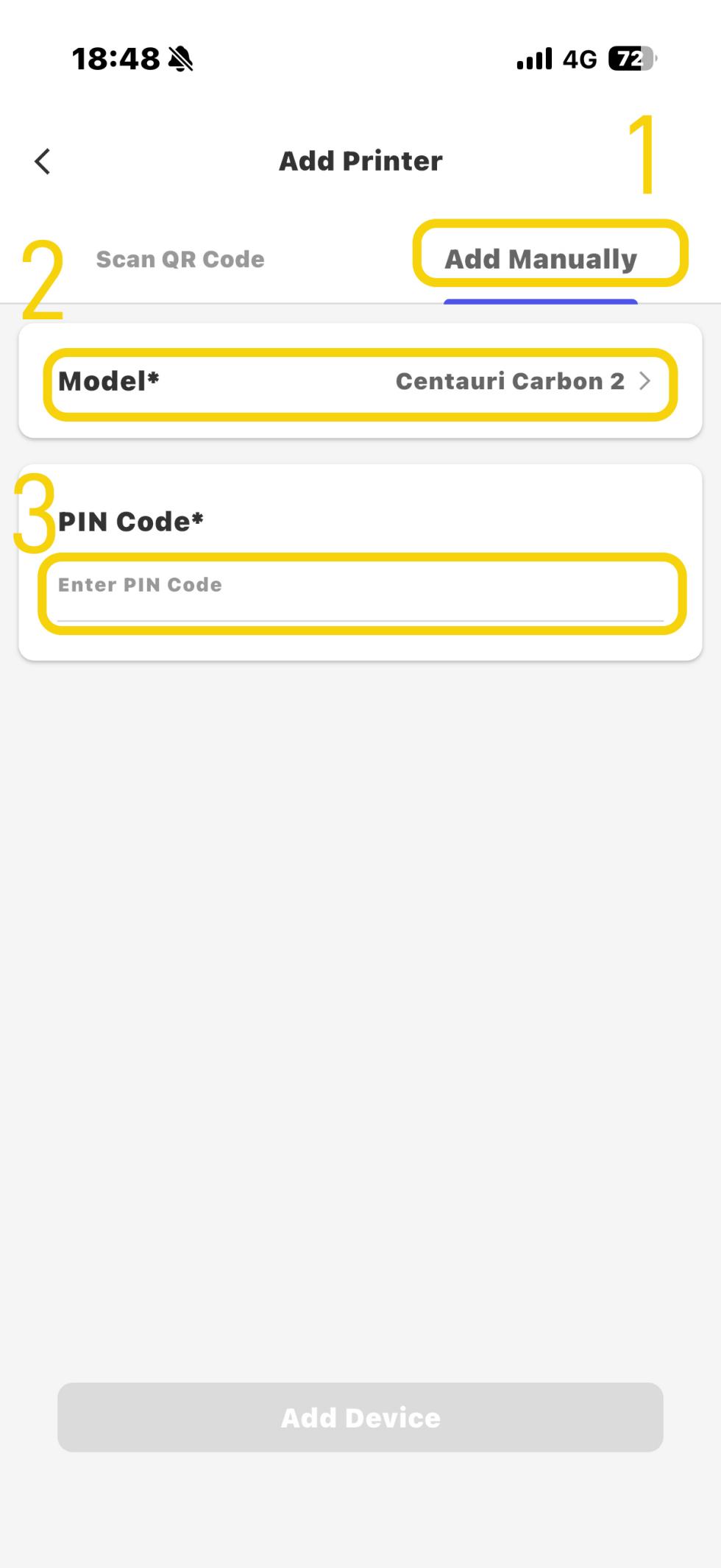
- Select the printer model as Centauri Carbon 2 Combo and enter the PINCODE to complete the connection.
Note: The PINCODE consists of 6 characters of uppercase English letters.