¶ Operation Steps for Each Model
The steps below are based on Centauri Carbon 2 Combo. For other models, skip the steps related to parts that are not installed.
| Model | Action | Steps to Skip |
|---|---|---|
| Centauri Carbon 2 Combo | Follow all steps | None |
| Centauri Carbon 2 | Skip lid removal step |
|
| Centauri 2 Combo | Skip lid removal step |
|
| Centauri 2 | Skip lid removal step |
|
If your printer has optional accessories installed, such as CANVAS or an enclosure, follow the steps related to those parts.
¶ Tools and Materials
-
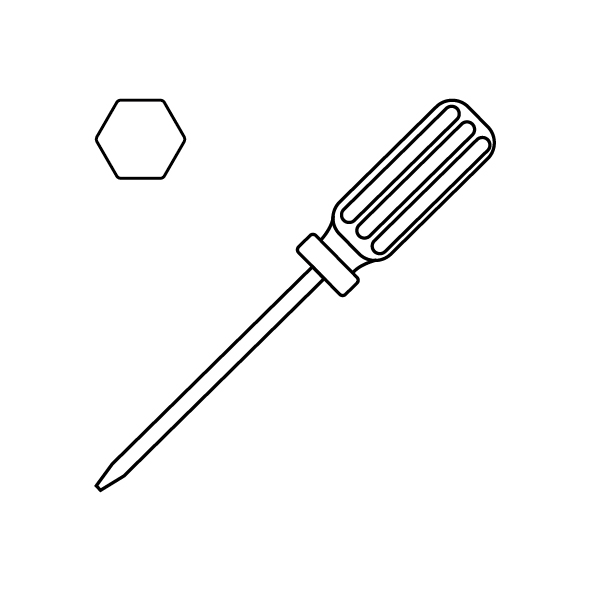
A 2.0 mm Allen key
-
A 2.5 mm Allen key
-
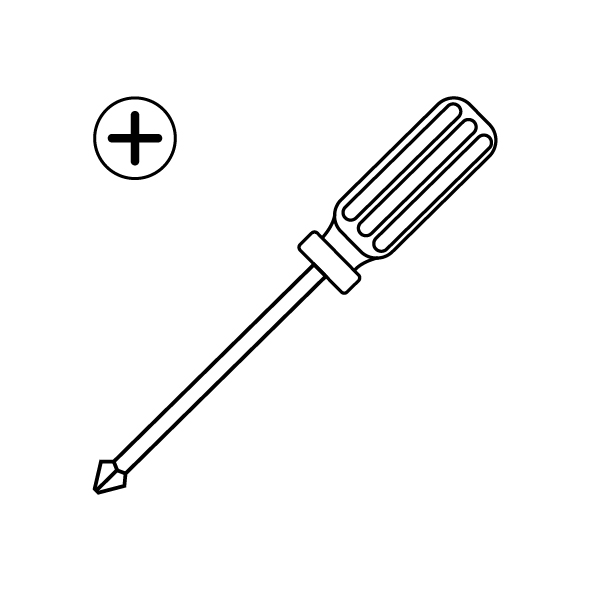
A Phillips screwdriver
-
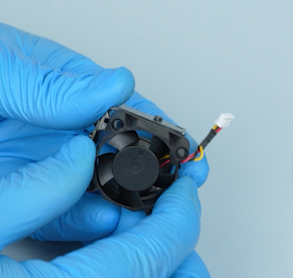
A new heat break cooling fan
¶ Tutorial Video
https://www.youtube.com/watch?v=v0GMPeOreHc
¶ Instruction
¶ Prepare the Printer Before Replacement
Turn the power switch OFF (symbol "〇") and unplug the power supply cable.
¶ Remove the Tool Head Cover and Housing
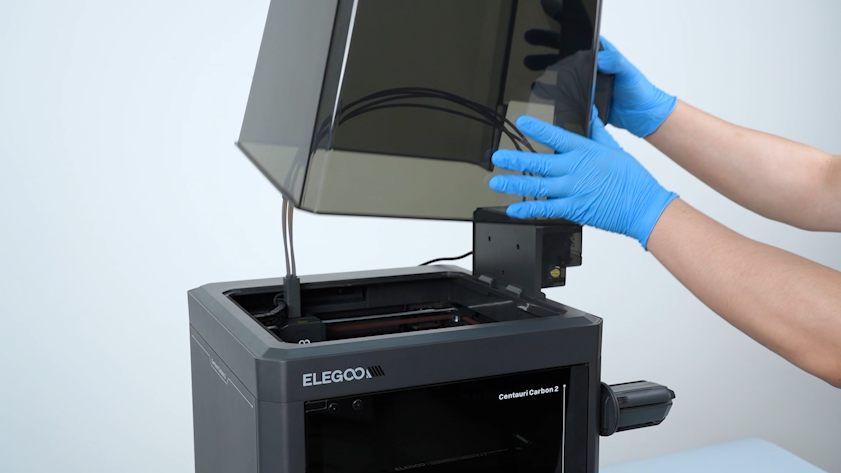
- Remove the lid.
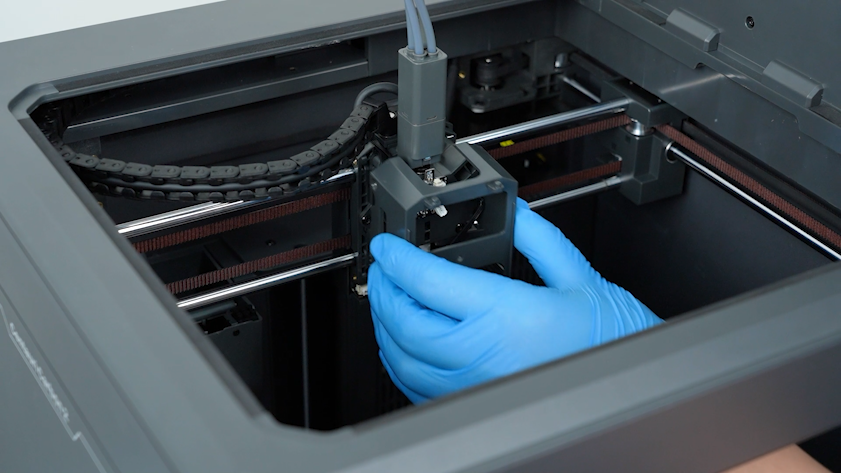
- Open the front cover of the tool head and unplug the model cooling fan cable. Remove the front cover of the tool head.
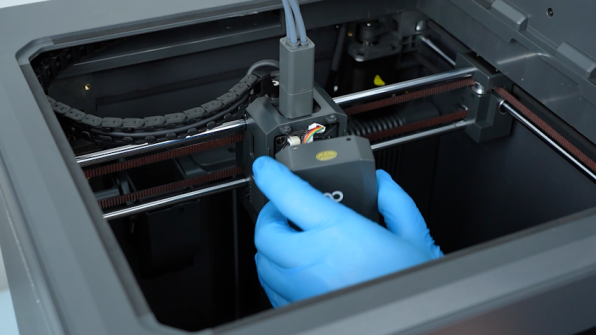
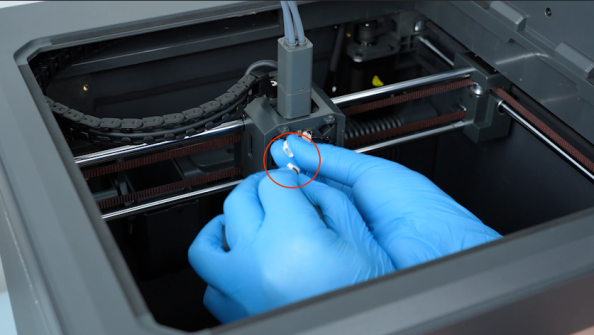
- Release and remove the four screws securing the tool head housing with a 2.0 mm Allen key.
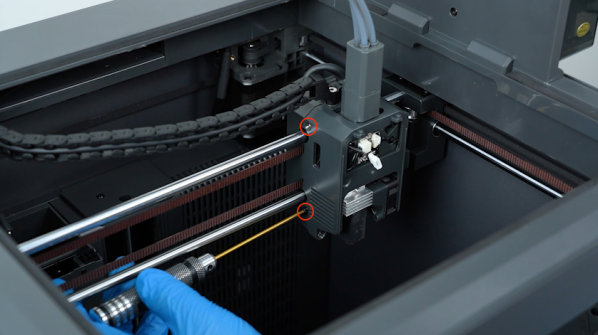
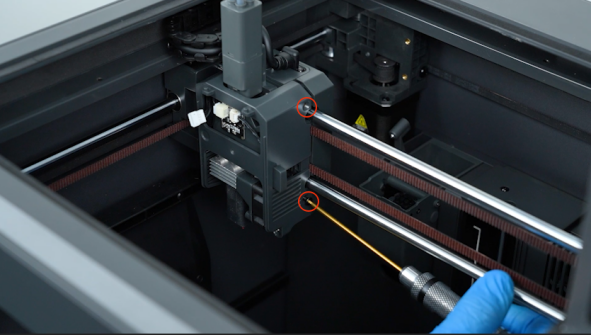
- Remove the tool head housing.
¶ Disconnect the Hotend and Heat Break Cooling Fan Cables
- Unplug the filament sensor cable.
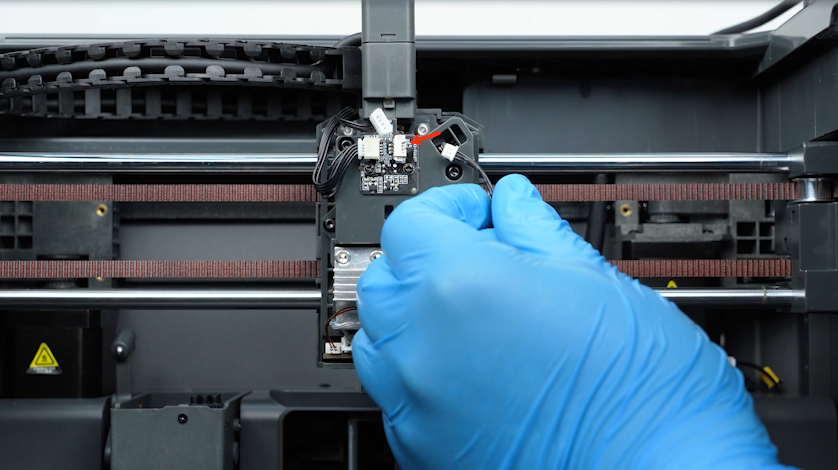
- Loosen the two screws securing the hotend with a 2.5 mm Allen key and remove the screws with a pair of tweezers.
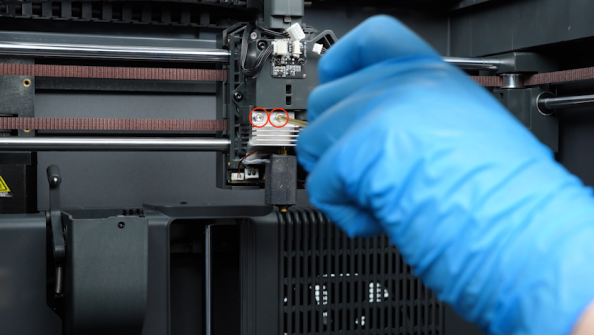
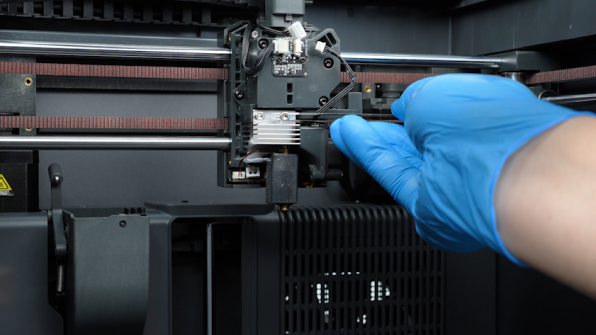
- Unplug the heat break cooling cable.
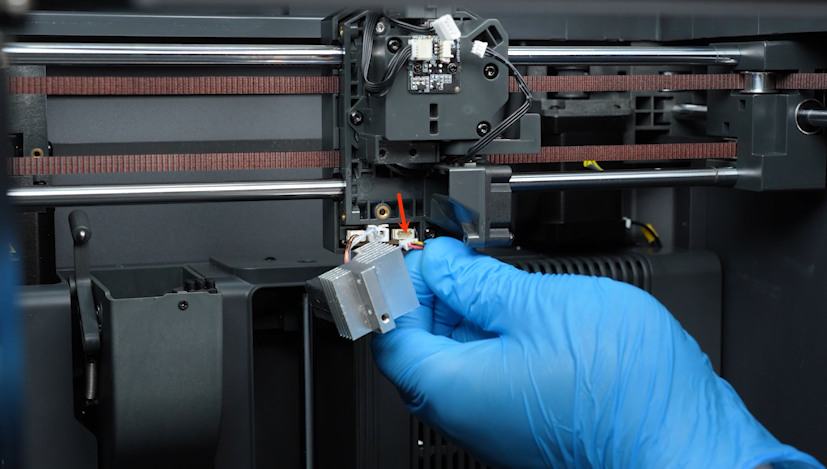
¶ Remove the Old Heat Break Cooling Fan Assembly
- Release and remove the screw securing the heat break cooling fan with a 2.0 mm Allen key. Remove the heat break cooling fan assembly.
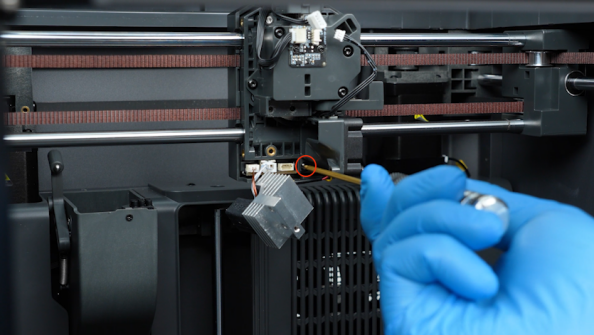
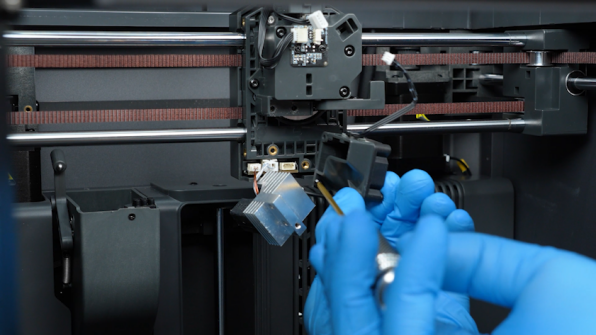
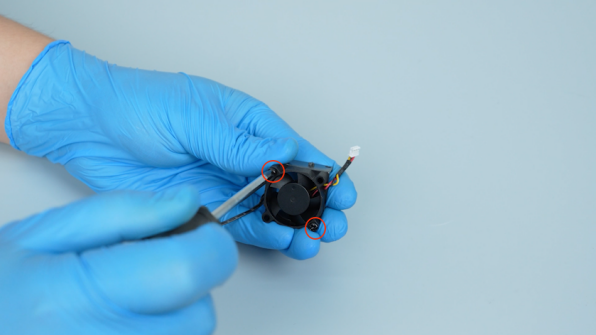
- Release and remove the two screws securing the heat break cooling fan with a Phillips screwdriver and remove the old heat break cooling fan.
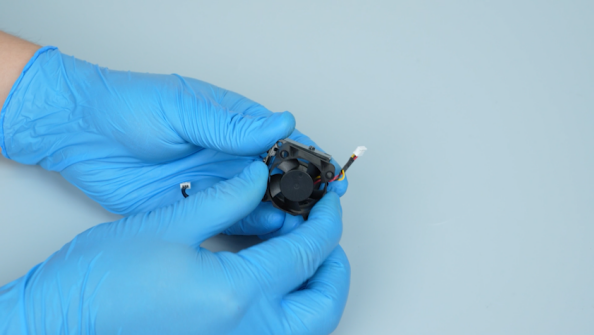
¶ Install the New Heat Break Cooling Fan
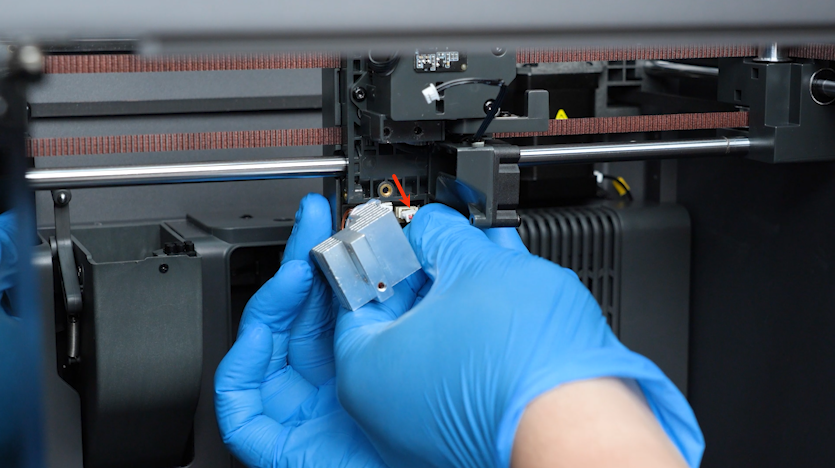
- Get the new heat break cooling fan. Tighten the two screws securing the heat break cooling fan.
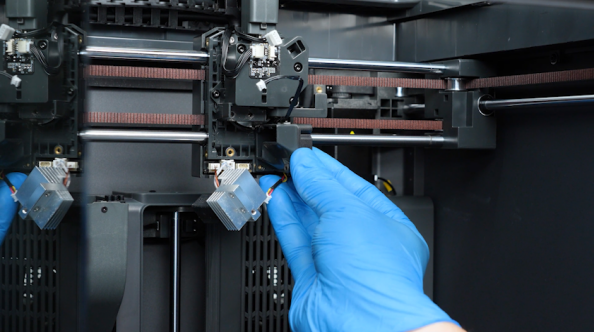
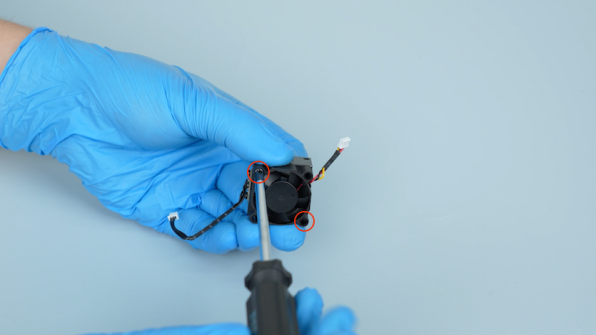
- Put the heat break cooling fan in the installation position. Tighten the screw securing the heat break cooling fan.
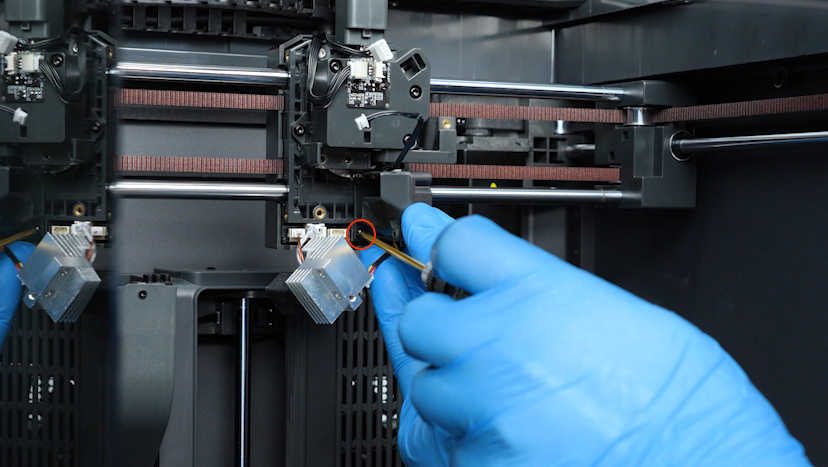
- Plug in the heat break cooling fan cable.
¶ Reinstall the Hotend and Tool Head Components
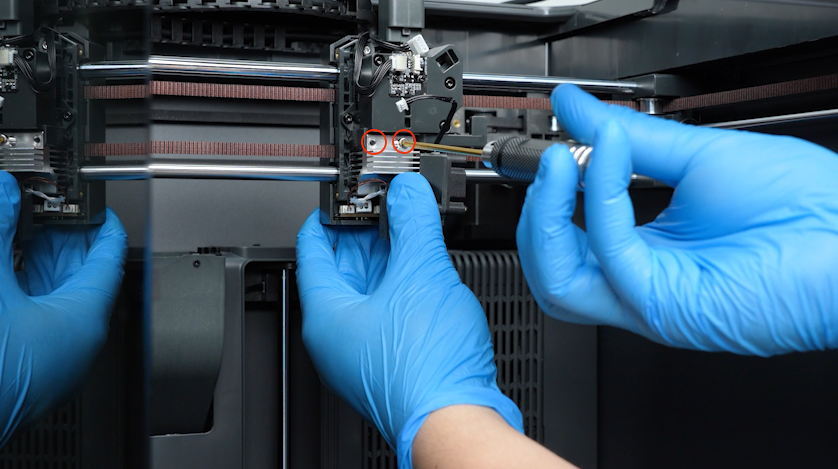
- Put the hotend in the installation position. Tighten the two screws securing the hotend.
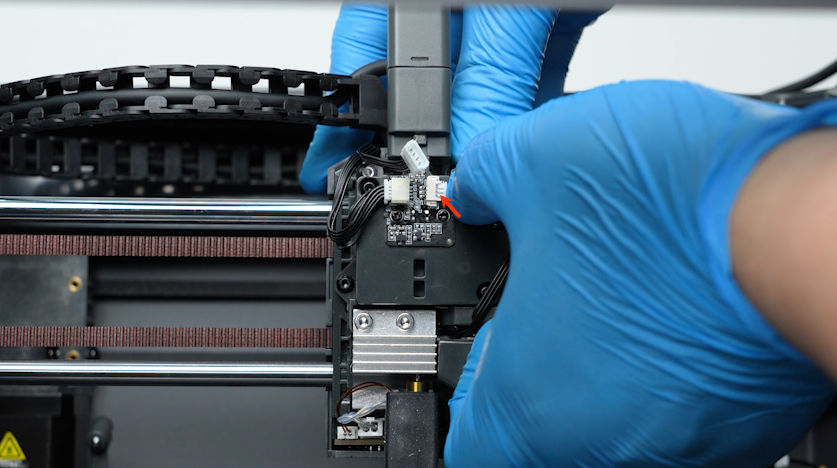
- Plug in the filament sensor cable.
- Install the tool head housing.
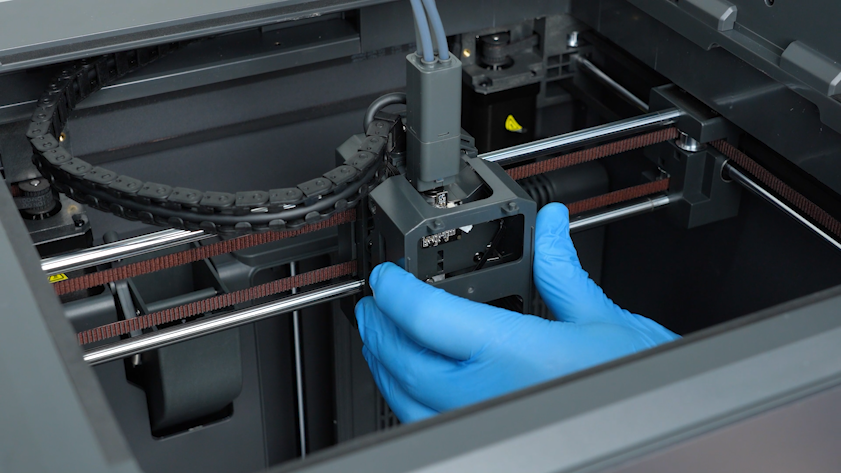
- Tighten the four screws securing the tool head housing.
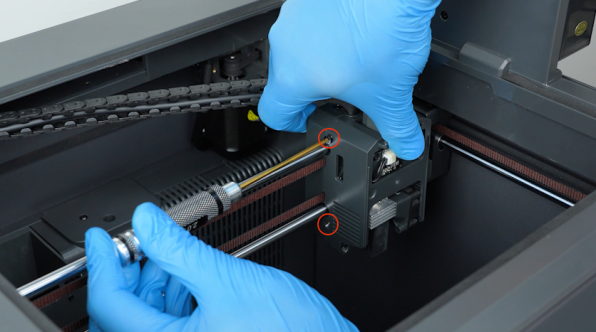
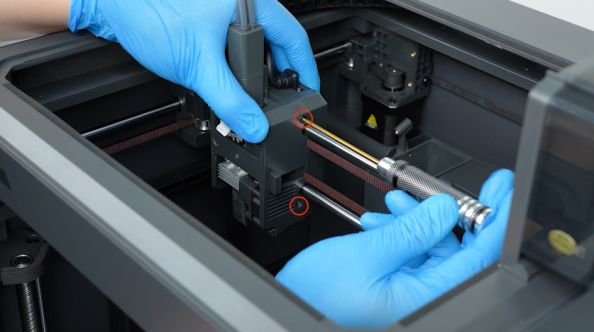
- Plug in the model cooling fan cable and install the front cover of the tool head.
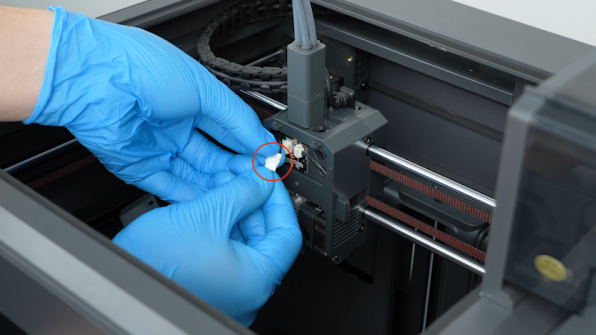
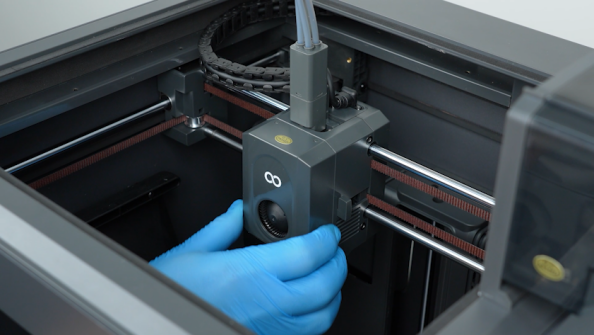
¶ Verify the Heat Break Cooling Fan Function
-
Plug in the power supply cable and turn the power switch ON (symbol "|").
-
On the touch screen, select Nozzle and set the nozzle temperature to 200 ℃.
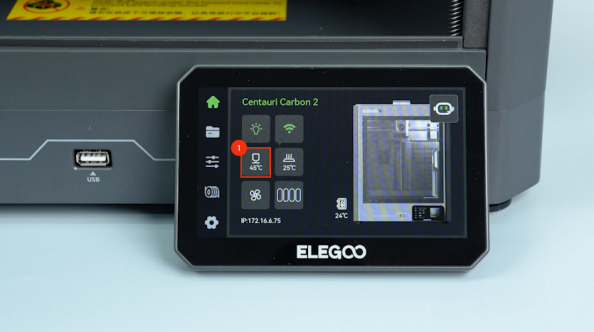
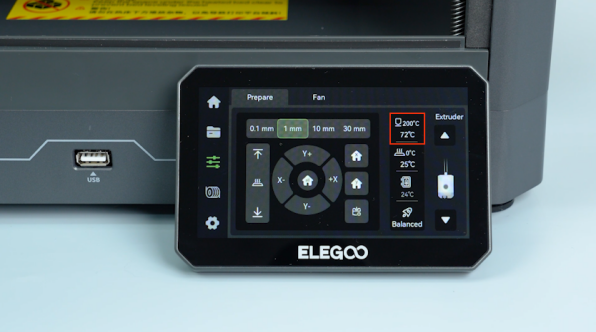
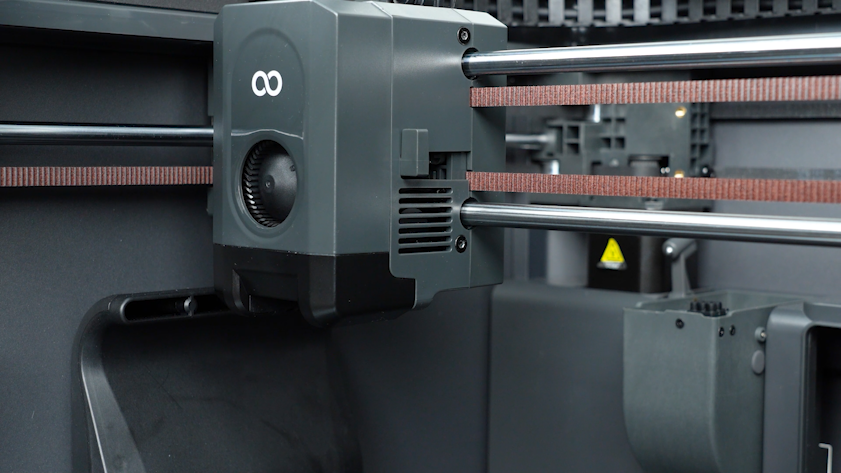
- Check whether the heat break cooling fan operates normally after the nozzle starts to heat.
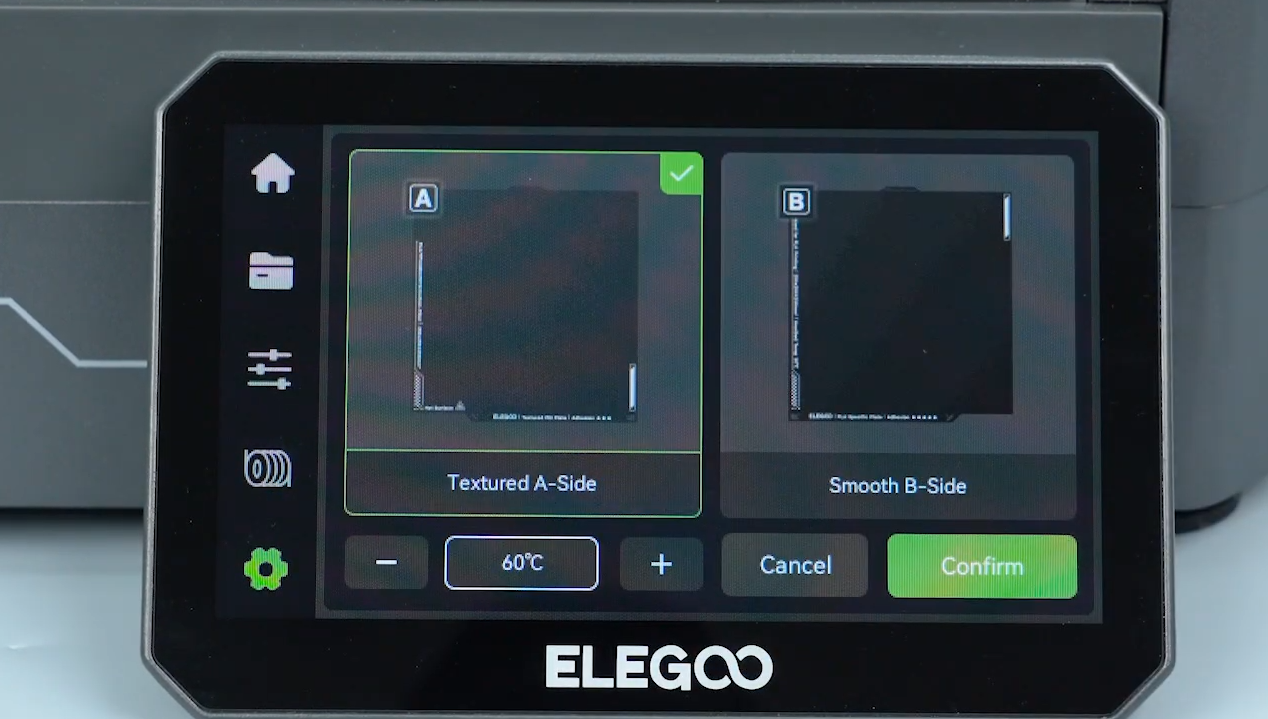
- On the touch screen, select Settings - Calibrate - Automatic leveling - Textured A-Sided - Confirm.
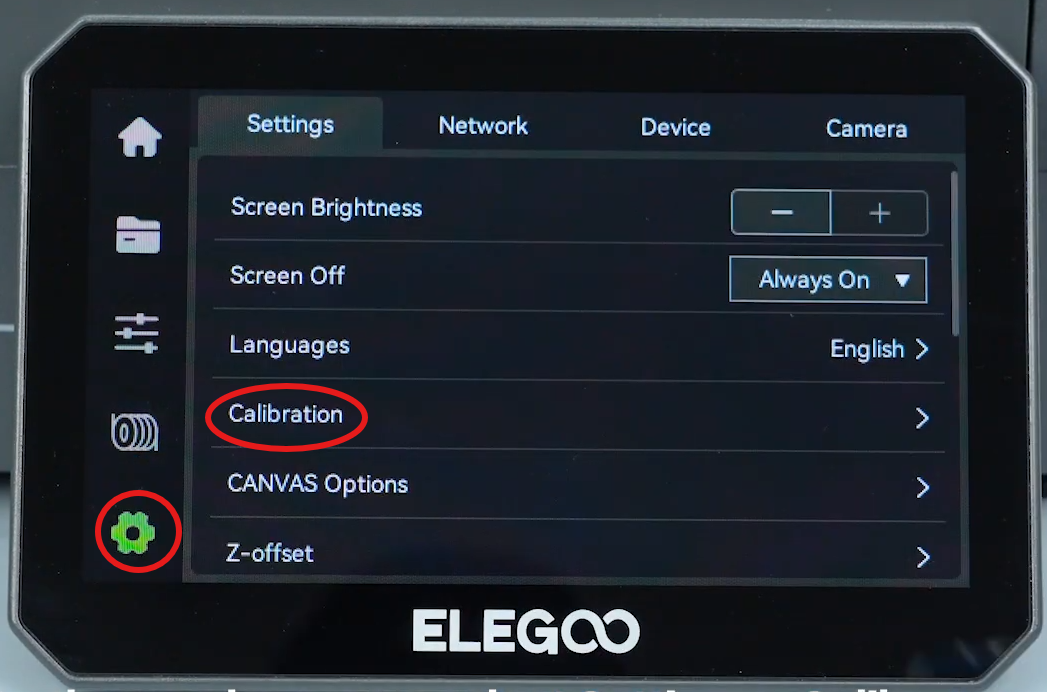
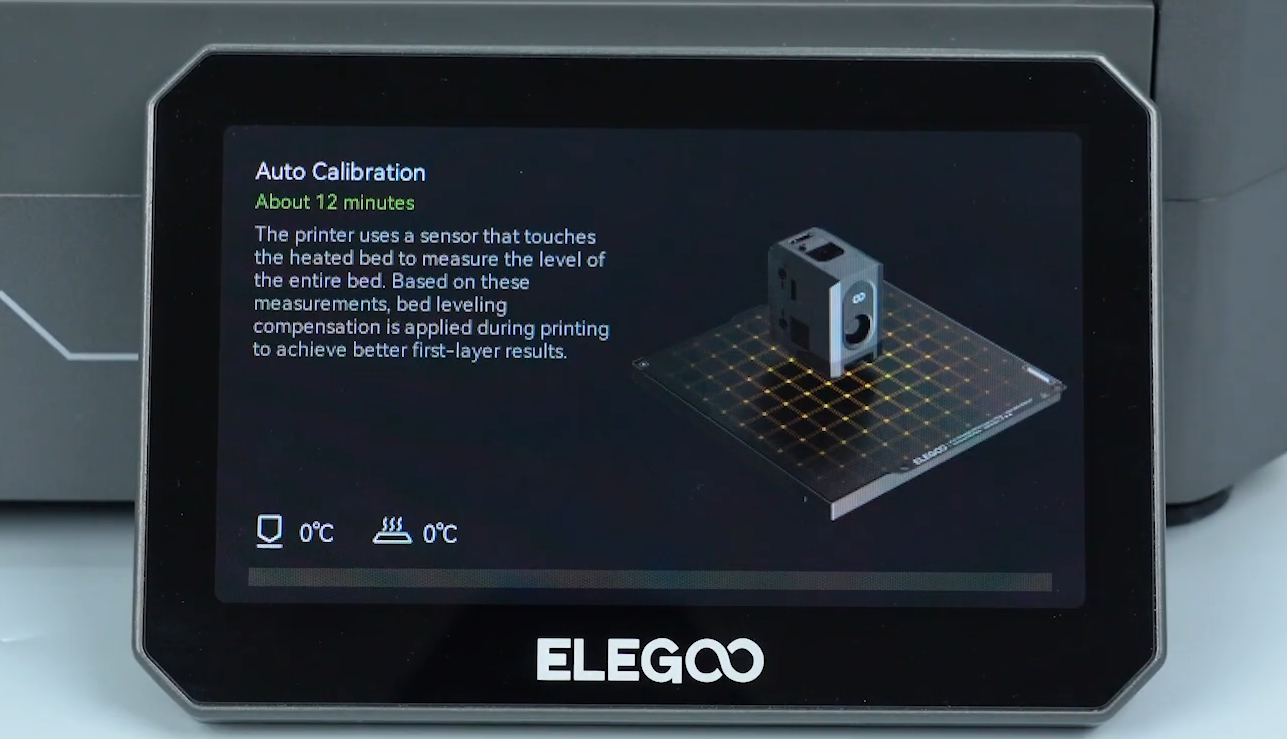
- The printer is ready for use after automatic leveling.
¶ Help us improve
If you have any ideas about the wiki pages, please let us know via ELEGOO official feedback channel