¶ Issue Description
Auxiliary fan error
¶ Reasons
-
The auxiliary cooling fan cable has poor contact.
-
The auxiliary cooling fan is damaged.
-
The auxiliary cooling fan port on the motherboard is damaged.
¶ Troubleshooting Steps
¶ Tools needed for troubleshooting
- A 2.0 mm Allen key
¶ Step 1 Re-plug the auxiliary cooling fan adapter cable.
- Turn the power switch OFF (symbol "〇") and unplug the power supply cable.
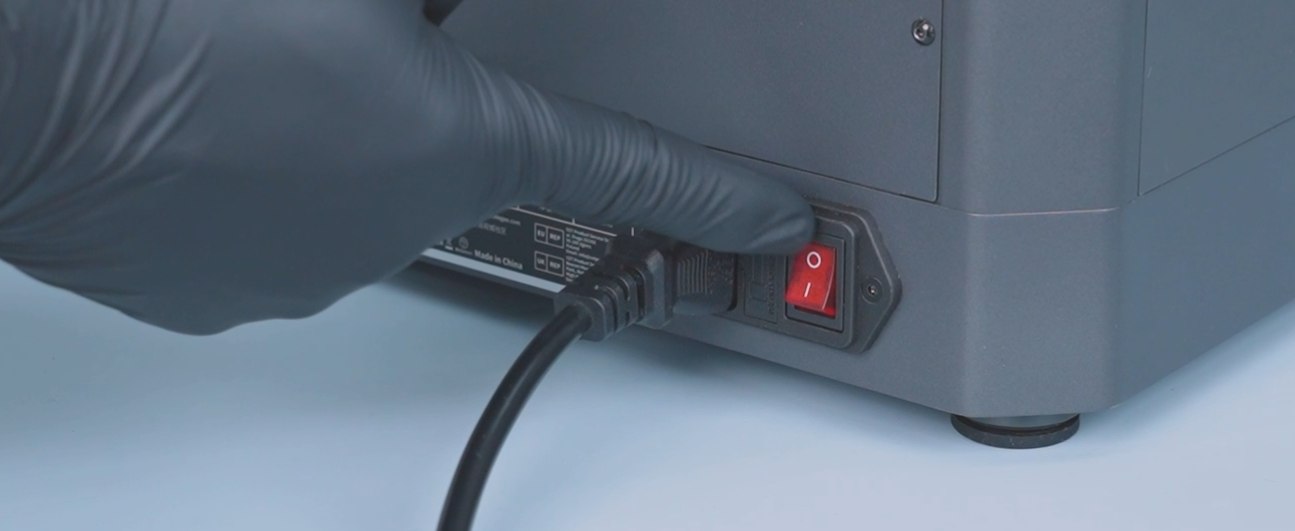
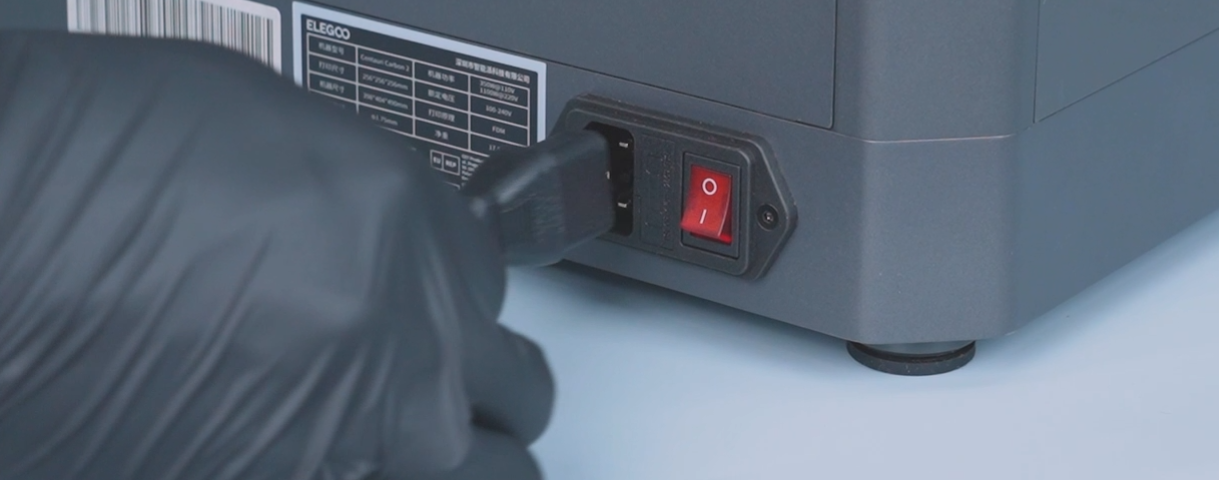
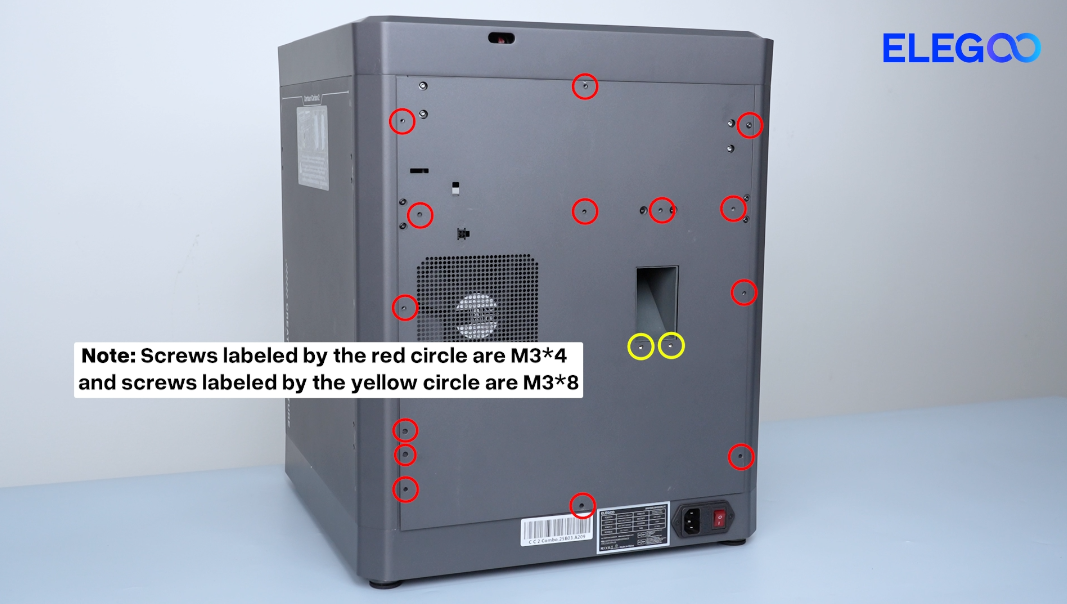
- Remove the sixteen screws securing the back cover.
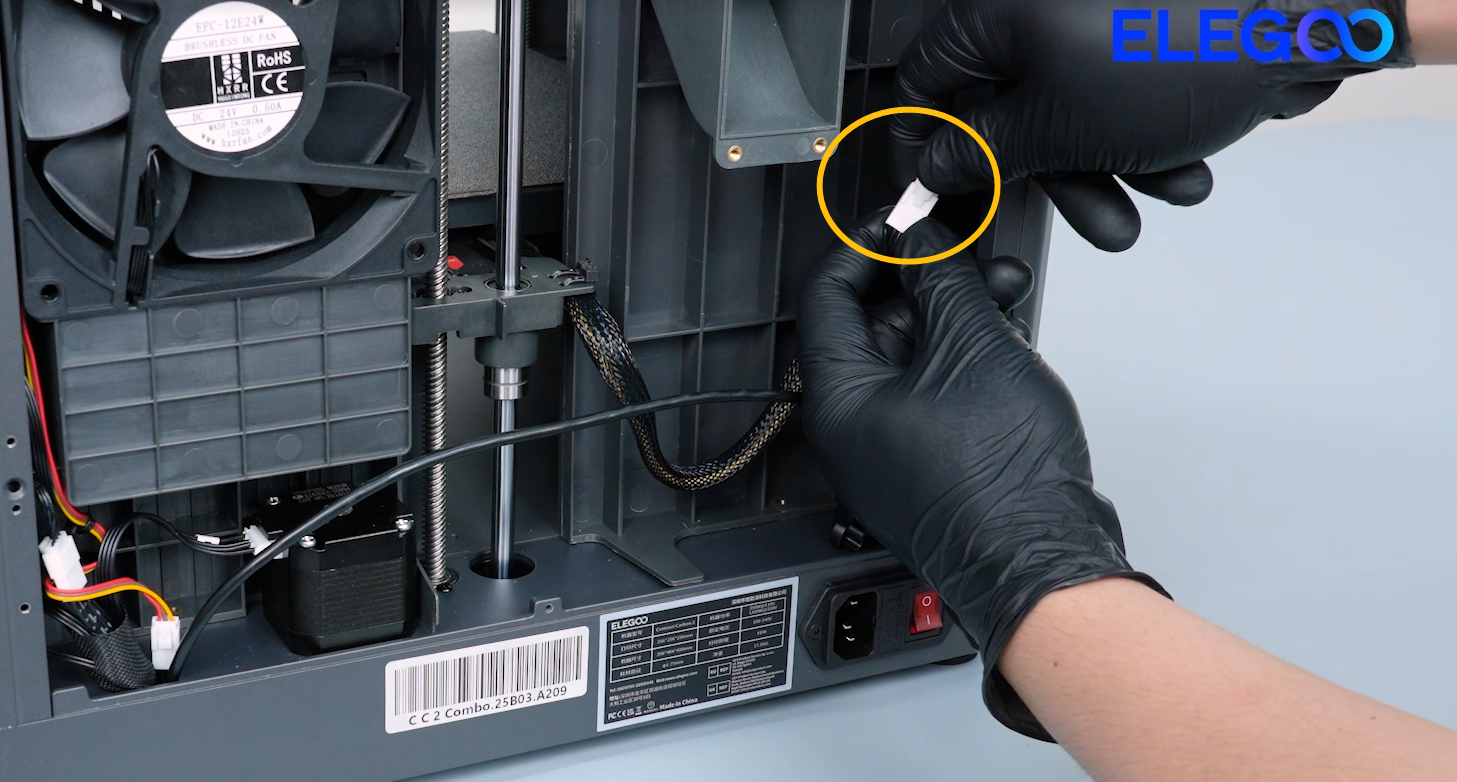
- Pull the CANVAS extension cable out through the gap on the side of the chamber cooling fan and lay the back cover flat on the table temporarily.
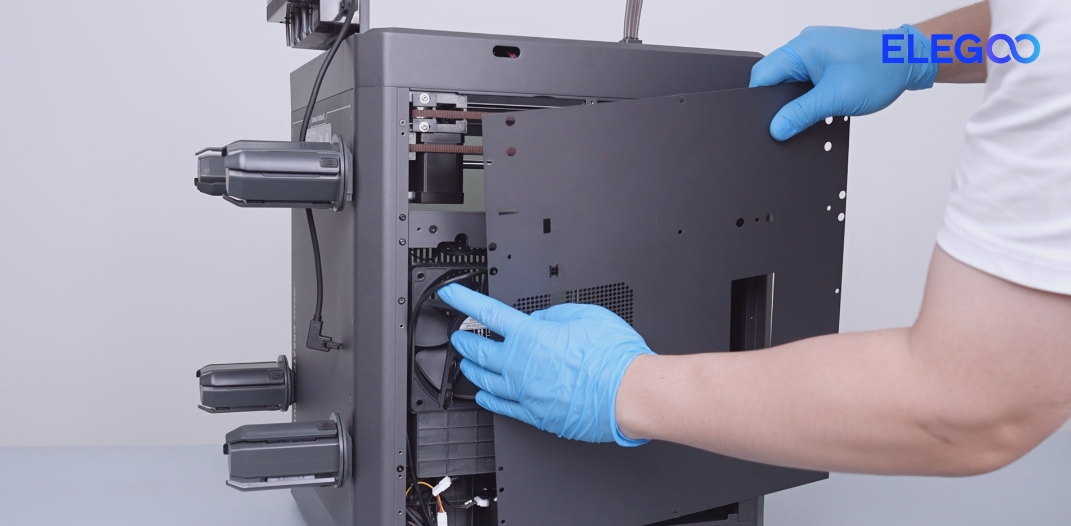
- Re-plug the auxiliary cooling fan adapter cable.
¶ Step 2 Re-plug the auxiliary cooling fan cable.
-
Turn the power switch OFF (symbol "〇") and unplug the power supply cable.
-
Remove the ten screws securing the bottom cover.
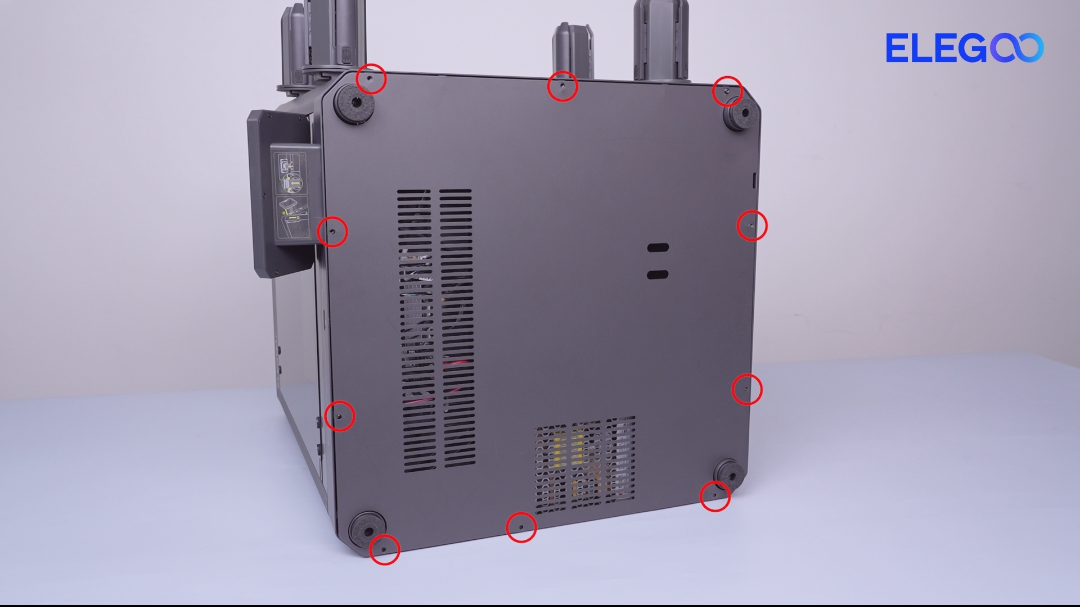
- Re-plug the auxiliary cooling fan cable into port on the motherboard.
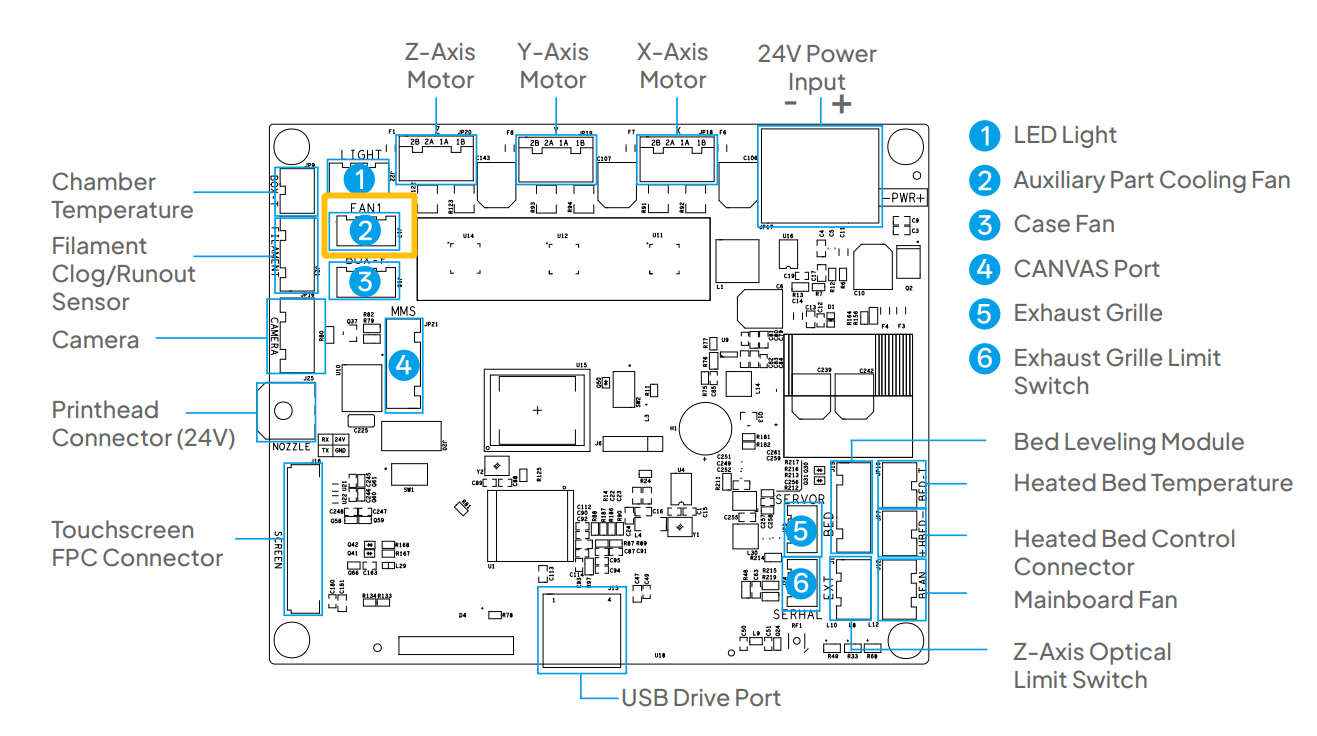
¶ Step 3 Interchange the auxiliary cooling fan cable and the case fan cable.
-
Turn the power switch OFF (symbol "〇") and unplug the power supply cable.
-
Interchange the auxiliary cooling fan cable and the case fan cable.
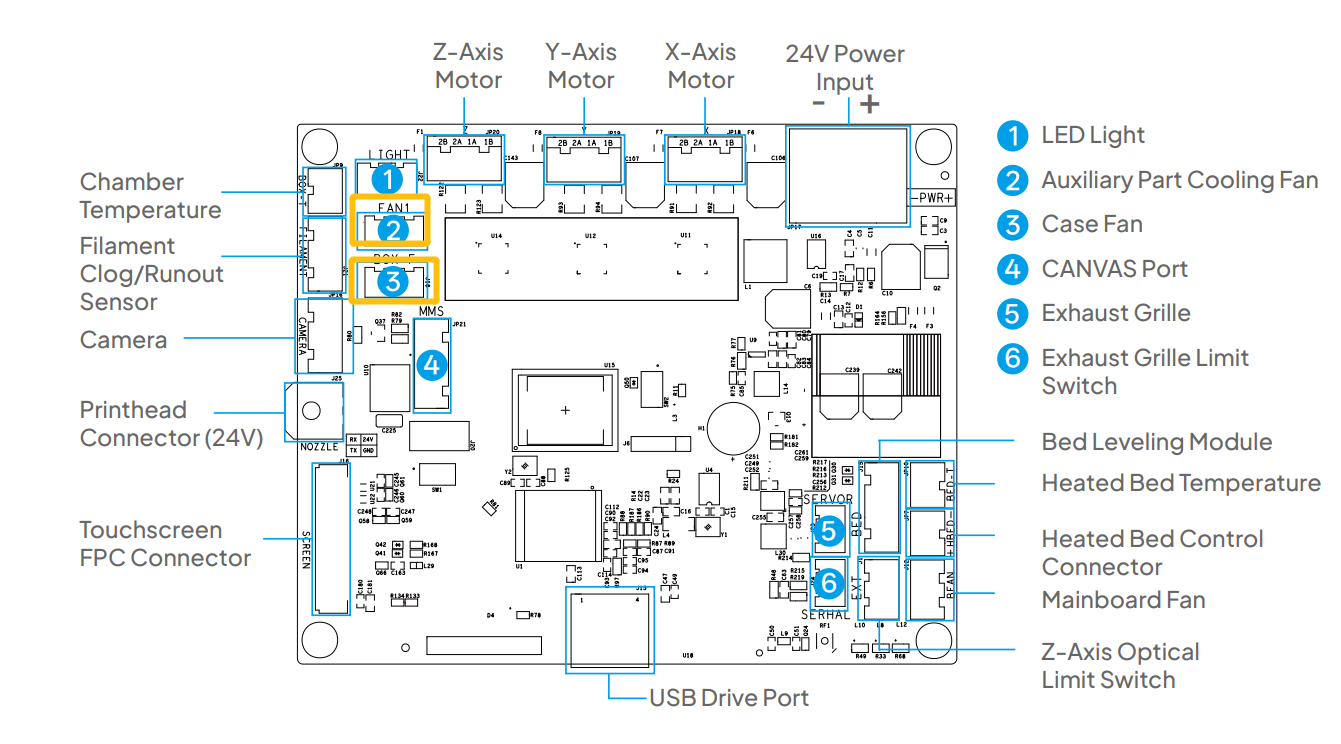
-
Plug in the power supply cable and turn the power switch ON (symbol "|").
-
On the touch screen, turn the case fan on.
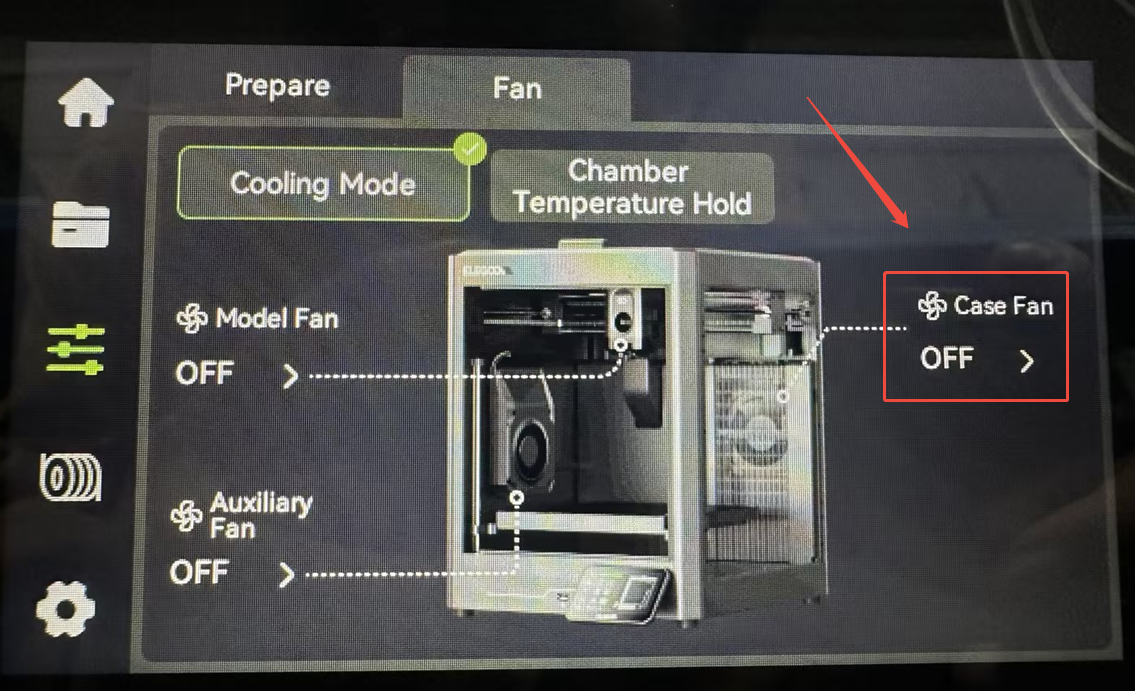
-
If the auxiliary cooling fan still fails to rotate, it indicates that the auxiliary cooling fan is damaged and needs to be replaced.
-
If the auxiliary fan rotates normally, it indicates that the motherboad is damaged and needs to be replaced.
How to Replace the Motherboard(B0C1J1)