¶ Error Code Meaning
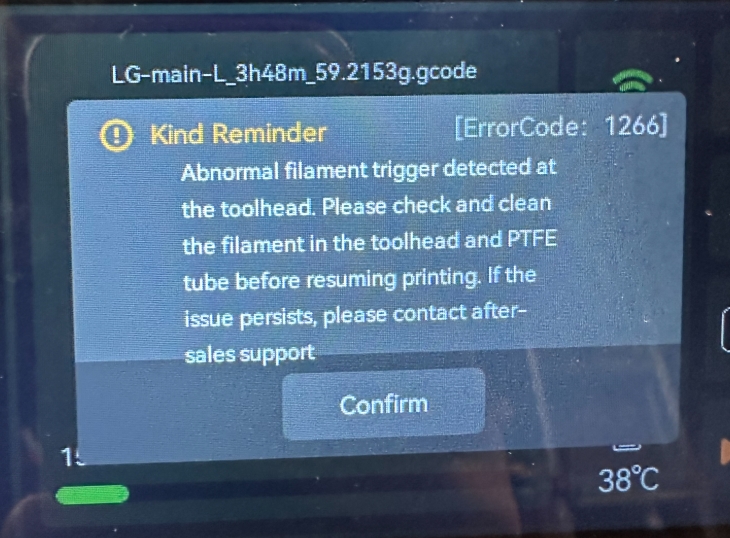
Abnormal filament trigger detected at the toolhead. Please check and clean the filament in the toolhead and PTFE tube before resuming printing. If the issue persists, please contact after sales support
¶ Possible Causes
- Filament detection board connector is loose
- Filament detection board is faulty
¶ Tools Required
- 2.0 mm hex screwdriver
¶ Troubleshooting Steps
-
Power off the printer and unplug the power cord
-
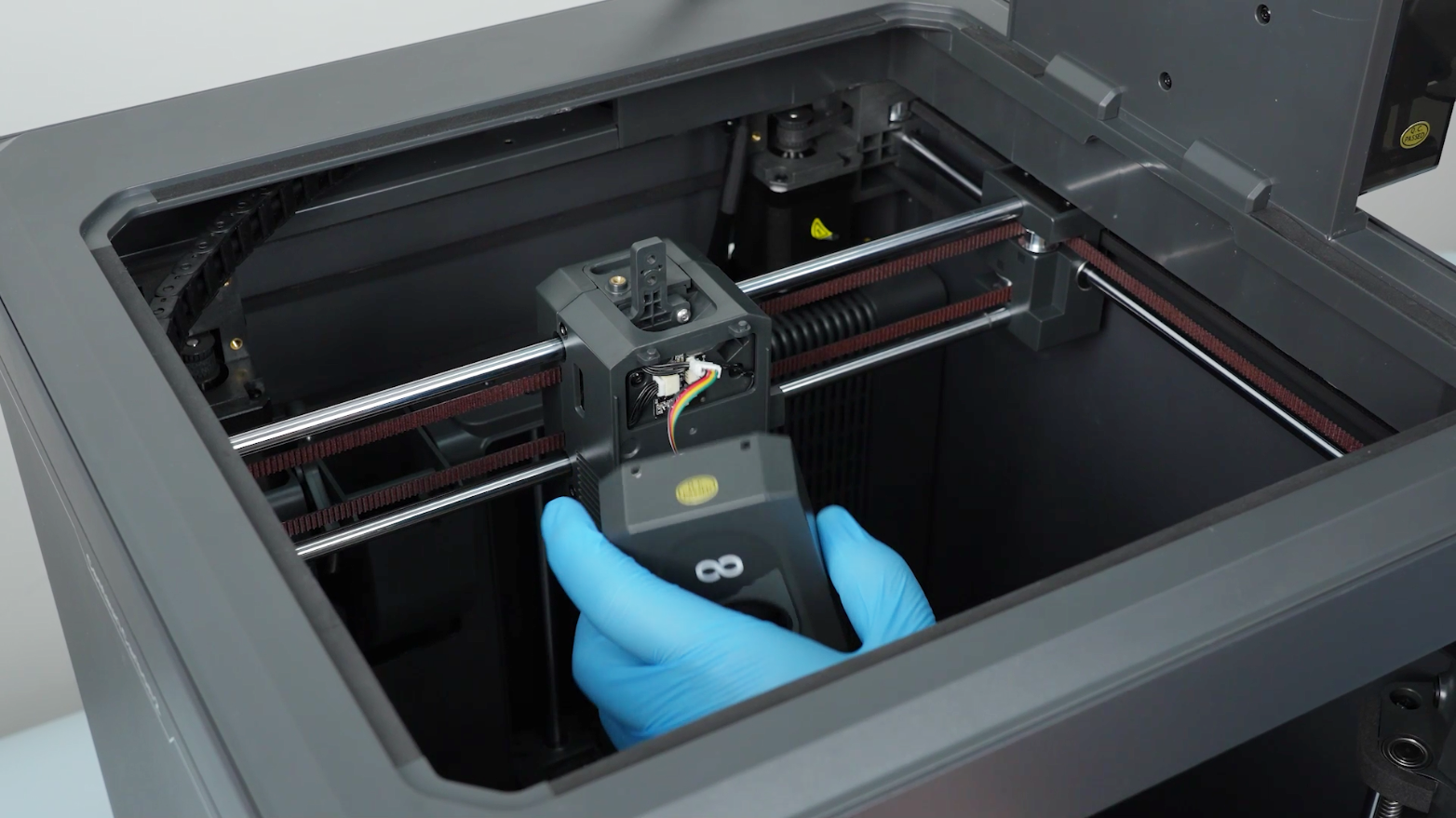
Remove the tool head front cover: unplug the model cooling fan connector and detach the front cover
-
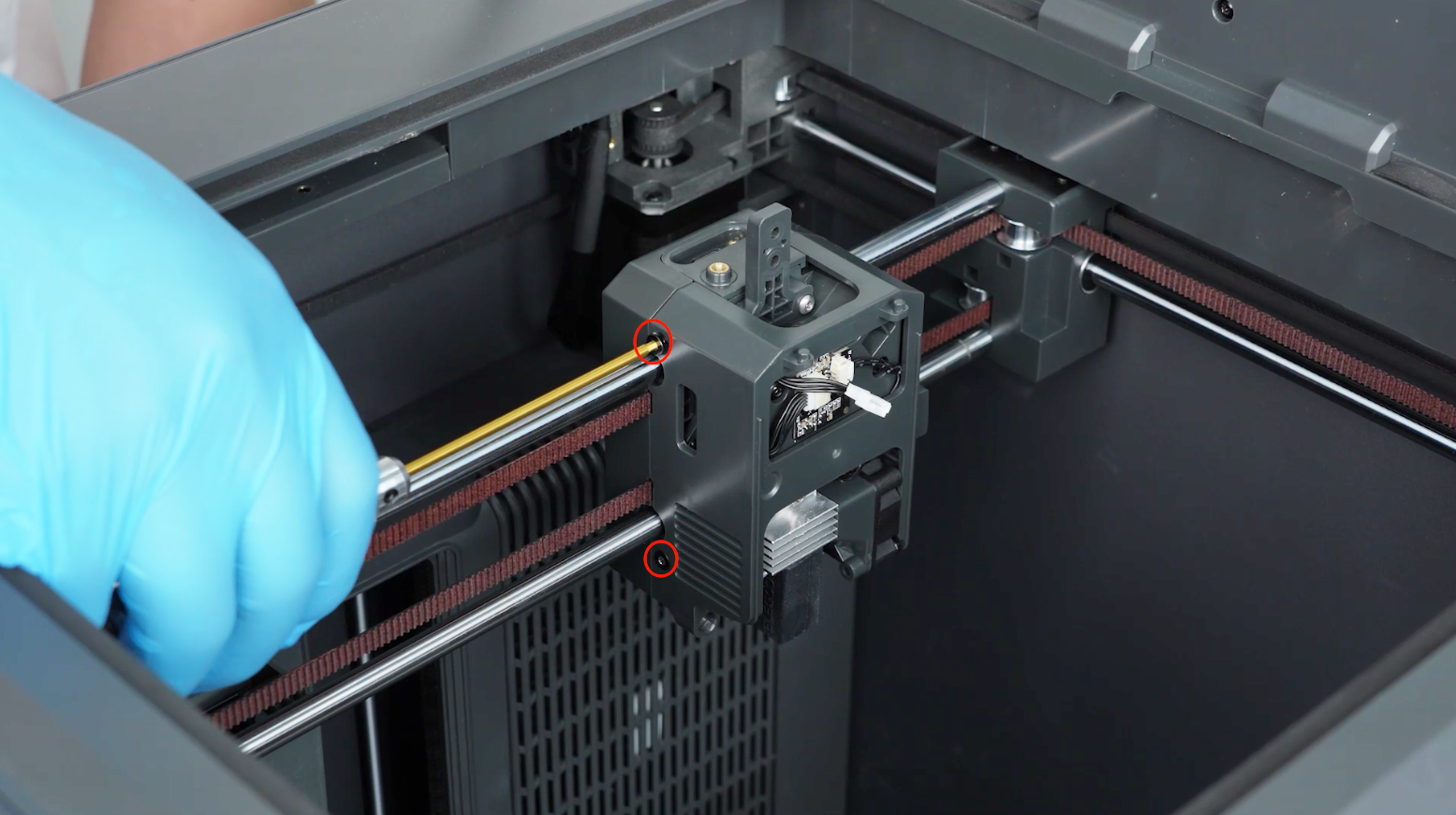
Using the 2.0 mm hex screwdriver, remove the 4 screws securing the tool head housing, then remove the housing
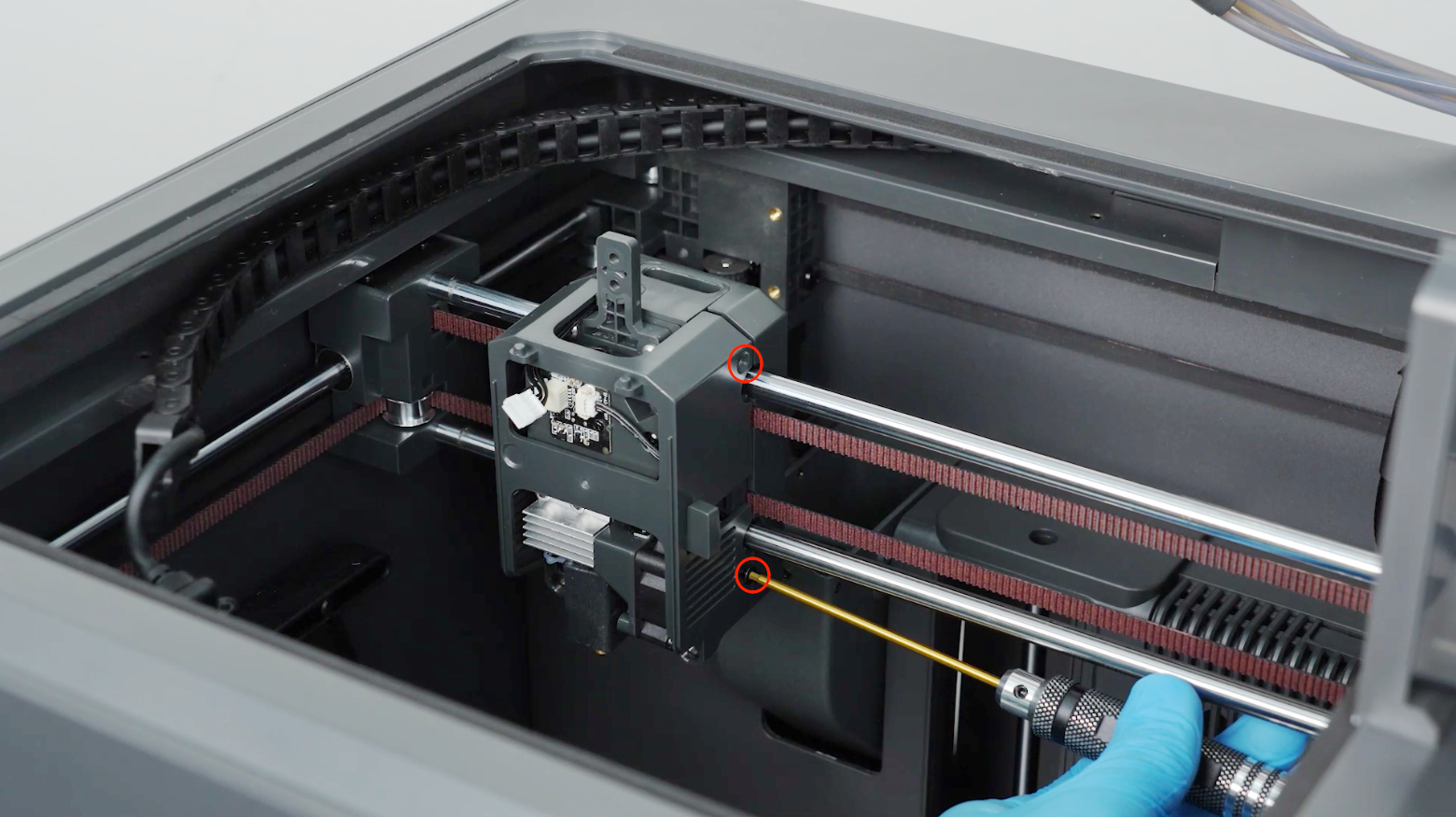
-
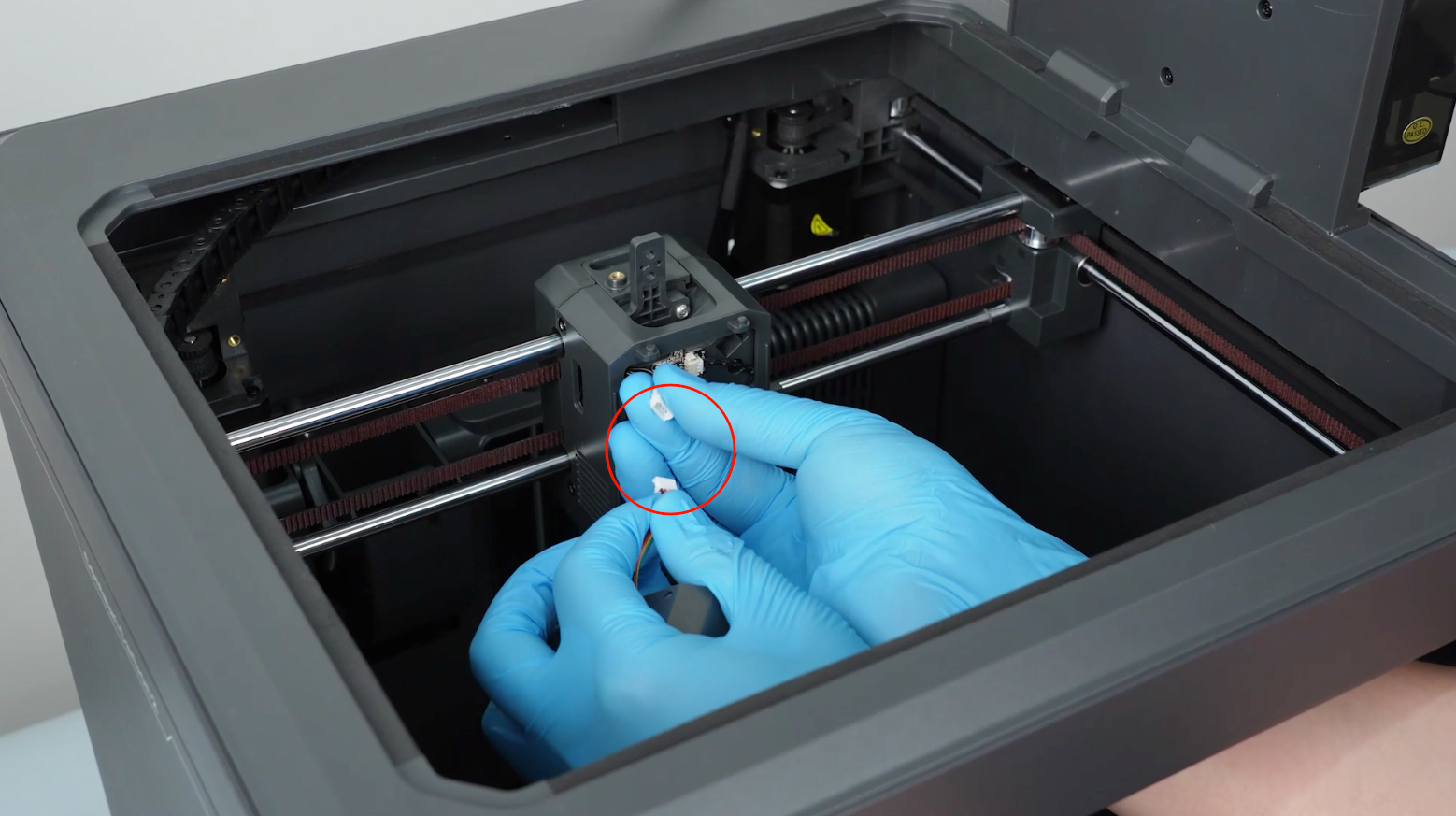
Re-plug and reconnect the connectors on both sides of the filament detection board.
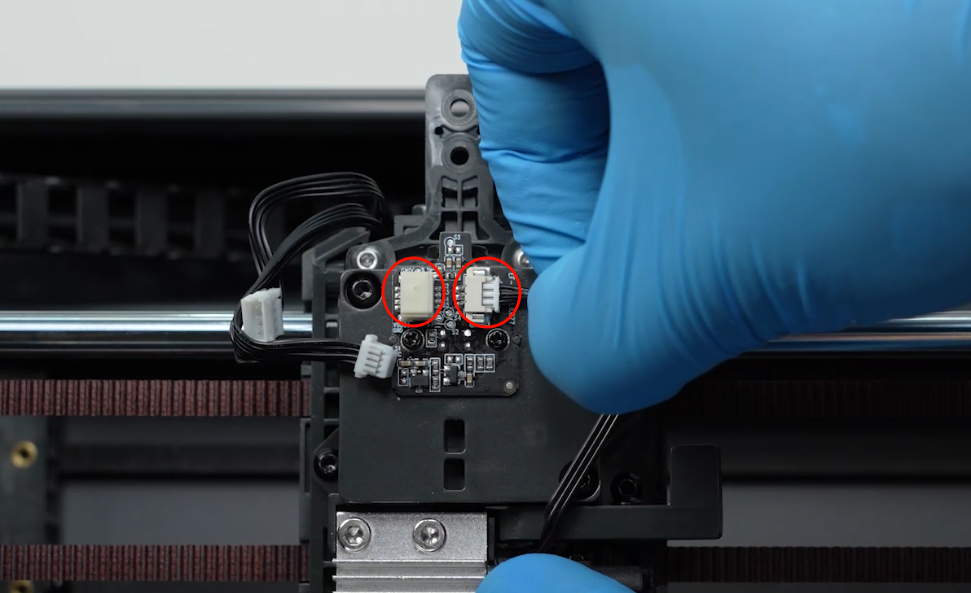
After re-plugging, reassemble the tool head, power on the printer and test. If the issue persists, the filament detection board needs to be replaced with a new one
How to replace the filament detection board:
How to Replace the Filament Detection Board(B0C1C1)
Technical Support Email Address: 3dp@elegoo.com