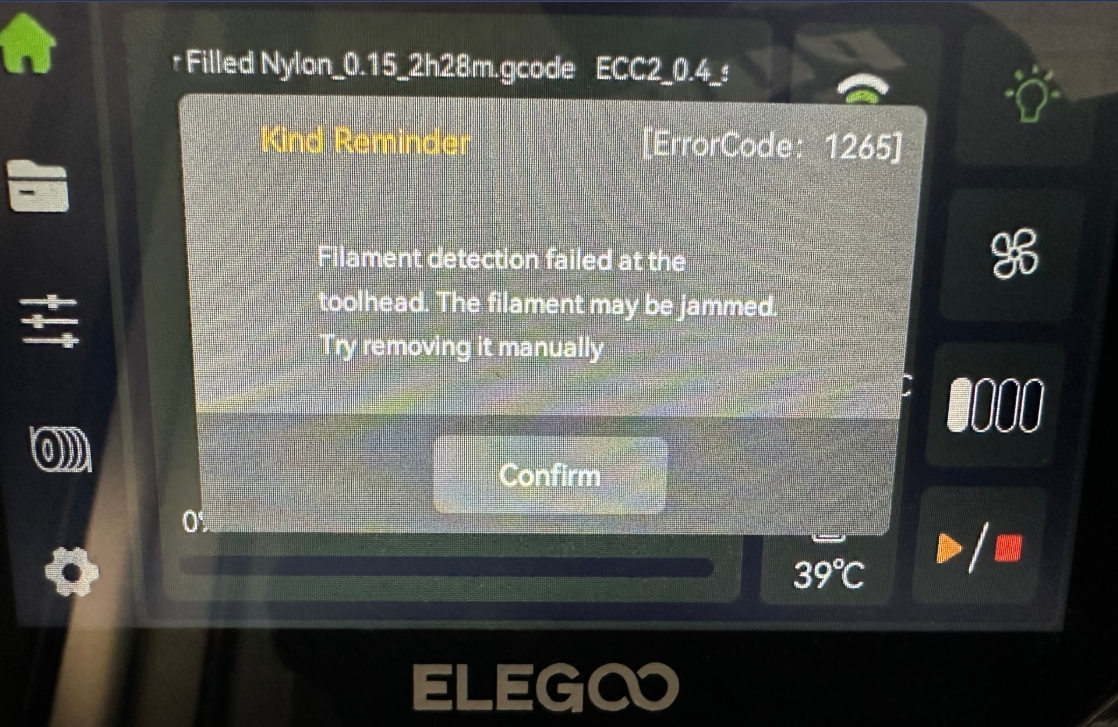
¶ Error Code Meaning
Filament detection failed at the toolhead. The filament may be jammed Try removing it manually
¶ Possible Causes:
- CANVAS feed/extrusion assembly has jammed filament inside.
- CANVAS feed/extrusion assembly is loose — wiring is catching the filament.
- CANVAS feed/extrusion assembly — 8-pin wiring damaged or motor faulty.
- Toolhead filament detection board malfunction.
¶ Tools Required for Troubleshooting:
- 1.5 mm hex screwdriver
- 2.0 mm hex screwdriver
- 2.5 mm hex screwdriver
¶ Troubleshooting Steps:
¶ 1.Test Other CANVAS Ports
If error 1265 does not occur when using a different CANVAS port during printing, proceed to Step 2.
If error 1265 still occurs on other CANVAS ports, proceed to Step 3.
¶ 2.Inspect the Feeder unit
a. Refer to the video below to open the CANVAS enclosure (00:00–01:19):
https://www.youtube.com/watch?v=OLclADMW7Tc
b. Ensure the slots on the upper side of the feed/extrusion assembly are properly aligned with each other, and that the feed motor wiring is fully seated inside the cable clips. Try reseating the feed motor connector.Correct installation appearance is shown in the reference image below.
.png)
.png)
If the issue persists after reinstalling the CANVAS Feeder unit, replace it with a new Feeder unit.
¶ 3.Inspect the Filament Detection Board
Follow the instructions below to reinstall the filament detection board.
How to Replace the Filament Detection Board(B0C1C1)
Note that there is a spring behind the detection board
.png)
If the issue remains after reinstallation, replace the filament detection board, spring, and trigger piece with new parts.