¶ Auto Follow
¶ Introduction
In this chapter you will learn the principle of the auto follow mode of penguin bot and how to write program to control penguin bot to automatically follow an object.
¶ Principle of Auto Follow
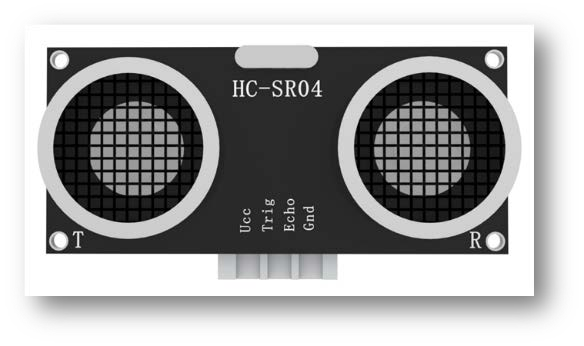
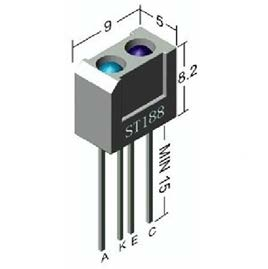
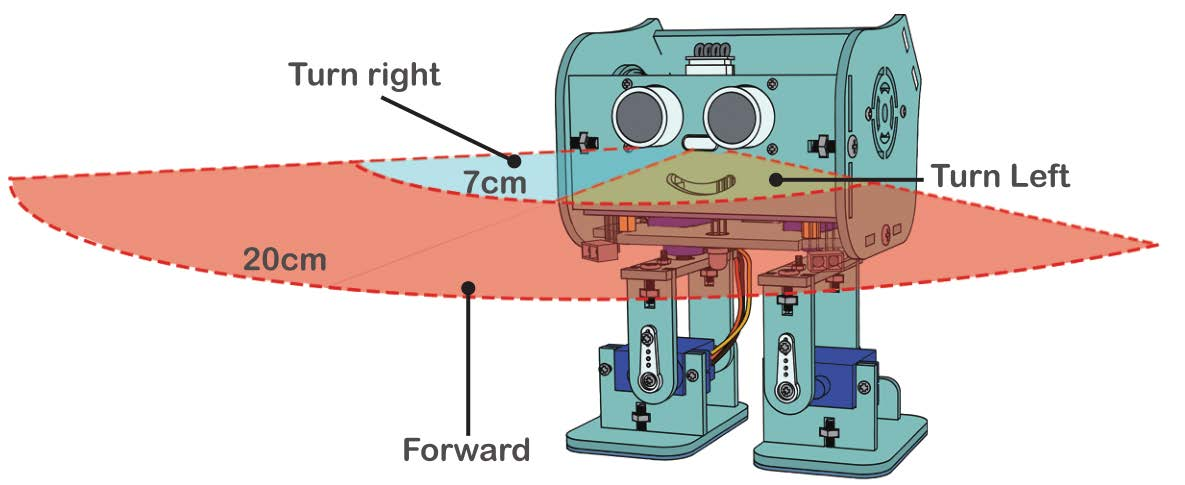
Ultrasonic sensor detects the distance of the obstacle in front and ST188 detects whether there are obstacles on the left and right side.
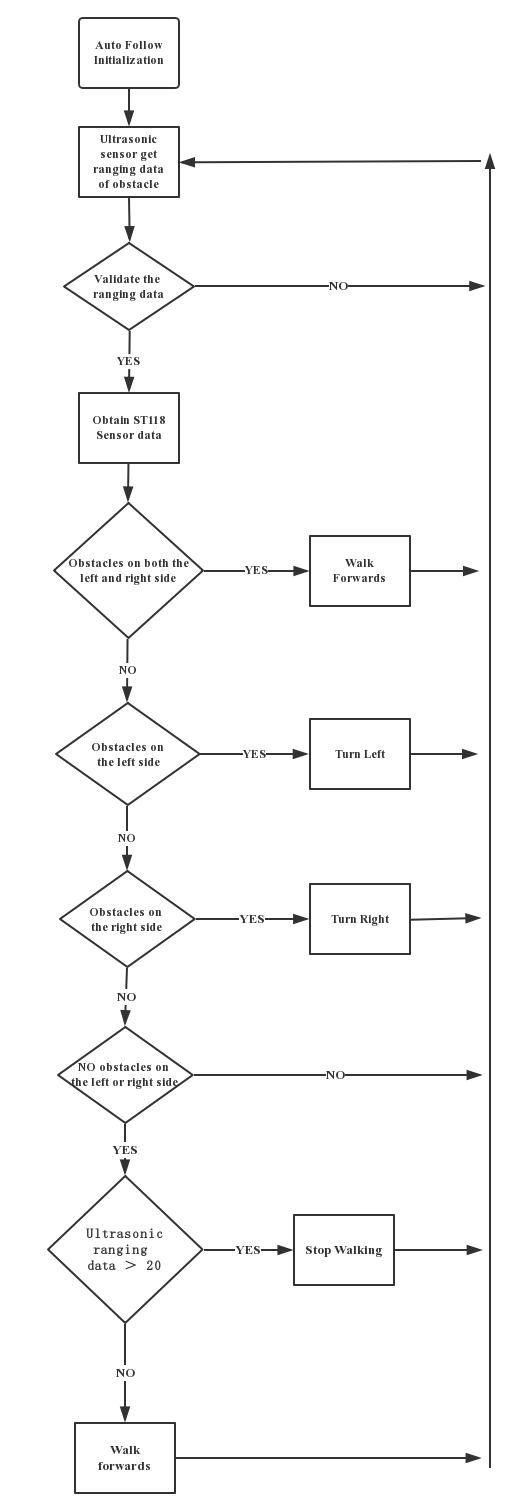
If Penguin Bot detects obstacle on the left side it will turn left and if Penguin Bot detects obstacle on the right side it will turn right. If the distance from the obstacle is more than 20 cm, Penguin Bot will stop moving. Otherwise it will continue moving forwards.
Once you understand the above logic, you can easily comprehend the knowledge of this section based on previous learning. To put it simply, we first judge the position of the target object to be followed, and then drive the robot to turn towards the direction where the object is located. Since we have already explained the logic of moving forward, backward, turning left and turning right before, we only need to make slight modifications on the basis of the existing program to realize the auto-follow function.
Open the autofollow folder under the current path, and then open the corresponding .ino program file inside this folder.
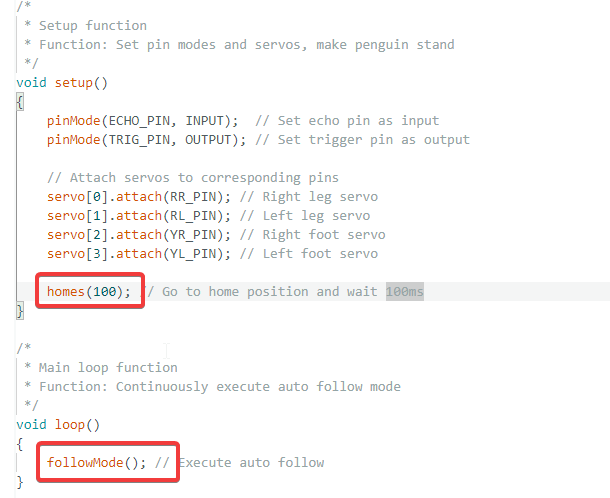
As shown in the figure, the setup function initializes the servo pins and ultrasonic sensor, and resets the servos to the standby position. Only the followMode function is called inside the loop function, so we can directly check the specific implementation logic of automatic following within this function.
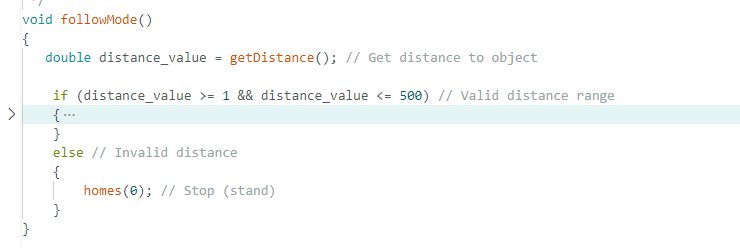
First, analyze the structure of the followMode function. It adopts a single if……else…… branch structure. If the target object is detected within the effective ranging range of 1 to 500 millimeters ahead, the robot will activate the automatic follow function. If the distance is outside this range, the robot will stop in place.
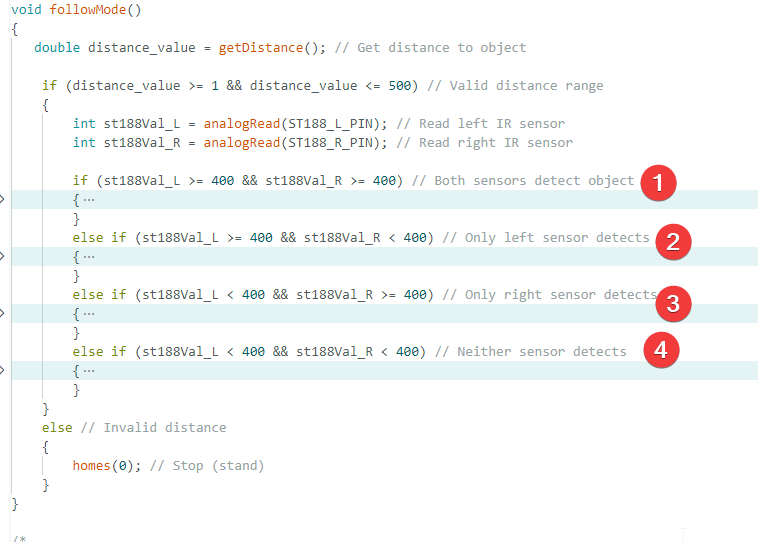
Entering the if branch, the program reads the detection data from the left and right ST188 infrared sensors. There are four detection scenarios in total:
- obstacles detected on both left and right sides,
- obstacles only on the left side,
- obstacles only on the right side,
- no obstacles detected on either side.
The robot executes corresponding motion control strategies for these four different scenarios.
The program operation structure diagram is shown below. You can click the blue text button to download the drawing to your local device for detailed viewing. structure diagram